Free AI Christmas Filter & Photo Generator
Upload a photo or type a prompt to create realistic Christmas photos instantly—festive outfits, cozy backgrounds, and holiday effects.
More highlights
Essential features for enhanced experience.

Instant Generation
Transform your ideas into images in seconds, saving you time and effort.

Multiple Styles
Choose from illustration, realistic, anime, or custom styles to match your vision.

High-Quality Output
Generate crisp, clear images suitable for printing, commercial use.

Commercial-Ready
All images are safe for commercial use without copyright concerns.
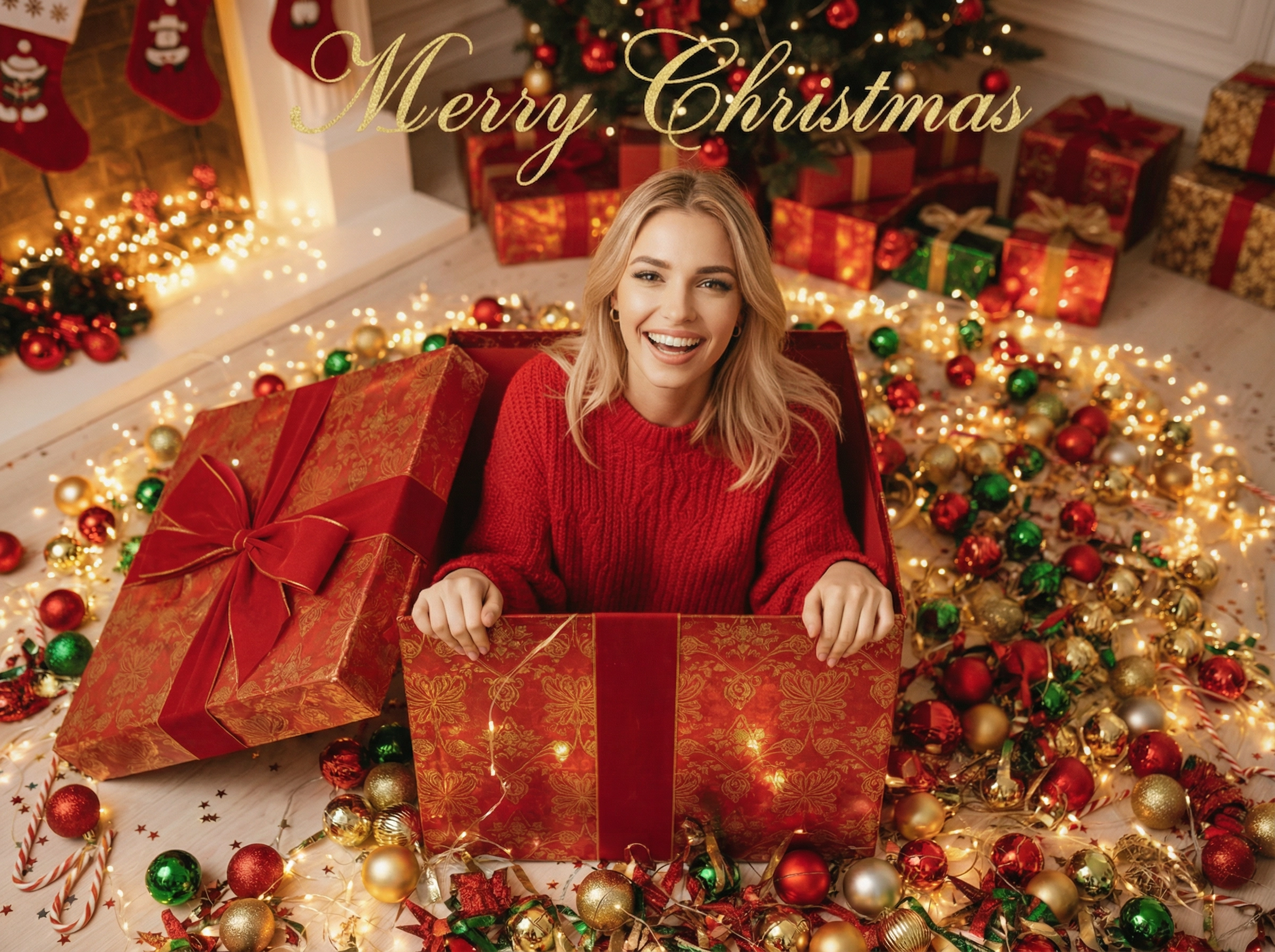
What Is an AI Christmas Filter & Photo Generator?
AI Christmas Filter & Photo Generator is a free online tool that helps you create festive Christmas photos in seconds. Upload a photo or type a prompt—no props, costumes, or studio setup needed. Choose from multiple holiday styles to generate cozy winter vibes, natural lighting, and detailed results.

Create Festive Christmas Effects in Seconds
Skip hours of decorating and editing. Simply upload your photo and let AI add holiday effects like falling snow, warm glow, twinkling lights, and cozy backgrounds—instantly turning everyday photos into Christmas-ready visuals.

Keep Your Face Natural with AI-Powered Enhancements
Worried AI will change your identity? Our generator is designed to preserve your facial features while enhancing the Christmas mood. Your skin tone, hairstyle, and expression stay natural—only the festive atmosphere is upgraded.
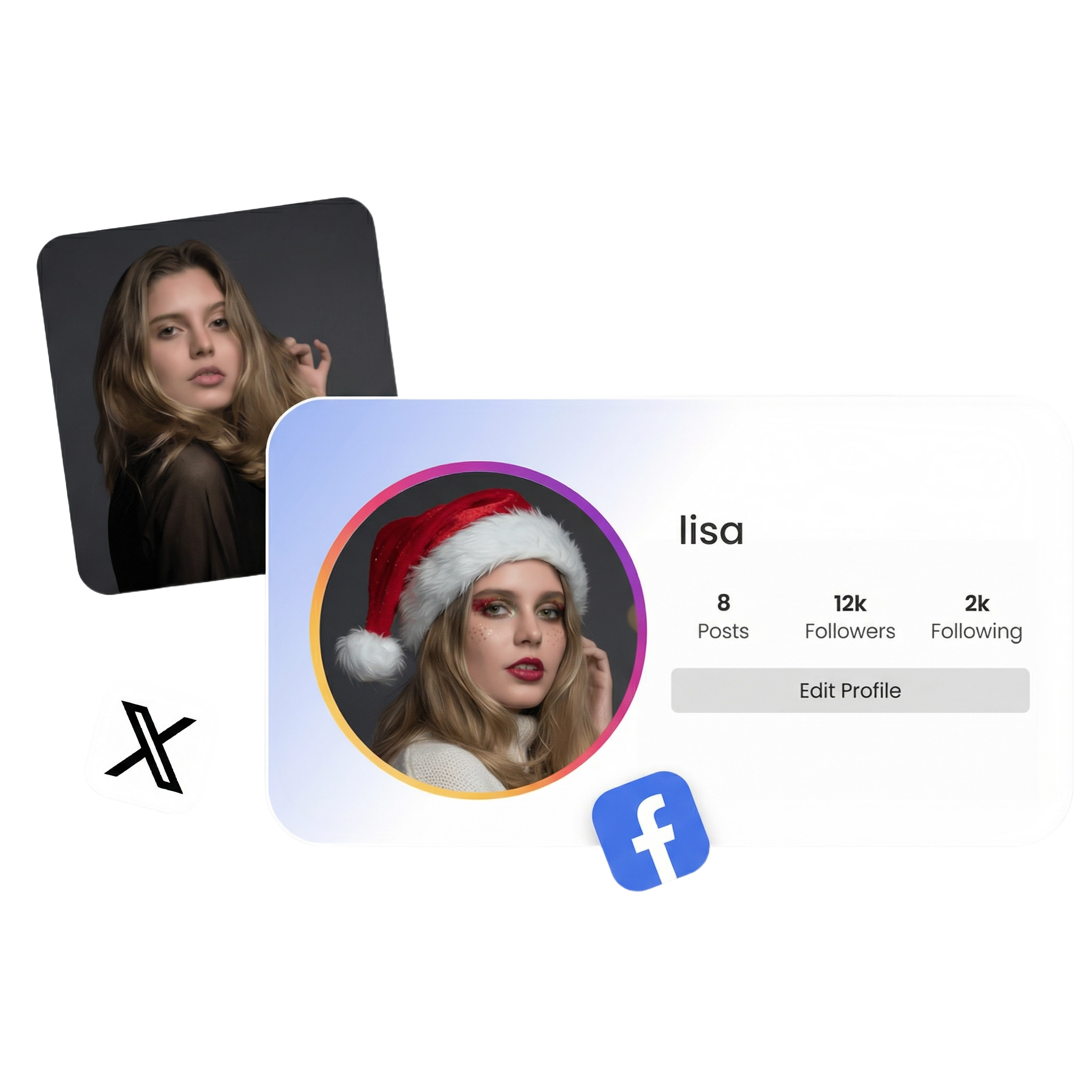
HD Christmas Photos Ready for Social Sharing
Download high-quality Christmas photos with clear details and realistic lighting. Choose holiday styles or customize your prompt, then export in social-ready sizes—perfect for profile photos, posts, Stories, holiday cards, and creative projects.
Choose Your Plan
We offer flexible subscription plans to meet the creative rhythms of different users

Basic
- 0 Credits per month
- Generate high quality images
- Unlimited download of images
- Access to All AI tools
- Priority processing
- Commercial license
Pro
- 0 Credits per month
- Generate high quality images
- Unlimited download of images
- Access to All AI tools
- Priority queue
- Commercial license
Pro Max
- 0 Credits per month
- Generate high quality images
- Unlimited download of images
- Access to All AI tools
- Priority queue
- Commercial license
Basic
- 0 Credits per month
- Generate high quality images
- Unlimited download of images
- Access to All AI tools
- Priority processing
- Commercial license
Pro
- 0 Credits per month
- Generate high quality images
- Unlimited download of images
- Access to All AI tools
- Priority queue
- Commercial license
Pro Max
- 0 Credits per month
- Generate high quality images
- Unlimited download of images
- Access to All AI tools
- Priority queue
- Commercial license