AI Art Style Transfer Tutorial - Turn Photos into Sketches
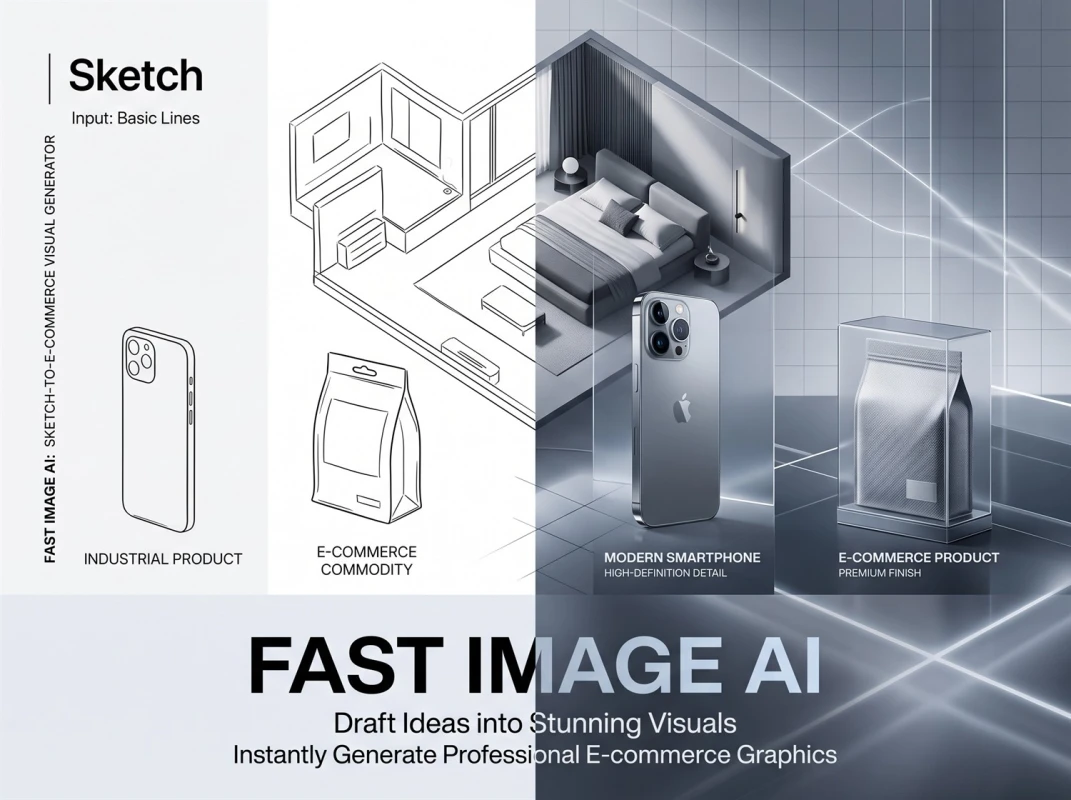
Want to transform ordinary photos into sketch-style artworks? No need for Photoshop or drawing skills—with Fast Image AI, you can easily "sketchify" any photo and create visual effects with a hand-drawn texture. Below is a complete step-by-step tutorial—fast, intuitive, and with room for creativity.
What is Style Transfer?
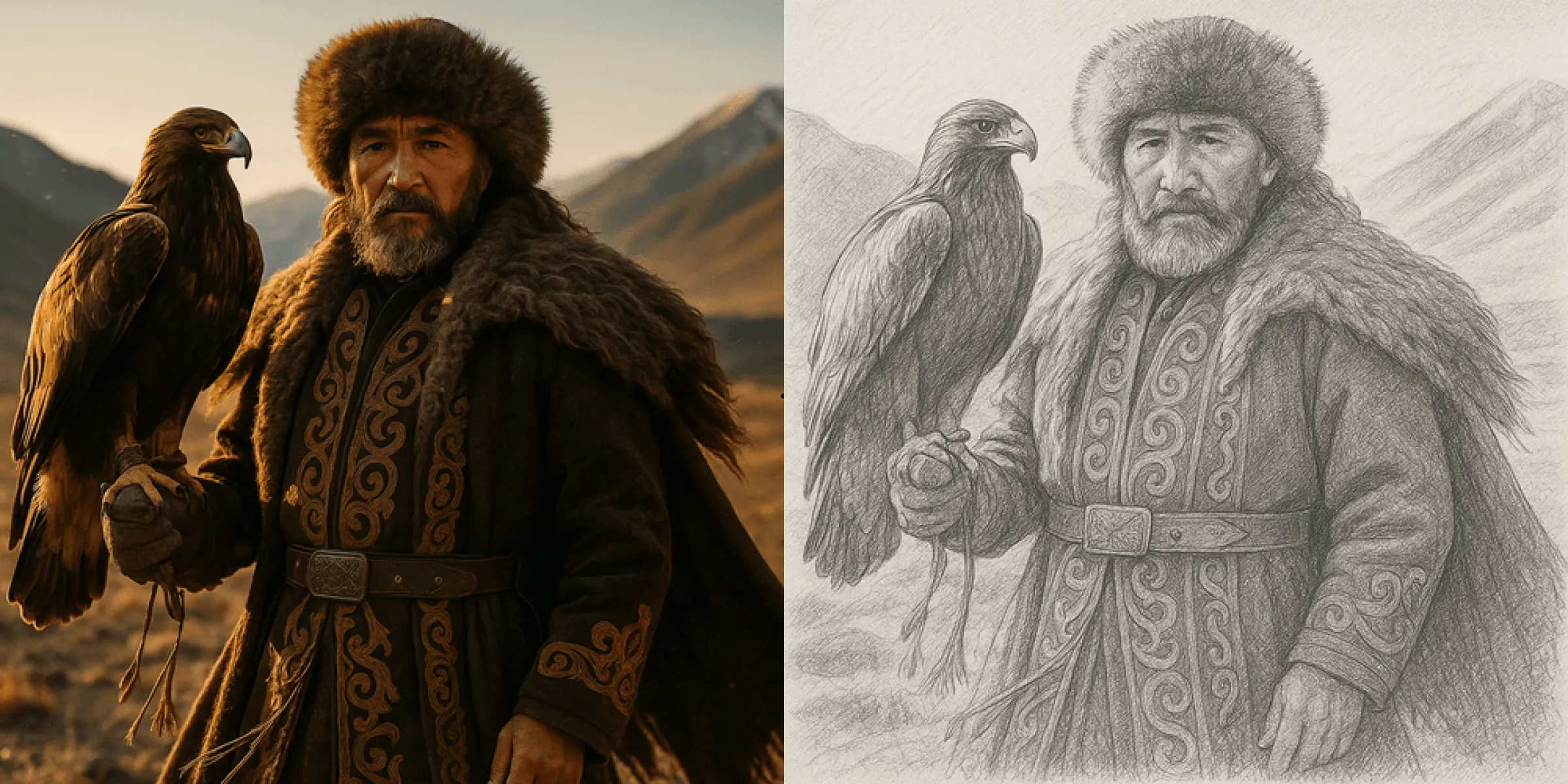
Style transfer uses AI models to fuse the structural information (such as human faces, scene outlines) of one image (content image) with the artistic style of another image (style image, e.g., sketch, oil painting, watercolor) to generate an entirely new image. This technology allows you to "turn photos into paintings" and specify the style.
At the core of this technology is the extraction of image features by deep neural networks (e.g., convolutional networks): the AI analyzes the features of the content image and the style image separately, then recombines them.
What is Sketch Style?
Sketch style is a form of visual art centered on the expression of lines, light and shadow, and structure. Unlike colored paintings, sketches usually use black and white or a single tone to present the shape and texture of an object through lines, shadows, and light transitions.
In simple terms, sketch-style images typically have the following characteristics:
- Clear sense of lines: Outline lines and detail lines are very prominent.
- Strong contrast between light and dark: Three-dimensionality is created through changes in light and shadow.
- Simplicity yet expressiveness: No complex colors, but able to convey rich emotions.
- Strong hand-drawn texture: Looks like a work outlined with a pencil, charcoal, or fountain pen.
Generating sketch-style images using AI means enabling algorithms to simulate these "hand-drawn features," allowing ordinary photos to instantly have an artistic vibe.
Why Choose Fast Image AI?
Fast Image AI is an online AI image generation + style transfer tool that supports both text generation and image reference. Its advantages are very obvious:
- Simple operation: You only need to upload a photo + select a style to complete the conversion.
- Diverse styles: Supports multiple artistic styles (e.g., sketch, Ghibli style, etc.).
- No software installation required: You can complete the process in a browser, no need for professional drawing tools.
- Privacy and security: The processing process is completed online, and your images may not be stored long-term.
How to Turn Photos into Sketches with Fast Image AI?
Below is the specific operation process. Follow the steps, and you can also unleash your creativity.
1. Visit Fast Image AI
Open your browser and go to https://fastimage.ai, then register/log in to your account.
2. Upload Your Photo
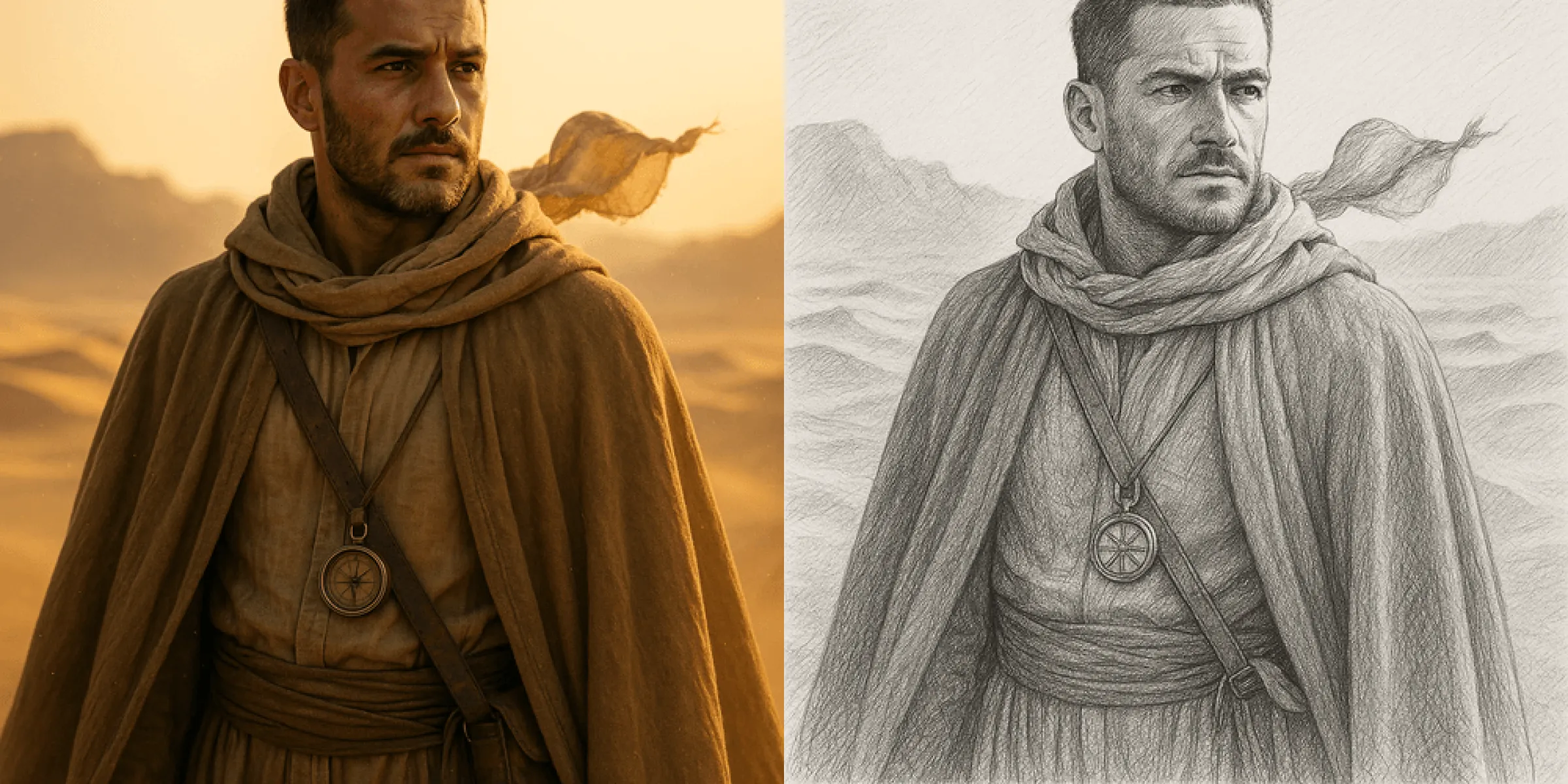
In the "Style Transfer" or "Image Reference" mode, select the photo you want to convert. It is recommended to use clear, high-resolution images, as this will make the sketch effect more obvious.
3. Select the "Sketch" Style
Fast Image AI offers a variety of style options. Find the "Sketch" style in the style library.
4. Enter a Prompt (Optional)
Fast Image AI supports text prompts. You can add some keywords to enhance the sketch effect, such as "pencil sketch", "line art", "cross-hatching", etc. This helps the AI better understand the type of sketch you want to generate.
5. Generate and Preview
Click the "Generate" button and wait for the AI to complete the style transfer. This process usually takes a few seconds to dozens of seconds, depending on the complexity of the image and server speed.
6. Download and Fine-Tune
- After the preview effect appears, check the sketch feel, line clarity, light-dark contrast, etc., of the generated image.
- If you are not satisfied, you can go back to the parameter settings, increase/decrease the style intensity, and generate a new version.
- Finally, when you are satisfied with the effect, you can download the final image.
Practical Tips and Creative Ideas
- Mixed Styles: In addition to pure sketches, you can also try mixing sketches with other styles on this platform to create interesting mixed art effects.
- Partial Transfer: If you only want to convert a certain area of the photo into a sketch (such as a person’s face, building outline), you can use prompts to apply style transfer only to that part, thereby creating a sense of contrast.
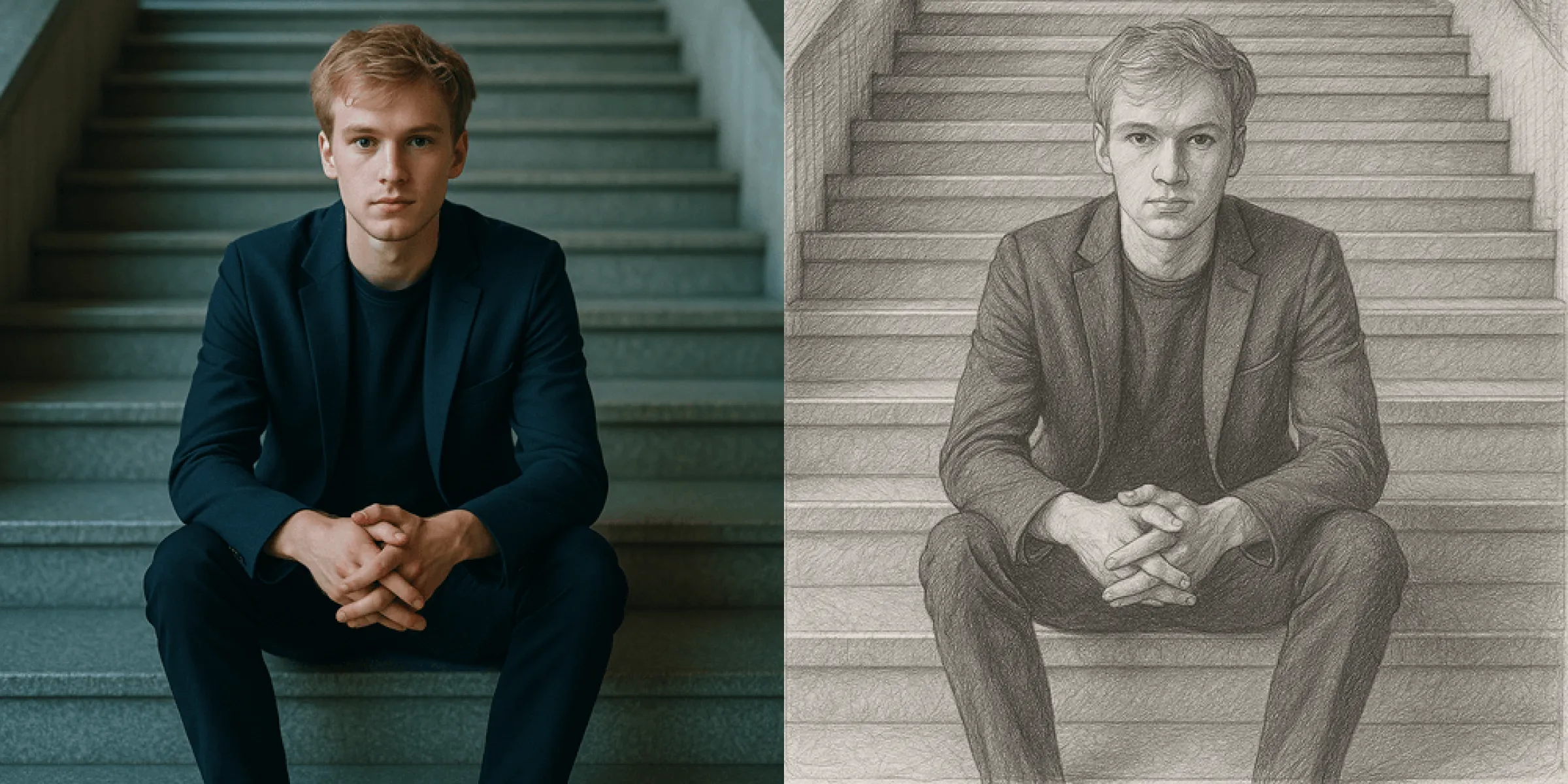
- For Design: Sketch-style images are very suitable for posters, covers, avatars, or illustration projects, making your work look more artistic.
- High-Resolution Post-Processing: If the sketch generated by Fast Image AI is not sharp enough, you can use Photoshop or other image editing tools for post-processing, such as enhancing lines and deepening shadows.
Summary
Sketching is not just about turning photos into black and white—it is an expressive artistic effect that can make your photos look cleaner, more emotional, and more like a real hand-drawn work. And with Fast Image AI, you only need a photo and a simple prompt. Upload, convert to a sketch, and you’re done.
Give it a try and see how quickly you can turn any photo into sketch art interwoven with lines, light, and shadow.