AI Professional Headshot Generator Comparison Review - A Comprehensive Analysis of Fast Image AIs Advantages
This article provides an in-depth comparison of 10 mainstream AI professional headshot generators, covering core features, user experience, pricing models, strengths and weaknesses, and ideal use cases—helping you accurately identify the best tool for your specific needs.
1. Fast Image AI
Positioning:
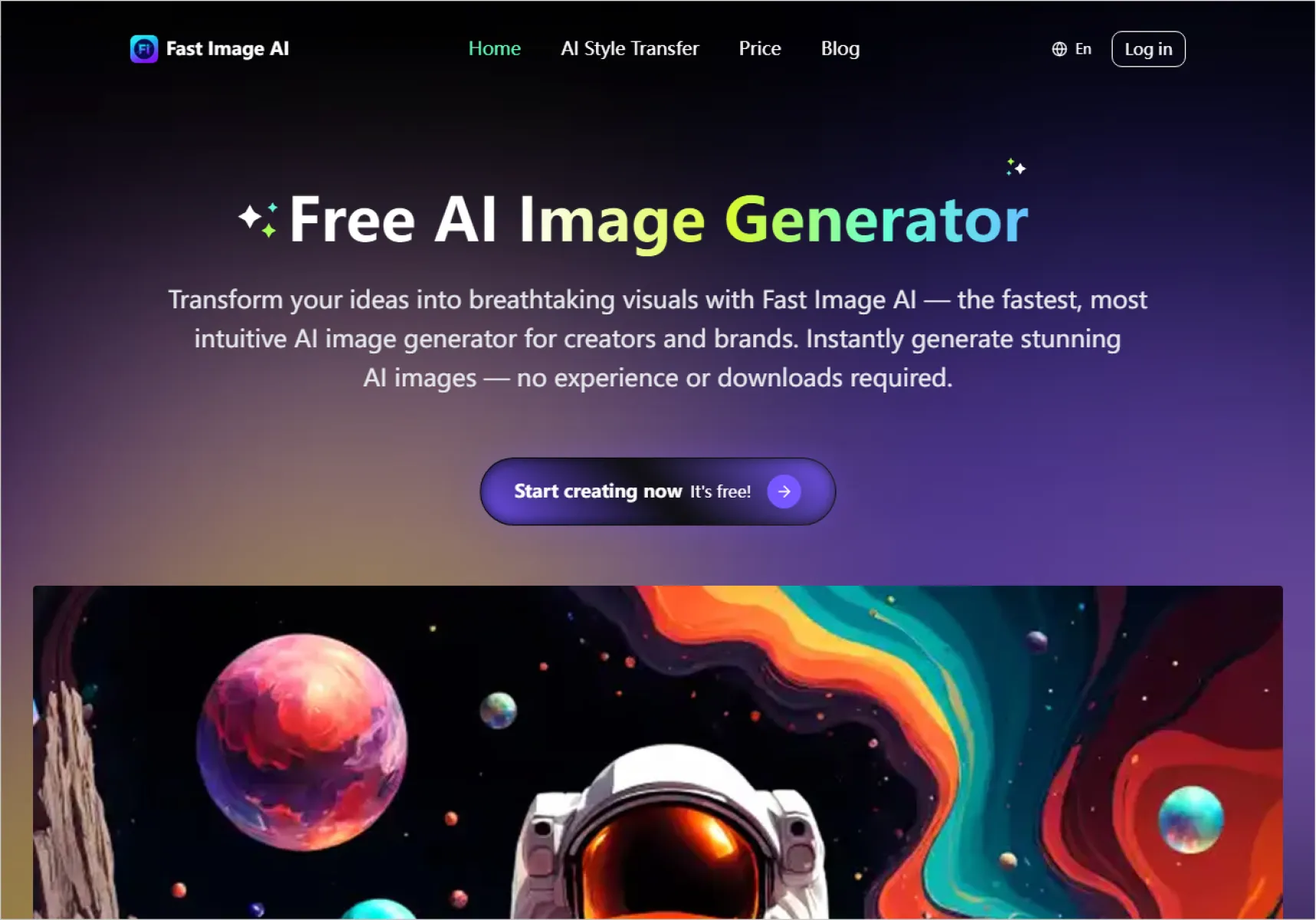
A free-first, privacy-focused AI professional headshot generator designed for fast creation of studio-quality portraits, suitable for both individuals and teams.
User Experience:
Users only need to upload one clear front-facing photo. Fast Image AI supports multiple styles including professional headshots, Christmas themes, Ghibli-inspired styles, sketch styles, and more. Within seconds, the AI generates clean, natural-looking business portraits. No registration or credit card is required. The workflow is intuitive, and team batch generation ensures consistent visual style across employees.
Pros:
1. Core features are completely free with no hidden restrictions
2. Extremely fast generation—results in just a few seconds
3. Supports team headshot generation with consistent style
4. Strong privacy protection; uploaded images are only used for generation and can be managed or deleted
Cons:
1. Free version uses a basic AI model with slightly lower quality than the paid version
2. Paid plans start at $6.9, offering studio-level quality but at a higher price than some competitors
3. Output quality depends on the clarity and lighting of the original photo
Best For:
Resumes, LinkedIn profiles, company websites, email signatures, business cards, budget-conscious users, and companies needing fast, unified team portraits.
2. Headshot Photo
Positioning:
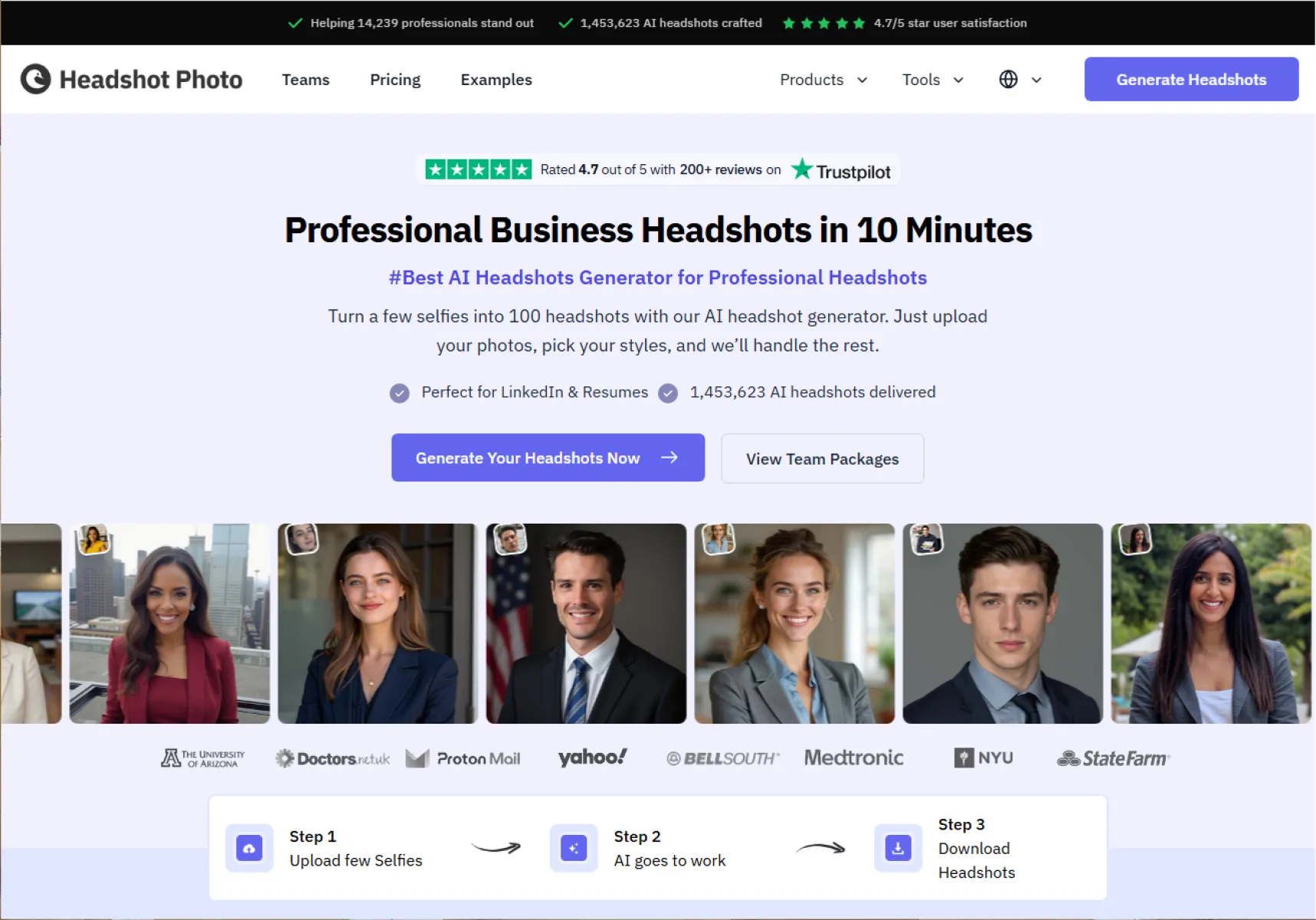
A professional-grade AI headshot generator focused on studio-level lighting realism and high-fidelity commercial portraits.
User Experience:
Requires uploading 6–12 high-quality selfies from different angles. Users can choose from business, minimalist, and luxury styles, with backgrounds ranging from solid colors to office or city scenes. The AI matches facial features with professional outfits and environments, delivering high-resolution images within about 10 minutes.
Pros:
- Exceptional realism with near-studio photography quality
- 20+ professional styles and 30+ background options
- Fast processing time without long waits
Cons:
- Fully paid product with no free trial
- Very strict requirements for input photo quality
Best For:
LinkedIn profiles, executive resumes, company websites, and high-end professional branding.
3. Ai Ease
Positioning:
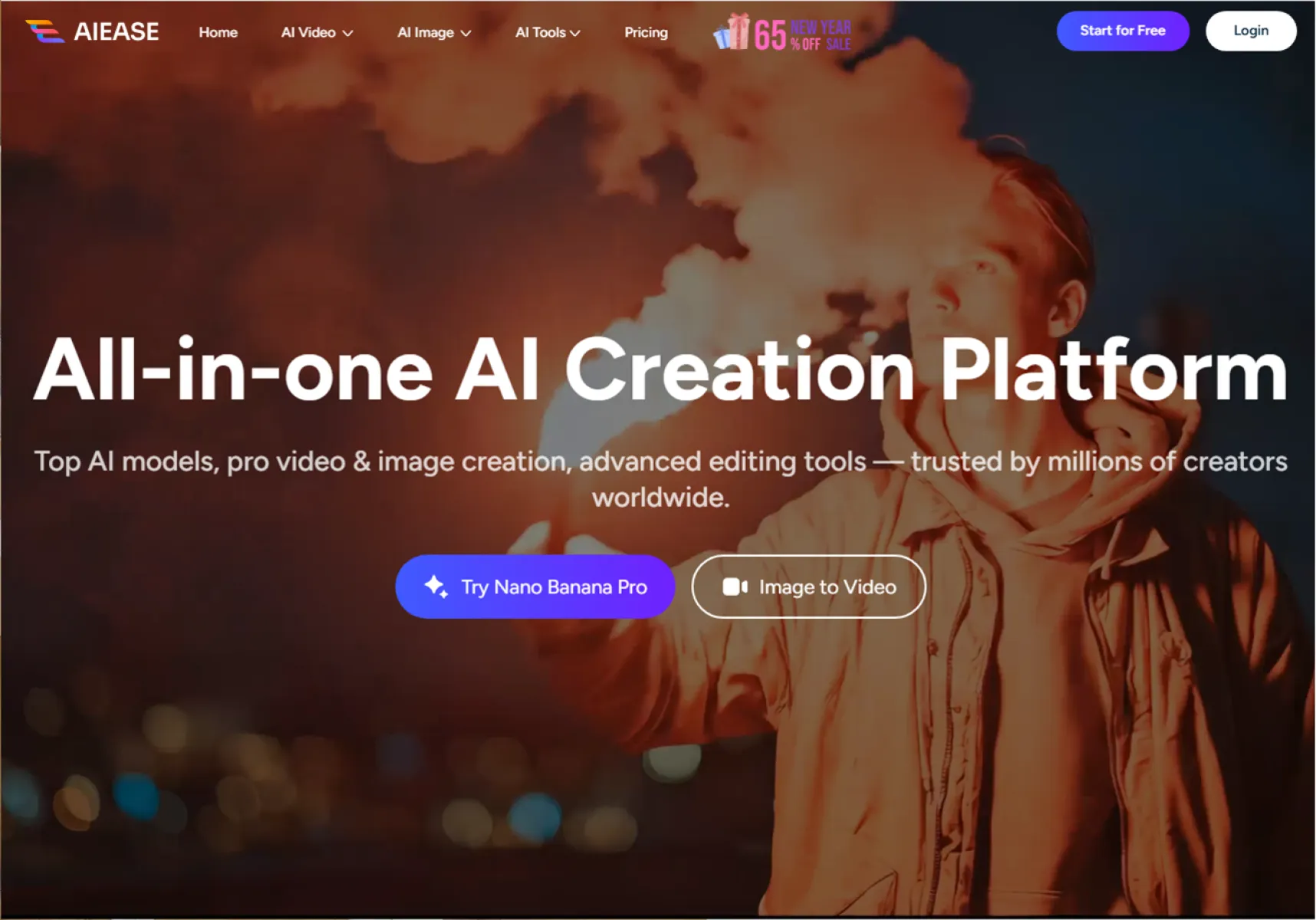
An entry-level AI headshot tool focused on low-cost experimentation for budget-conscious beginners.
User Experience:
Users upload a photo and choose from basic styles such as cute, minimalist, or business. The process is simple, but generated results are locked behind a paywall—only blurred previews are visible until payment is made.
Pros:
- Wide range of styles beyond professional use
- Low pricing; single unlock costs less than ¥5 RMB
- No registration required
Cons:
- “Free generation” messaging can be misleading
- Average realism with noticeable AI artifacts
- No preview adjustments or refund options
Best For:
First-time users testing AI headshots, temporary avatars, students preparing internship resumes.
4. CreateVision AI
Positioning:
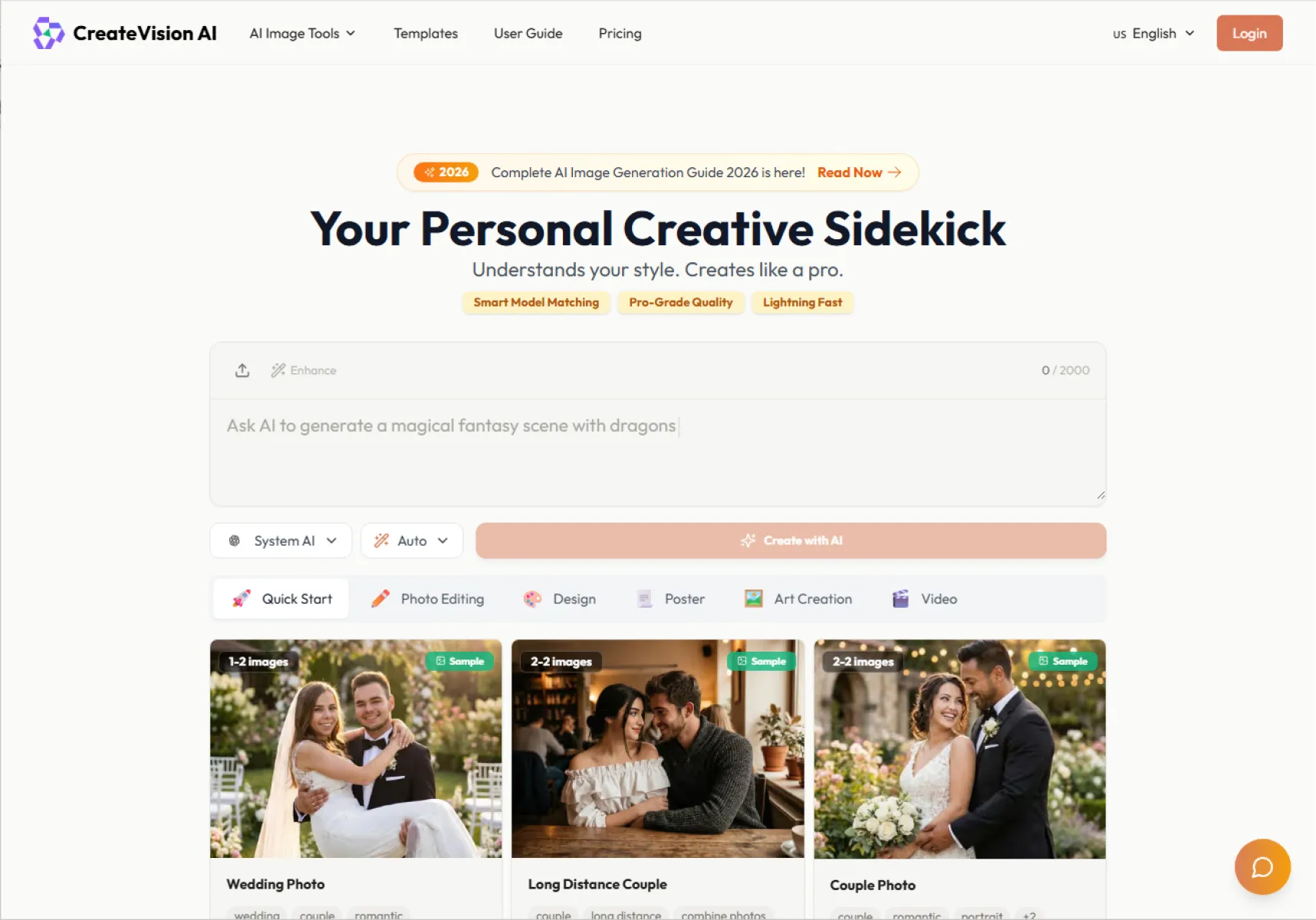
An ultra-fast AI avatar generator known for near-instant results.
User Experience:
Supports both image-to-image and text-to-image generation. Users can generate avatars in 5–10 seconds, even without uploading a photo. Daily free generations are watermark-free.
Pros:
- Extremely fast output for urgent needs
- Supports text prompts without photos
- Generous free tier
Cons:
- Lower realism compared to multi-photo training tools
- Limited customization options
Best For:
Urgent headshot needs, quick style testing, temporary event profiles.
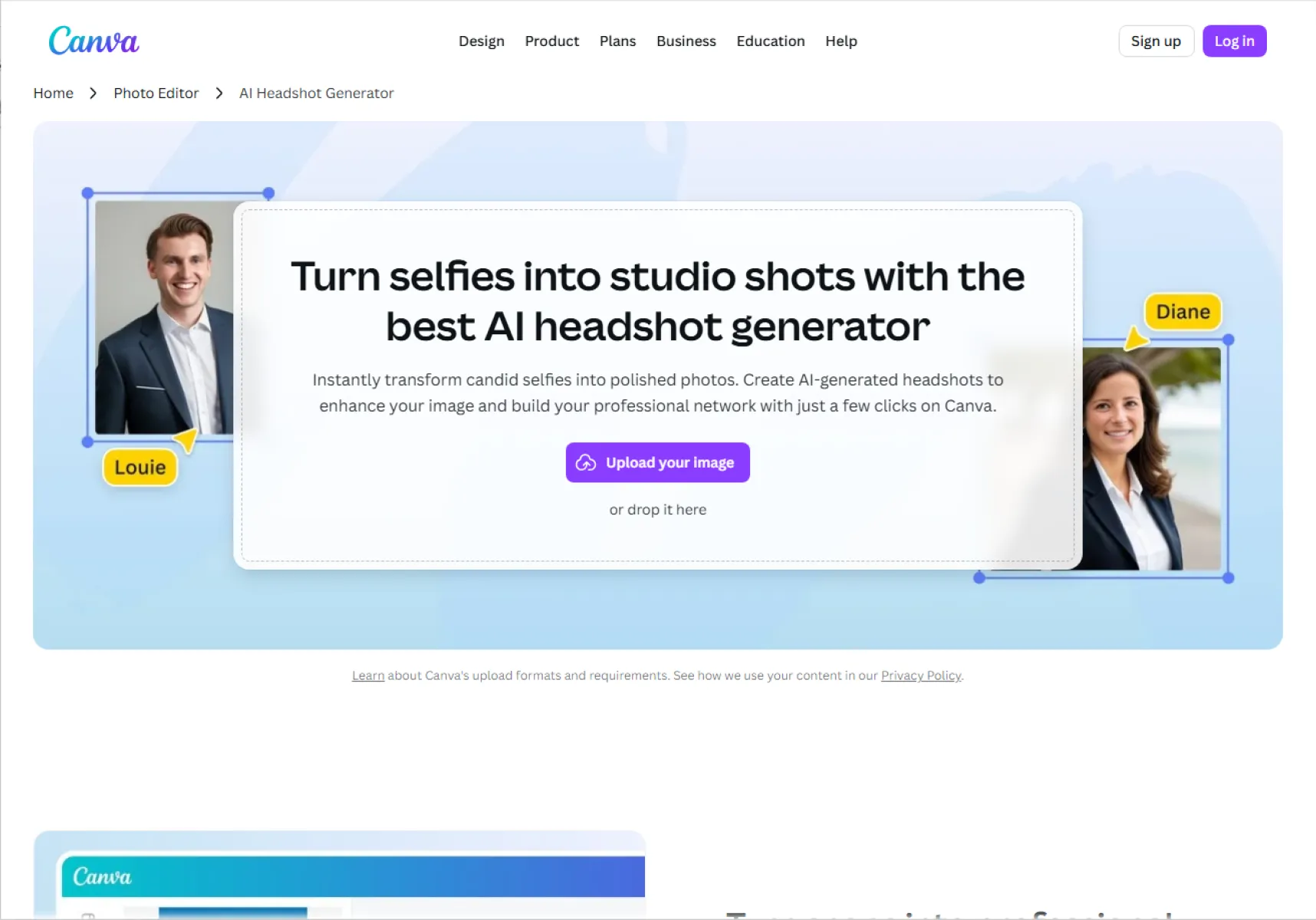
5. Canva AI Headshot
Positioning:
A free AI headshot feature integrated into the Canva ecosystem.
User Experience:
Users can generate headshots directly within Canva and immediately apply them to resumes, posters, or designs. Backgrounds and sizes can be adjusted seamlessly.
Pros:
- Completely free with unlimited downloads
- Beginner-friendly, zero learning curve
- Seamless integration with Canva templates
Cons:
- Design-oriented look, less professional realism
- Limited advanced or high-end style options
Best For:
Students, early-stage job seekers, non-formal professional platforms, small teams.
6. Supawork
Positioning:
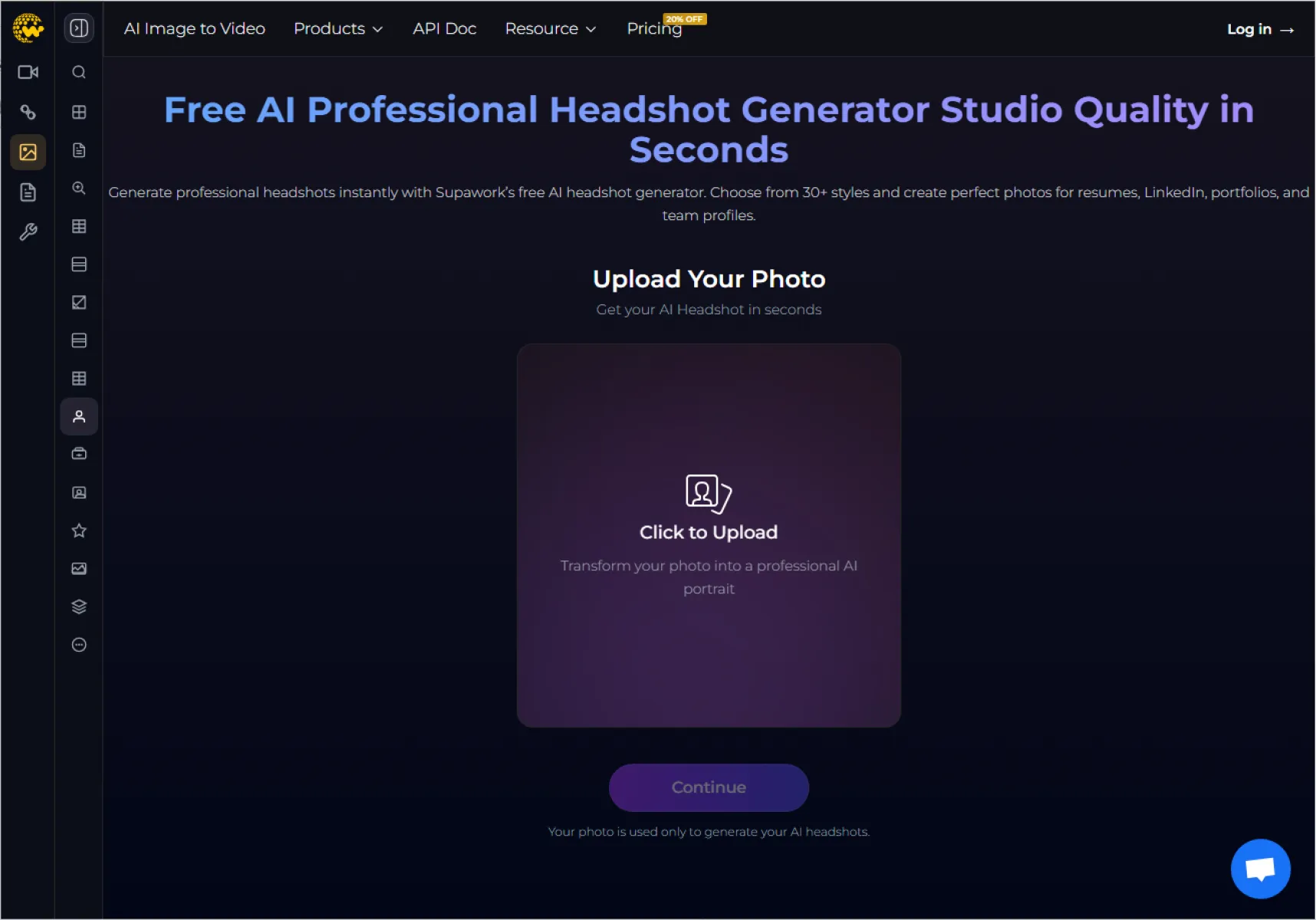
A lightweight, fully free AI avatar tool for first-time users.
User Experience:
No registration required. Upload a photo and receive multiple avatars within a minute, with no customization needed.
Pros:
- Completely free with no locked features
- Very fast and easy to use
- Works well across devices
Cons:
- Noticeable AI artifacts and facial distortion
- Low realism and weak professional tone
- No customization options
Best For:
Casual users, social media avatars, AI beginners.
7. Headshot Natural
Positioning:
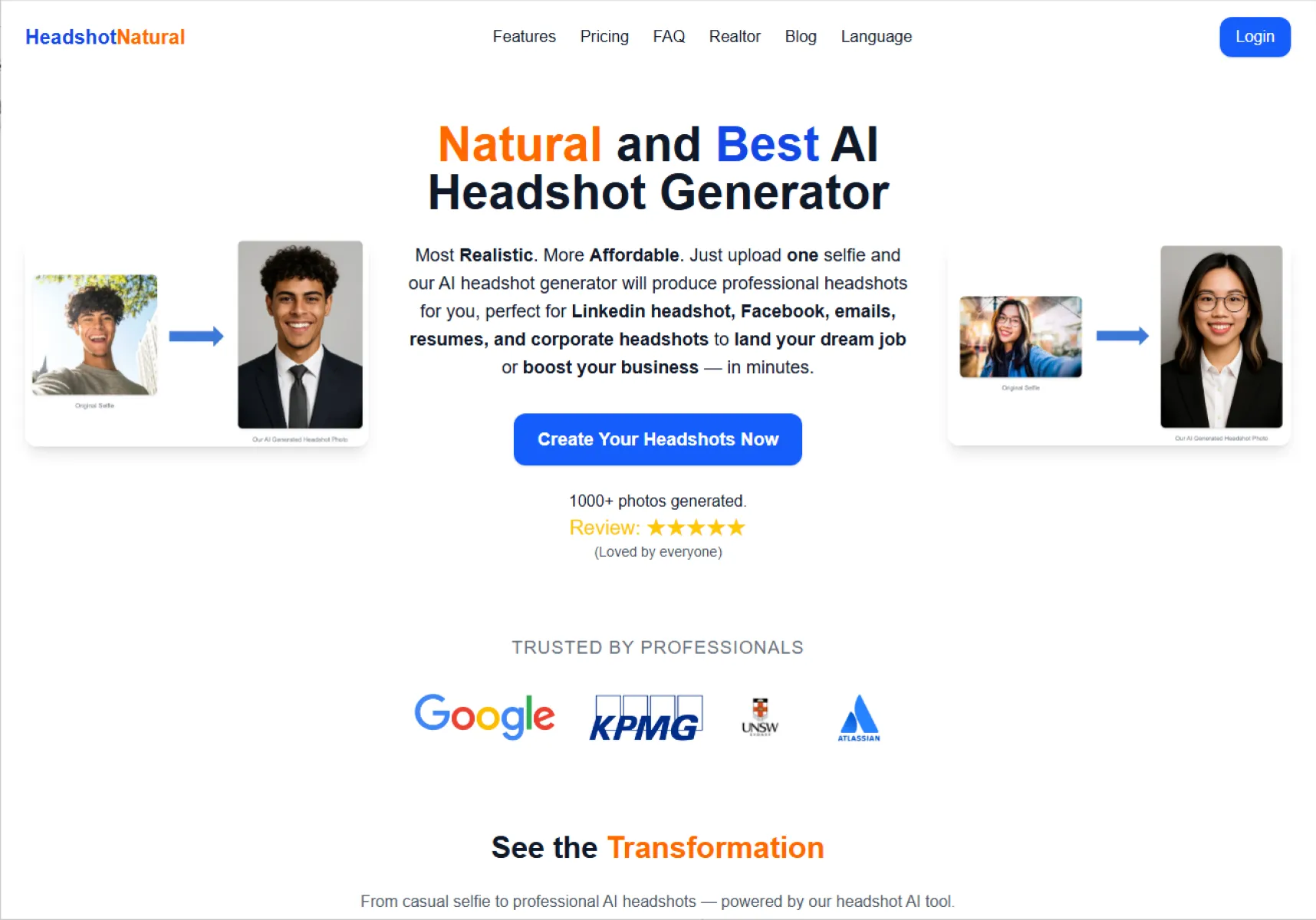
A cost-effective AI headshot generator balancing realism, speed, and affordability.
User Experience:
Upload one photo and receive 10 professional headshots within 5 minutes. All images can be unlocked in high resolution with a one-time payment.
Pros:
- Fast generation
- Natural, realistic facial rendering
- Excellent value at around $4.99
Cons:
- Limited customization
- No multi-photo training
Best For:
Job seekers, freelancers, and budget-conscious professionals.
8. ImgKits
Positioning:
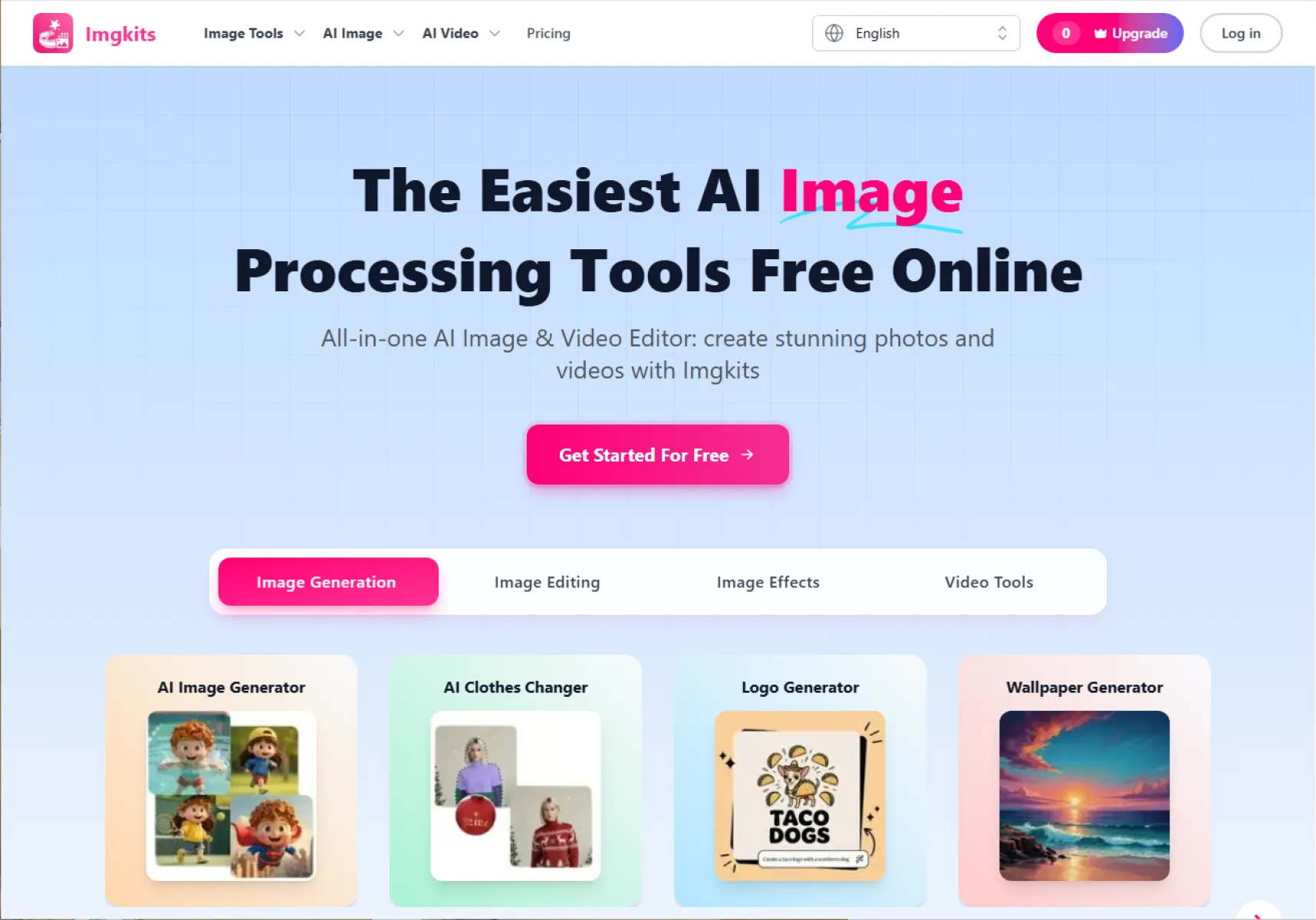
A highly customizable AI avatar generator emphasizing personalization and creative flexibility.
User Experience:
Offers over 60 preset styles with adjustable clothing, background colors, expressions, hairstyles, and output resolution.
Pros:
- High level of customization
- Suitable for various industries
- Intuitive visual controls
Cons:
- Lower realism than professional-focused tools
- Advanced features require paid plans
Best For:
Creative professionals, personal branding, content creators.
9. Try It On AI
Positioning:
A premium AI solution for both individual and enterprise-level branded headshots.
User Experience:
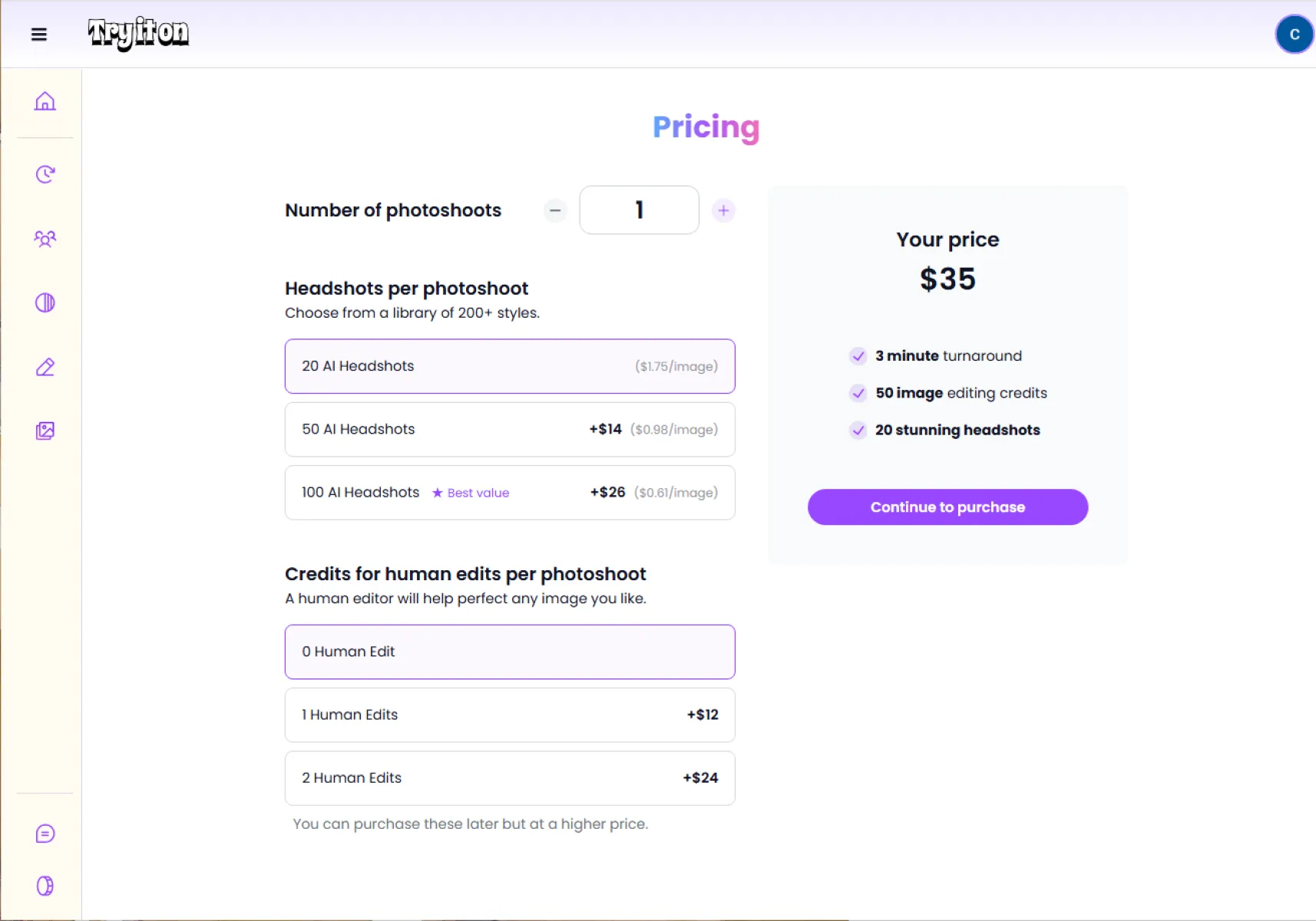
Supports multi-photo uploads, detailed customization, and batch team generation aligned with brand guidelines.
Pros:
- Excellent for brand-consistent team portraits
- High realism and identity accuracy
- Extensive professional customization
Cons:
- Longer generation times
- Higher pricing
- Steeper learning curve
Best For:
Corporate teams, executives, branded media assets.
10. Hotpot
Positioning:
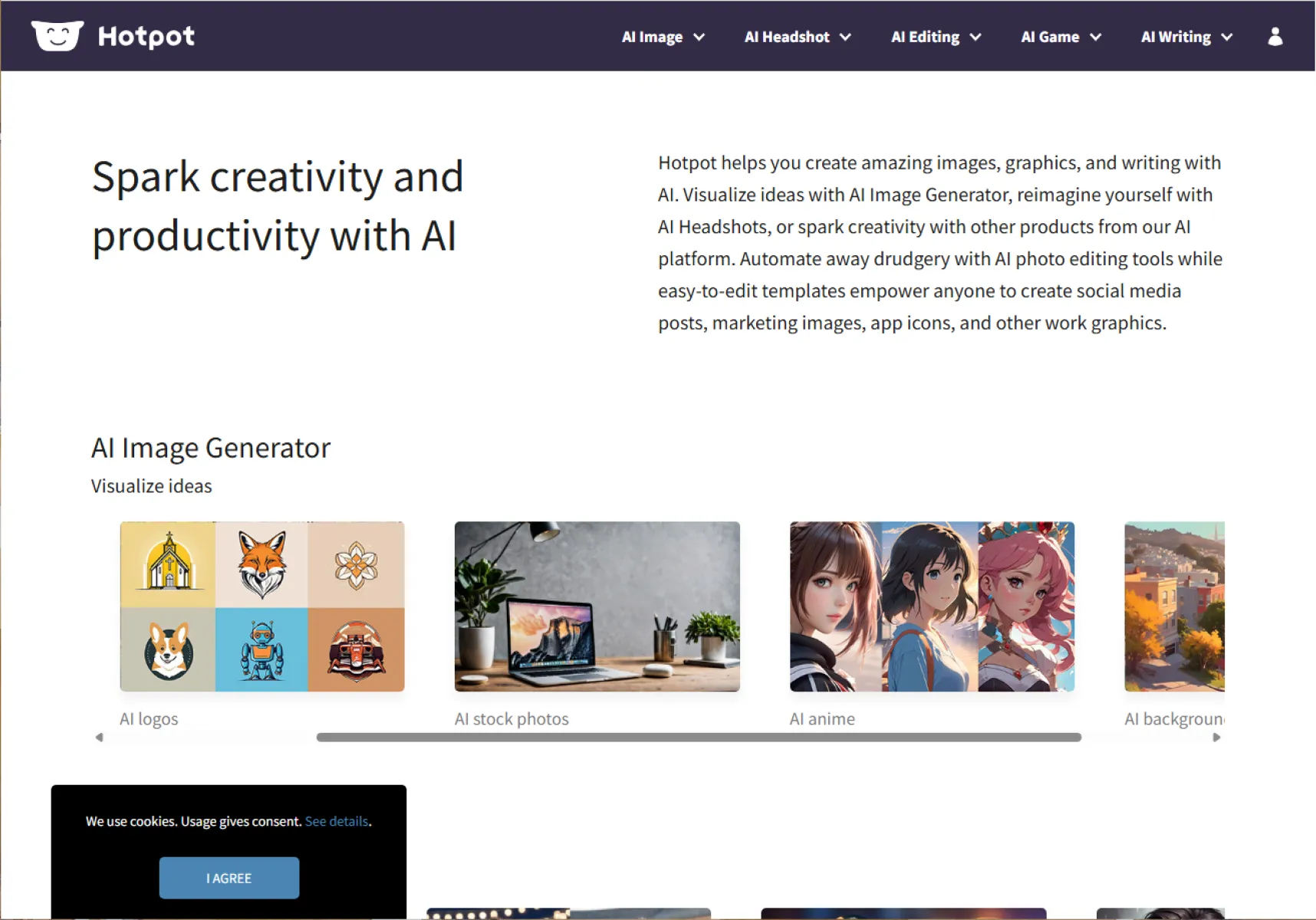
An AI avatar feature within the broader Hotpot.ai design toolkit.
User Experience:
Users can generate headshots and immediately apply background removal, retouching, and resizing within the same platform.
Pros:
- Multiple styles and scene options
- Strong integration with AI image editing tools
- One-stop design workflow
Cons:
- Not a dedicated headshot platform
- Watermarks and usage limits on free tier
- Limited fine-grained customization
Best For:
Users who need both avatars and image editing in one platform.
Summary
These 10 AI professional headshot generators cover the full spectrum—from free entry-level tools to high-end enterprise solutions. Among them, Fast Image AI stands out as a best-in-class value option, combining free access, lightning-fast generation, strong privacy protection, and support for both individuals and teams. Its flexible model—“free for essentials, paid for studio-level quality”—makes it a practical and scalable choice for users with different budgets and professional needs.