AI Redrawn Sketch Style - Unleash Your Hand-Drawn Era with Fast Image AI
In today's era of rapid development in digital art, using AI tools to transform creativity into visual works has become a popular trend. You may be familiar with converting photos into oil paintings, watercolors, anime styles, etc., but you might not have fully explored how "sketch"—a classic traditional medium—gains new life through AI. This article takes Fast Image AI, a powerful online AI image generation tool, as the starting point to discuss the charm, technical implementation, creation process, prompt techniques, and practical suggestions of "sketch style" in the AI era. It is hoped that you will gain inspiration from it, integrate "sketch"—this classic visual language—into modern AI creation, and embark on your own "hand-drawn era."
Why Choose "Sketch" as the Theme
As the foundation of painting, sketching is an indispensable step in the initial stages of oil painting, watercolor, printmaking, and illustration design. With pencils or charcoal leaving lines, shadows, and textures on white paper, sketching records structure, volume, light and shadow, and proportions—it is an effective tool for artists to observe the world, construct compositions, and express concepts.
So why is "sketch" a great choice for AI creation?
- Simple yet profound: Sketching abandons complex colors and decorations, returning to the essence of black, white, grayscale, lines, and shadows.
- Blend of modernity and classicism: Compared with color illustrations and oil paintings, sketching exudes a sense of returning to simplicity.
- Easy to translate and versatile: Sketch style can be used as illustrations, concept art, comic storyboards, product sketches, architectural elevation drafts, etc.
- Excellent compatibility with AI tools: Sketch style features "hand-drawn traces," "imperfect lines," and "realistic shadows," forming a strong contrast with the stylized smoothness of AI-generated works, thus delivering greater visual impact.
- Both innovative and practical: With Fast Image AI, you can generate sketch-style images directly from text prompts or upload photos to convert them into sketch effects.
Therefore, from the perspectives of creation tools, visual language, and application scenarios, Fast Image AI's sketch creation is both appealing and practical.
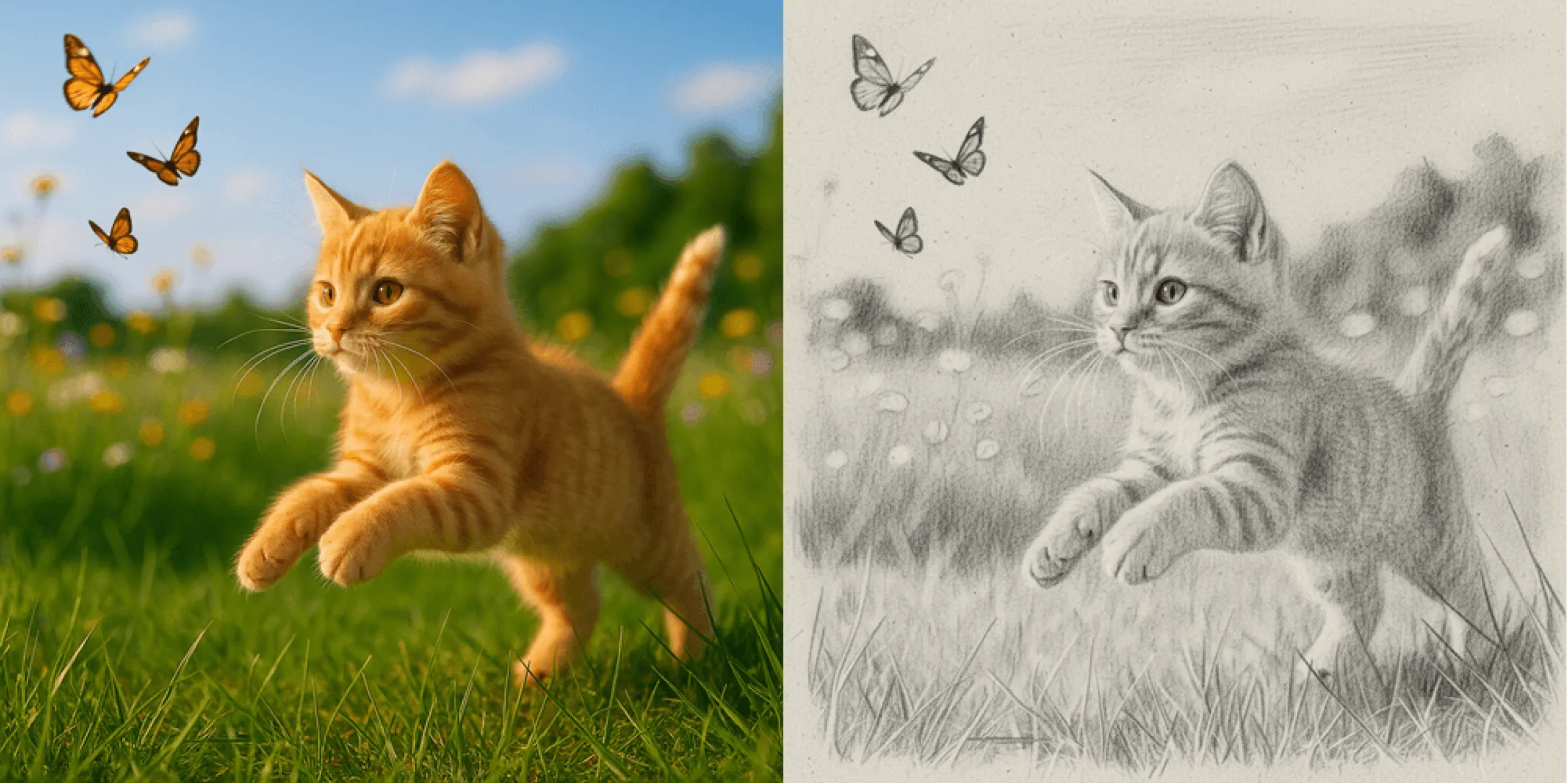
Understanding Fast Image AI and Sketch Style Generation
Before diving into specific operations, let's get to know Fast Image AI and its features for generating sketch styles:
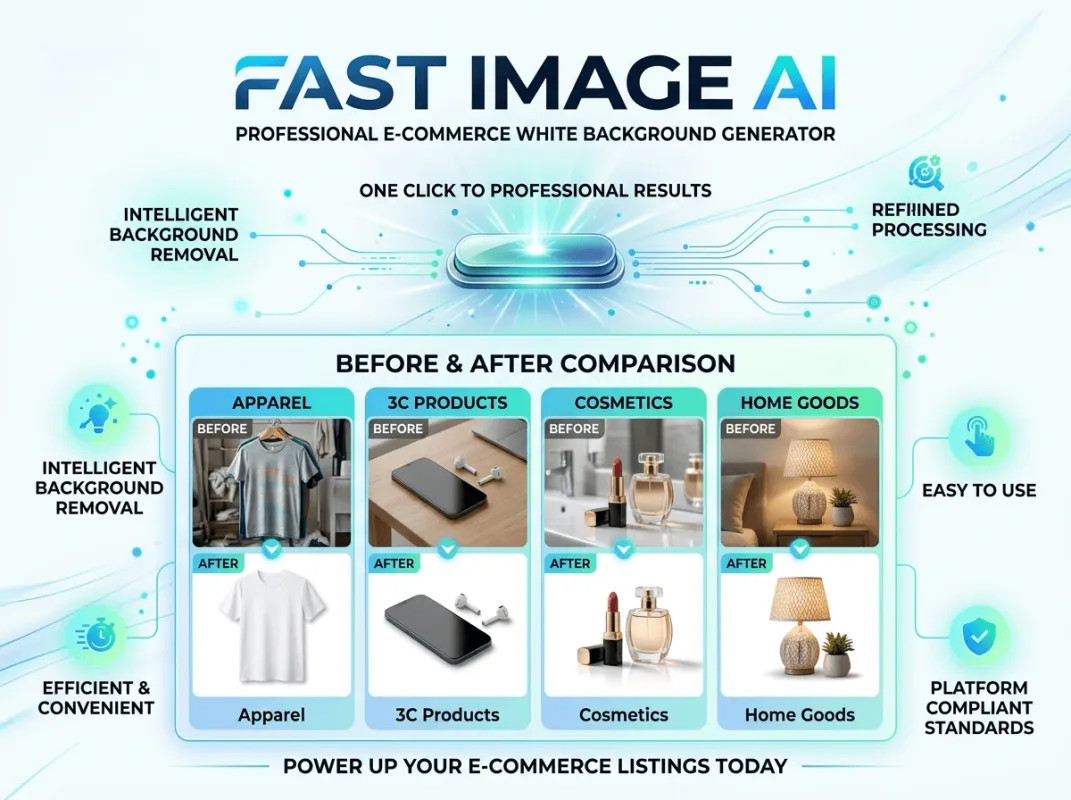
- Fast Image AI is an online AI image generation and style transfer tool that requires no software downloads or installations.
- For sketch style generation, you can either "upload an image" and select "Sketch Style" to generate directly, or enter prompts to let AI create images with distinct sketch characteristics.
- In terms of usage, it supports multiple aspect ratios (1:1, 3:2, 2:3, Auto) and generation quantities (1, 2, 3, 4).
From these features, Fast Image AI offers high convenience and flexibility in sketch style conversion. You can quickly turn photos into sketches or generate brand-new "sketch creative images" through text prompts.
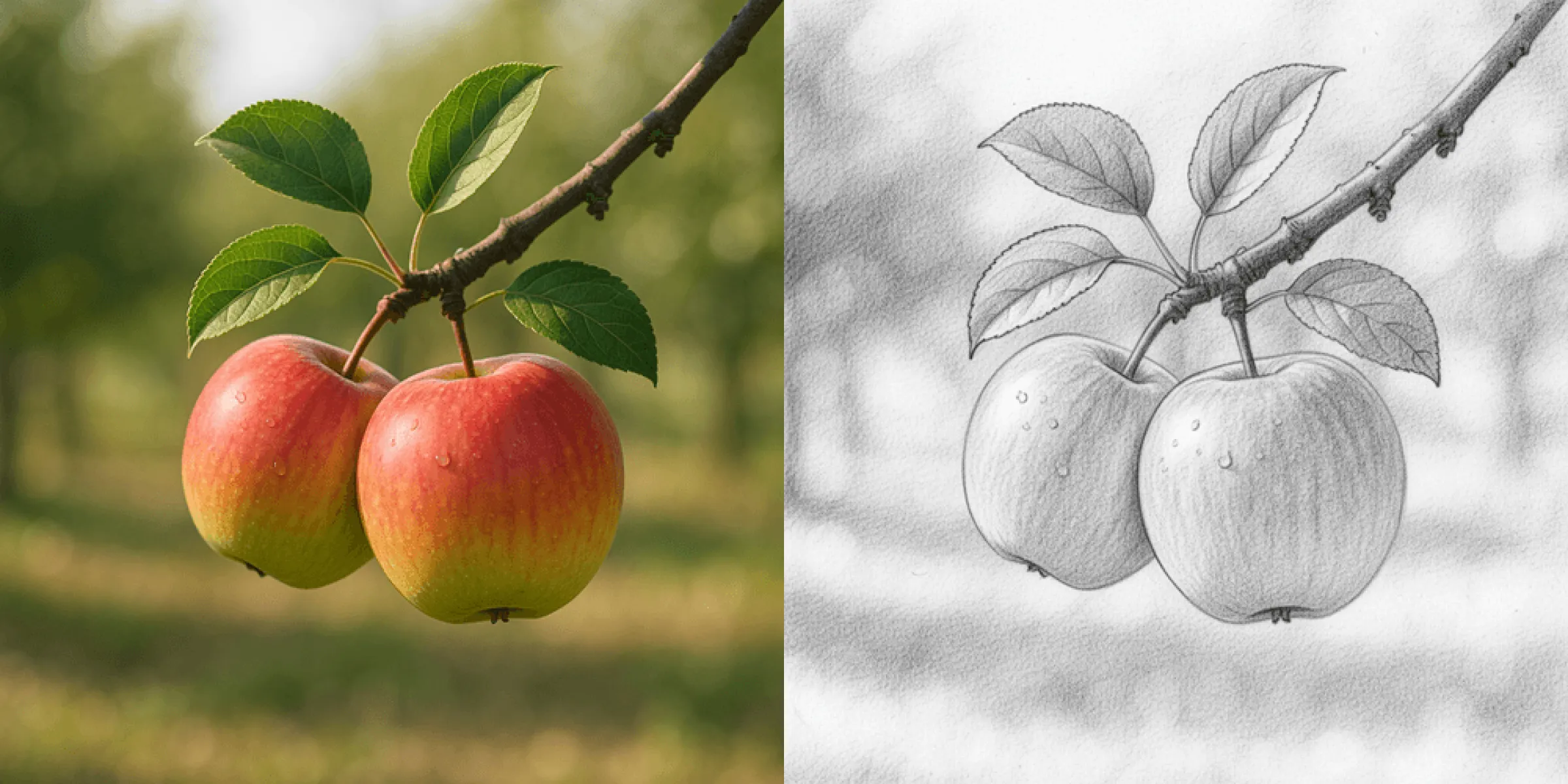
Three Steps to Achieve Sketch Style with Fast Image AI
Below is a complete workflow—you can follow the steps or adjust flexibly:
Step 1: Define Creativity and Input
- Clarify your creation theme (portrait/plant/architecture/scene/abstract composition).
- Prepare a reference image, select "Upload Image" on the Fast Image AI interface, and choose "Sketch Style."
Step 2: Generate and Fine-Tune
- Click "Configure" to set the number of generations and image aspect ratio.
- Click "Generate"—the system usually provides results within seconds.
- If unsatisfied, refine with additional prompts.
Step 3: Post-Processing and Output
- If you plan to use the sketch for practical projects (e.g., illustrations, comics, exhibitions, social media), download the high-resolution image.
- Further refine in image editing software (e.g., Photoshop, Procreate, Clip Studio).
- Share and save: Whether printed as a book, used as social media stickers, or as design drafts, your work will feature the dual charm of "AI + hand-drawn."
Creation Examples and Application Scenarios
Here are several practical scenarios where AI-generated sketch styles shine:
- Portrait Sketches: Take a photo of a friend, pet, or street scene, generate a "pencil sketch portrait, thirds composition, soft shadows" in Fast Image AI, and add minor post-processing for use as social media avatars, postcard designs, or digital art exhibitions.
- Product Concept Sketches: For designers, converting product concepts into "industrial design pencil sketches, clear lines, ample white space, cross-hatching shadows" allows quick visual drafts for team communication.
- Architecture/Scene Setting Art: Game, animation, or illustration creators can use prompts like "architectural hand-drawn bird's-eye sketch, pen lines, slightly yellowed paper, visible sketchbook edges" to quickly generate draft-style images.
- Comic Storyboards or Illustration Drafts: Use prompts such as "comic storyboard sketch, rough pencil lines, blank background, smooth movements" to generate a series of drafts, then add colors or details manually.
- Art Exhibitions or Print Decorations: For decorative prints, generate "classic pencil still life sketch, strong paper texture, signature and date in the corner" as a prompt, output a high-resolution image, and frame it as a painting or album.
These scenarios demonstrate that "sketch style + AI generation" is widely applicable—from personal entertainment and social sharing to professional design and commercial use.
Conclusion
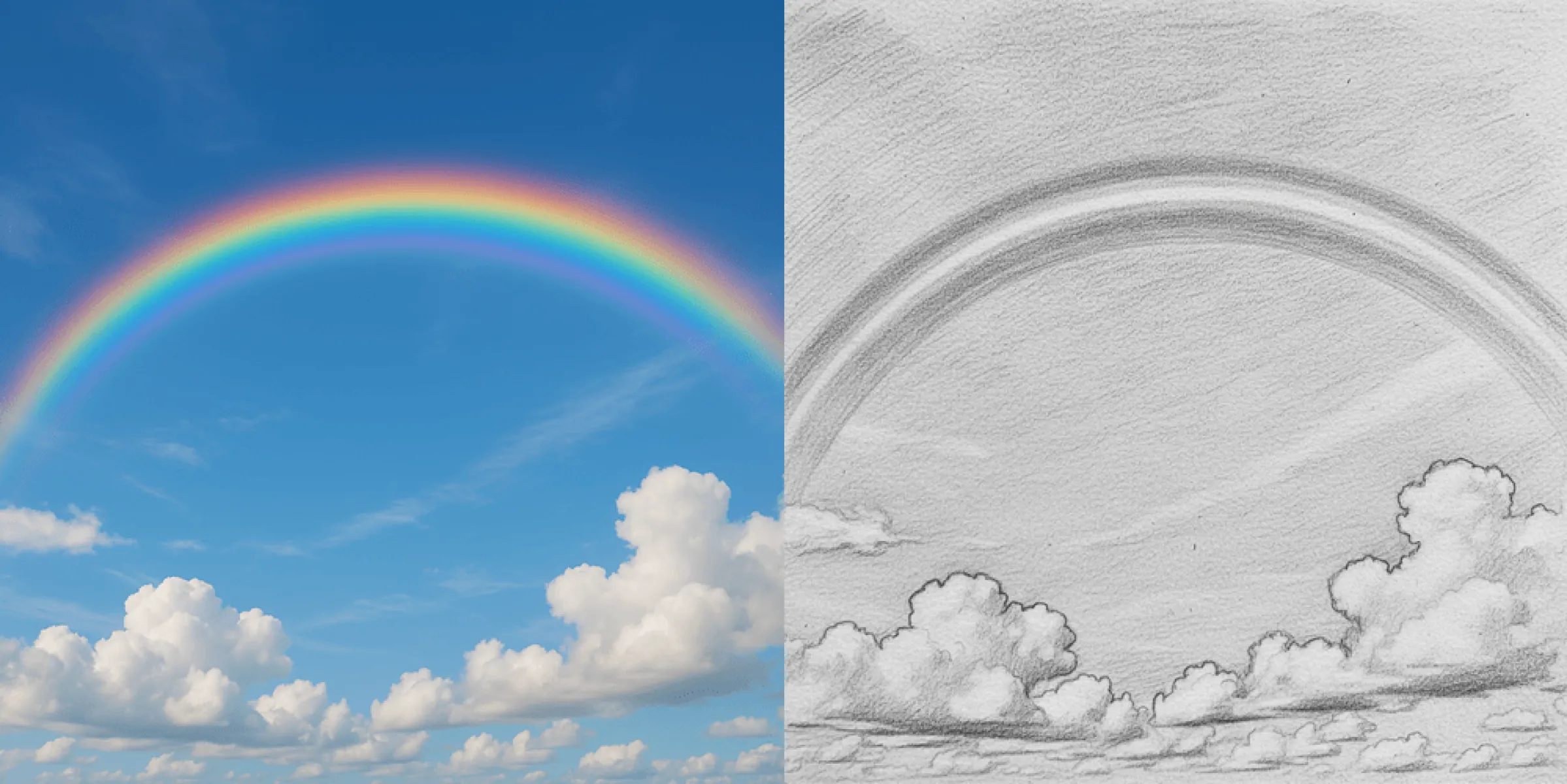
With modern AI creation tools like Fast Image AI, focusing on "sketch" allows you to both return to the most basic visual language of traditional art—lines, shadows, and paper texture—and embrace the new possibilities that the digital age brings to creation. Through precise prompts, reasonable medium settings, and flexible post-processing, you can create sketch-style works that blend "hand-drawn warmth" with "digital convenience."
It is hoped that this article will serve as a starting point for you to explore sketch-style creation with Fast Image AI. Whether for creativity, practice, sharing, or commercial use, may you create your own unique style "between lines and imagination!"