Free Sketch to Image AI Generator
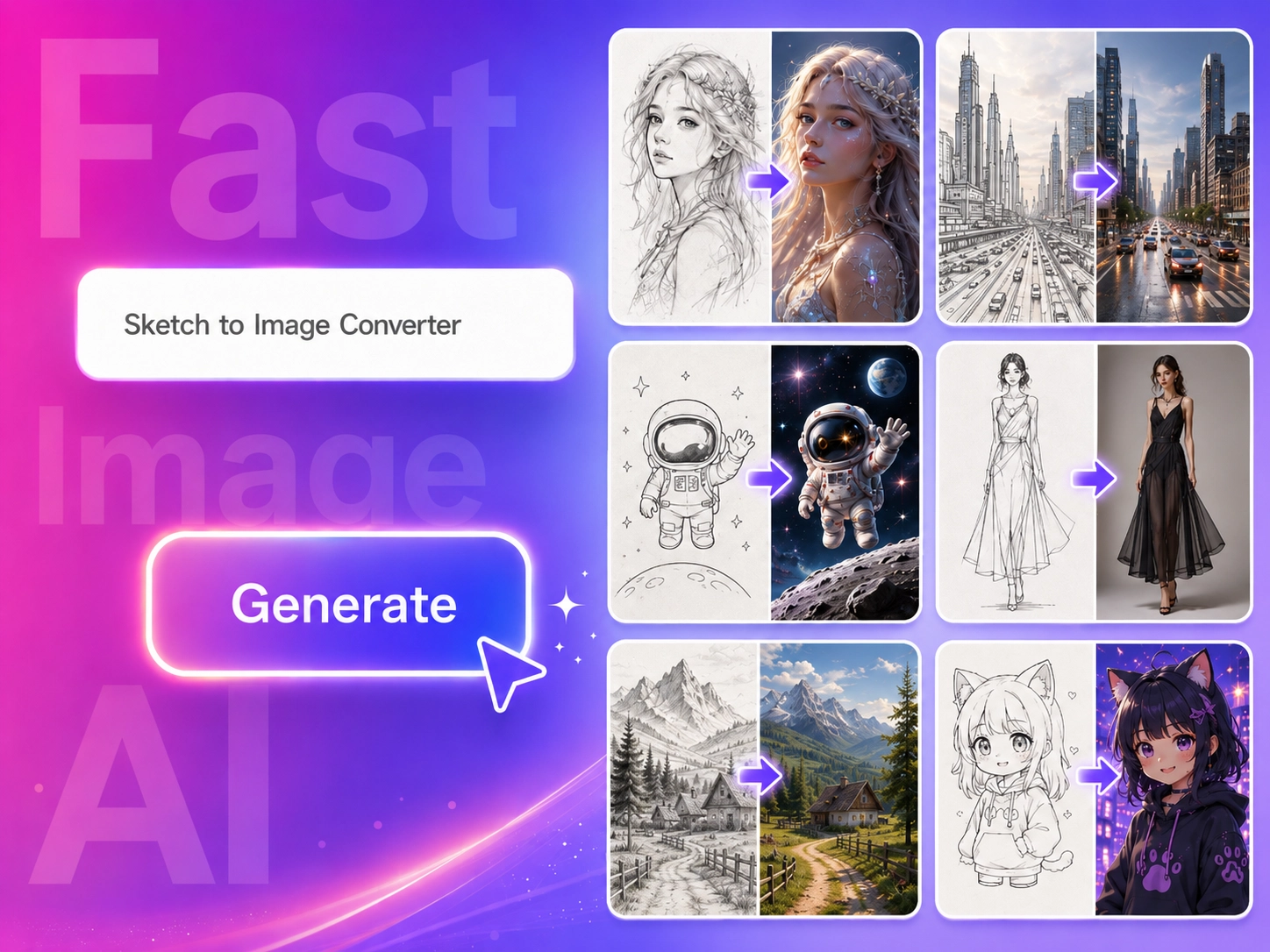
Upload any sketch and turn it into a detailed AI-generated image in seconds—create realistic artwork, product concepts, interior design visuals, character ideas, and more. Use it online for free, beginner-friendly, and no design skills required.
More highlights
Essential features for enhanced experience.

Turn Sketches into AI Images
Upload a rough sketch and transform it into a detailed AI-generated image.

Keep Your Original Idea
AI follows the main shape, structure, and composition of your sketch.

Control the Style with Prompts
Describe the style, color, lighting, material, and background you want.

No Design Skills Needed
Start with a simple drawing and let AI complete the visual details.
Turn Rough Sketches into Finished AI Images
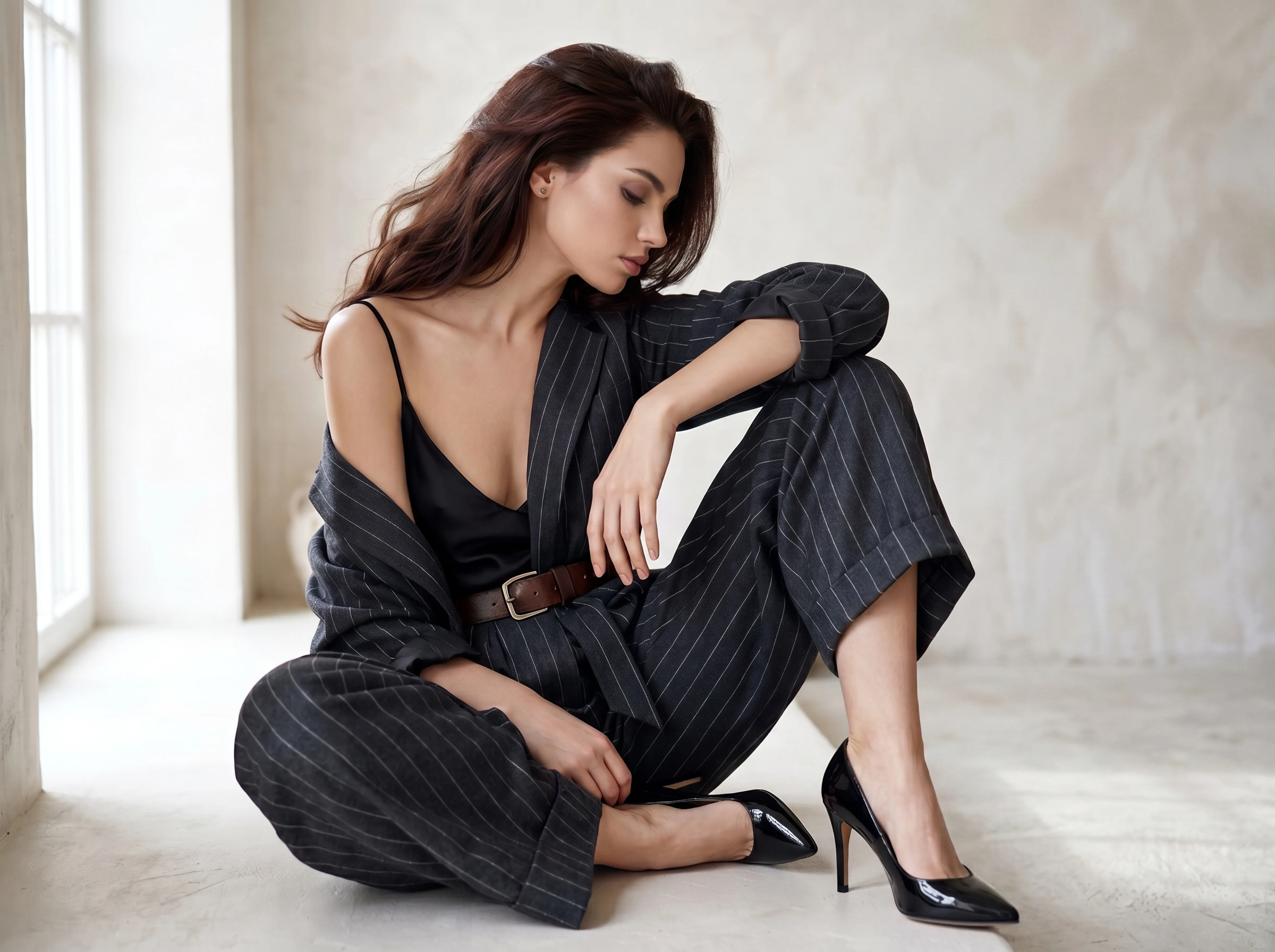
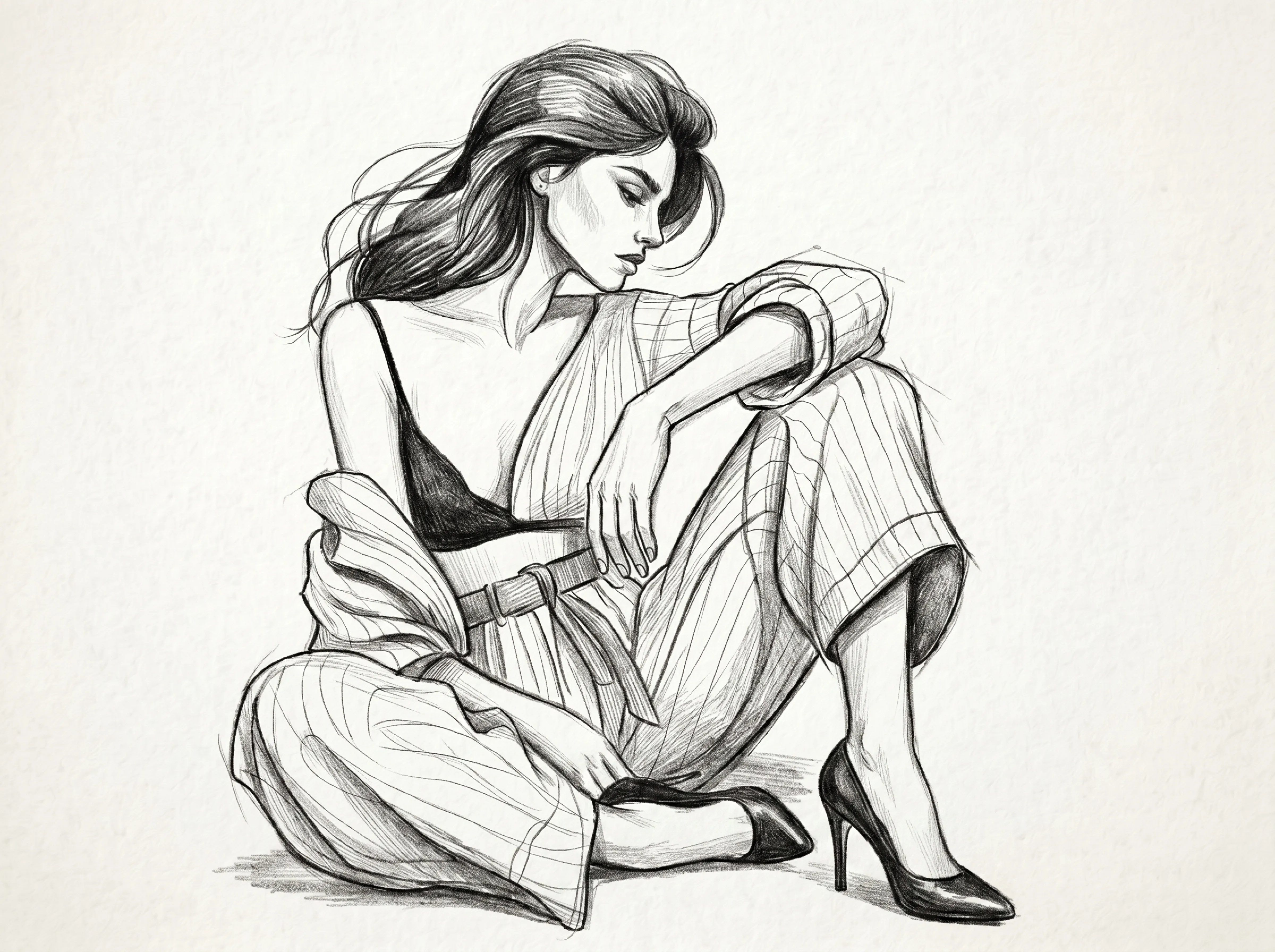
A rough sketch is often the fastest way to capture an idea. With Fast Image AI, you can upload a simple drawing, line art, or hand-drawn sketch and turn it into a finished AI image with colors, lighting, textures, and details. It helps you move from an early idea to a visual result without spending hours on manual drawing or editing.
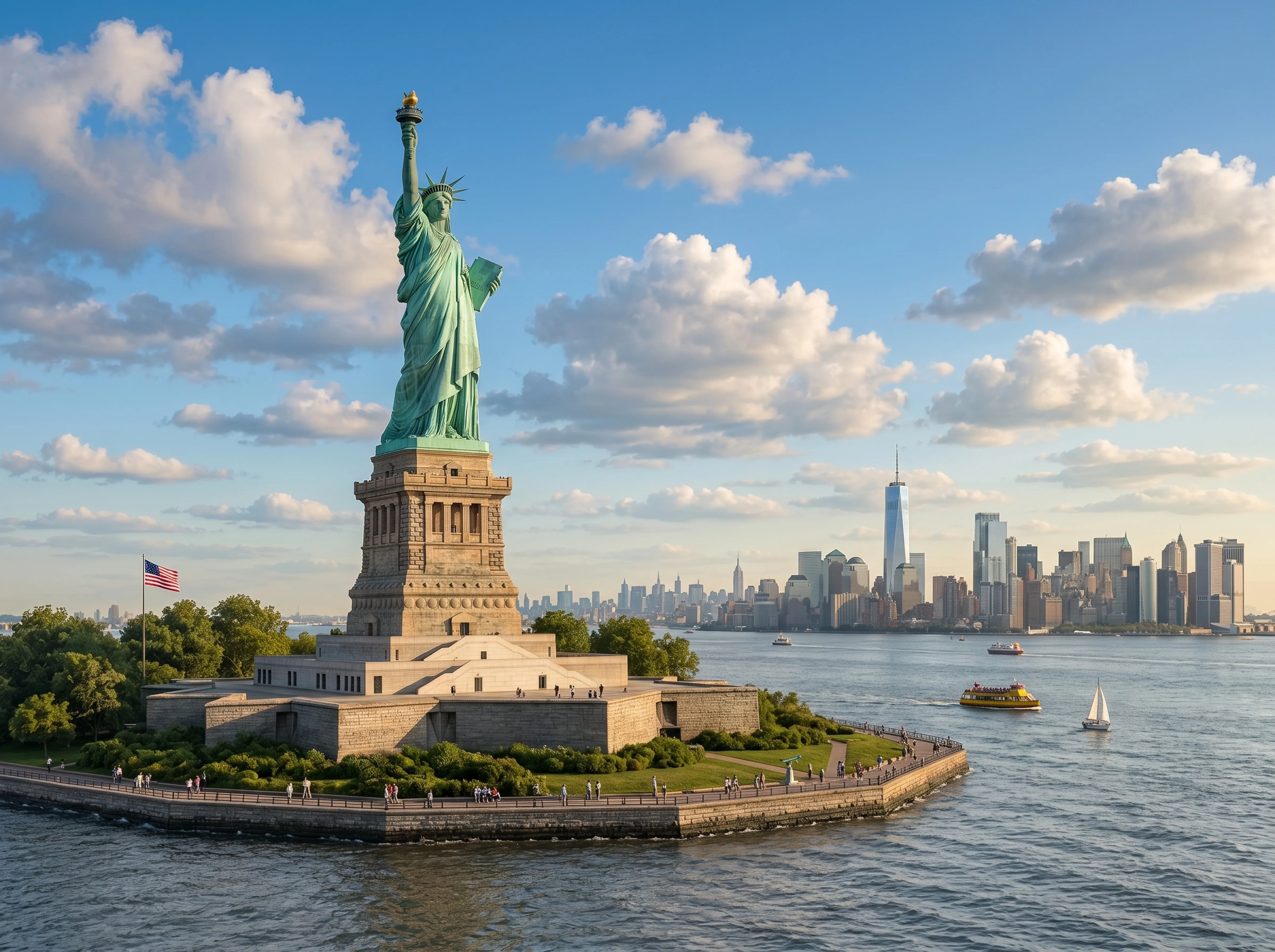
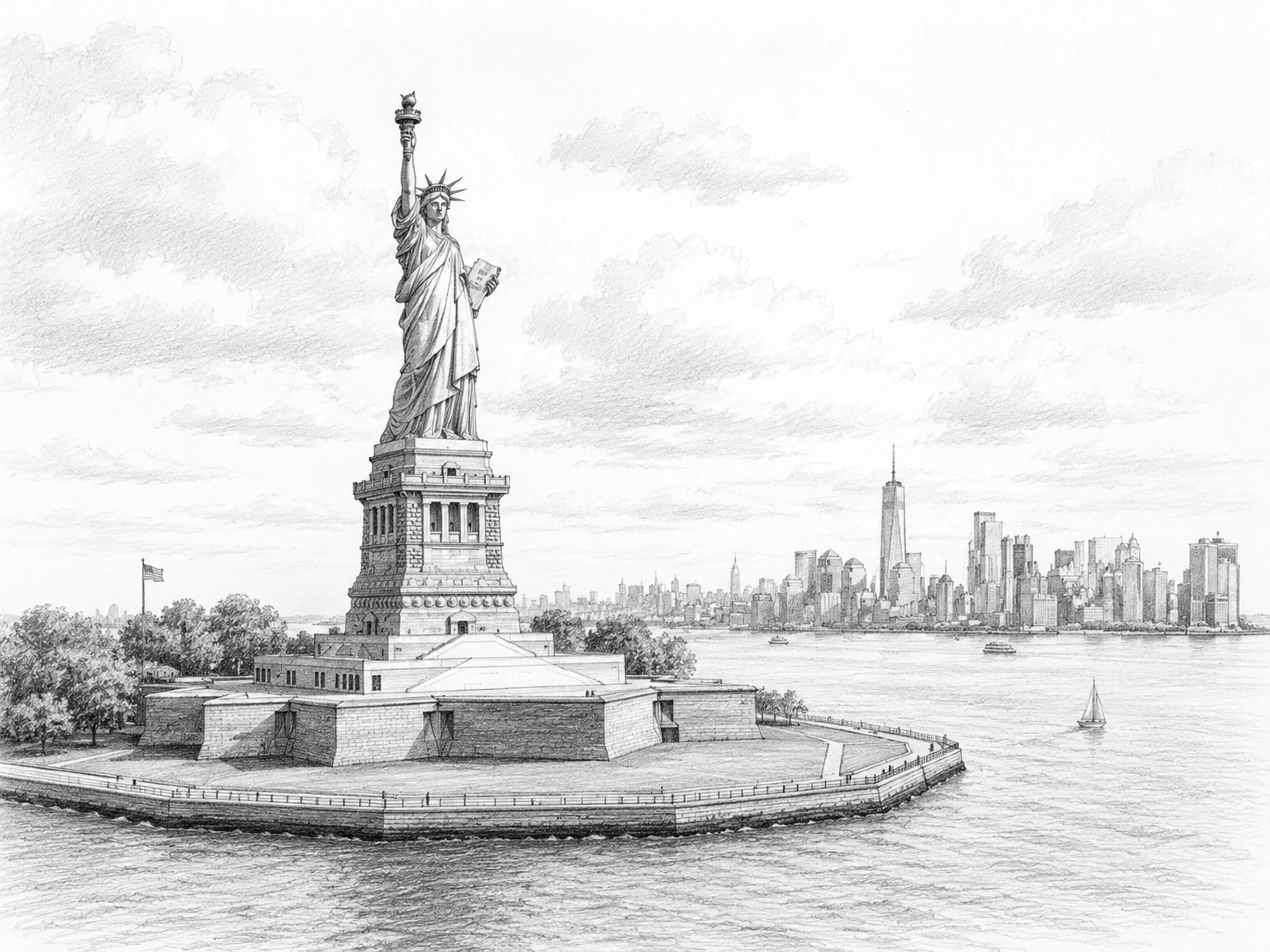
Why Use an AI Sketch to Image Generator?
An AI sketch to image generator helps turn simple outlines into clear, polished visuals. Instead of starting from a blank canvas, you can guide the AI with your own sketch and use prompts to define the final style. This makes it easier to explore ideas, compare different visual directions, and communicate creative concepts more clearly.
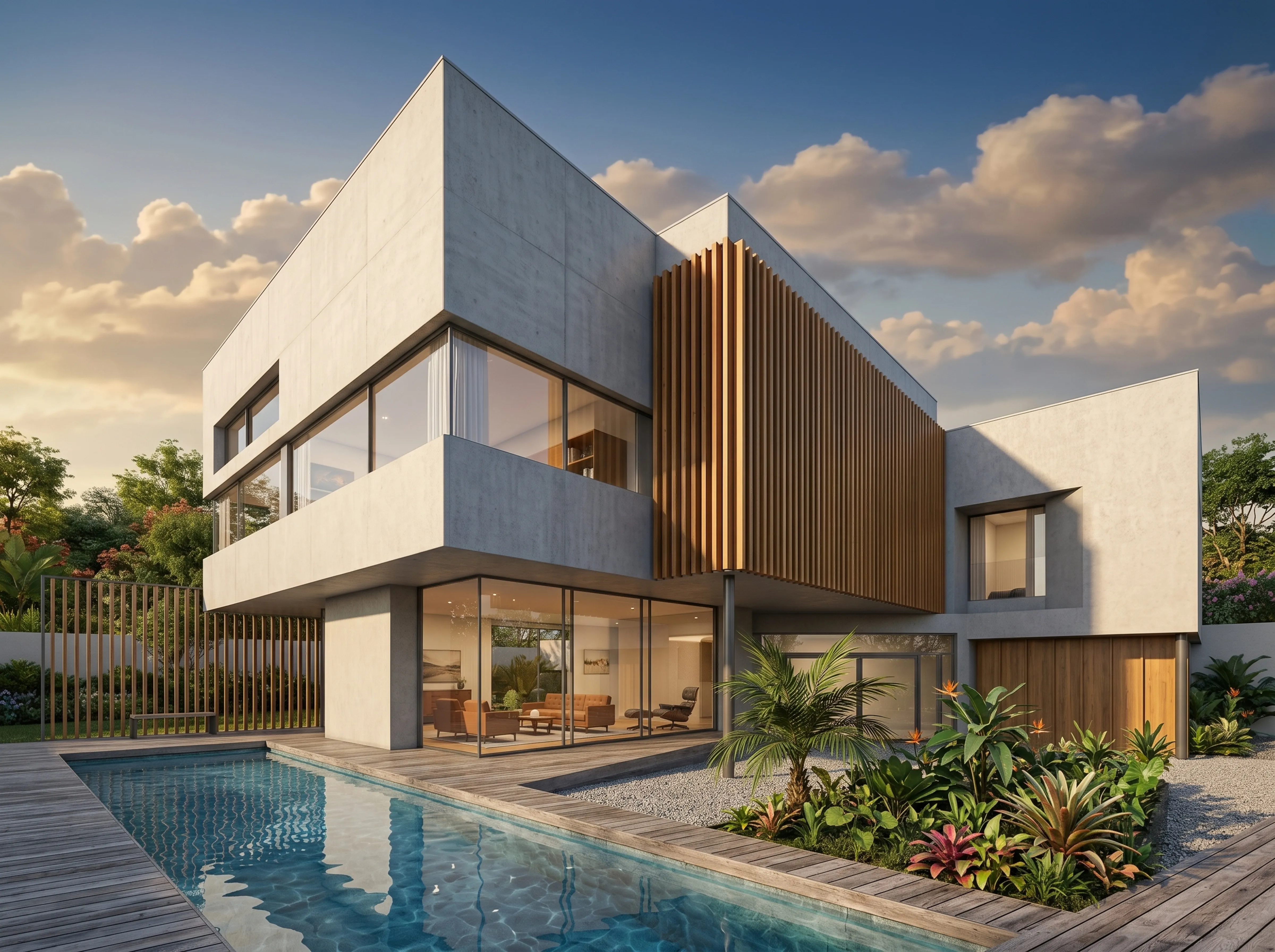
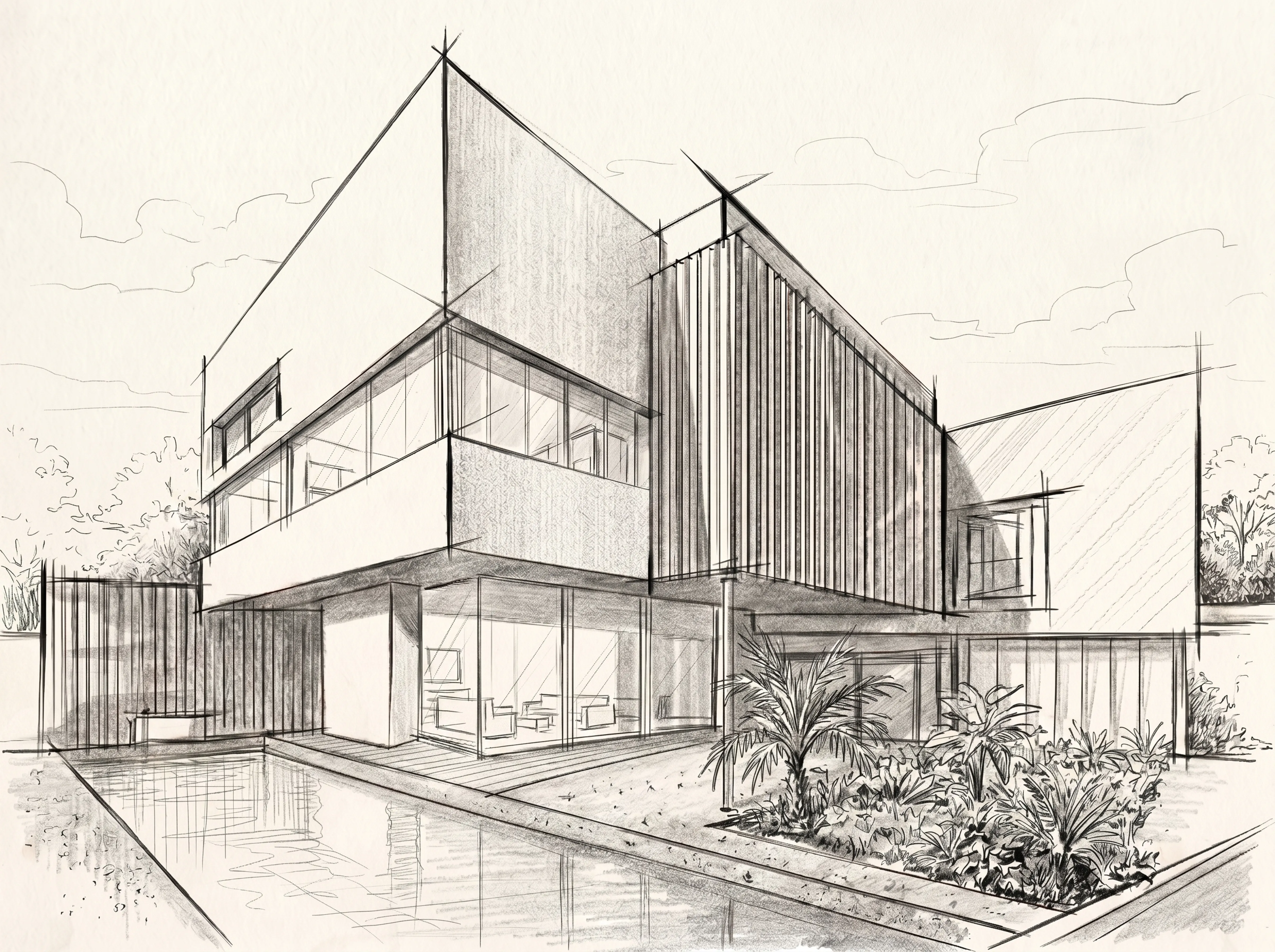
Create Concept Art, Product Designs, and Character Images
Sketch to Image can be used for many creative workflows, including product design, character design, game art, interior design, architecture drafts, fashion ideas, and social media visuals. Upload your sketch, describe the result you want, and generate a visual reference that is easier to present, share, and refine.
How to Turn a Sketch into an AI Image
- Open the Fast Image AI workspace.
- Upload or drag and drop your sketch.
- Enter a prompt to describe the style, details, colors, and background.
- Let AI generate a complete image based on your sketch.
- Download the final AI image instantly.
Choose Your Plan
We offer flexible subscription plans to meet the creative rhythms of different users

Basic
- 0 Credits per month
- Generate high quality images
- Unlimited download of images
- Access to All AI tools
- Priority processing
- Commercial license
Pro
- 0 Credits per month
- Generate high quality images
- Unlimited download of images
- Access to All AI tools
- Priority queue
- Commercial license
Pro Max
- 0 Credits per month
- Generate high quality images
- Unlimited download of images
- Access to All AI tools
- Priority queue
- Commercial license
Basic
- 0 Credits per month
- Generate high quality images
- Unlimited download of images
- Access to All AI tools
- Priority processing
- Commercial license
Pro
- 0 Credits per month
- Generate high quality images
- Unlimited download of images
- Access to All AI tools
- Priority queue
- Commercial license
Pro Max
- 0 Credits per month
- Generate high quality images
- Unlimited download of images
- Access to All AI tools
- Priority queue
- Commercial license