Beginners Guide - Practical Tips to Master AI Cartoon Generator in 5 Minutes
In this era where appearance and creativity go hand in hand, the cartoon style has long broken the label of "for children only" and penetrated every aspect of our lives: eye-catching cartoon avatars on social media, cartoonized travel photos full of atmosphere on Moments, vivid and interesting cartoon-style PPT illustrations in the workplace, cartoon covers for self-media creation, and even customized cartoon emojis for your own pets... Whether for daily entertainment, personal display, or commercial applications, cartoon elements can quickly attract attention and convey emotions and information with their lovely, vivid, and low-threshold characteristics.
But once upon a time, to create an exquisite cartoon work, you either needed to spend years polishing your painting skills, proficiently use professional design software such as PS and AI, and outline lines and fill colors bit by bit; or you had to pay a designer to customize it, which was not only costly but also time-consuming and laborious in communication and revision, far failing to meet the "instant creation" needs of ordinary people. It was not until the emergence of AI cartoon generators that this barrier was completely broken. Today, I want to recommend an AI cartoon generator specially designed for beginners that balances practicality and professionalism - Fast Image AI's AI Cartoon Generator, and share a set of practical tips that can be mastered in 5 minutes, helping you quickly unlock the fun of cartoon creation and easily make cartoon works suitable for multiple scenarios, whether for self-amusement or light commercial applications.
I. First, Understand: What is an AI Cartoon Generator? Basic Knowledge for Beginners
Before starting, let's simply figure out one question: What exactly is an AI cartoon generator? In fact, it is essentially an image generation tool based on artificial intelligence deep learning algorithms. Its core function is to convert ordinary photos and text descriptions into cartoon-style images through AI algorithms, without manual drawing, and the whole process is completed automatically.
Simply put, an AI cartoon generator is like an "intelligent cartoon painter". You just need to tell it the effect you want (such as "turn this selfie into a Ghibli-style cartoon avatar" or "generate a cartoon girl wearing Hanfu"), or give it a reference picture, and it can quickly understand your needs and generate a cartoon work that meets your expectations in a few seconds to dozens of seconds, without you having to draw a single stroke.
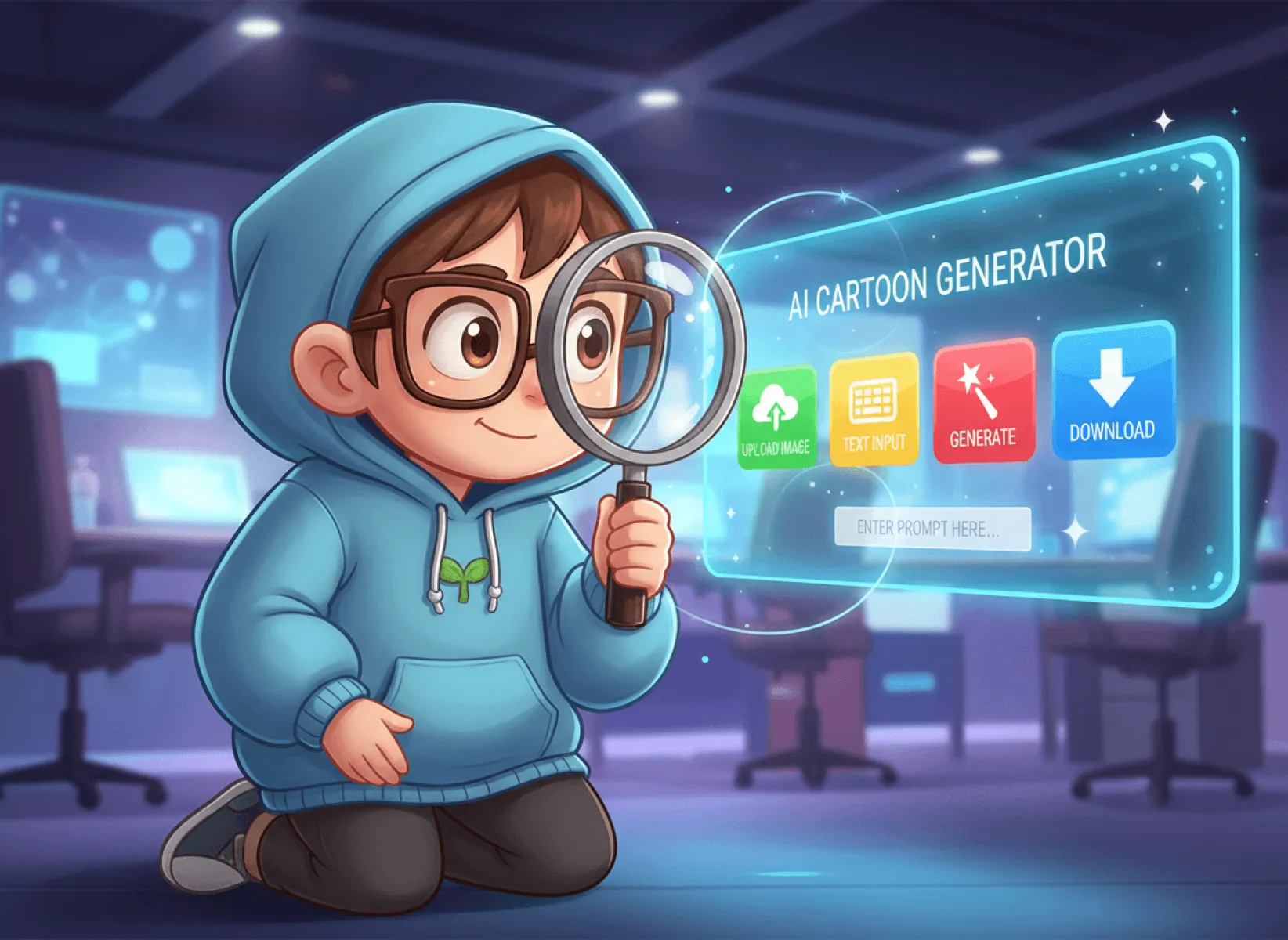
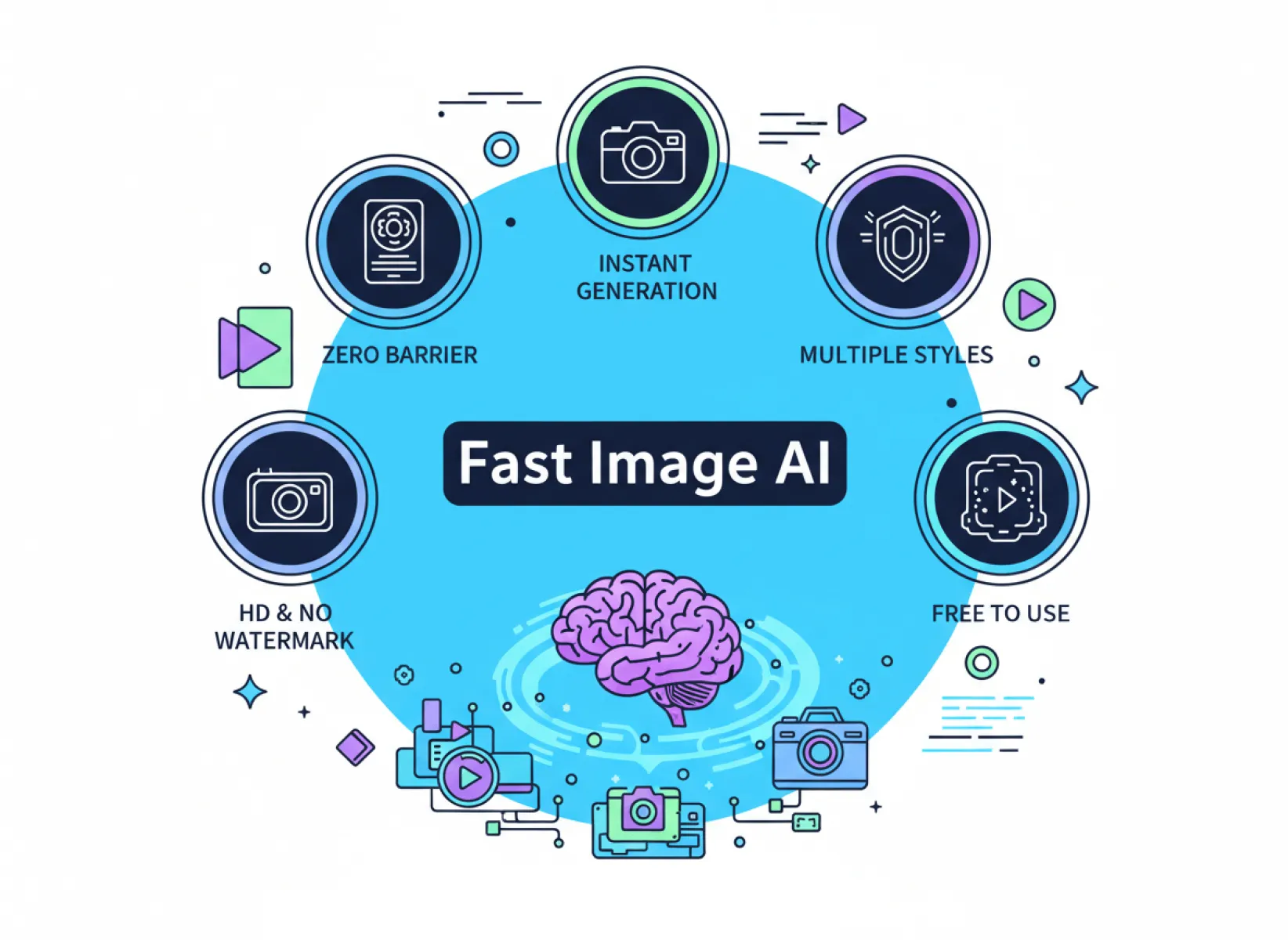
II. Why Choose It as a Beginner? 6 Core Advantages of Fast Image AI Cartoon Generator
As an AI cartoon generator specially designed for beginners, Fast Image AI does not pursue the accumulation of complex functions, but focuses on the four cores of "simplicity, speed, beauty, and practicality", solving all the pain points that beginners encounter in cartoon creation, which is also the key to allowing beginners to get started in 5 minutes. After actual testing, compared with other similar tools on the market, Fast Image AI's AI Cartoon Generator has 6 irreplaceable advantages, especially suitable for beginners with zero foundation.
Advantage 1: Zero-Threshold Operation, No Registration or Login Required, Ready to Use
Fast Image AI's AI Cartoon Generator truly achieves "ready to use": open the Fast Image AI official website (https://fastimage.ai/ai-cartoon-generator), find the "AI Cartoon Generator" function, no any settings required, directly upload pictures or enter text descriptions, click "Generate", and you can quickly get cartoon works. The whole operation takes no more than 3 steps, even the elderly who do not understand computers or professional design software can easily get started.
More intimately, the interface design of Fast Image AI is very simple, without any redundant advertisements and complex buttons. All functions are clear at a glance, and the core operation area is concentrated in the center of the page. Beginners only need to focus on two steps: "upload pictures/enter descriptions" and "click generate" to complete cartoon creation, completely saying goodbye to the trouble of "not finding functions" and "not knowing how to operate".
Advantage 2: Second-Generation, Up to 30 Seconds to Generate Images, Full Efficiency
For beginners to create cartoon works, the biggest taboo is "too long waiting time" - many similar tools take 1-5 minutes or even longer to generate a cartoon image. It is easy to lose patience during the waiting process, especially when adjusting parameters and regenerating multiple times, which is more time-consuming and laborious. However, Fast Image AI's AI Cartoon Generator adopts advanced high-performance rendering technology and is equipped with an exclusive AI engine. Its generation speed can be called "the fastest in the industry". Cartoon images of ordinary styles can be generated in seconds, and even complex styles (such as 3D cartoons and Ghibli styles) only take 10-30 seconds, with full efficiency.
For beginners, the fast generation speed means that they can quickly try different styles and parameters, continuously optimize their works, and do not need to waste time waiting. They can even generate more than 10 cartoon works of different styles within 5 minutes, easily finding the effect they like.
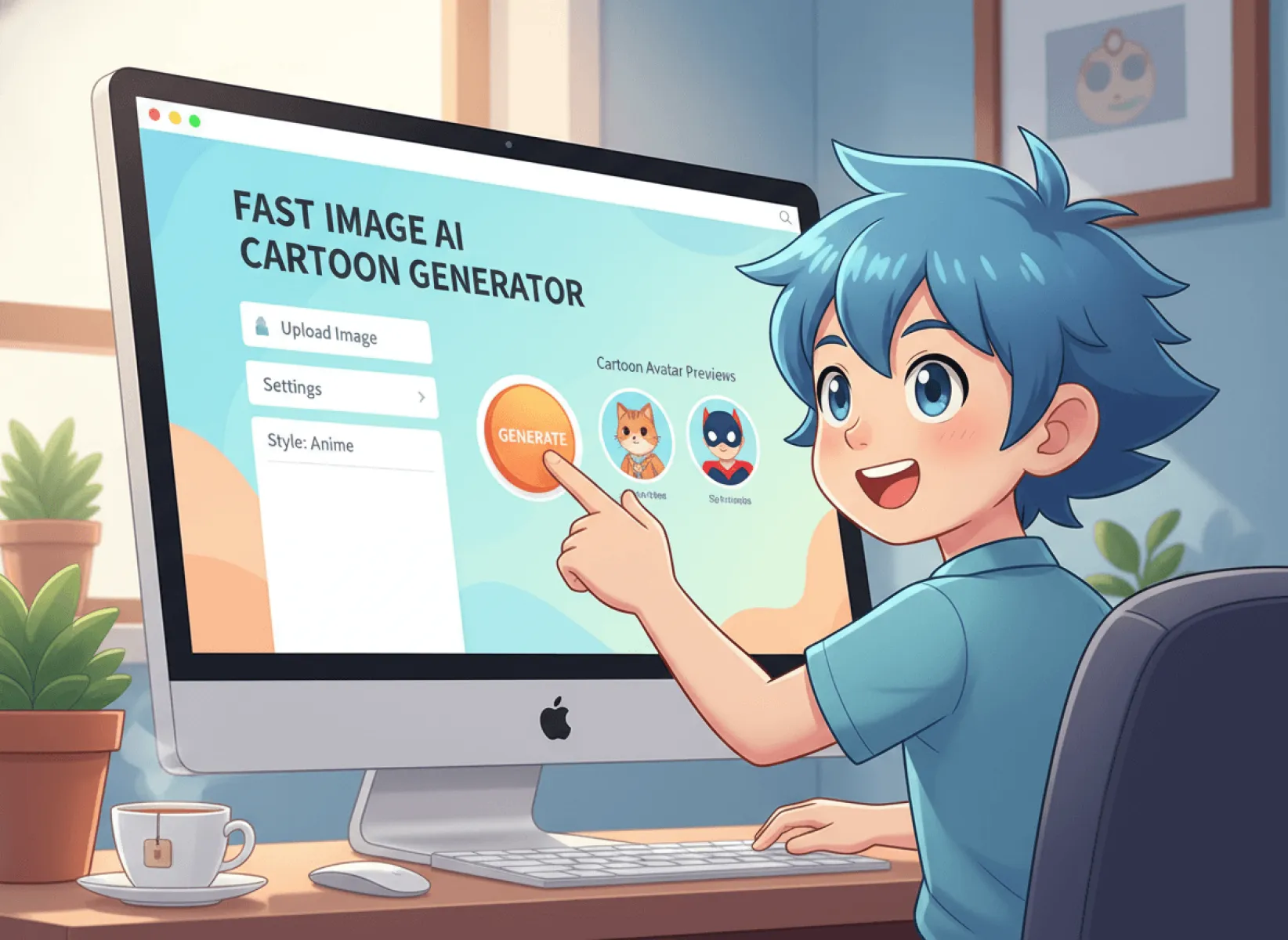
Advantage 3: Super Rich Styles, Multiple Styles to Choose From, Suitable for All Scenarios
The biggest headache for beginners in cartoon creation is "single style". Many similar tools only have a few basic cartoon styles, which cannot meet the needs of different scenarios. However, Fast Image AI's AI Cartoon Generator has built-in a variety of cartoon styles, covering all popular styles on the market. Whether it is the lovely style, minimalist style, anime style loved by beginners, or the 3D cartoon style and Studio Ghibli style required for professional needs, you can easily find them and switch with one click, without manually adjusting complex parameters.
More intimately, Fast Image AI also supports "custom styles" - if the built-in styles cannot meet your needs, you can enter text to describe the style you want (such as "gentle and healing Japanese cartoon style, soft lines, elegant colors, with a slight blur"), and AI can accurately match and generate works that meet your expectations.
Advantage 4: High-Definition Image Output, Support 4K Download, No Watermark and No Compression
Many beginners will encounter a problem when using AI cartoon generators: the generated works have blurred image quality, jagged edges and noise when enlarged, and are accompanied by tool watermarks, which cannot be used for printing, commercial display and other scenarios, and can only be used for self-amusement on Moments, greatly reducing practicality.
Fast Image AI's AI Cartoon Generator completely solves this pain point - it adopts high-definition rendering technology, the default image quality of the generated cartoon works is 1080P, supporting 4K high-definition download. It is still clear and delicate when enlarged, without any jagged edges and noise, and has extremely high detail restoration. Whether it is the hair strands and expressions of characters, or the textures and colors of the background, they can be accurately presented.
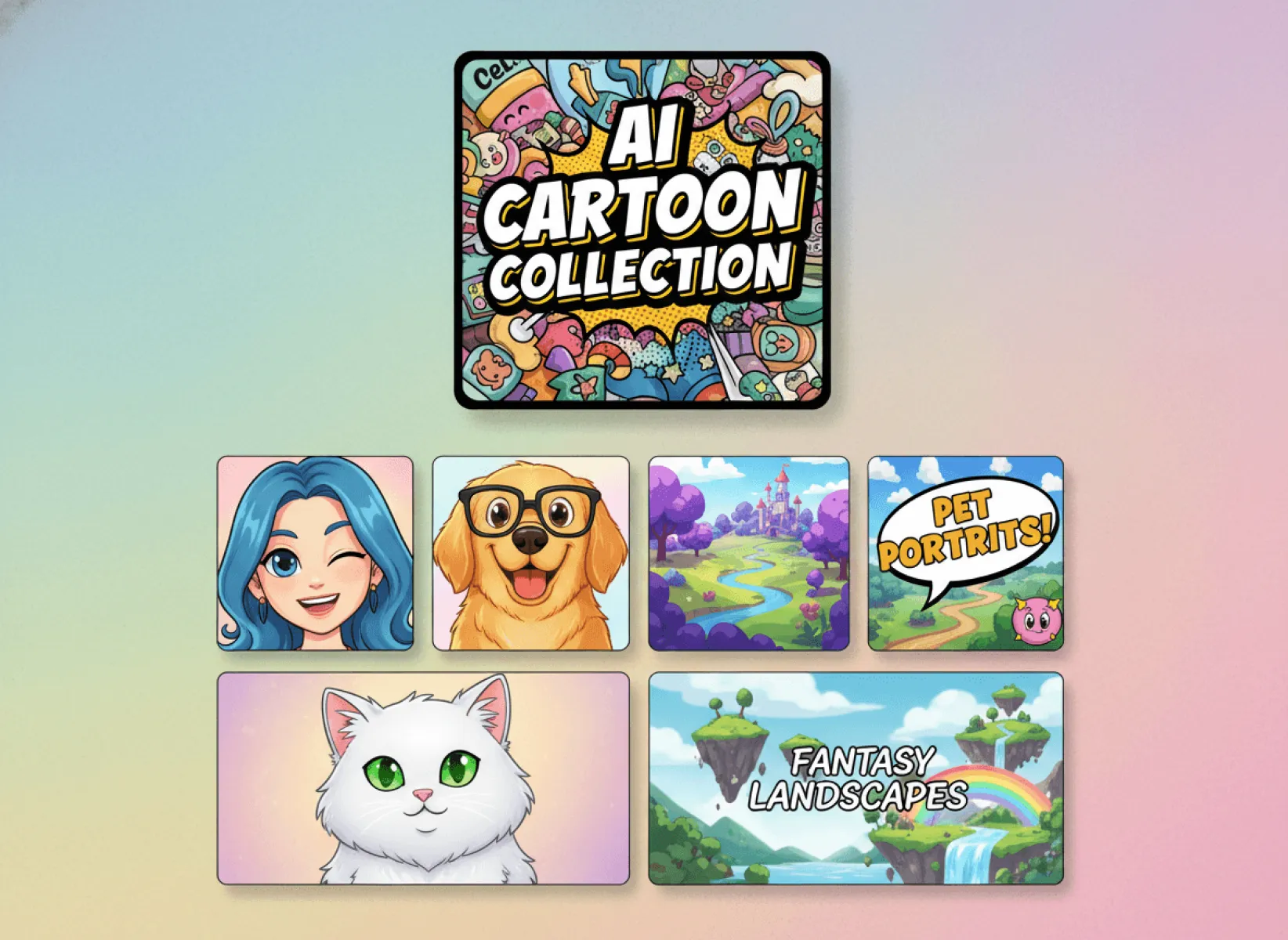
Advantage 5: Photo to Cartoon + Text to Cartoon, Flexibly Adapt to Needs
Beginners have two common needs in cartoon creation: one is to "convert their own photos, pet photos, and travel photos into cartoon styles", such as making selfies into cartoon avatars and pet photos into cartoon emojis; the other is to "generate new cartoon images according to their own imagination", such as generating a cartoon girl or a cartoon animal for illustrations, covers and other scenarios.
Many AI cartoon generators on the market only support photo to cartoon or text to cartoon, which cannot meet the two needs of beginners at the same time and are inconvenient to use. However, Fast Image AI's AI Cartoon Generator supports dual modes of "photo to cartoon" and "text to cartoon", flexibly adapting to all creation needs of beginners, completing cartoon creation in one stop without switching tools.
Advantage 6: Free to Use + Copyright Protection, No Pressure for Beginners
For beginners, "free to use" and "copyright protection" are the top priorities - many similar tools seem free, but in fact, they can only generate low-quality works with watermarks. To download high-definition works without watermarks, you need to recharge for a membership, which is expensive; some other tools do not have copyright protection, and the generated works may involve infringement, so beginners may face legal risks when using them.
Fast Image AI's AI Cartoon Generator truly achieves "free and easy to use + copyright protection": beginners can use all core functions for free, generate cartoon works for free, and download high-definition works without watermarks for free, without recharging for membership and no hidden consumption, allowing beginners to get started without pressure and create with confidence.
III. Core Tips: Master Fast Image AI Cartoon Generator in 5 Minutes, Zero Failure for Beginners
After understanding the core advantages of Fast Image AI's AI Cartoon Generator, the next is the most critical part - how can beginners quickly master this tool in 5 minutes and easily make high-quality cartoon works? In fact, the whole process only takes 5 steps, each step is simple and easy to understand, with zero failure and zero pitfalls, even if you use it for the first time, you can easily get it right.
Step 1: Open the Fast Image AI Official Website and Find the AI Cartoon Generator
Whether on a computer or mobile phone, open a browser, search for "Fast Image AI", click to enter the official website (https://fastimage.ai/ai-cartoon-generator), no registration or login required, directly enter the homepage.
The official website interface of Fast Image AI is very simple, without redundant advertisements. There is a clear function navigation bar at the top of the homepage. Beginners only need to find the "AI Cartoon Generator" option and click to enter, then they can enter the cartoon creation page - the whole operation is simple, no need to find hidden functions, and it can be completed within 1 minute.
Step 2: Select the Generation Mode, Upload Photos/Enter Text Descriptions
After entering the AI Cartoon Generator page, beginners will see two core areas: "Prompt Input Box" and "Upload Image Box", corresponding to "Text to Cartoon" and "Photo to Cartoon" respectively. You can choose the corresponding mode according to your own needs, and the operation of both modes is very simple.
Mode 1: Photo to Cartoon (Suitable for Beginners Who Want to Turn Existing Photos into Cartoons)
Click the "Upload Image" button, select a photo you want to convert from your computer or mobile phone album. It is recommended to choose a "clear, well-lit, and subject-specific" photo, so that the generated cartoon work will have a better effect - for example, selfies are recommended to be front-facing and well-lit, pet photos are recommended to clearly capture the facial features of pets, and landscape photos are recommended to have a complete composition and bright colors.
After uploading the photo, the system will automatically identify the subject in the photo, no manual adjustment required. Beginners only need to wait 1-2 seconds, and the photo will be uploaded successfully, entering the next step of operation.
Mode 2: Text to Cartoon (Suitable for Beginners Who Want to Generate New Cartoon Images)
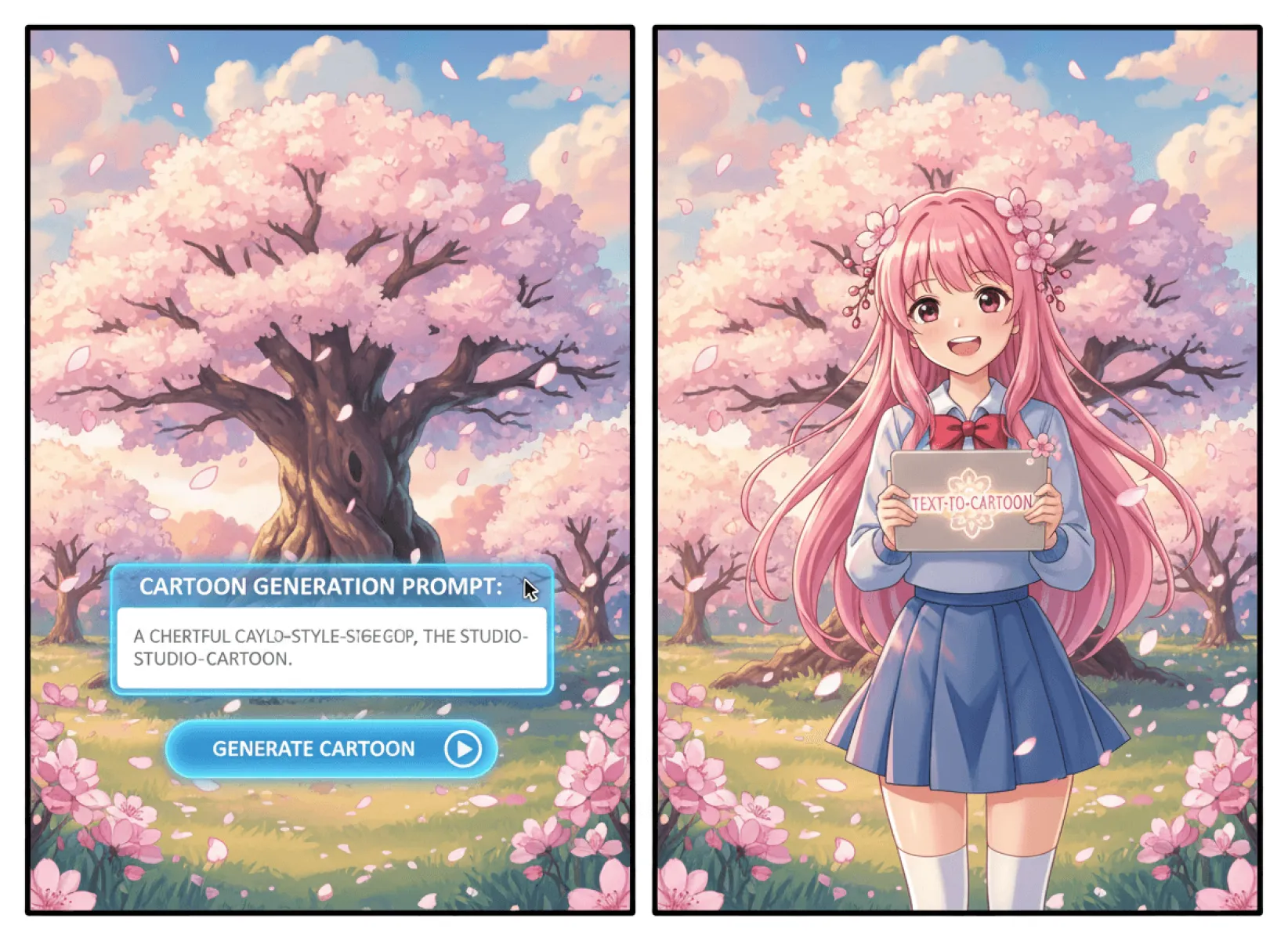
If you do not have existing photos and want to generate cartoon works according to your own imagination, choose the Text to Cartoon mode, click the "Text Description" input box, and enter detailed text descriptions. This is the key to generating high-quality cartoon works.
Note for beginners: The more detailed the text description, the more consistent the generated work will be with your expectations. It is recommended to include the 5 core elements of "subject, style, color, details, and actions", and avoid overly simple descriptions (for example, only writing "cartoon girl" may result in a work that does not meet your expectations; while writing "a cartoon girl about 10 years old, with double ponytails, wearing a pink dress, smiling, with a pink cherry blossom tree in the background, lovely style, soft lines, and bright colors" will generate a more accurate work).
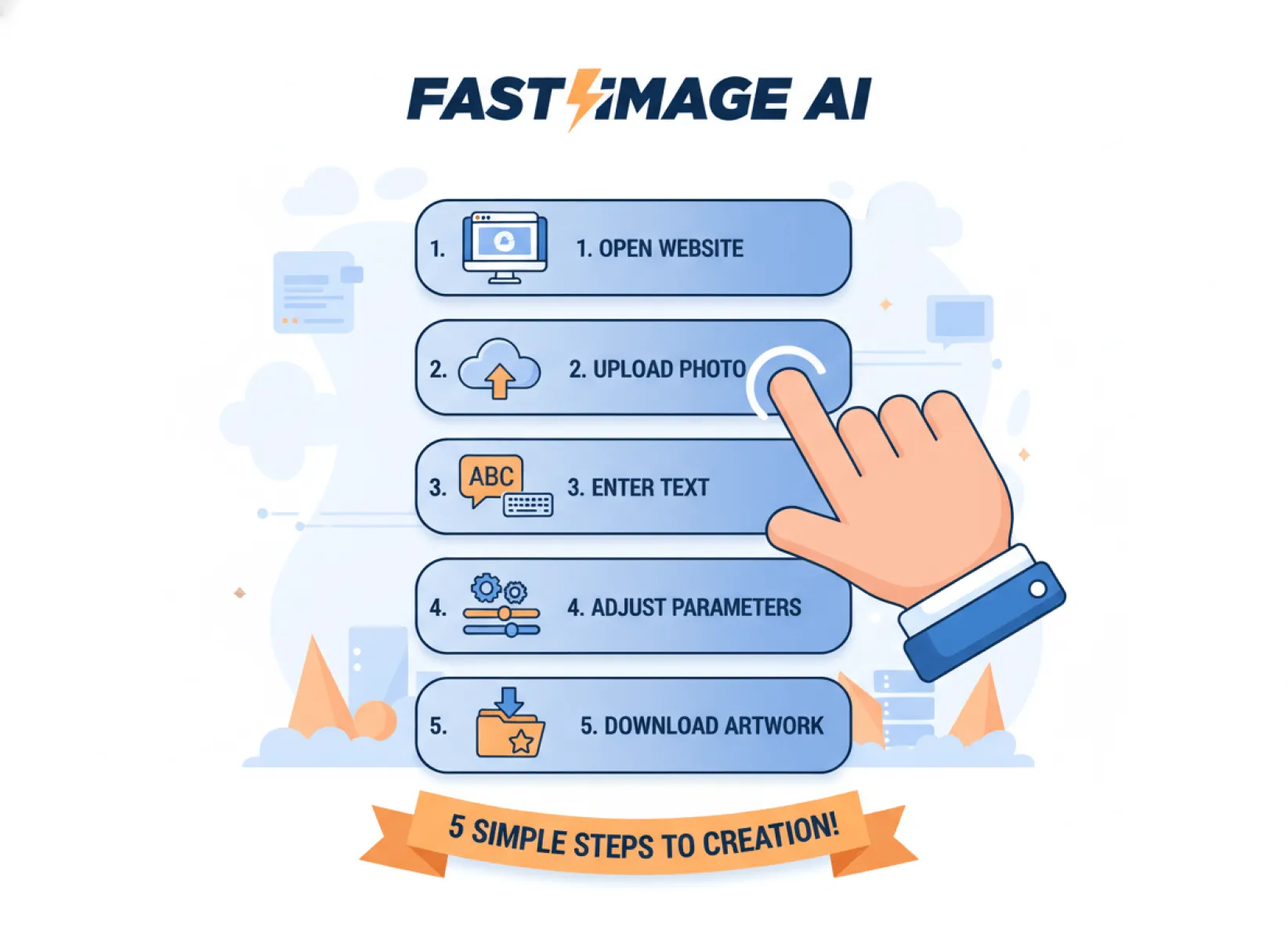
Step 3: Adjust Generation Parameters, Set Image Ratio and Resolution
After uploading photos/entering text descriptions, it is time to adjust the generation parameters - this step is the key to making your cartoon works suitable for different scenarios and more distinctive, and it is also the most intimate part of Fast Image AI. Beginners do not need to manually adjust complex parameters, just select with one click.
On the right side of the "AI Cartoon Generator", there is an adjust parameter button. Beginners can choose the corresponding image ratio according to their own needs, such as 1:1, 2:3, 3:2, etc.
After fine-tuning the parameters, click the "Generate" button to enter the next step, which takes no more than 1 minute.
Step 4: Wait for Generation and Preview the Work
After clicking the "Generate" button, Fast Image AI's AI engine will work quickly. Works of ordinary styles are generated in seconds, and works of complex styles only take 10-30 seconds. Beginners do not need to wait too long. During this period, they can rest a little or browse the excellent works on the page to find creative inspiration.
After the work is generated, it will be automatically displayed in the center of the page. Beginners can click the work to zoom in and preview the details, checking whether the image quality, style, and details of the work meet their expectations - for example, checking whether the expressions and hair strands of the characters are clear, whether the colors are uniform, and whether the style matches their needs.
Step 5: Download the Work and Use It Flexibly
After previewing, find the cartoon work you like, click the "Download" button below the work, then you can select the download quality (default 1080P, support 4K high-definition download), click "Confirm Download", and the work will be automatically saved to your computer or mobile phone album, which takes no more than 1 minute.
After downloading, beginners can freely use this cartoon work - for example, set it as a mobile phone wallpaper, WeChat avatar, use it to make emojis, self-media covers, or even print it into photos and make peripheral products, with full practicality.
So far, the entire cartoon creation process is completed, which takes no more than 5 minutes, with zero threshold and zero failure. Even beginners who do not understand design at all can easily make high-quality cartoon works.
IV. Advanced Tips for Beginners: 2 Small Details to Make Your Cartoon Works More Amazing
After mastering the basic process of getting started in 5 minutes, beginners only need to pay attention to 2 small details to make their cartoon works more distinctive and amazing, easily surpassing the works of most beginners, and being more attractive whether for personal display or commercial applications.
Tip 1: For Photo to Cartoon, Choosing the Right Photo is the Key
Many beginners have poor results when using the Photo to Cartoon mode. It is not the problem of the tool, but not choosing the right photo. To make the effect of Photo to Cartoon more amazing, beginners must choose "clear, well-lit, subject-specific, and simple background" photos, and avoid the following 3 types of photos:
1. Blurry and dark photos: AI cannot accurately identify the subject features of such photos. The generated cartoon works will be blurred, with lost details, and even facial distortion;
2. Photos with too many subjects and cluttered backgrounds: For example, group photos of multiple people and photos with a lot of clutter in the background. AI cannot accurately distinguish the subject from the background, and the generated works will appear cluttered and lack focus;
3. Photos of side faces, back faces, or too many occlusions: For example, photos with a large side face angle, hair covering the face, or wearing a mask. AI cannot identify the complete facial features, and the generated cartoon avatars will lack recognition and have poor effects.
It is recommended that beginners prefer "front-facing, well-lit, and simple background" single-person photos, pet photos, or landscape photos, such as selfies with a solid color background, clear front-facing pet photos, and travel photos with a simple composition. The cartoon works generated in this way will have clearer details, better texture, and higher recognition.
Tip 2: For Text to Cartoon, the More Detailed the Description, the More Accurate the Effect
The core of the Text to Cartoon mode is "text description". To generate cartoon works that meet their expectations, beginners must avoid overly simple descriptions, and try to describe the 6 elements of "subject, style, color, details, actions, and background" in detail. They can even add some descriptions of emotions and atmosphere to make AI understand their needs more accurately.
Here are two comparison cases for beginners to help you better understand:
Negative case (overly simple description): "Cartoon boy" - the generated work may be a cartoon boy of any style and any action, which is likely to not meet expectations;
Positive case (detailed description): "A cartoon boy about 8 years old, with short hair, wearing a blue sports suit, carrying a schoolbag, smiling, running, with a green playground in the background, sunny, lovely style, soft lines, bright colors, rich details, and vivid eyes" - the generated work will accurately match all descriptions, with in-place details and unified style, and the effect is far better than simple descriptions.
V. Summary: For Beginners to Learn AI Cartoon Generation, Choose the Right Tool + Master Skills, and You Can Get Started in 5 Minutes
By now, I believe all beginners have understood: AI cartoon generator is not a complex tool. As long as you choose the right tool and master simple skills, even if you do not understand design at all and have no hand-drawing foundation, you can easily make high-quality cartoon works in 5 minutes.
What are you waiting for? Now open your browser, search for "Fast Image AI", enter the official website, find the AI Cartoon Generator, and follow the tips shared in this article to try creating your first cartoon work! Trust me, you will be amazed by its convenience and power, and from then on, you will fall in love with cartoon creation and light up your life and improve yourself with creativity.
Finally, I wish all beginners can unlock more creative possibilities with Fast Image AI's AI Cartoon Generator, make more beautiful and practical cartoon works, and gain a lot on the road of cartoon creation, whether for self-amusement or pursuing longer-term development!