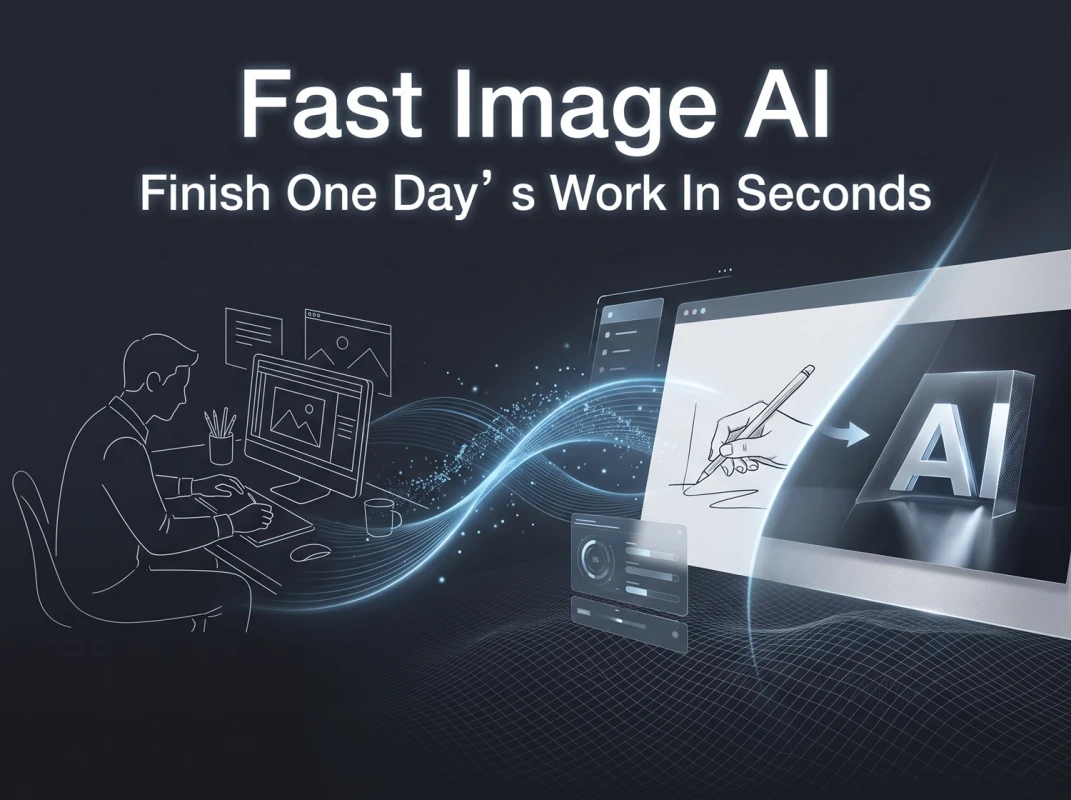
Fast Image AI - Sketch to Realistic Images with Multiple Design Outputs
Many creative professionals and hand-drawing enthusiasts share the same pain point: after fully visualizing a scene and drawing clean line art, they often hit a roadblock during detailed rendering. Producing natural lighting and intricate textures either requires spending countless hours mastering professional illustration software or repeatedly tweaking visuals—yet the final results still fail to meet expectations. Under traditional workflows, a single line drawing yields only one visual outcome. To prepare multiple alternative proposals, designers must redraw artwork manually and re-render repeatedly, a cumbersome, time-consuming process that sidelines countless brilliant creative concepts.
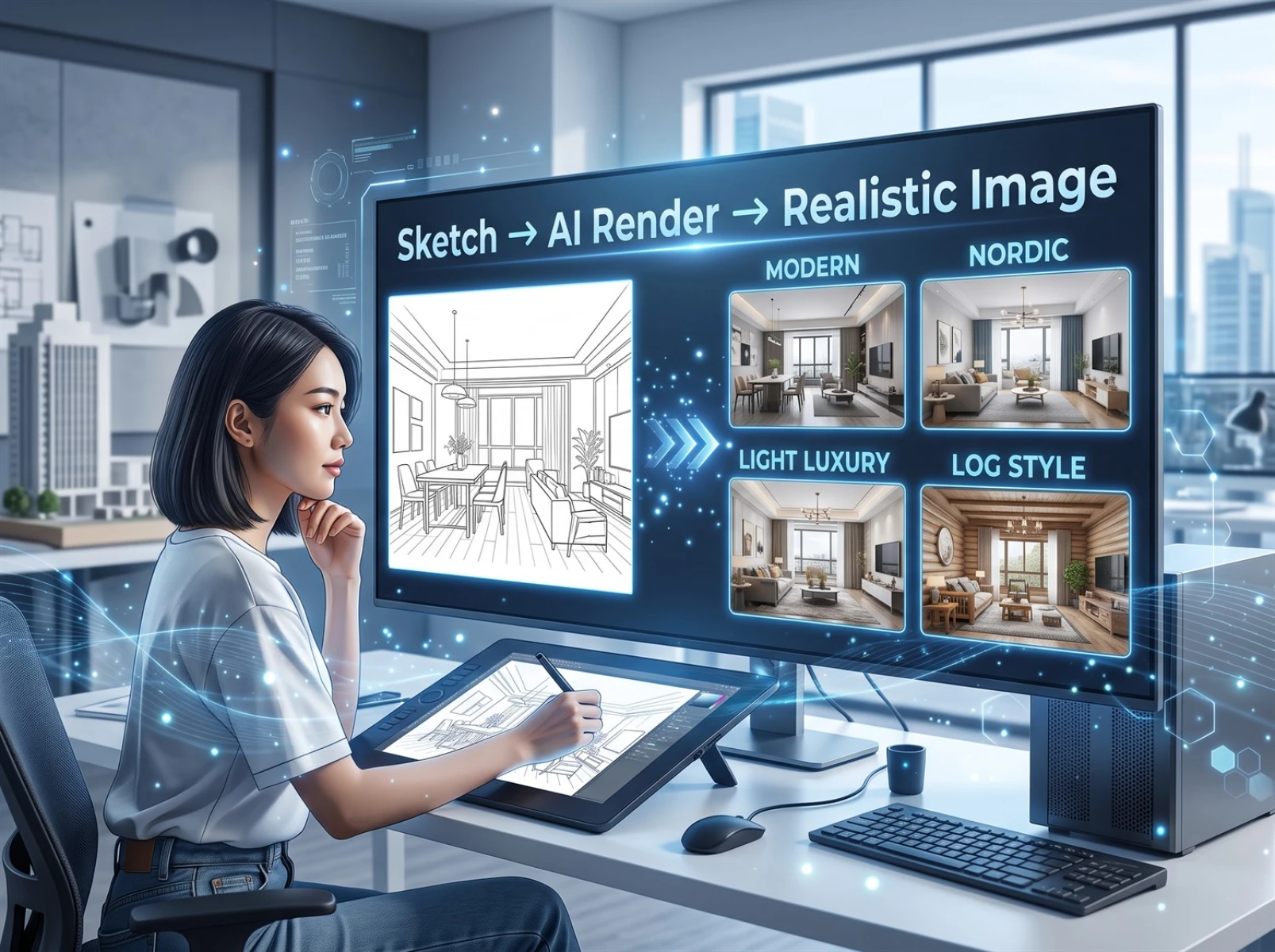
I. Core Value of AI Sketch-to-Photorealistic Image Technology in 2026
According to industry research from Adobe Creative Trends 2026, over 72% of designers use AI auxiliary tools during the sketch phase, and 87% of industry practitioners confirm that AI effectively shortens project delivery cycles and improves client approval rates for design proposals.
Within traditional creative pipelines, full line art for interior, product, and architectural design requires manual texture matching, lighting adjustments, and detail refinement via Photoshop or 3ds Max. Rendering a single complete rendering takes an average of 2 to 5 hours, while complex panoramic scenes can take half a day. In contrast, lightweight AI sketch generation and rendering tools cut the entire conversion process down to under 10 seconds, delivering dramatic efficiency gains—this is the primary reason AI illustration tools have gained rapid adoption across the design industry.
Today, countless professional creators leverage AI image tools to batch-generate differentiated design schemes from a single sketch. This not only enriches proposal portfolios but also accelerates client sign-off timelines. Sketch-to-photorealistic image technology has become a universal high-efficiency auxiliary tool for designers, architects, e-commerce graphic designers, and content creators alike.
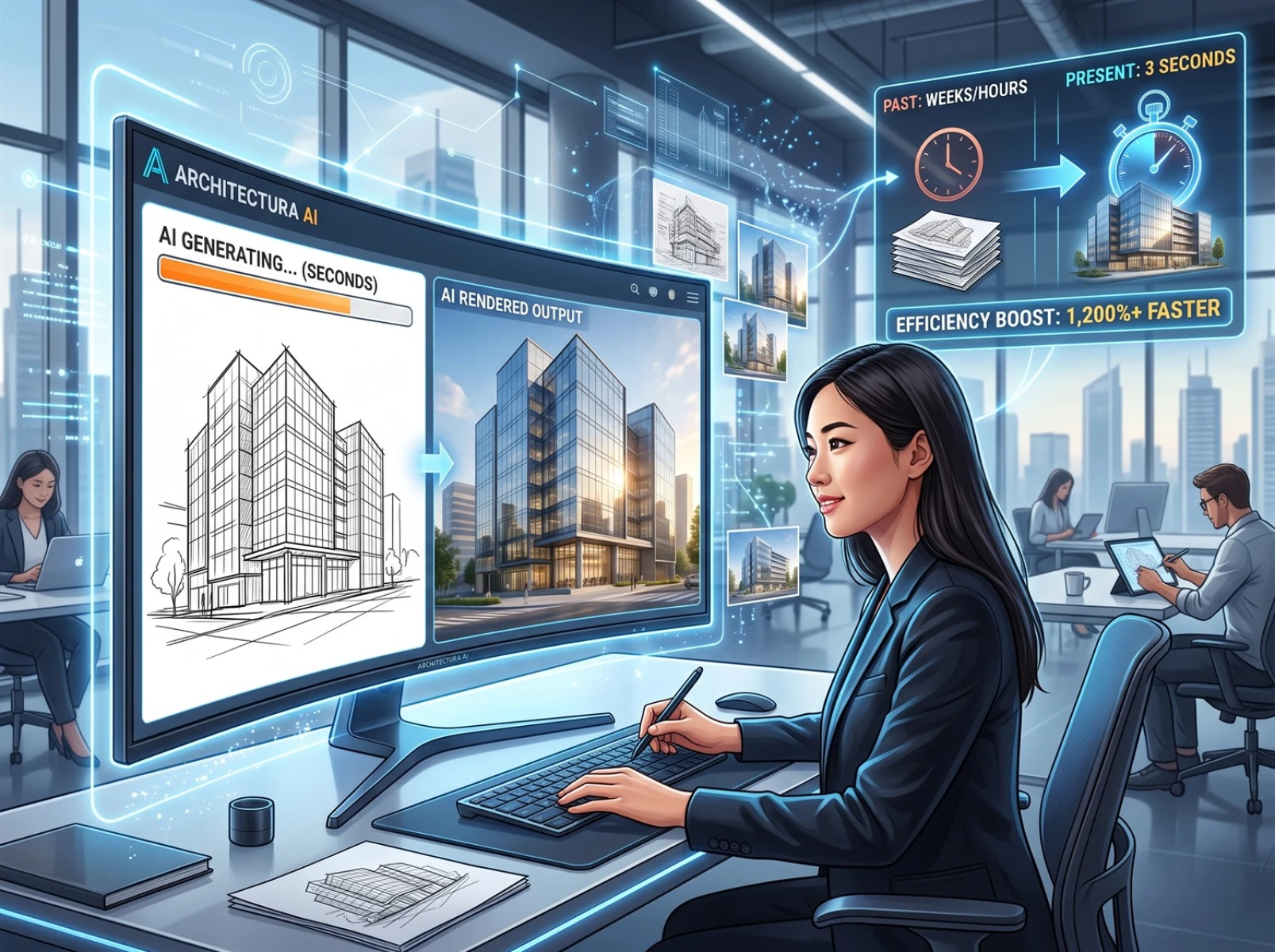
II. Common Pain Points of Traditional Tools and Generic AI Sketch Rendering Software
Most creators struggle not with sketching itself, but with balancing rendering efficiency and final visual quality. Three core pain points plague existing solutions:
1. Most generic AI drawing tools only support text-to-image generation and lack robust structural recognition for hand-drawn linework. When generating images, they frequently alter the original composition and distort object proportions, creating major discrepancies from the designer’s original creative vision—making them unsuitable for formal workflows such as architectural rendering and commercial design bidding.
2. Traditional rendering requires manual parameter tuning, texture alignment, and lighting calibration. Creating multiple stylistic variants demands rebuilding entire scenes and re-running renders from scratch. Producing just four stylistic renderings for one interior layout takes a minimum of 3 hours, and finishing a full set can consume an entire workday.
3. Free sketch tools typically output low-resolution visuals with mandatory watermarks. Generated imagery features flat lighting and blurry texture details, suitable only for temporary reference rather than direct commercial use. Additional post-production retouching is required, completely negating the efficiency benefits of AI tools.
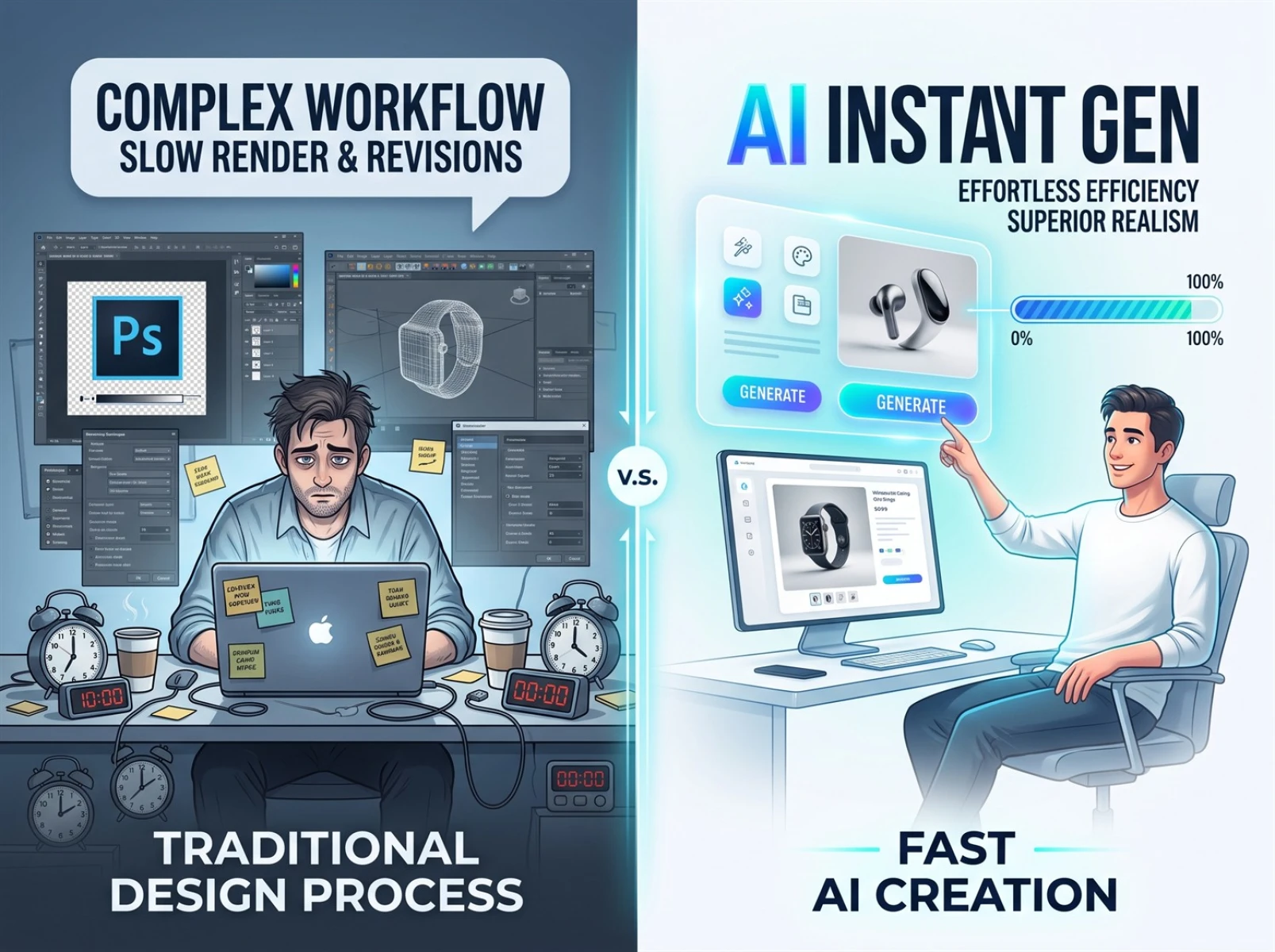
III. Core Advantages of Fast Image AI Sketch Rendering
Comparative testing across multiple scenarios verifies that Fast Image AI directly addresses the drawbacks of traditional software and generic AI tools, drastically boosting creators’ rendering speed and output quality.
1. Faithfully Preserves the Original Sketch Structure
Many mainstream AI tools arbitrarily modify sketch layouts and resize objects, ruining the designer’s original creative intent. Fast Image AI locks the line art framework; it only swaps textures, adjusts lighting, and refines overall atmosphere to preserve the creator’s original vision to the greatest extent—ideal for all formal commercial proposal workflows.
2. One-Click Generation of Multiple Design Schemes from a Single Line Drawing
Upload just one base sketch to instantly generate four or more renderings with distinct artistic styles. No redrawing, scene rebuilding, or model readjustment is necessary. This expands proposal options and eliminates redundant revision and re-rendering labor.
3. Ultra-Fast Rendering with Over 80% Higher Overall Creative Efficiency
Traditional manual rendering takes 2–5 hours per rendering, while Fast Image AI completes high-definition photorealistic rendering in only 7 to 10 seconds. This drastically shortens design iteration cycles and delivers measurable productivity improvements for design teams.
4. 4K High-Definition Output Meeting Standard Commercial Requirements
Images generated by the tool follow real-world lighting logic, with naturally reproduced texture details and fully intact fine features. Finished visuals can be deployed directly for e-commerce displays, design bidding, promotional material production, and other commercial use cases, eliminating the need for extensive secondary retouching in most scenarios.
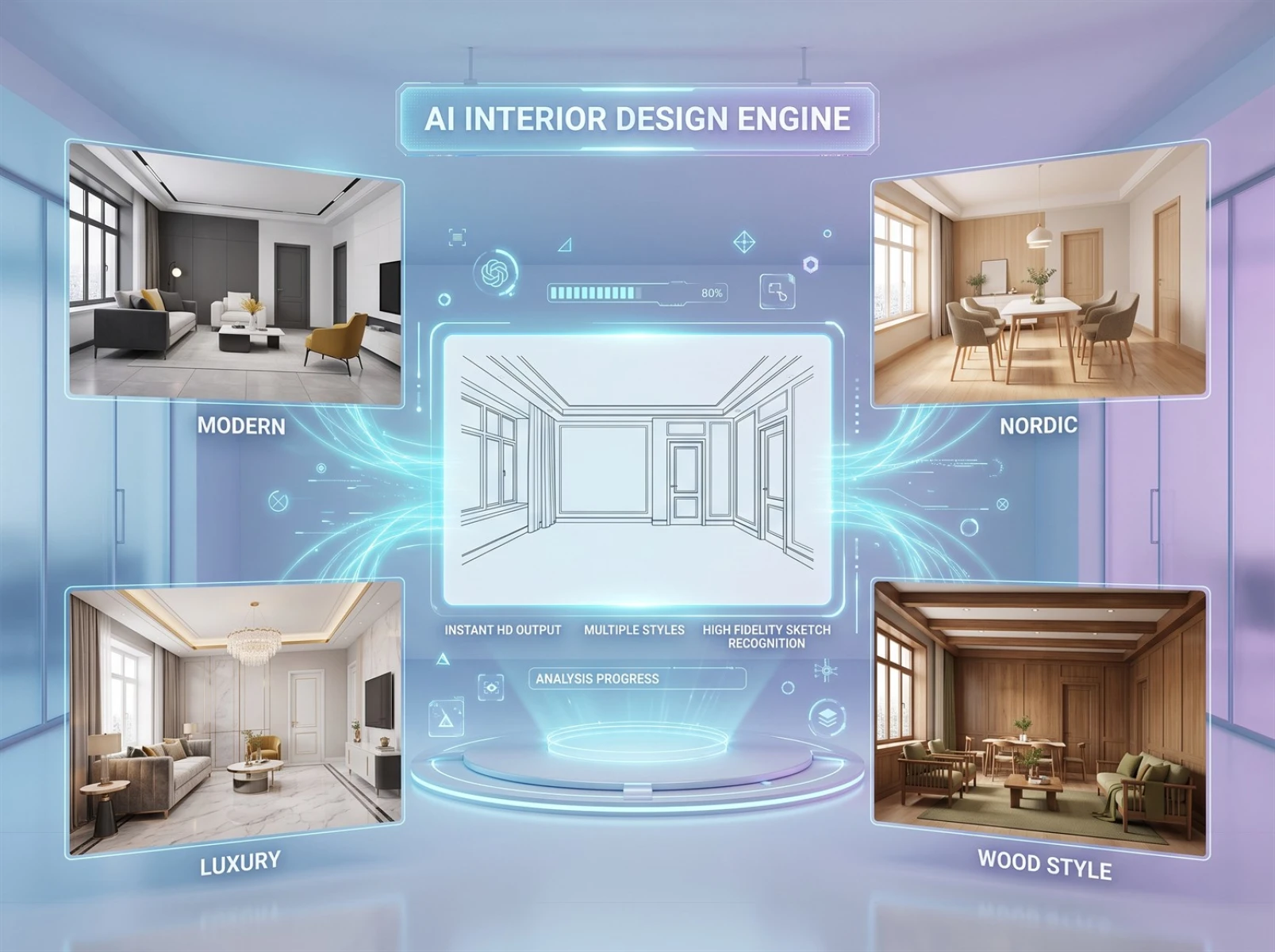
IV. Applicable Scenarios for Fast Image AI Sketch-to-Photorealistic Image Conversion
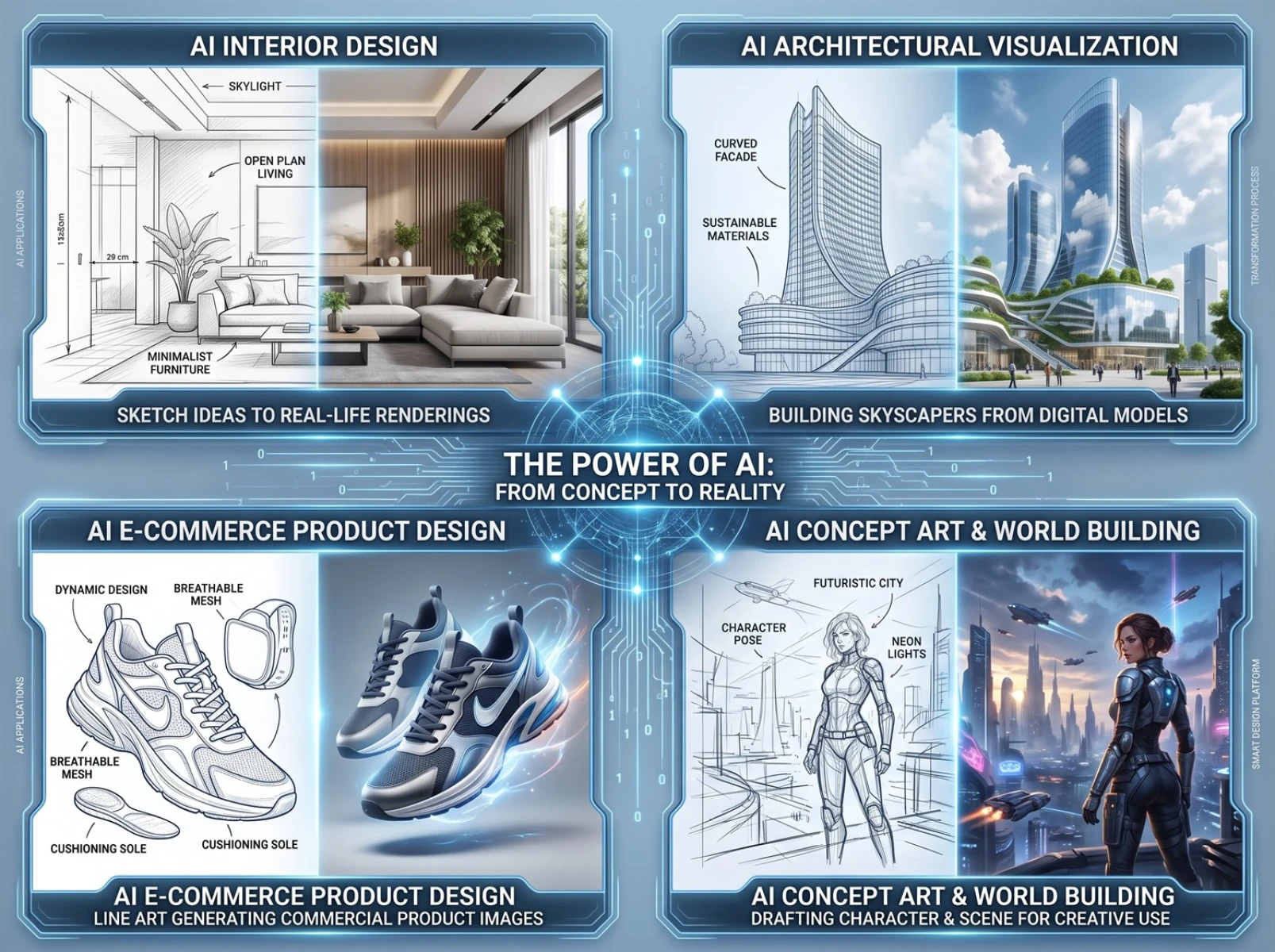
The sketch photorealism conversion function covers both commercial and personal creation use cases, catering to visual content production demands across numerous industries.
1. Interior & Architectural Design
Designers can convert hand-drawn floor plans and architectural line art into photorealistic renderings. Using the AI sketch conversion feature, multiple stylistic comparison versions can be shared with clients at the early proposal stage, shortening project confirmation timelines and cutting communication costs.
2. E-Commerce Product Design
Operations specialists and graphic designers can quickly generate photorealistic product shots from simple product line art, replacing costly on-location photoshoots and complex 3D modeling rendering to rapidly produce hero product images and detail showcase assets.
3. Concept Art & Illustration Creation
Hand-drawn concept drafts are instantly transformed into atmospheric photorealistic illustrations for game concept art, scene key visuals, social media graphics, short-video cover art, and other visual asset production.
4. Personal Creation & Student Assignments
Design hobbyists and design students can convert hand-drawn sketches into polished photorealistic visuals for daily creative work, course presentations, and personal portfolio development.
V. Real-World Commercial Case: Practical Implementation for Interior Design Projects
To intuitively demonstrate the commercial value of line art-to-photorealistic image conversion, this section recreates the full proposal workflow of a residential interior designer, aligned with real client demands and industry delivery standards to test the tool’s performance in interior and architectural rendering use cases.
This designer specializes in small-apartment residential renovation and faces prominent daily workflow pain points: hand-drawing line art is fast, yet rendering multi-style renderings is extremely time-consuming. Traditional rendering of a single rendering takes at least 3 hours, and last-minute client style changes often risk missed project delivery deadlines.
For this test, a standard hand-drawn small-apartment line art was used, featuring only outlined walls, doors, windows, and furniture without any texture or lighting edits. After uploading the base sketch and selecting a modern interior aesthetic, four differentiated photorealistic design schemes were generated in just 8 seconds—covering four mainstream home renovation styles: modern, light luxury, log, and Nordic. The tool enables rapid conversion from simple sketches to commercial-grade photorealistic renderings.
Creating the same four stylistic renderings via traditional methods requires 8–10 hours, whereas Fast Image AI completes the task in mere seconds, saving designers a minimum of 3 working hours per project. Long-term use improves proposal approval rates and accelerates overall project delivery timelines.

VI. Tool Limitations & Practical Usage Precautions
Alongside its practical advantages verified in cross-scenario testing, this section objectively documents Fast Image AI’s current functional limitations and drawbacks to help professional creators and general users avoid potential issues in advance, ensuring a balanced, neutral evaluation perspective.
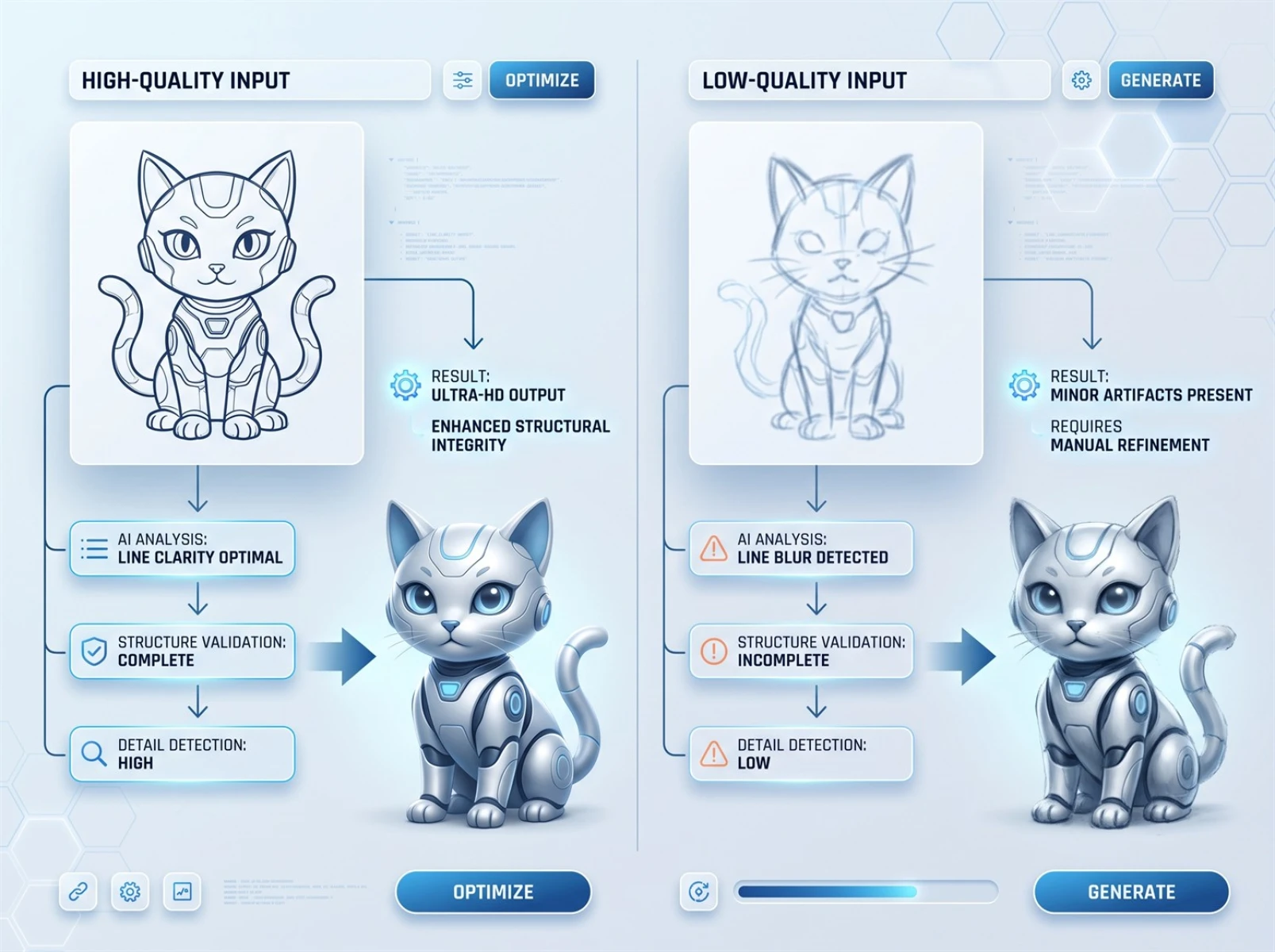
1. Render output stability depends on line art completeness
Clean, neatly composed, structurally complete base sketches consistently produce visuals that meet commercial standards across nearly all test samples. Sloppy, incomplete, or blurry line art may result in missing local details and disjointed texture transitions in generated images. This issue is easily resolved by refining the base sketch and re-generating, a common limitation shared by nearly all current AI rendering tools.
2. Minor visual fluctuations for highly complex scene rendering
Single-run generation of multi-story large architecture or detail-dense panoramic sketches may feature unbalanced local details and subtle lighting misalignment—a widespread challenge across the AI visual rendering industry. Re-running generation optimizes visual details without disrupting core functionality.
3. Limited compatibility with highly abstract creative sketches
AI struggles to fully capture the creator’s subjective vision from unstructured, purely conceptual, or vague abstract sketches, leading to highly random output results that rarely align precisely with creative intent. For such drafts, simplify the composition and clarify core subject outlines before running AI rendering conversion.
Overall, all limitations listed above are universal industry-wide issues that do not interfere with core use cases including regular commercial design and iterative personal creative work. Drawing clean, well-defined line art as standard largely mitigates minor flaws, enabling stable production of high-quality photorealistic renderings.
VII. Frequently Asked Questions (FAQ)
1. Can AI convert hand-drawn sketches into photorealistic images?
Yes. Fast Image AI integrates specialized sketch structural recognition technology. As a mature AI sketch generation tool, it accurately identifies proportions, composition, and perspective logic within hand-drawn linework, recreating natural lighting and intricate textures to efficiently transform sketches into photorealistic visuals.
2. What types of sketches are compatible with this tool?
The platform supports most line-based drafts, including interior floor plans, architectural line art, product outlines, hand-drawn game concept art, and scene sketches. Clean, fully composed line art delivers more accurate photorealistic conversion with superior texture quality.
3. Are images generated by the tool eligible for commercial use?
Yes, commercial use is fully permitted. All 4K high-definition output images can be legally used for design proposals, e-commerce displays, poster creation, project bidding, social media content, and other formal commercial scenarios. Finished visuals carry no mandatory watermarks and require minimal post-production retouching for most applications.
4. Can complete beginners operate the tool proficiently?
Absolutely. The tool features an intuitive workflow with no requirement for modeling expertise, professional rendering skills, color grading knowledge, or complex parameter tuning. Users only need to upload line art, select target artistic styles, and wait a few seconds to receive multiple polished renderings with professional-grade visual quality—fully accessible even for absolute beginners.
VIII. Conclusion
Creativity stems from inspiration and should never be constrained by cumbersome workflows and inefficient processes. Cross-scenario testing clearly demonstrates that Fast Image AI’s sketch-to-image conversion function delivers powerful practicality, free of redundant decorative auxiliary features. It directly addresses widespread industry pain points including slow sketch realization, limited alternative design options, laggy rendering speeds, and subpar visual output quality. Whether for iterative commercial design proposals or daily personal creative work, users can leverage its four core strengths—streamlined operation, ultra-fast rendering, multi-style generation, and high-definition visuals—to simplify creative workflows and elevate finished artwork quality. If you have long struggled with the inefficiencies of traditional design pipelines, test the tool firsthand to let AI empower creative realization and boost your work productivity.