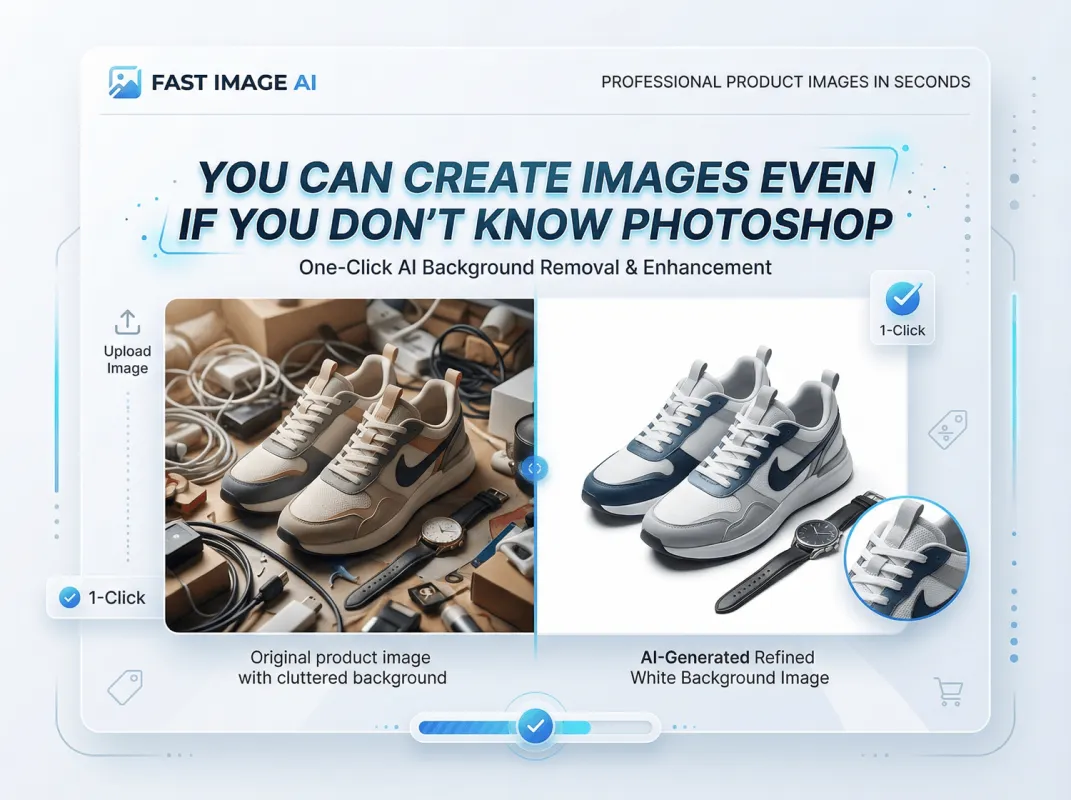
How to Quickly Generate a Professional Headshot with Fast Image AI - A Complete Step-by-Step Practical Guide
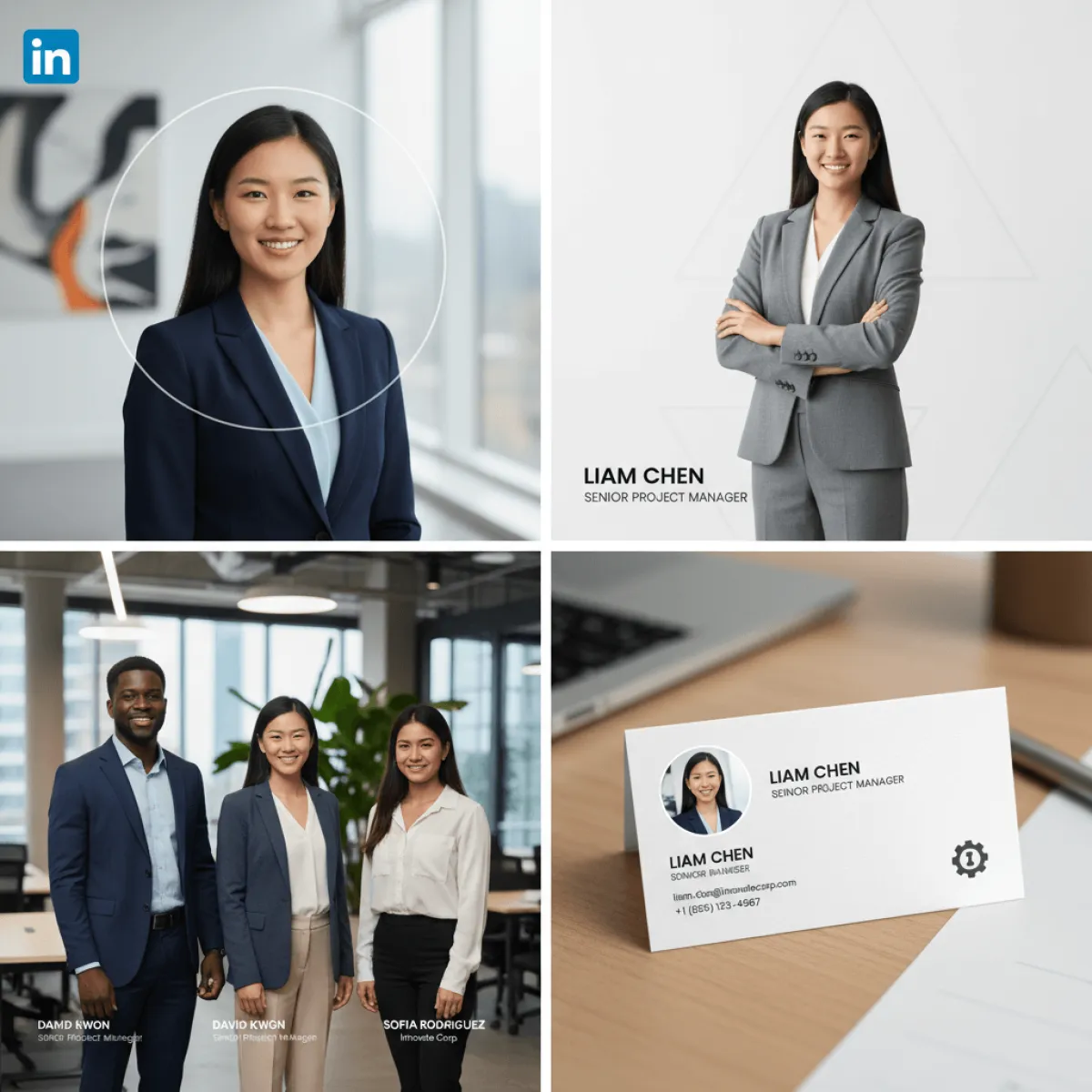
In today’s digital workplace era, a high-quality professional headshot has long surpassed the role of a simple “personal identifier” and become the first visual business card for resume submissions, LinkedIn networking, company websites, and business cards. It not only conveys professionalism but also builds trust and goodwill within milliseconds. However, traditional studio photography is time-consuming and expensive, ordinary photo-editing tools struggle to achieve a truly professional look, and selfies often lack formality. All these pain points are effectively solved by the Fast Image AI professional headshot generator.
As an online AI image generator focused on speed, accessibility, and professionalism, Fast Image AI leverages an advanced AI rendering engine and an ultra-simple workflow. With just one everyday photo—no photography skills, no software downloads—anyone can generate studio-quality professional headshots within seconds. This guide breaks down the entire process from preparation to optimization, helping professionals, entrepreneurs, and team managers efficiently upgrade their personal and brand image while uncovering Fast Image AI’s hidden advantages.
I. Why Choose Fast Image AI? Breaking the Boundaries of Traditional Professional Headshot Creation
Among the many AI headshot tools available today, Fast Image AI stands out by precisely addressing user needs through four core advantages, perfectly suited for both individuals and teams.
1. Ultra-fast Generation + Zero Learning Curve, Maximum Efficiency
Traditional studio photography requires appointments, outfit changes, on-site sessions, and days of waiting. Fast Image AI completely overturns this process—upload a photo and receive results in seconds. No downloads required, no learning cost. Even first-time users can complete the entire workflow in under one minute.
2. Realistic Image Quality + Diverse Styles for All Scenarios
Fast Image AI is powered by three core generation models:
- Nano Banana Model ensures facial consistency and accurate detail reproduction, avoiding the “fake AI face” problem.
- Nano Banana Pro Model supports 4K ultra-HD output, comparable to professional studio photography and suitable for printing business cards or employee badges.
- GPT Image 1 Style Transfer Model delivers refined textures and precise aesthetics, whether minimalist business, classic professional, or approachable corporate styles.
Generated headshots seamlessly adapt to resumes, LinkedIn profiles, company team pages, email signatures, and social media.
3. Free Core Features + Flexible Paid Options, Exceptional Value
Unlike many AI headshot tools that charge high fees, Fast Image AI offers completely free core functionality—no credit card, no registration required. Simply upload a photo and download your professional headshot. For users demanding premium quality, paid options unlock more advanced models for studio-grade realism, catering to different budgets and needs.
4. Privacy-first Design + Commercial-use Safety
Privacy is a top concern when uploading personal photos. Fast Image AI follows a strict privacy-first policy: uploaded images are used only for generation and handled under clear data-retention rules. All generated headshots are safe for commercial use, eliminating copyright concerns for personal, corporate, or marketing purposes.
II. Complete Practical Workflow: Generate a Professional Headshot in 3 Minutes
The Fast Image AI workflow consists of three stages: preparation – core generation – post-optimization. Mastering these details dramatically improves results.
Stage One: Preparation – Choosing the Right Photo Determines 80% of the Result
AI headshot generation relies heavily on the original photo. Follow these guidelines:
1. Photo Requirements
Choose a front-facing, unobstructed photo with even lighting. Facial features should be clear, with a natural or neutral expression. Recommended resolution is at least 1080p. JPG or PNG formats are supported. Avoid blurry images, side profiles, backlighting, harsh lighting, or heavy beauty filters, as these reduce facial recognition accuracy.
2. Shooting Environment & Outfit Suggestions
Use a clean, simple background such as a plain wall or window-lit area.Formal roles: solid-color shirts or suits,Creative industries: neat casual wear,There’s no need for perfect formal attire—AI automatically enhances clothing texture and background atmosphere.
3. Common Pitfalls to Avoid
Avoid selfies (lens distortion), face coverings (masks, hats, sunglasses), group photos, and strong filters. If needed, take a quick photo near a window with soft natural light, shoulders level, and relaxed posture.
Stage Two: Core Operation – 3 Steps to a Professional Headshot
After preparation, visit the Fast Image AI website: https://fastimage.ai/ai-headshot-generator,No registration required.
Step 1: Upload Your Photo
Click “AI Professional Headshot Generator”, then drag and drop or select your photo. Uploading and analysis are completed instantly.
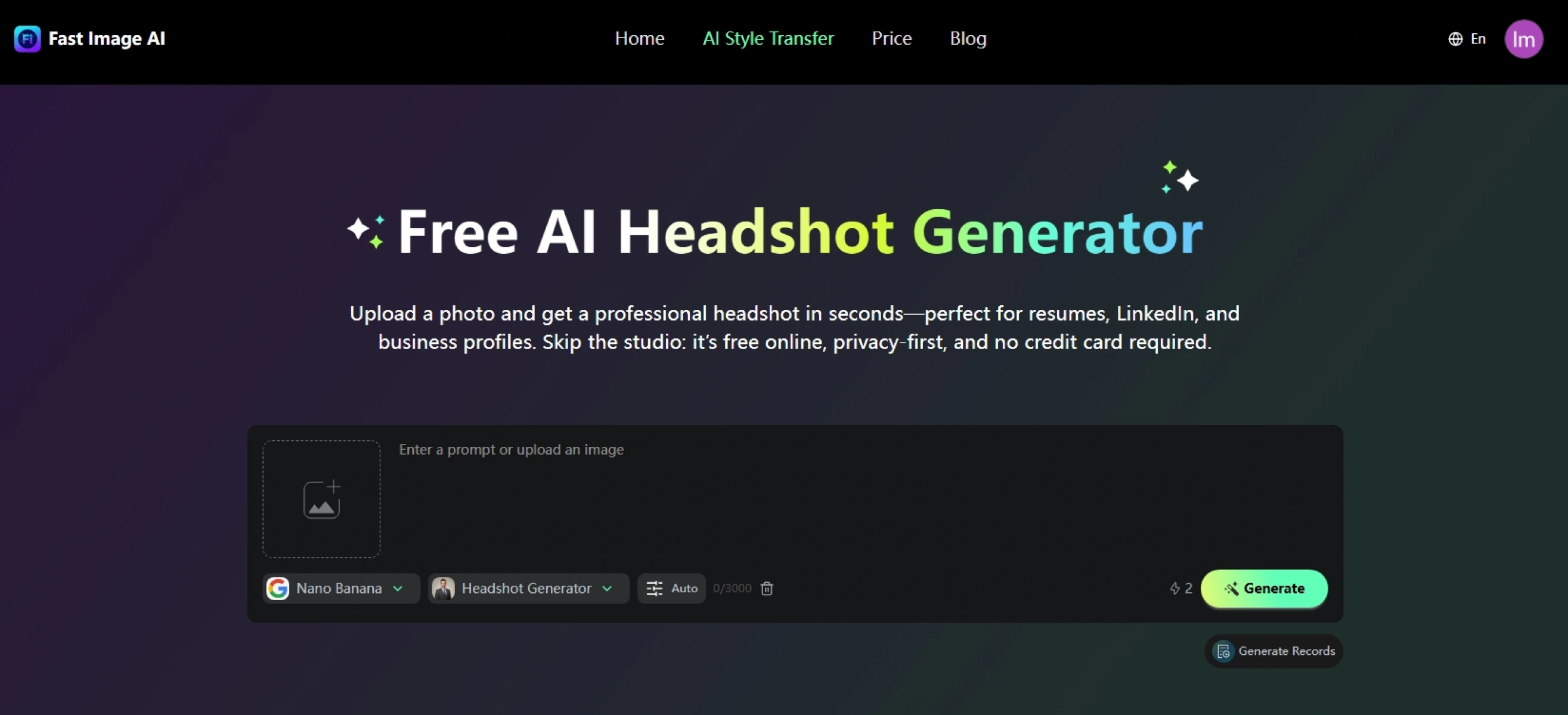
Step 2: Choose Style and Parameters
You may use default settings or enter custom style prompts:
Ø Formal Business Style: Ideal for resumes, LinkedIn, business cards. Neutral backgrounds, studio lighting, professional attire enhancement.
Ø Approachable Corporate Style: Ideal for company websites and email signatures. Softer lighting and friendly expression.
Ø Creative Professional Style: Ideal for design, media, and content creators. Custom tones with subtle artistic flair.
Recommended output ratio: 1:1 (most platforms), or 4:5 for LinkedIn.Optional 4K Ultra-HD Output is available for paid users.
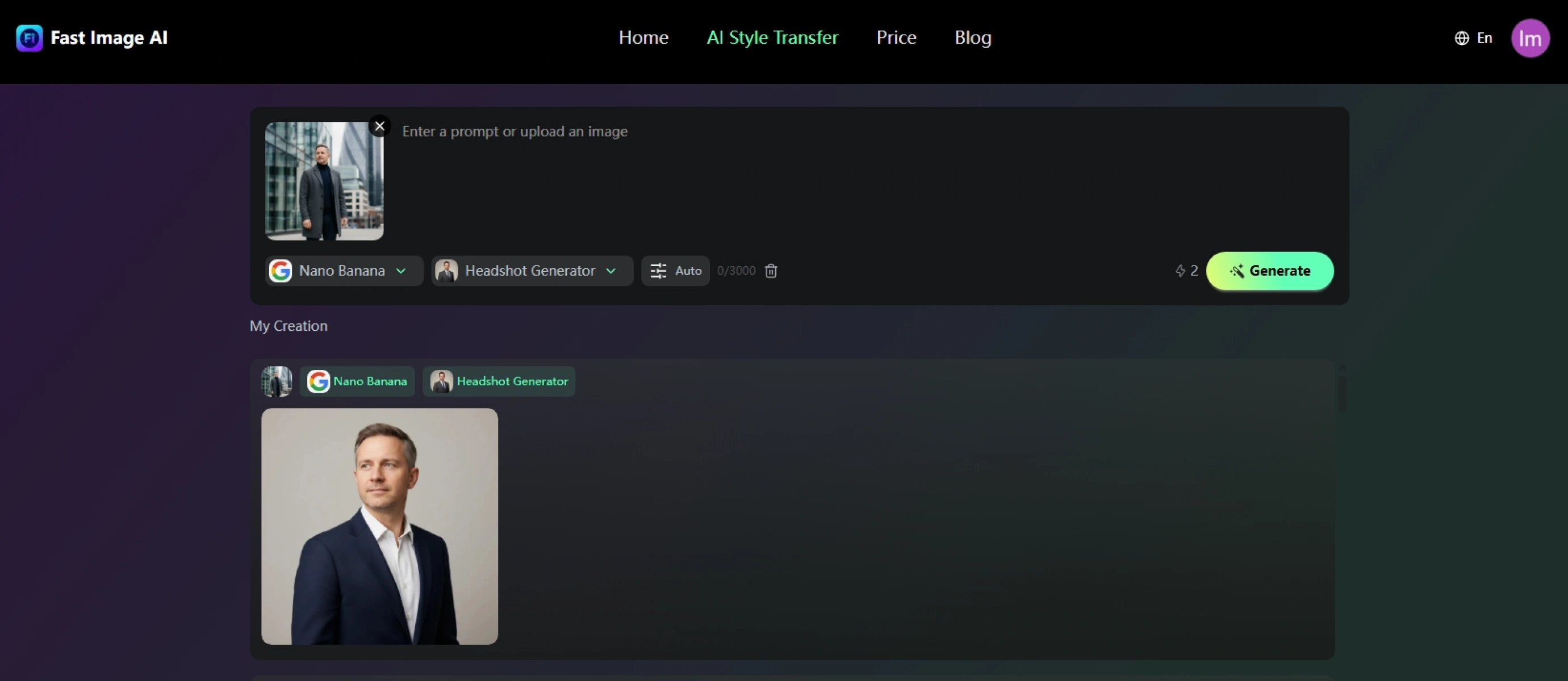
Step 3: One-click Generation and Preview
Click “Generate”. Results are ready within 5–10 seconds. Review facial resemblance, lighting, background harmony, and clothing texture. If needed, regenerate with a different style.
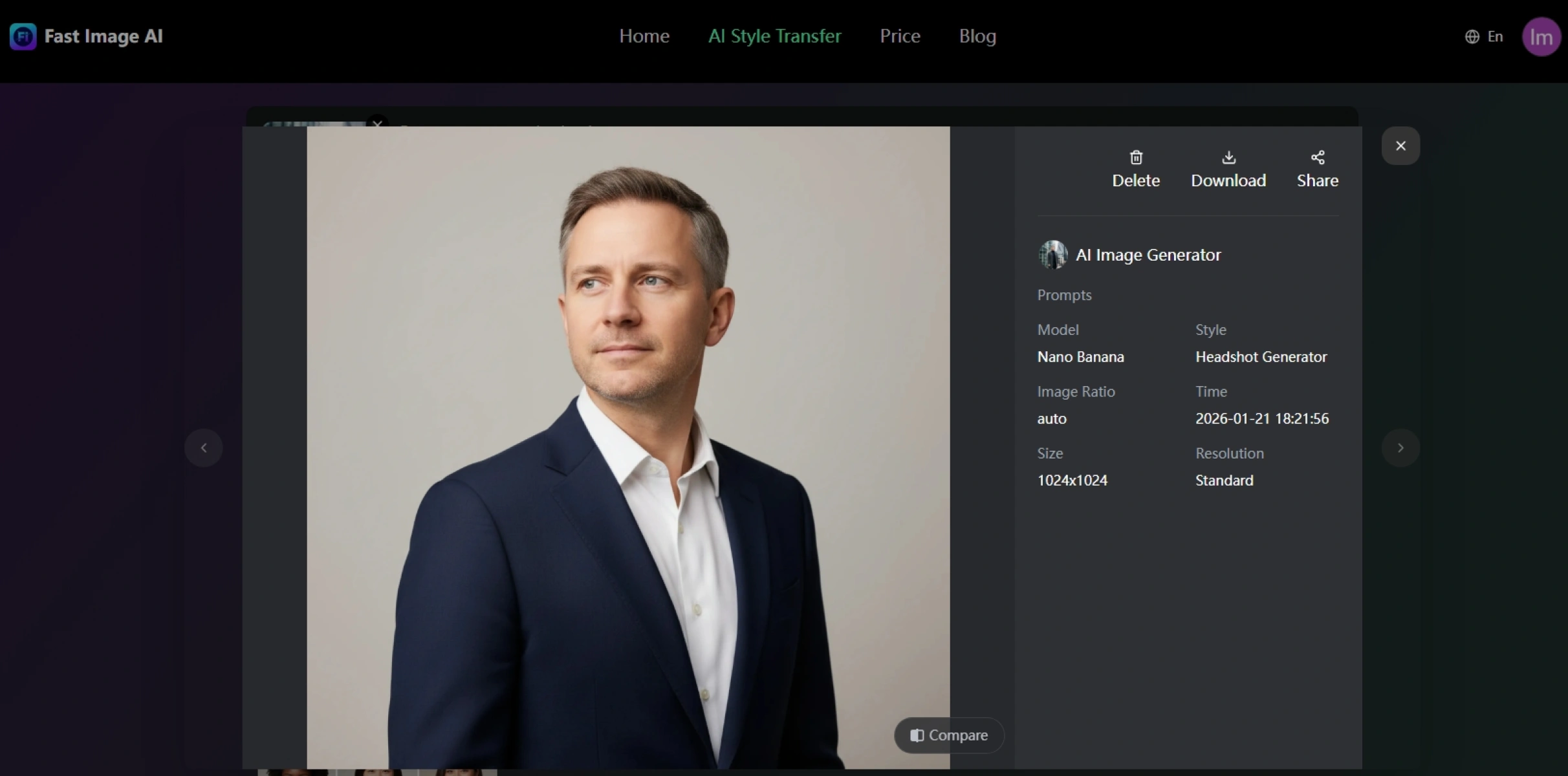
Stage Three: Post-optimization – Fine-tuning for Specific Use Cases
1. Size & Resolution Adjustment
Downloaded images are already optimized. Recommended sizes:Resume: 200×200 px,LinkedIn: 800×800 px,Company website: retain 4K originals (paid version)
2. Light Color Adjustments
Minor brightness or contrast tweaks are acceptable. Avoid over-editing to preserve realism.
3. Team Headshot Consistency
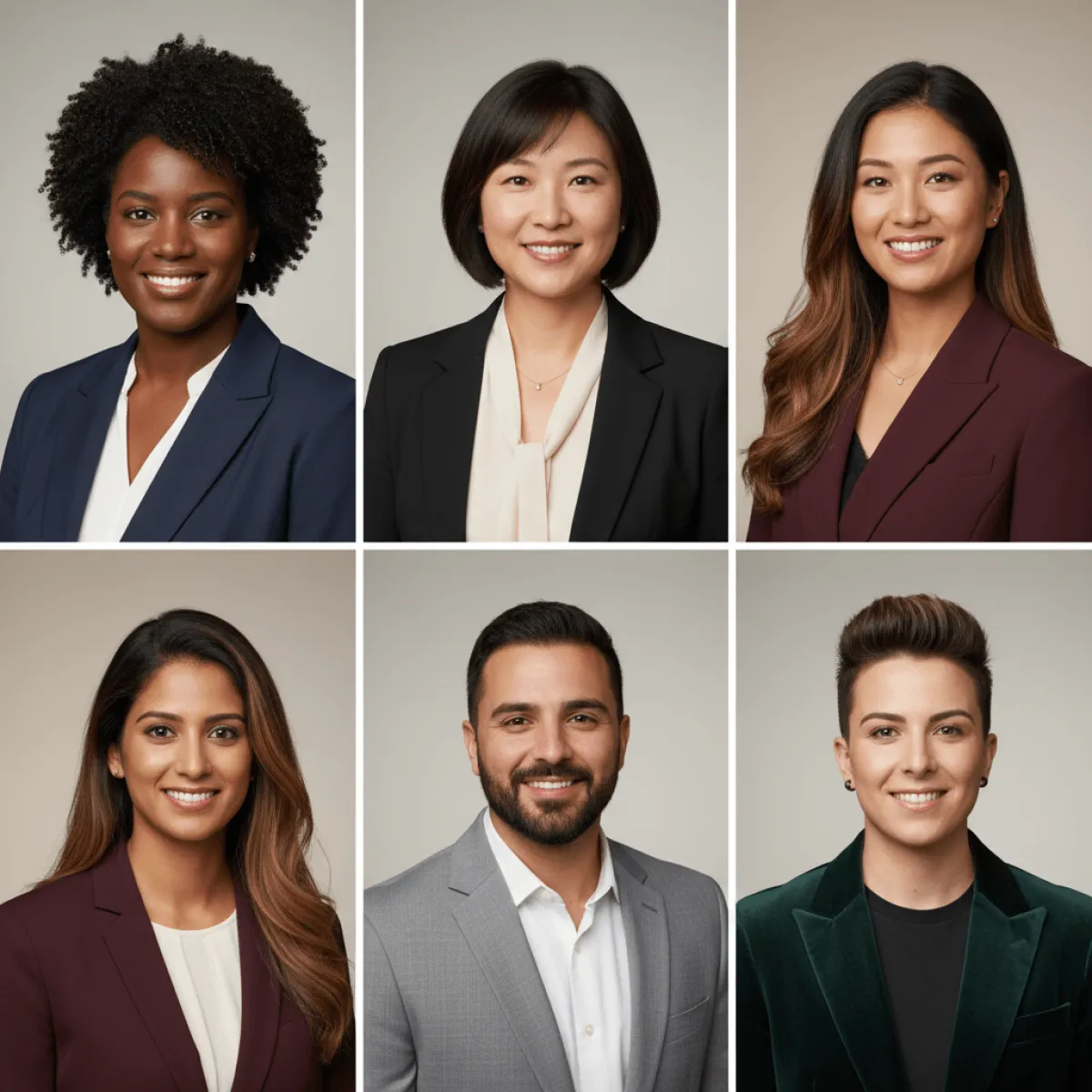
For teams, Fast Image AI supports batch generation. By using consistent photo standards and styles, AI ensures unified lighting, background, and texture—perfect for company websites and branding.
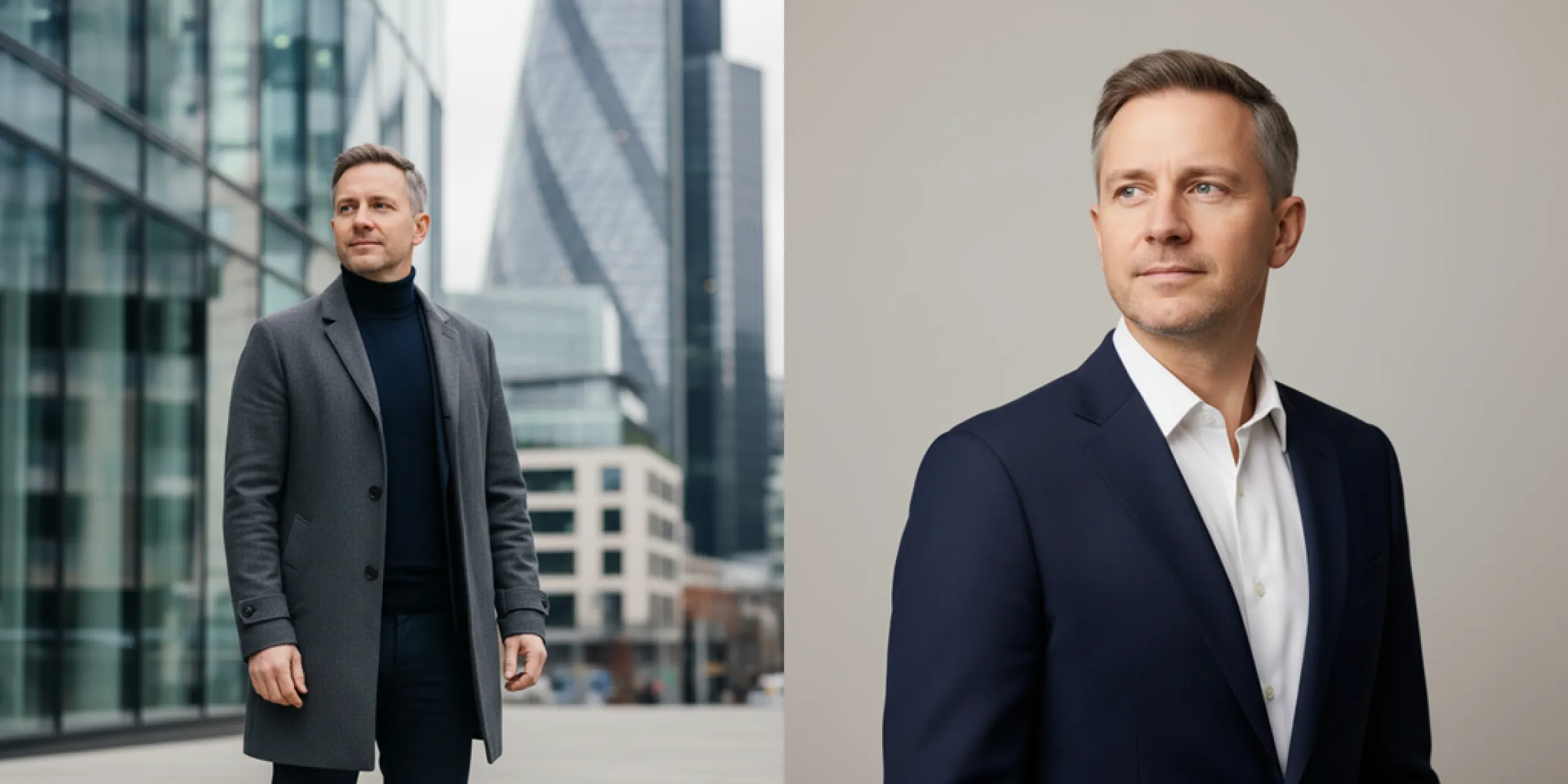
III. Conclusion: Redefining Professional Headshot Creation with Fast Image AI
In a fast-paced professional world, efficiency and cost-effectiveness matter. Fast Image AI removes traditional barriers with instant generation, free access, professional quality, and privacy protection, enabling anyone to achieve studio-level professional headshots effortlessly.
Whether for job applications, networking, or brand image upgrades, one ordinary photo is all it takes.
Visit the Fast Image AI website today, upload your photo, and refresh your professional image—let a single high-quality headshot become your career accelerator.