Create Campaigns Without Design Skills Generate High-Quality Christmas Posters with One Click Using AI
In traditional design workflows, creating a professional poster usually requires:
- Proficiency in graphic design software (such as Photoshop, Illustrator)
- A solid foundation in visual design (color, layout, graphic composition)
- Long hours of repeated adjustments, layout refinement, and material selection
For many campaign planners, e-commerce operators, offline store owners, and content creators, this barrier is simply too high. Especially during the busy Christmas season — what if the event is approaching and there’s still no poster ready? Fortunately, with the rapid development of AI image generation and intelligent design tools, everything is changing. Design skills are no longer a barrier — AI can generate high-quality visual content with just one click.
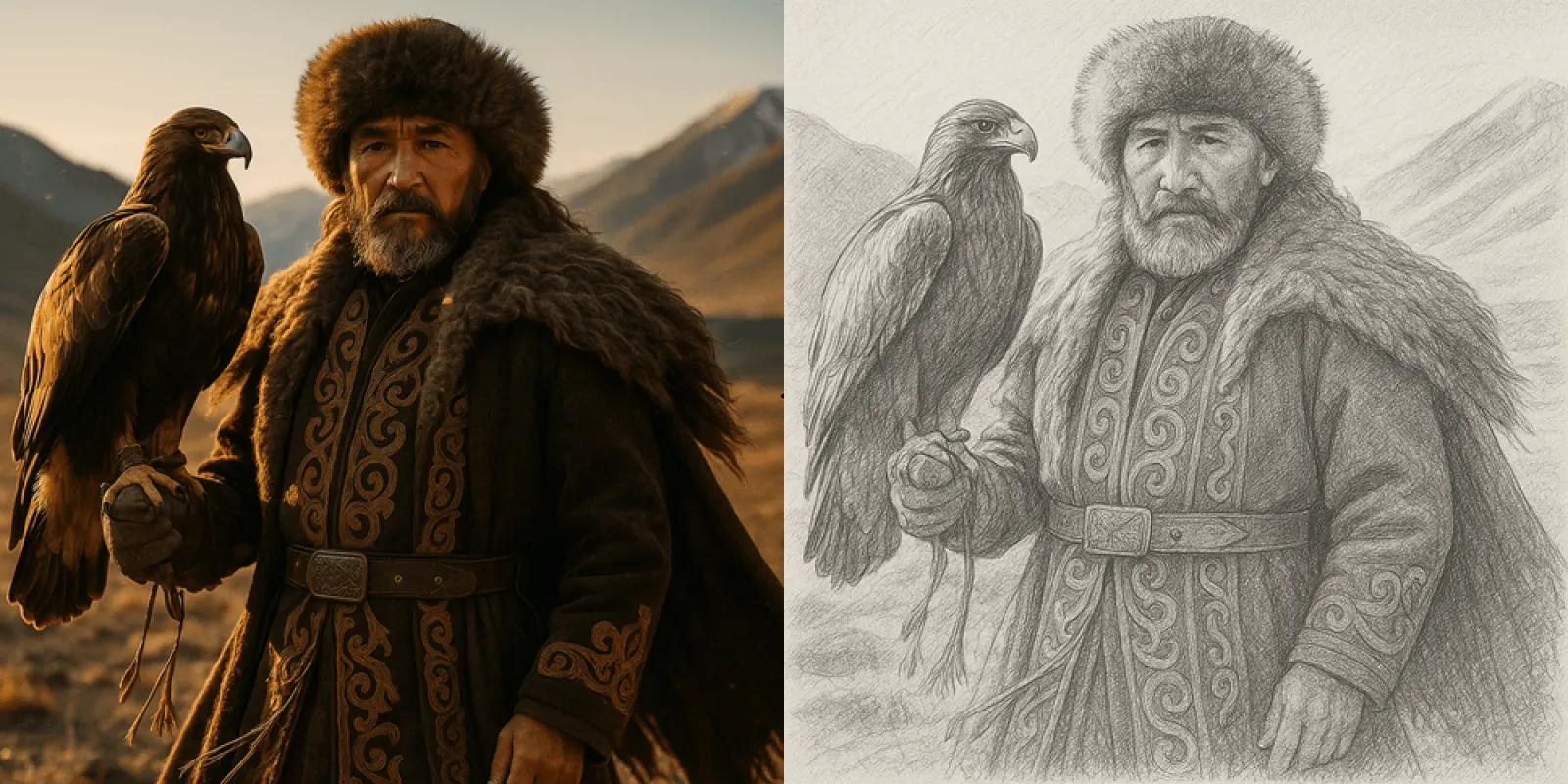
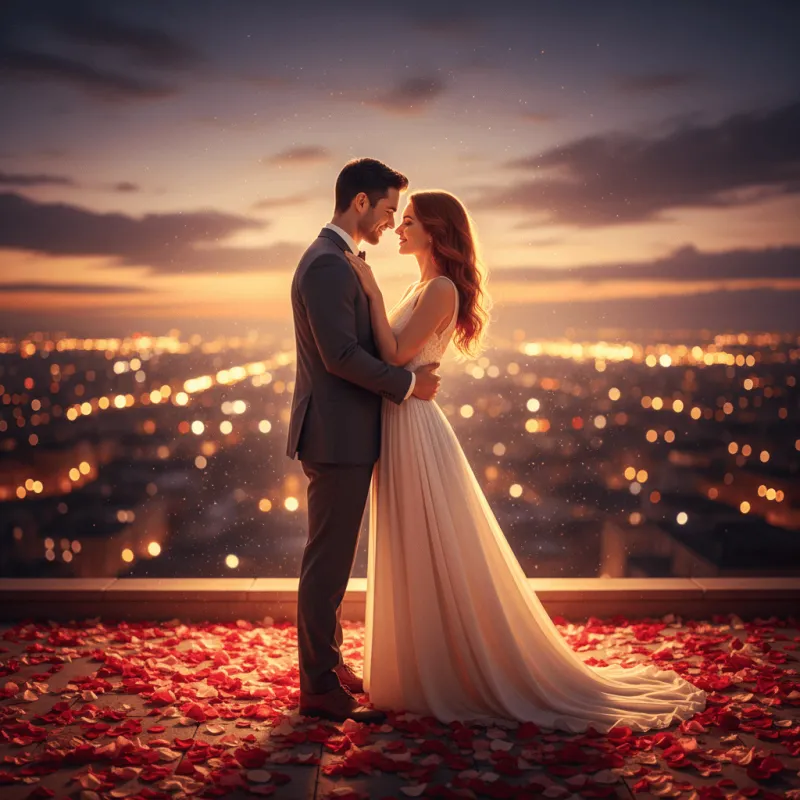
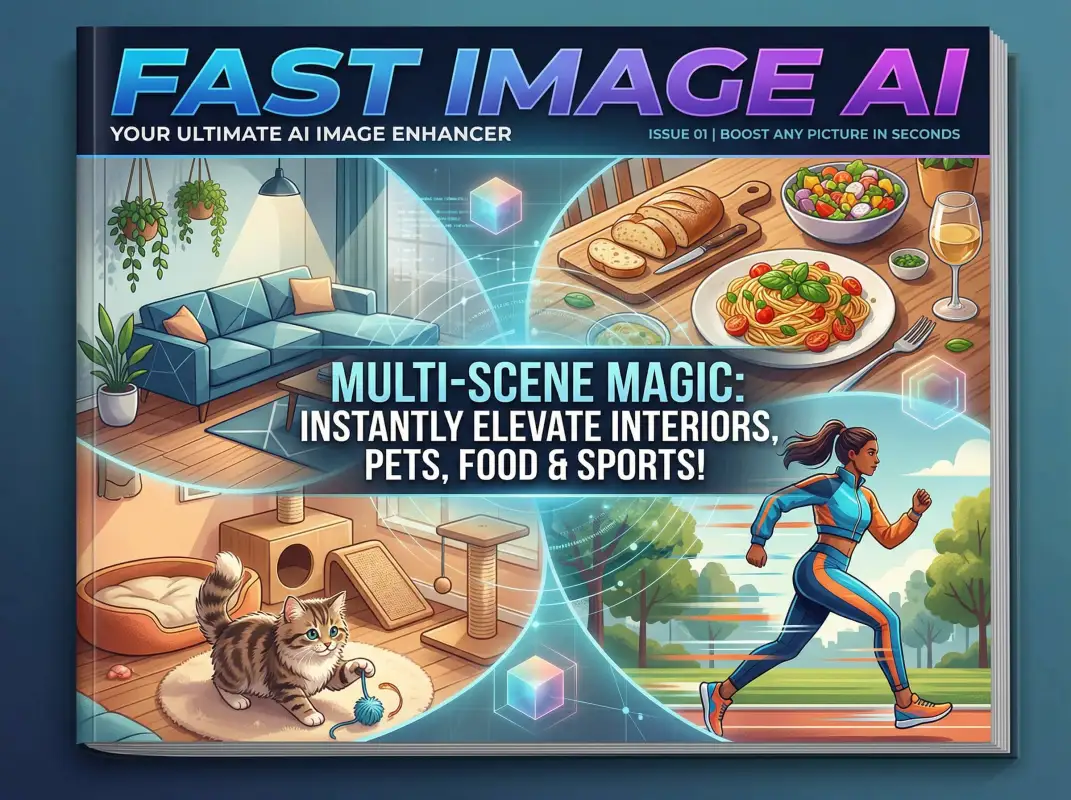
Among these tools, Fast Image AI is an online AI image generator that supports multiple style transformations. By combining short text prompts with reference images, it can produce artistic visuals suitable for promotional posters — no design experience required.
What Is Fast Image AI and What Can It Do
Fast Image AI is an online AI image generation tool. Its core features include:
- Multiple built-in style presets (such as animation, sketch, etc.)
- Support for uploading reference images and generating visuals through text prompts
This means you only need to input a short description, and AI will generate an image for you. For example, entering: “Santa Claus, snowy landscape, neon lights, promotional discounts” will result in an image containing these elements — completely freeing you from the image creation process.
Core Design Logic of AI-Generated Posters
Even if you don’t understand design, you can still create a high-quality Christmas poster by following these steps:
1. Define Your Campaign Theme and Style
Before generating images, be sure to clarify:
- Campaign name (e.g., Christmas Store Anniversary Sale)
- Discount type (full reduction, percentage discount, gifts)
- Main visual style (cute, vintage, modern, minimalist)
- Target channels (social media, e-commerce homepage, offline posters)
This information will become the keyword prompts you input into AI.
2. Enter Prompts to Generate the Main Visual
In Fast Image AI, you can upload reference images and enter your text prompt. AI will automatically generate visuals in the corresponding style. For example:
“Christmas promotional poster main visual, warm red and gold color scheme, Santa Claus with gift boxes, falling snow, Christmas tree and lights in the background, strong festive atmosphere, suitable for social media sharing.”
AI will generate a high-quality image based on this description. You can also:
- Specify styles (realistic, comic, hand-drawn, watercolor, Ghibli-style, etc.)
- Upload reference images (such as brand logos or product photos)
Even without design experience, AI can output visually impactful artwork that perfectly matches the festive theme.
Step-by-Step Operation for AI-Generated Posters
1. Upload a Poster Reference Image
First, visit the official Fast Image AI website and locate the “Upload Image” option on the homepage. Reference images for Christmas posters can be highly flexible — including personal portraits, family photos, Christmas street scenes, snowy cabins, festive decorations, or even ordinary daily photos.The tool supports common formats such as JPG and PNG. After uploading, the image will be displayed instantly on the canvas, allowing you to check clarity and composition before proceeding.
2. Enter the Poster Theme Prompt
Prompts are the core of defining style, elements, and atmosphere. Describe your needs clearly and precisely, covering aspects such as scene, elements, color tone, and visual effects. For example:
“Christmas promotional poster main visual, warm red and gold tones, Santa Claus and gift boxes, falling snow, Christmas tree and lights in the background, strong festive mood, suitable for social media sharing.”
To enhance visual impact, you may also add details such as “high-definition details,” “layered Christmas elements,” or “clear subject with blurred background.”
3. Set Image Quantity and Aspect Ratio
Based on the usage scenario, configure the parameters in the control panel. The system supports automatic adaptation and multiple fixed aspect ratios. You can generate 1–4 different poster versions at once, making it easy to compare and select the best result.
4. Click to Generate the Poster
Click the prominent “Generate” button to start rendering. Powered by advanced AI technology, the process is fast and efficient, usually completing within 5–15 seconds. The generated posters will appear in the “My Creations” section, where you can preview, download, share, or refine them further.
Christmas Poster Case Ideas
Example 1: E-commerce Holiday Promotion
- Main visual prompt: “Christmas e-commerce sale, snowy scenery, gift boxes, discount elements, warm color tones”
- Copy theme: “Christmas Mega Sale — Spend 300, Save 100, Discounts Up to 50%!”
The AI-generated visual can be combined with automatic layout tools to create homepage banners and social media promotional images.
Example 2: Offline Store Event Promotion
- Main visual prompt: “Offline store Christmas party poster, Santa Claus, colorful lights, hot drinks, joyful atmosphere”
- Copy theme: “Christmas Celebration Night — Surprises Await In-Store!”
By quickly generating the main visual and adding event time, address, and contact details, you can easily produce a complete offline promotional poster.
Conclusion
Christmas is a visually powerful holiday, but creating high-quality posters should no longer be limited to professional designers. With Fast Image AI, you can effortlessly complete a set of professional-grade Christmas posters, significantly boosting the impact of your campaign promotions — truly achieving the goal of “running campaigns without design skills.”