Illustration Workflow Optimization - Fast Image AI Speeds Up Draft-to-Art Conversion
How can hand‑drawn sketches be rapidly transformed into complete illustration works? In illustration and concept design workflows, hand‑drawn drafts commonly suffer from insufficient details and messy lines, making them unsuitable for direct presentation, review, approval and final implementation. Meanwhile, manual refinement, colouring, multi‑style debugging and multi‑version iteration are tedious and time‑consuming processes that greatly lengthen creation cycles. Leveraging AI sketch‑to‑image technology, the tool can intelligently recognise the structure of original line‑art drafts, assist with style conversion, detail optimisation and visual rendering, and swiftly convert ordinary hand‑drawn sketches into reference‑ready illustration renderings. Combining real‑world testing experience and standardised practical tutorials, this article elaborates on how Fast Image AI supports illustration design to efficiently generate illustrations from hand‑drawn sketches, boosting creation efficiency while preserving original creative texture.
I. How AI Sketch‑to‑Image Optimises the Illustration Creation Workflow
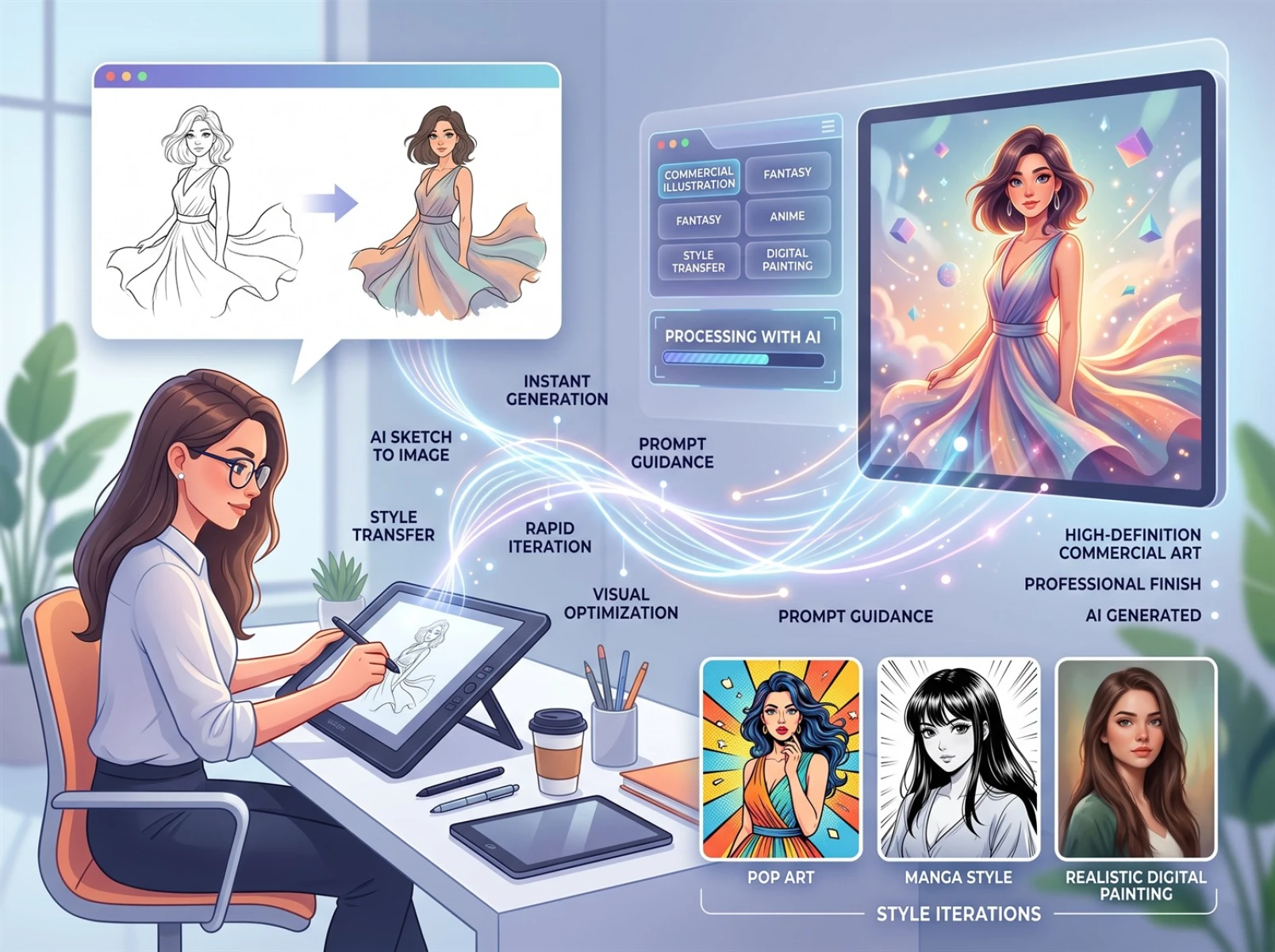
Traditional illustration creation faces obvious practical pain points. Hand‑drawn drafts only convey basic ideas and cannot be directly delivered for presentation. To test various visual styles and produce comparative versions, creators must repeatedly refine and redraw their work, which incurs high iteration costs and long lead times, making it difficult to meet the fast‑delivery demands of commercial design.
Pure text‑driven AI image generation generally has low controllability; outputs often deviate from the creator’s original compositional vision and increase rework workload. Professional rendering software involves complex operations and a steep learning curve, so it is poorly suited for lightweight daily use by general creators. The core value of AI‑assisted illustration creation lies in redefining the division of labour: creators focus on conceptual ideation, compositional design and artistic expression, while AI tools handle repetitive work such as detail refinement and style debugging. This effectively cuts down unnecessary repetitive labour and improves efficiency for version iteration.
II. Fast Image AI Field Test: Generating Illustrations from Hand‑drawn Sketches
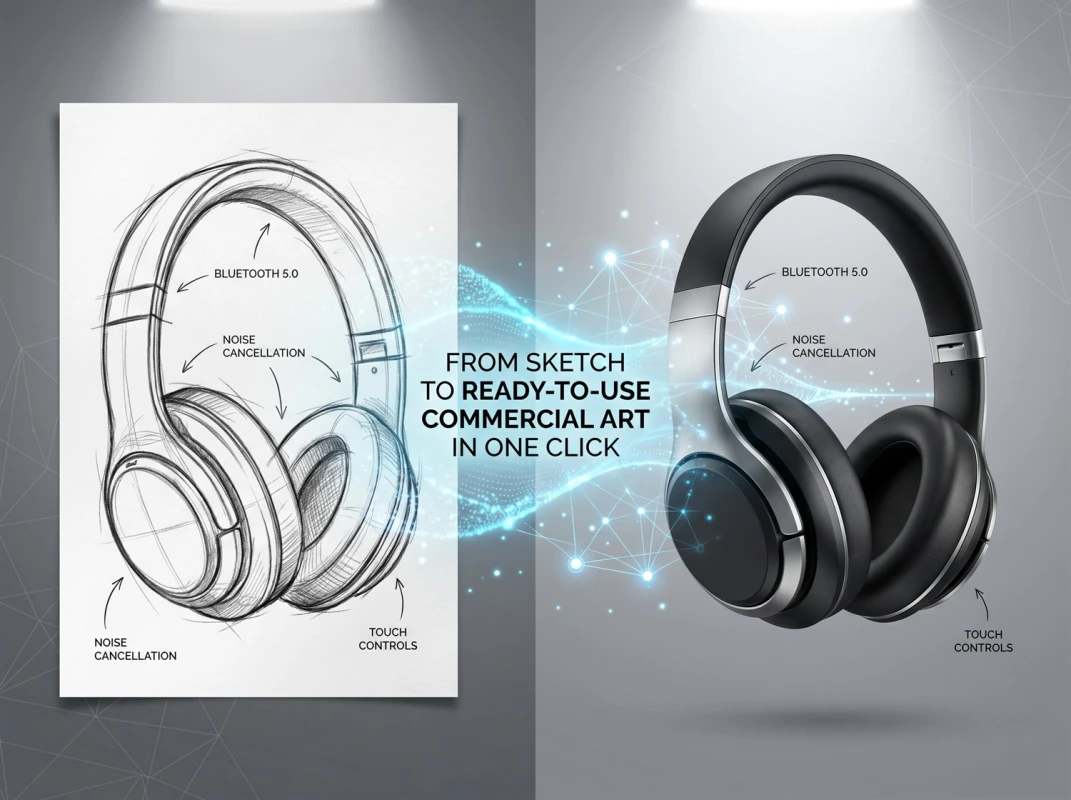
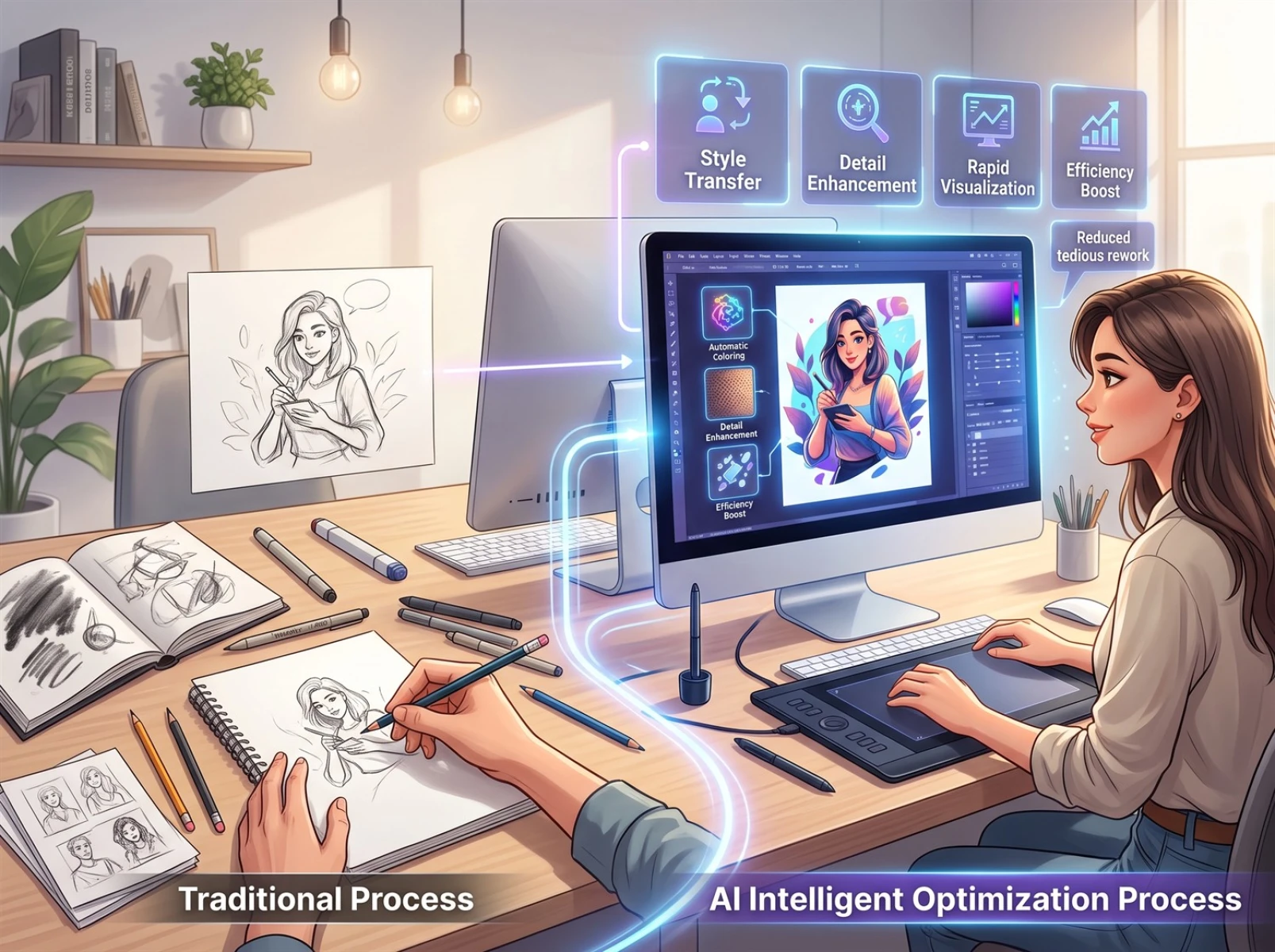
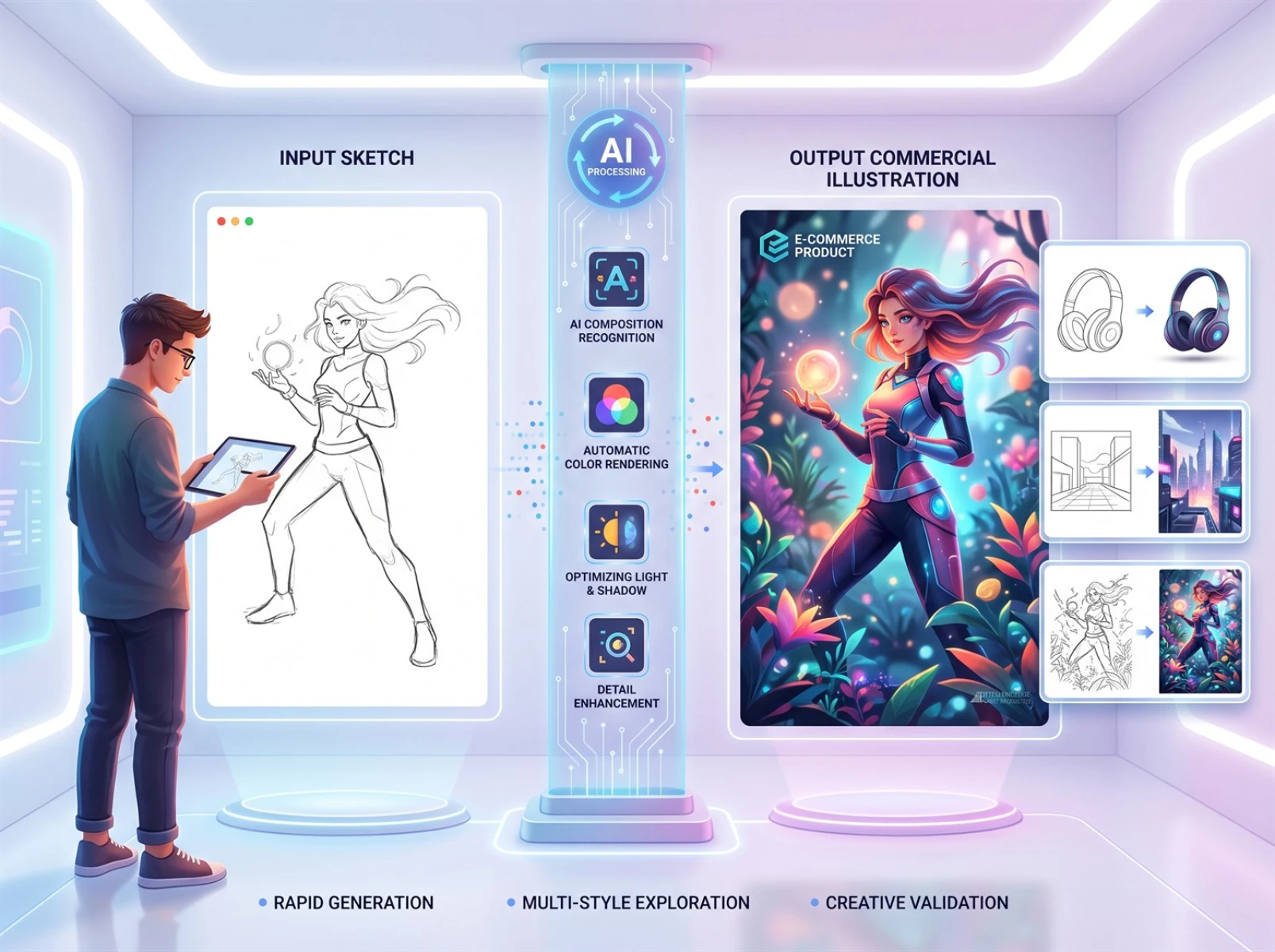
Compared with generation modes relying entirely on text prompts, sketch input provides clearer compositional references and better preserves the creator’s original compositional logic and creative framework. In practical tests, minimalist product line‑art drafts were used as test materials to focus on the core requirement of generating renderings from hand‑drawn sketches, paired with the prompt: “modern commercial illustration, a smart‑product display scene, soft lighting and shadows, high‑definition details”. The tool satisfactorily retained the main‑subject structure and compositional relationships from the drafts, and helped complete colouring, material representation and light‑and‑shadow processing to produce illustration renderings for pre‑proposal reference. Overall, neater sketch lines and more distinct main subjects yield outputs that match creative expectations more closely.
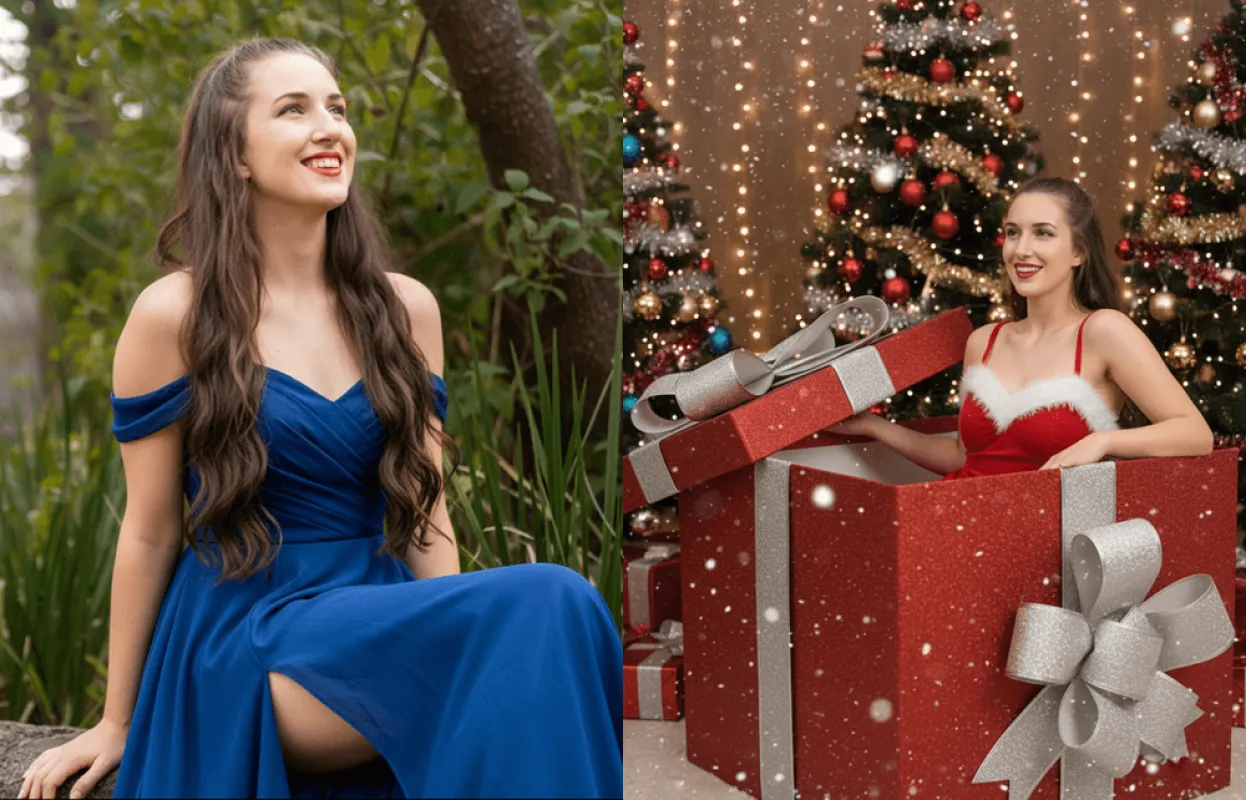
In multi‑scenario tests, well‑organised line‑art for products, human figures and interior spaces generally produces visual outputs closely aligned with sketch directions. This greatly shortens initial‑draft production time and supports batch iteration across multiple styles, mitigating structural distortion and compositional drift common in text‑only image generation. A single simple hand‑drawn sketch can quickly generate multiple visual variants, including commercial‑display, minimalist‑illustration and photorealistic styles. This enables design teams to conduct early‑stage creative screening and comparative evaluation for efficient pre‑production visual validation.
Sketch‑driven intelligent creation is well‑suited for creative validation, style iteration and fast initial‑draft production. That said, the tool has clear capability limits: fine‑grained content such as complex human‑figure poses, precision mechanical components and custom text may contain detail defects. All AI‑generated content requires human review and secondary fine‑tuning, especially for error‑prone areas including human hands, text and intricate structures. It serves solely as a creative aid and cannot replace human‑led ideation and meticulous polishing.
III. How to Use Fast Image AI: 5‑Step Workflow for AI Sketch‑to‑Illustration
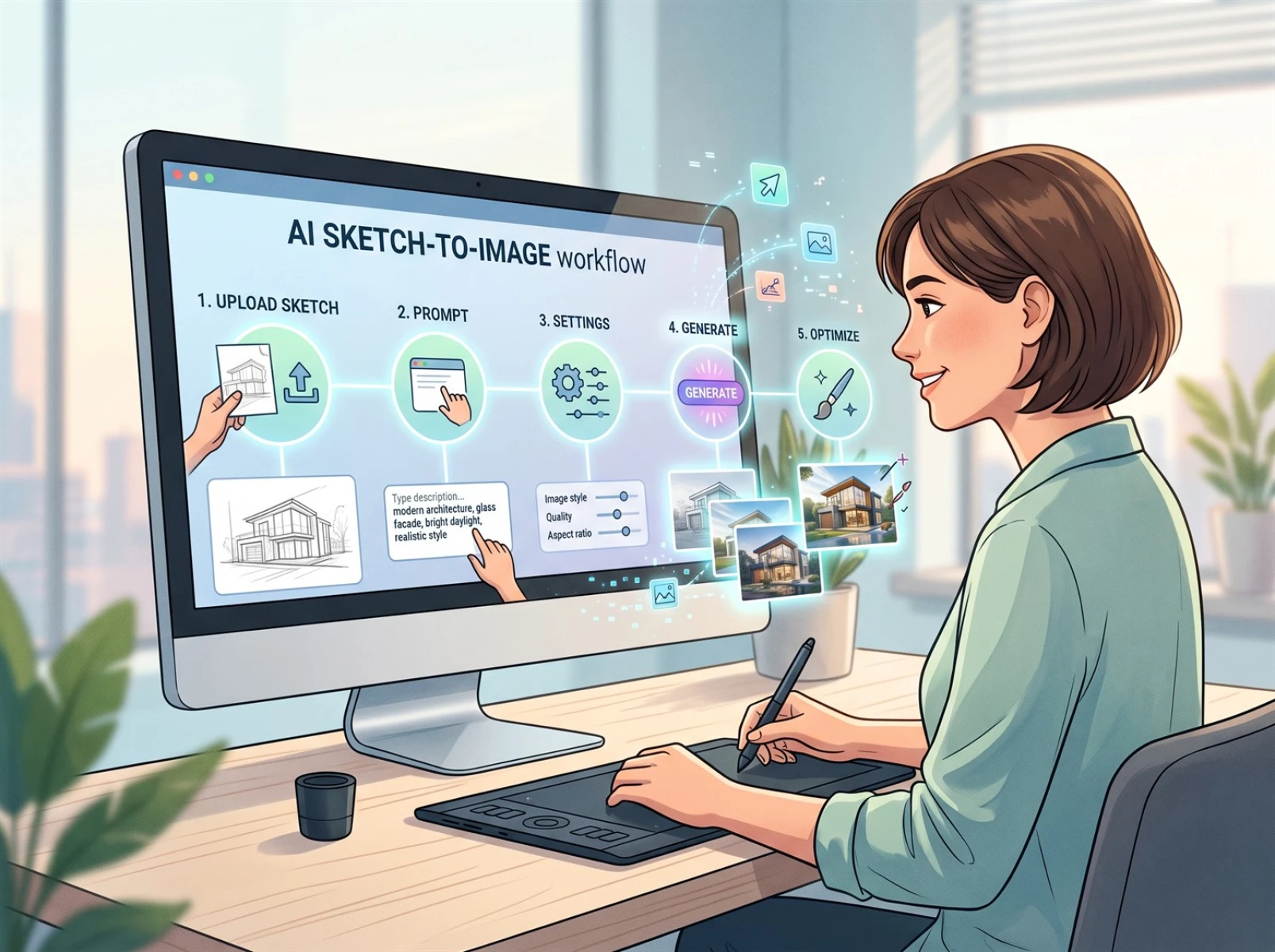
Follow the standardised 5‑step practical workflow below to stably convert sketches into high‑definition, compliant, high‑quality renderings. The simple, actionable process works for novice creators and satisfies high‑efficiency iteration needs for commercial design.
1. Upload your sketch: Tidy hand‑drawn or digital‑tablet drafts in advance. Clarify the main subject and composition of the frame, weaken messy auxiliary lines, fix obvious perspective errors, and split large‑scale complex scenes into separate drawings. Elaborate line‑art cleanup is unnecessary. Simply ensure even lighting and clear structures before uploading to substantially lower pre‑operation barriers.
2. Enter prompts: Adopt a three‑part prompt‑writing format covering subject, style and lighting. Clearly define the subject, artistic style, colour palette, lighting, shadows and atmosphere to steer generation toward target outcomes. Example prompt: Minimalist commercial illustration style, a modern product‑display scene, soft natural daylight, high‑definition details, clean background, professional e‑commerce visual effect.
3. Adjust parameters: After sketch upload, tweak core generation parameters on demand. Prioritise image aspect ratio, output resolution and generation count. Select portrait, landscape or square framing to match usage scenarios; choose high‑resolution outputs for sharp final assets. Configure the number of generated variants. Minimal adjustment is needed for most personal and commercial design use‑cases.
4. Generate versions: Once prompts and parameters are set, click generate. Renderings are ready in 5‑10 seconds. Use the same sketch with varied prompt‑and‑parameter combinations for batch generation of multiple visual versions. Screen suitable initial drafts for your requirements, avoiding the tedious redrawing and revision cycles of traditional hand‑drawn workflows.
5. Human‑led refinement: Manually fix detail flaws, colour imbalances and minor structural deviations in AI‑generated outputs. Add hand‑drawn texture to reduce stylistic homogeneity. Export high‑definition assets upon finalisation. Archive original sketches, prompts and AI‑generated drafts for future reuse and consistent styling across series artworks.
IV. Suitable Use‑Cases for AI Sketch‑to‑Image
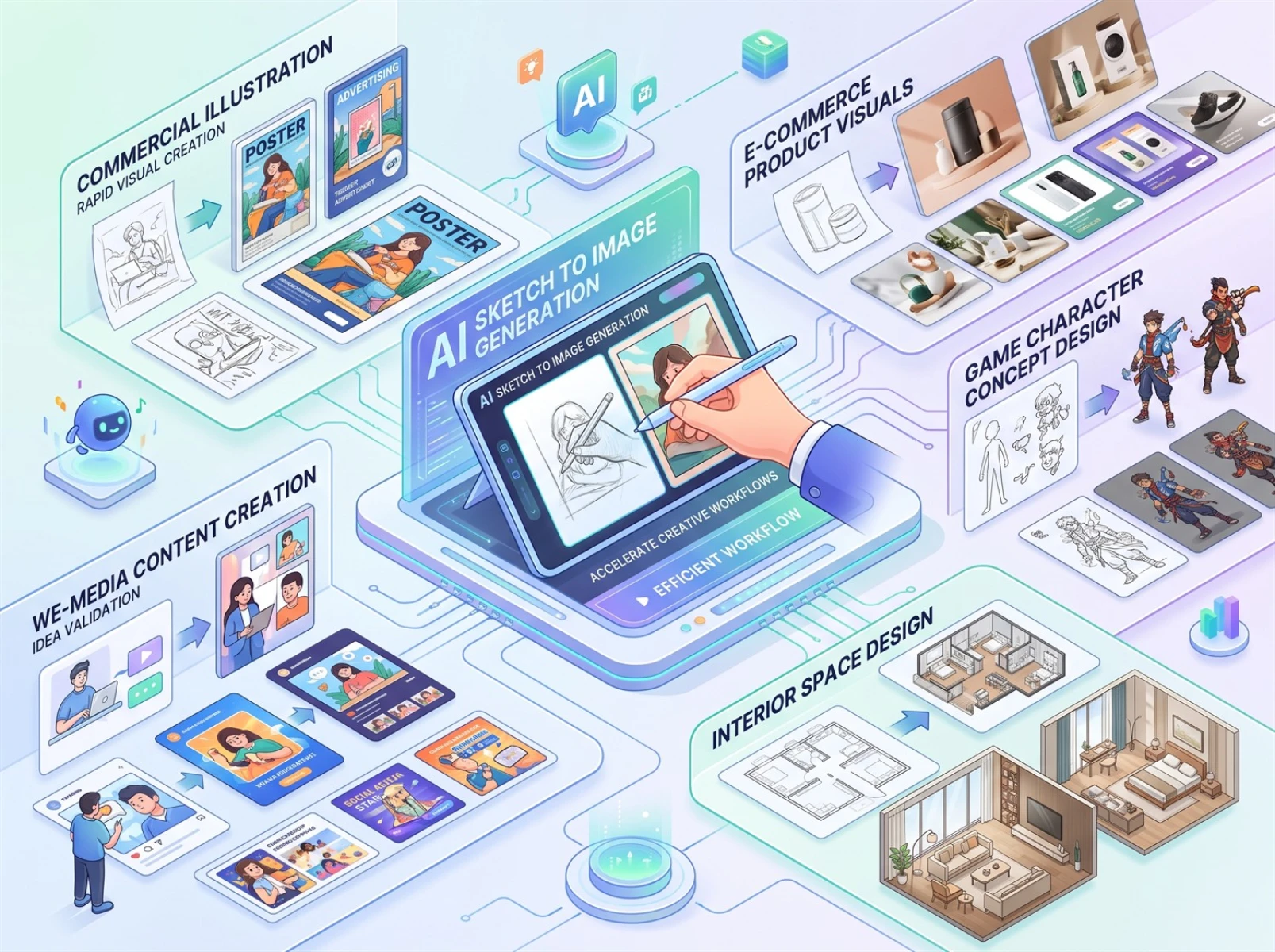
Geared toward lightweight creative iteration, this tool fits three high‑relevance creation scenarios:
First, commercial illustration and content creation. Independent artists and content creators can rapidly iterate visual styles to efficiently produce creative illustrations and graphics for articles.
Second, e‑commerce visual design. Generate multiple display assets quickly from product sketches to support frequent new‑product launches and visual iteration for e‑commerce operations.
Third, concept design. It covers game characters, product appearances and interior‑space line‑art rendering, and supports design teams in early‑stage creative validation and solution screening.
V. Usage Limitations and Copyright Considerations for AI‑Generated Illustrations
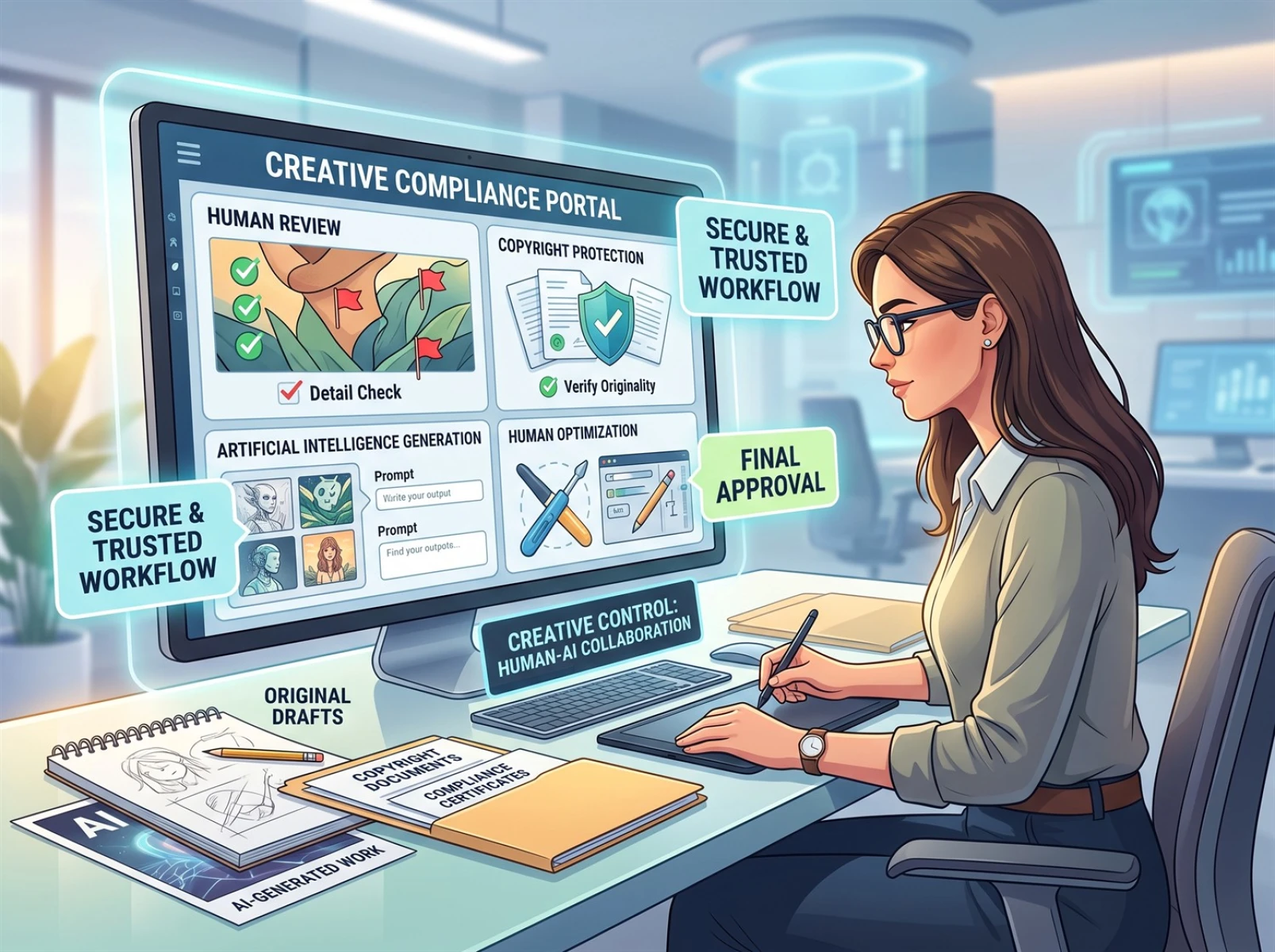
When using AI sketch‑to‑image tools, acknowledge technical boundaries and abide by compliance guidelines. Technically, the tool excels at image refinement, stylistic rendering and creative iteration, yet errors may occur with complex human‑figure details, intricate mechanical structures and custom text. Human post‑editing is mandatory. Outputs cannot be directly adopted for high‑precision commercial final deliverables. Generation quality heavily depends on how well‑organised the source sketch is.
From a copyright perspective, use only original drafts and materials for which you hold legitimate rights. Do not repurpose third‑party copyrighted materials for secondary creation. Commercial usability of AI‑generated content is subject to platform terms of service, source‑material copyright and specific usage scenarios. Always verify platform licensing rules before commercial deployment, and preserve full documentation of your creation workflow to mitigate copyright‑dispute risks.
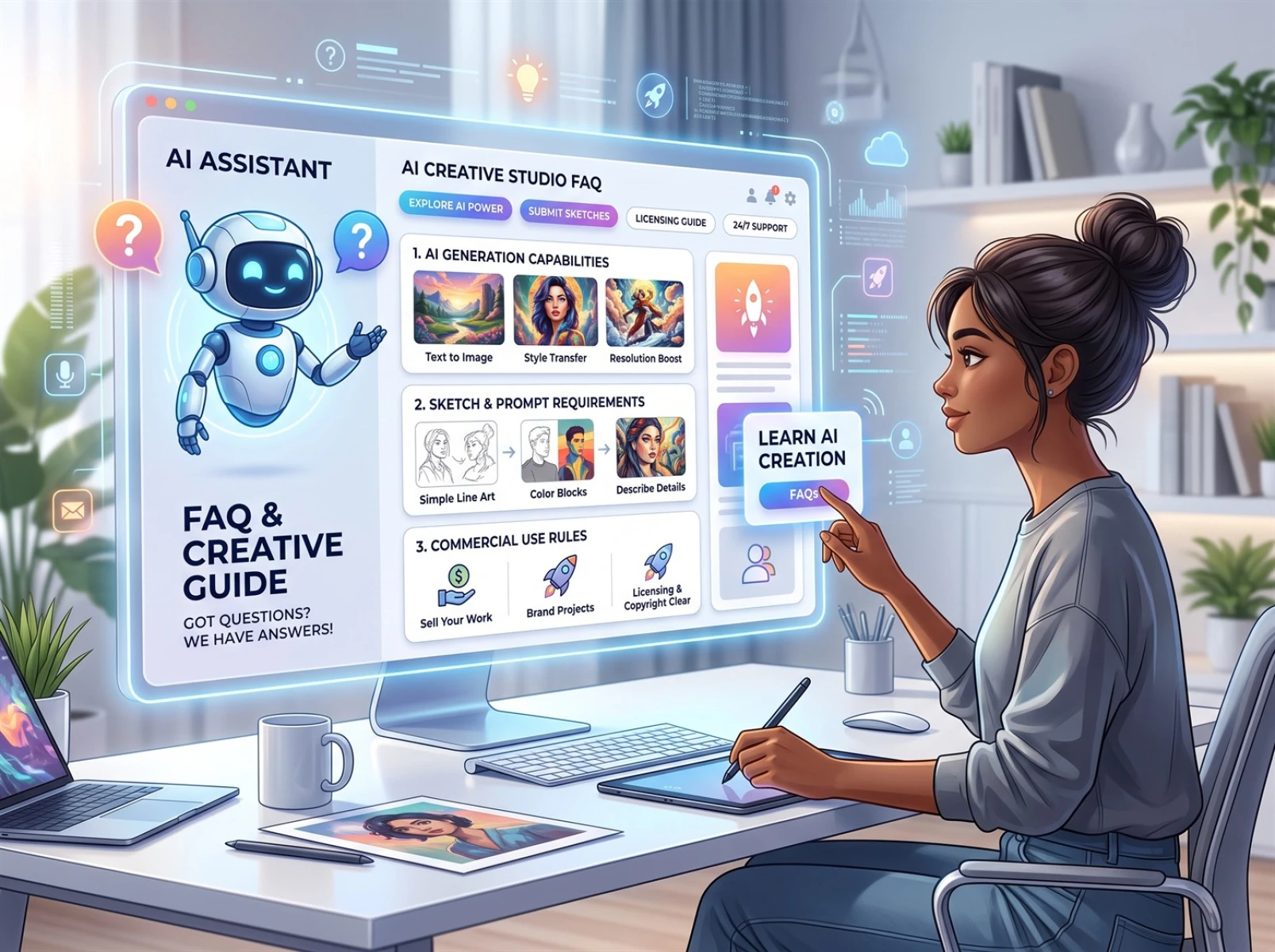
VI. Frequently Asked Questions (FAQ)
Q1: Can AI replace professional illustrators?
A: No. AI acts merely as a creative assistant that handles repetitive tasks such as detail refinement, style iteration and solution validation. Core conceptual ideation, visual storytelling, aesthetic judgement and differentiated artistic expression still rely on professional illustrators.
Q2: What kinds of sketches work well for AI‑powered illustration generation?
A: Sketches with clear main subjects, clean lines and reasonable perspective deliver more stable outputs. Fully polished line‑art is unnecessary. Simply clarify core composition, reduce cluttered lines and correct obvious perspective mistakes.
Q3: Are AI‑generated illustrations eligible for commercial use?
A: There is no universal answer for commercial usability. Decisions must account for platform licensing agreements, originality of source materials and specific usage contexts. Always practise compliant usage and retain complete creation records to avoid infringement risks.
Q4: Do I need advanced drawing skills for AI sketch‑to‑image?
A: No. Your sketch only needs to communicate the main subject, composition and basic structure clearly. Professional hand‑drawing expertise or thorough line‑art polishing is not required. If lines are excessively chaotic, elements are overcrowded, or major perspective flaws exist, perform simple cleanup before upload for more accurate generation outcomes.
VII. Conclusion
With its core AI sketch‑to‑image capability, Fast Image AI addresses key industry pain points: hard‑to‑implement hand‑drawn drafts, slow creative iteration and heavy repetitive workloads. Through intelligent rendering and stylistic expansion, it helps creators streamline illustration workflows. As a productivity‑boosting aid rather than a replacement for creators, it cannot substitute human creative insight and artistic expression. When applied within technical limits and copyright‑compliant frameworks, it balances work efficiency and original artistic texture to serve most lightweight visual‑design requirements.
Whether for illustration design, e‑commerce visuals or concept‑proposal production, creators can upload existing sketches to rapidly test diverse stylistic directions and accelerate the transition from creative concepts to visual presentation.