Struggling with Professional Image Anxiety - Create Your Exclusive Professional Profile with Fast Image AI in One Click
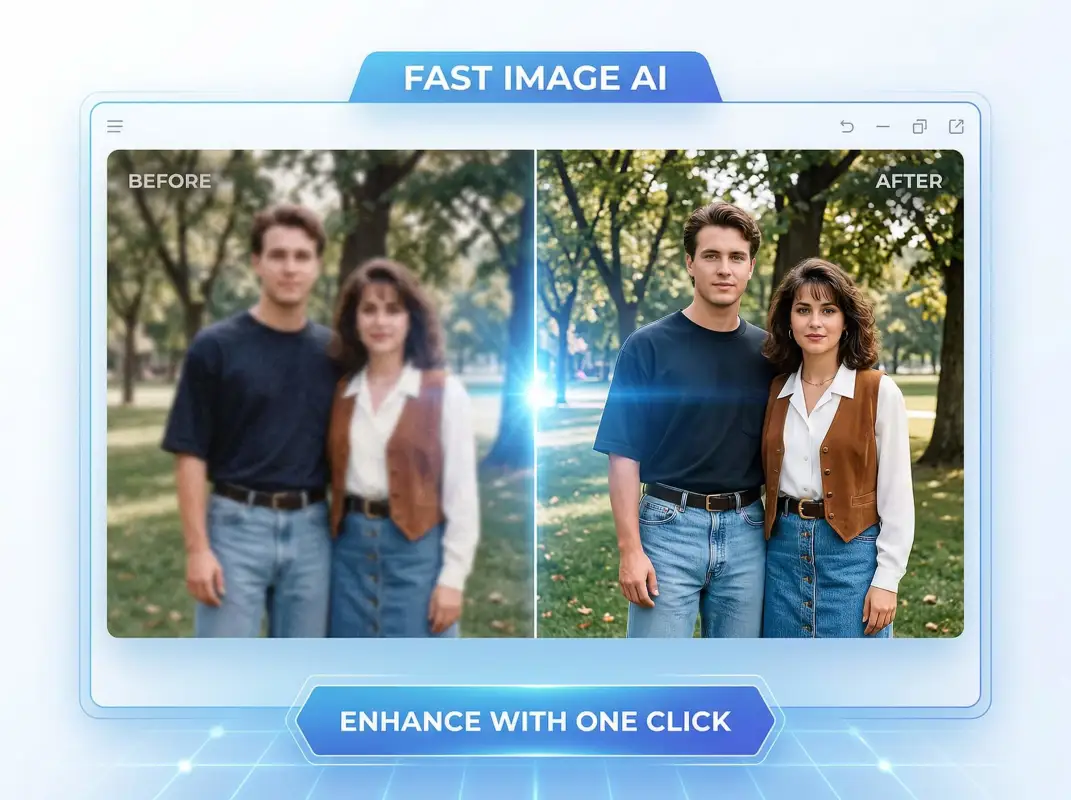
In today’s digital workplace, a professional headshot is no longer just a “personal photo” — it’s your first-impression business card on resumes, LinkedIn profiles, and video-conference platforms. Yet reality often looks like this: professional photo shoots are expensive and time-consuming; selfies feel unprofessional; stock photos lack personality; and adjusting outfits or backgrounds feels impossible without design skills. Don’t let image anxiety slow down your career. Now, Fast Image AI’s AI Headshot Generator makes it effortless — no professional skills required, no high costs involved. In just 5–10 seconds, generate a high-quality, industry-appropriate professional headshot that helps you stand out instantly.
I. Why Is Fast Image AI the “Image Savior” for Professionals?
When it comes to professional headshots, many people fall into two extremes: either “anything will do,” or “it must be done by an expensive professional team.” In reality, a high-quality professional headshot can convey trust, credibility, and competence — and may even influence recruiters’ or clients’ first impressions.Fast Image AI stands out because it precisely addresses three core pain points:
1. Say Goodbye to High Costs and Low Efficiency — Achieve Professional Quality at Minimal Expense
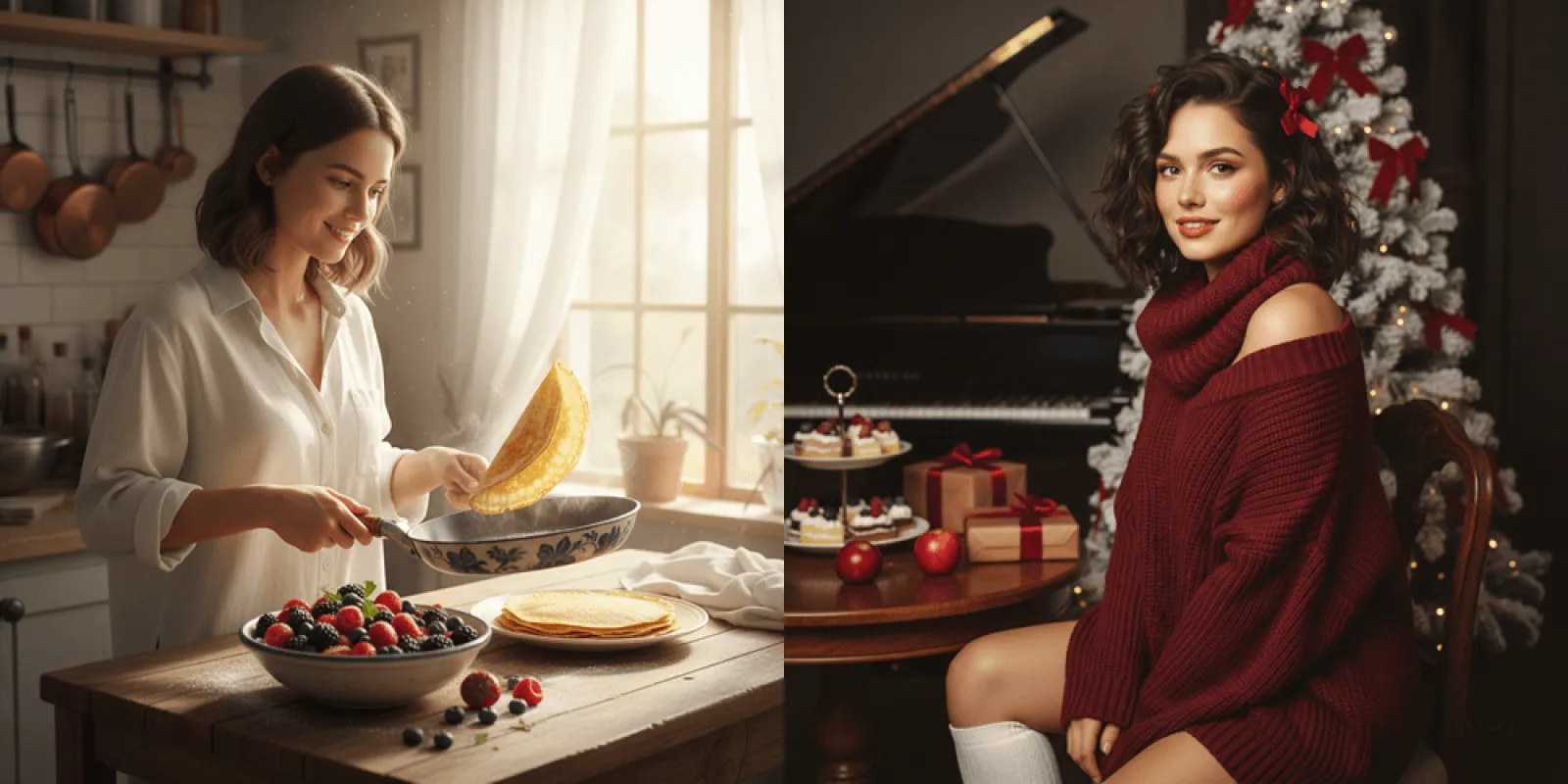
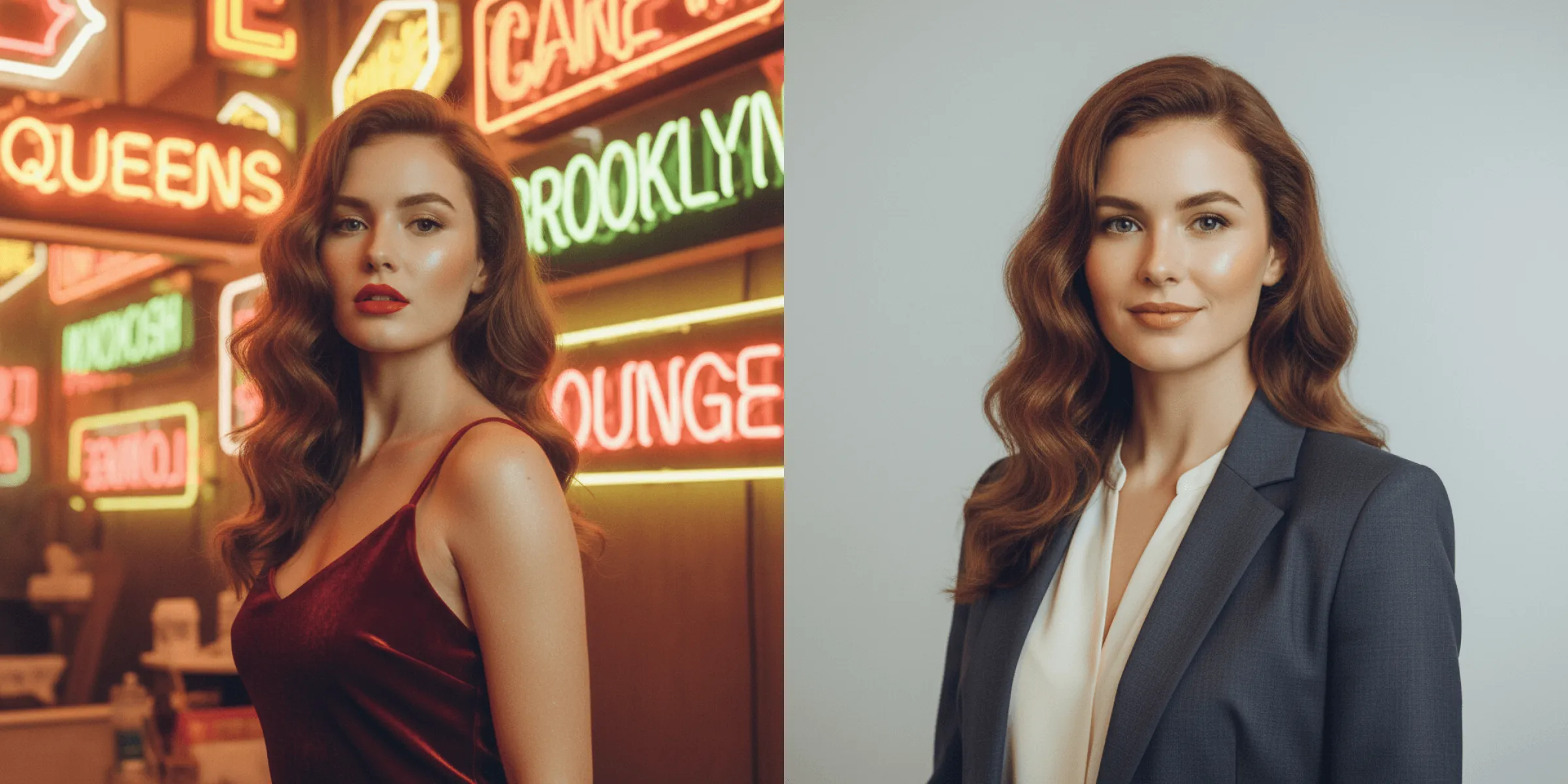
Traditional professional photography involves high fees, appointments, makeup sessions, outfit changes, and long retouching times. Fast Image AI completely disrupts this process. No need to leave home — everything runs directly in your browser. New users can start with free credits, and premium plans offer excellent value. Whether you’re a fresh graduate or an experienced professional updating your image, you can achieve results comparable to studio photography: 8K resolution, natural lighting, and professional outfits and backgrounds — perfect for resumes, recruitment platforms, and business networking.
2. Avoid Generic Templates — Personalized Customization Shows True Professionalism
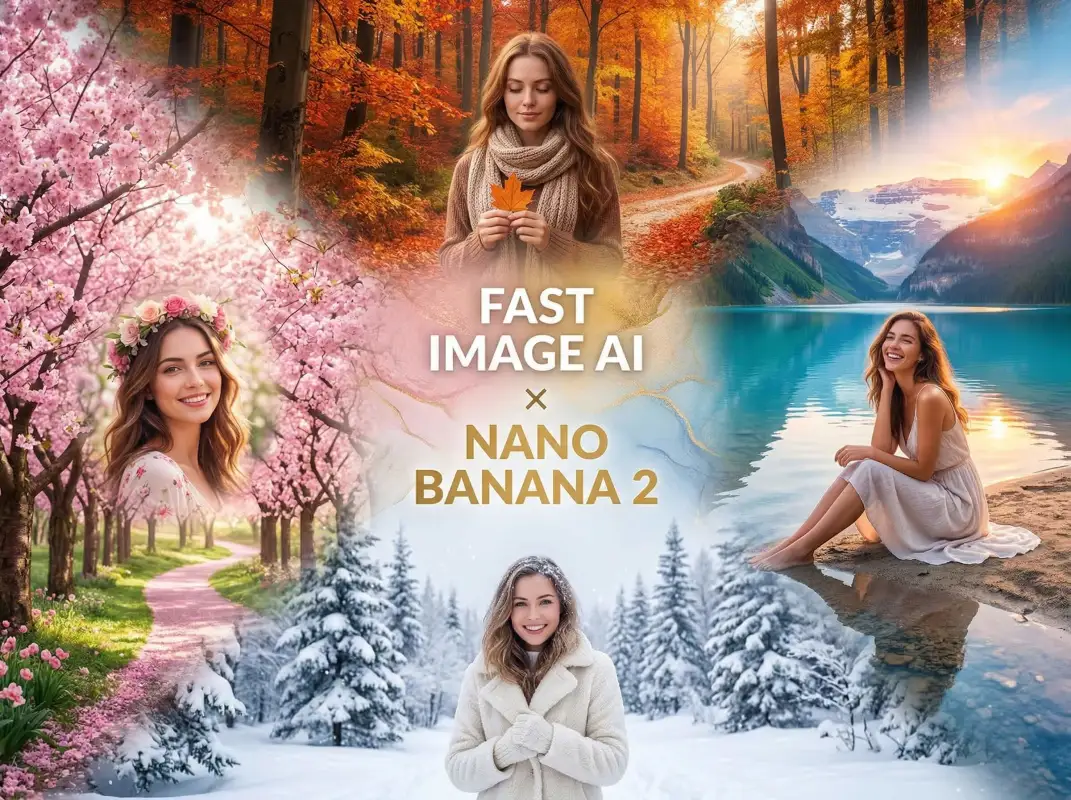
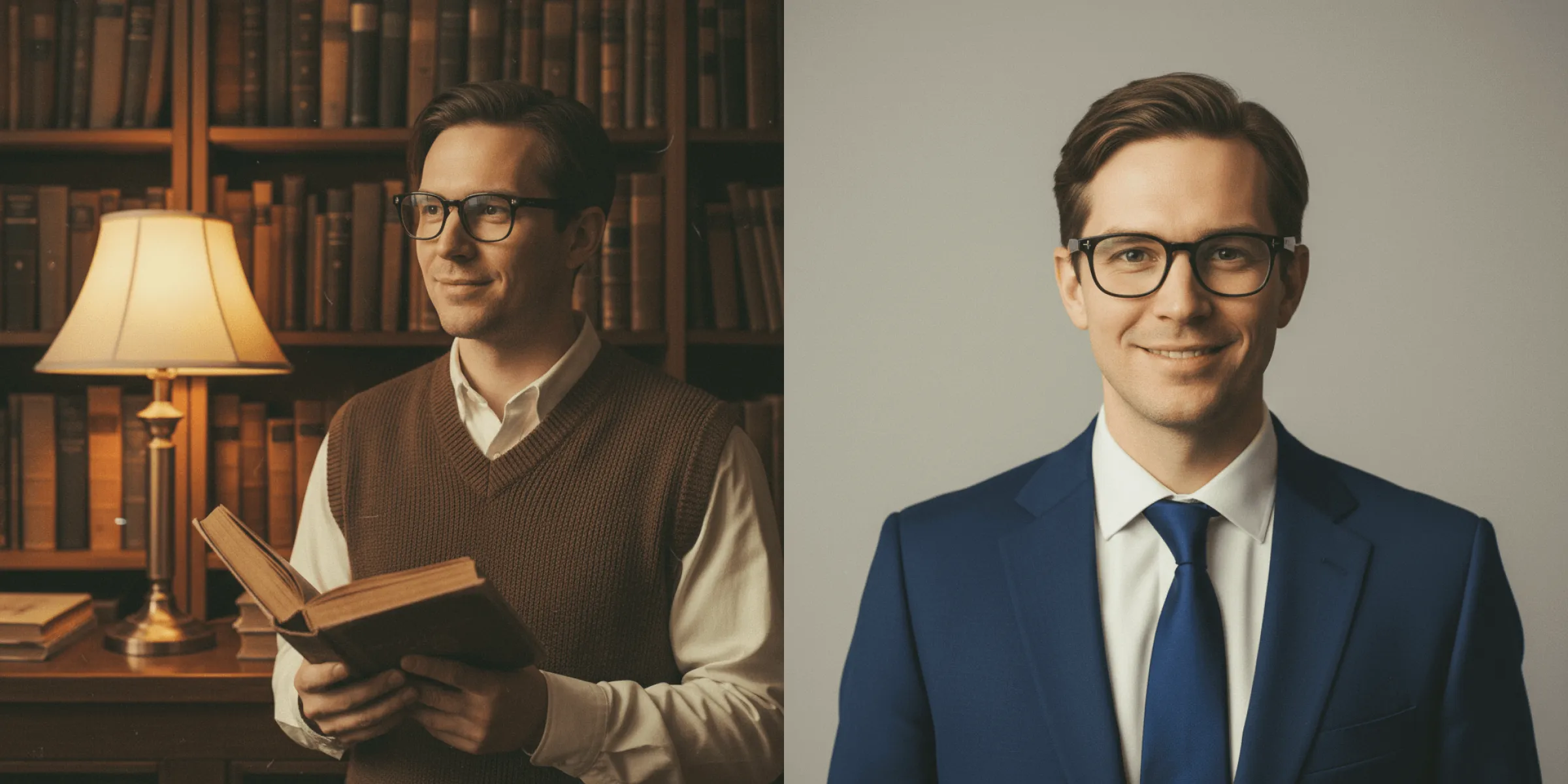
Many template-based headshots look identical: the same white shirt, the same blue background. Fast Image AI offers deep personalization.You can customize everything through prompts: professional attire (business suits, smart-casual, industry-specific outfits), background scenes (offices, meeting rooms, minimalist colors, or profession-related environments such as labs or design studios), and fine details (hairstyles, accessories, lighting tone). For example, a product manager can generate a look with “a light-gray casual suit, minimalist office background, warm lighting, subtle tech accents.” A teacher can choose “a beige knit sweater, bookshelf and plants in the background, soft natural light.” Your headshot becomes professional and authentic to your role.
3. Zero Learning Curve — No Design Skills Required
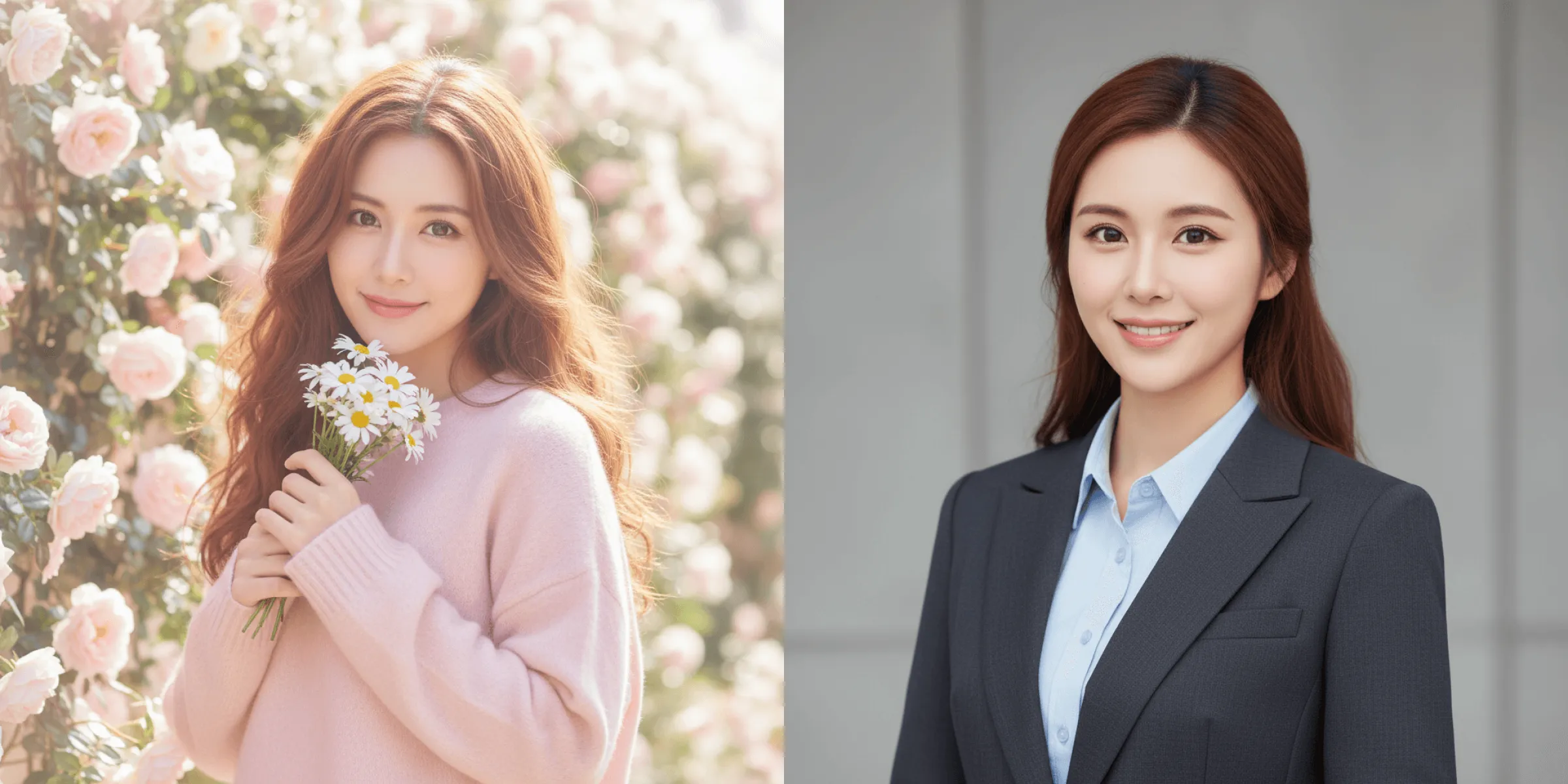
For most professionals, tools like Photoshop are intimidating barriers. Fast Image AI removes them entirely. No software downloads, no complex parameters — simply describe what you want in words. Even first-time AI users can rely on prompt templates and see results within seconds. If you’re not satisfied, tweak keywords (e.g., “add thin metal glasses” or “change background to light gray”) or upload a reference image to refine the result until it meets your expectations. Everyone can become their own image designer.
II. Beginner’s Guide: Create a High-Quality Professional Headshot in 3 Steps
Worried it’s complicated? With Fast Image AI, creating a professional headshot is surprisingly simple:
Step 1: Access the Generator Instantly — Start with Zero Barriers
Open the AI Professional Headshot Generator directly via (https://fastimage.ai/ai-headshot-generator), No complex registration, no downloads, no plugins required. Click and start instantly. The interface is clean and intuitive, making it easy even for first-time users to get started.
Step 2: Enter Precise Prompts + Select Suitable Parameters
The two most important steps are writing prompts and choosing image ratio and resolution.
Prompts act as AI’s instruction manual. Use the structure: core subject features + professional style + detailed enhancements. Example: “28-year-old female professional, short hair, confident and neat, wearing a navy fitted suit with a white shirt, natural smile, calm and trustworthy expression.”
Choose aspect ratio and resolution based on usage:
Ø For resumes or formal profiles: 1:1 ratio, 8K resolution
Ø For LinkedIn or social platforms: 3:4 or 4:3 ratio, 4K resolution
Step 3: Upload a Reference Image for Higher Accuracy
Fast Image AI allows you to upload reference images to enhance precision. You can upload a personal photo, a previous professional photo, or a style reference you like.
The AI analyzes facial features, proportions, and overall style, combining them with your prompts for more accurate results. For best outcomes, use clear, well-lit images with unobstructed faces. This step significantly reduces trial and error.
III. Conclusion: A Great Professional Headshot Is a Hidden Career Advantage
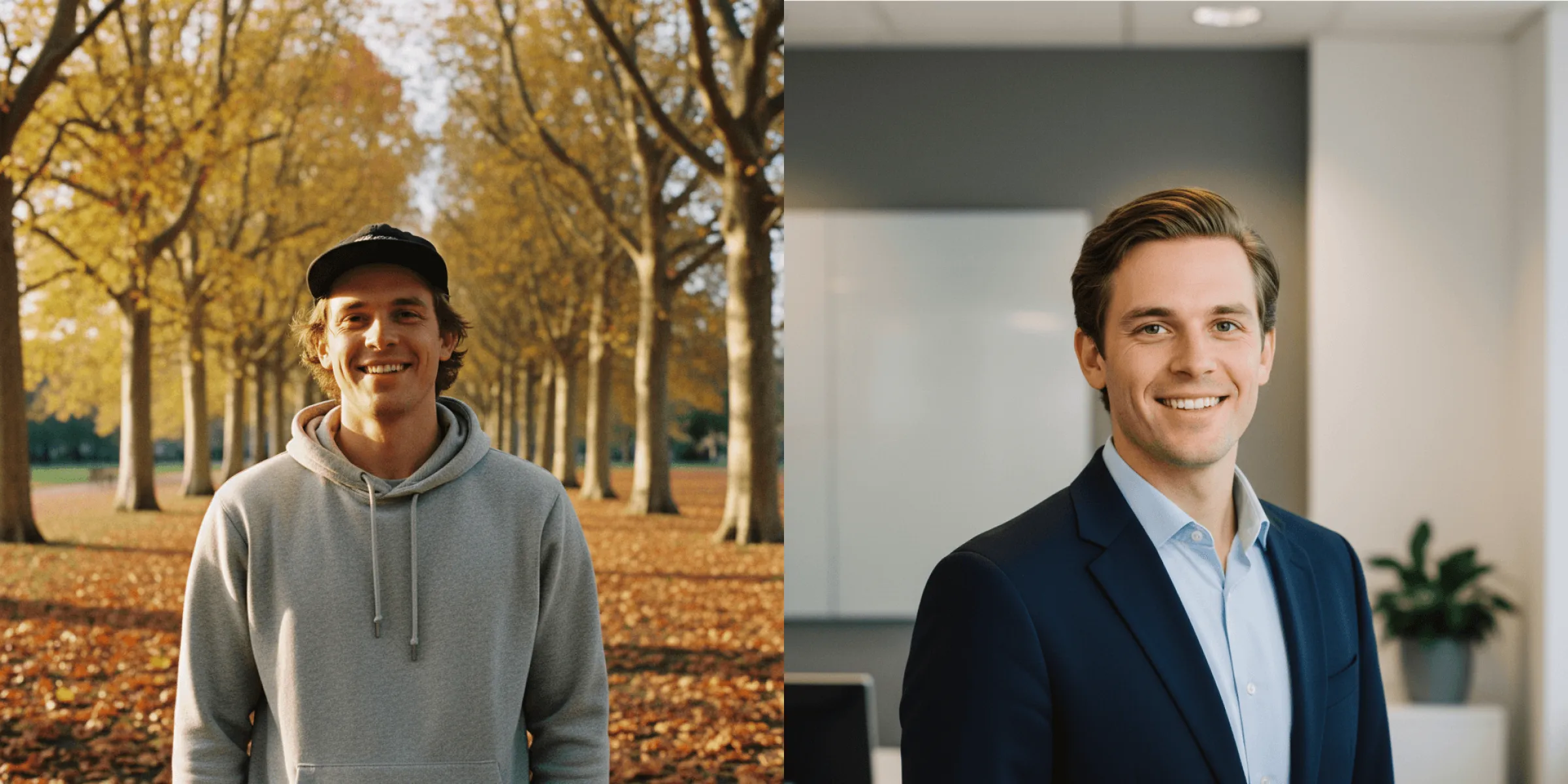
In a fast-paced professional world, image expression is often underestimated. Yet a strong professional headshot subtly communicates credibility, professionalism, and attitude — becoming a resume booster, a social icebreaker, and a personal brand signature.
Stop worrying about your professional image. Open Fast Image AI, describe your ideal career look in words, and let AI bring it to life. Whether you’re job hunting, seeking promotion, or expanding your network, let your professional headshot work for you.
Visit Fast Image AI now at “https://fastimage.ai/“ and unlock your exclusive professional headshot — start your career ahead of the competition.