World Kindness Day Design Inspiration - Create Warm Visuals with Fast Image AI
As World Kindness Day (November 13) approaches, have you thought about how to express the warmth and power of kindness through your designs? This article focuses on holiday-themed design for designers, exploring how to use Fast Image AI — an online AI image generation and style-transfer tool — to create inspiring visuals for this meaningful occasion and enhance your seasonal creative campaigns.
1. Why Choose “World Kindness Day” as a Design Theme?
World Kindness Day is celebrated every year on November 13. It highlights the power of kindness — an emotion that transcends culture, geography, and age.
For designers, this day offers three major advantages:
- Strong emotional resonance – Kindness is a universal value that easily connects with audiences and strengthens emotional branding.
- High visual potential – The day naturally invites creative visual storytelling across social media, events, and public campaigns.
- Creative flexibility – Designers can explore multiple directions, from social media visuals and posters to event decorations and branded content.
In other words, designing for World Kindness Day is not just a creative task — it’s a chance to merge empathy with artistry.
2. Why Designers Should Pay Attention to Fast Image AI
During holiday design campaigns, speed and creativity often need to coexist. Fast Image AI helps designers balance both.
Here are its core features and creative advantages:
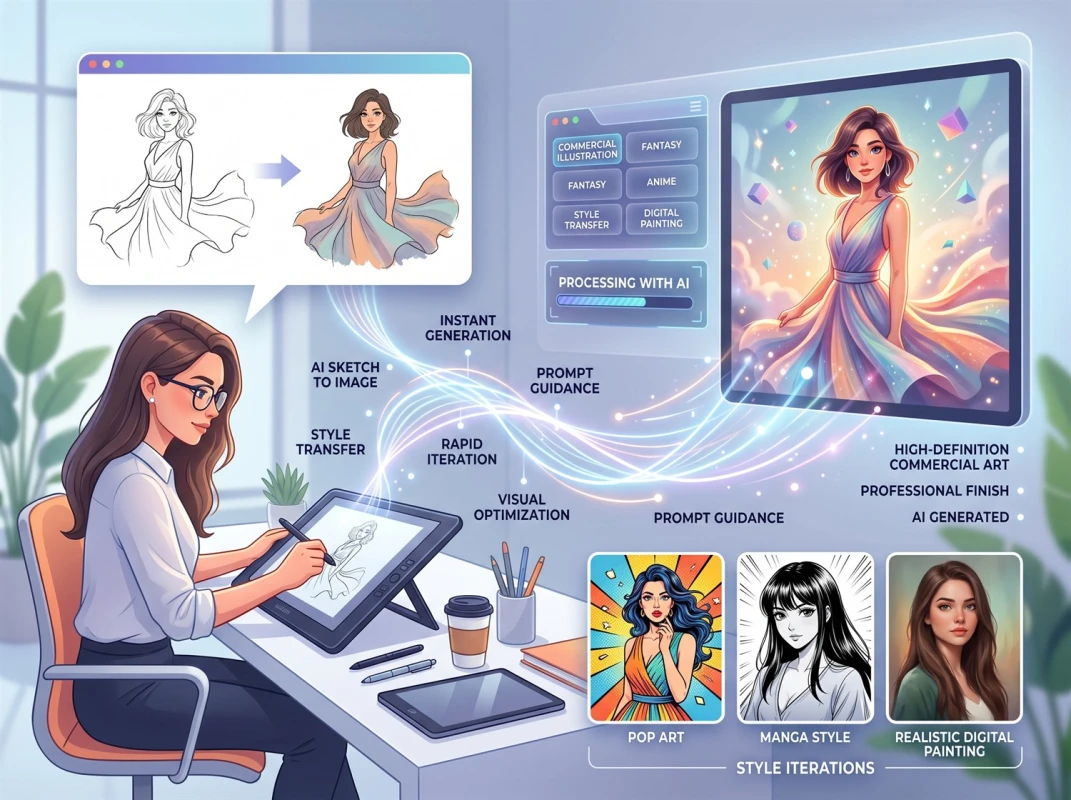
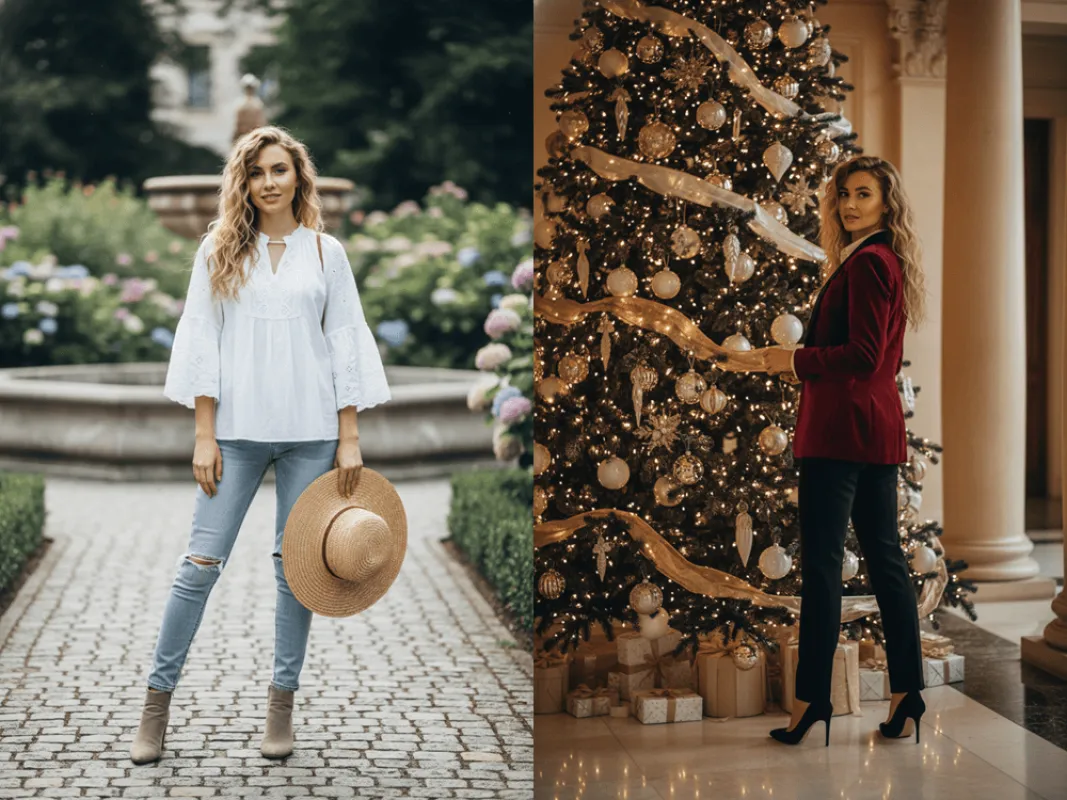
- Multiple artistic styles – Instantly transform an uploaded photo or a text prompt into Ghibli-style, sketch, watercolor, cartoon, or realistic renderings.
- Browser-based convenience – No installation required; design directly online with a smooth, intuitive interface.
- Prompt and reference image input – Type descriptive prompts or upload your own sketches to guide AI output.
- Free daily credits + commercial use plans – Designers can test ideas with free credits, then upgrade for commercial licenses.
- Privacy assurance – The platform states that uploaded content is not reused or shared externally.
For designers, this means you can rapidly prototype ideas, generate new visual directions, and deliver multiple styles in a fraction of the time.
3. How to Design for “World Kindness Day” Using Fast Image AI
Here’s a step-by-step process for designers to create meaningful visuals for this occasion:
1. Preparation and Registration/Login
Open your browser and visit https://fastimage.ai. Users can switch languages (such as "Simplified Chinese", "English", "German") in the upper right corner of the page for easier reading.
- If you haven't registered an account yet, click "Register". You can also log in using Google or receive a temporary login link via email.
- If you already have an account, select "Log In". After logging in, you will see the "Credits" display. Free users have daily free credits, and paid members can get more credits.
2. Generating / Transforming images
Step 1:Upload an image or sketch
On the homepage, you will see the "Upload Image" button.
- If you already have an image and want to apply a style transformation (such as Ghibli, sketch, etc.), upload this image.
- If you wish to generate a new image from scratch, you can skip the upload and only use text prompts along with the "No Style" option.
Step 2:Select Image Style and Enter Prompts
- In the style selection area, choose your desired style: such as "Ghibli Anime Style", "Sketch Style", "No Specific Style", etc.
- (Optional) Enter the text description of the image you want to generate in the "Prompt Input Box". For example: "A cute flat illustration style for the theme of 'International Day of Kindness'. Two hands gently holding a heart-shaped earth, with stars, clouds and birds around, using soft pastel colors. The picture is warm and friendly, in a simple cartoon style."
Step 3:Select Generation Settings
- In the "Image Ratio" section, choose a ratio such as "Auto", "1:1", "3:2", or "2:3".
- In the "Number of Generations" section, select how many images to generate at once (1–4).
Step 5:View/Download Results
- After the generation is completed, the generated results will be displayed in the "My Images" section.
- You can preview, download, delete, or share the generated images.
- If you need higher resolution, commercial usage rights, or more generation times, you need to upgrade to a paid membership. The free version is limited to personal use only and has a restricted number of generations.
Step 4:Generate Images
Click the "Start Generation" button to begin generating. The average time taken is approximately 10-30 seconds, depending on the style, resolution, and queue status.
Step 5:View/Download Results
- After the generation is completed, the generated results will be displayed in the "My Images" section.
- You can preview, download, delete, or share the generated images.
- If you need higher resolution, commercial usage rights, or more generation times, you need to upgrade to a paid membership. The free version is limited to personal use only and has a restricted number of generations.
4. Practical Tips for Designers
- Use descriptive, emotional prompts – e.g., “Two people helping each other, pastel tones, flat vector, soft light.”
- Upload brand references – Ensures stylistic consistency with existing campaigns.
- Maintain brand identity – Keep brand colors, logo, and typography consistent even in seasonal designs.
- Track usage rights – Save generation logs and confirm commercial permissions when needed.
- Output properly – 1080×1080 px for Instagram, 1920×1080 px for web, 300 dpi for print.
- Try free credits first – Fast Image AI provides daily free credits for testing and learning.
- Always refine manually – AI output is a strong draft; designers should polish composition and typography manually.
5. Conclusion
World Kindness Day is a meaningful occasion that blends emotion, creativity, and social impact. By using Fast Image AI, designers can produce warm, engaging, and original visuals efficiently — from posters and stickers to digital campaigns.
Whether you’re working for a brand, a community project, or your own social channel, leveraging this holiday and this tool allows your designs to convey genuine warmth and inspire real connection.