2026 AI Cartoon Generator Recommendations - Top 10 Practical Tools Worth Trying
In 2026, with the rapid iteration of AI technology, the application scenarios for cartoon images have long surpassed traditional animation production and children’s picture books, penetrating social media, brand marketing, personal creation, professional design, and beyond. Whether you are a social media creator in need of eye-catching cartoon avatars, a designer seeking efficient cartoon asset generation, a parent wanting to create a custom picture book for your child, or a business requiring branded cartoon marketing posters, a high-quality AI cartoon generator can double your creative output efficiency. It empowers individuals with zero design experience to easily produce professional-grade cartoon artwork.
As market demand booms, a plethora of AI cartoon generation tools have emerged, varying widely in quality: some prioritize speed but offer limited styles; others support detailed customization but have a steep learning curve; some are free and easy to use but carry copyright risks; and others are professionally powerful but come with a high price tag. To help you avoid pitfalls and select the right tool, we spent two weeks testing over 30 mainstream AI cartoon generators. We conducted a comprehensive comparison across 6 core dimensions: generation speed, style diversity, ease of use, image quality, copyright security, and cost-effectiveness. Ultimately, we curated the top 10 most practical tools worth trying.
I. 2026 Industry Trends in AI Cartoon Generation
Before diving into the recommendations, let’s explore the 3 core trends shaping the AI cartoon generation landscape in 2026. Understanding these will help you better grasp each tool’s functional positioning and avoid impulsive choices:
1. Dual Enhancement: Speed & Precision
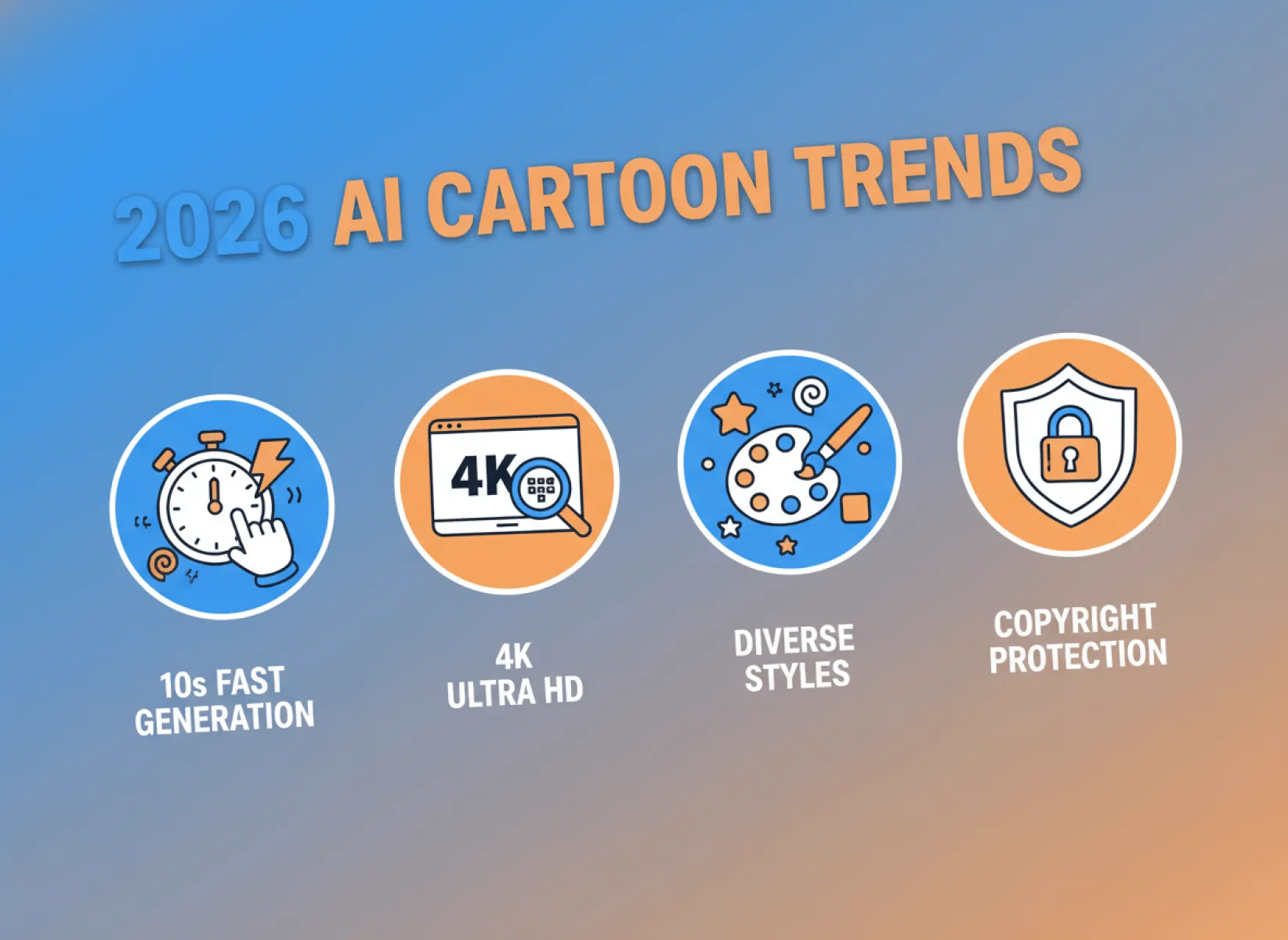
Powered by optimized large models, leading AI cartoon generators in 2026 offer over 30% faster generation speeds compared to last year. Most tools achieve "10-second image generation." Simultaneously, image quality has seen a massive upgrade, supporting 4K ultra-high-definition (UHD) export. The level of detail rivals hand-drawn art, completely dispelling the stereotype that "AI-generated = blurry and distorted."
2. Refined & Personalized Styles
Gone are the days of a single "cartoon filter." Tools now offer hundreds of specialized styles, including Japanese anime, American cartoons, Chinese-style animation, Cute Chibi, Pixel Art, and 3D Cartoons. Many even support custom style parameters, catering to the personalized needs of diverse scenarios.
3. Full-Scenario Adaptability & Lightweight Access
An increasing number of tools support cross-platform synchronization (web, app, mini-program), requiring no downloads or installations—simply open a browser to use. New features like batch generation, asset editing, and one-click export cater to both individual creators and enterprise-level bulk production needs. The barrier to entry continues to drop, truly making "everyone a cartoon designer."
4. Formalized Copyright Policies
Amid a rise in copyright disputes over AI-generated content, legitimate AI cartoon generators in 2026 have refined their copyright services. Free generations are typically licensed for non-commercial use, while paid plans grant commercial usage rights. This completely resolves the core user pain point of "fear of infringement when using images."
Based on these trends, our selection prioritized tools that excel in speed, style variety, image quality, clear copyright, and ease of use. We also considered the needs of different user groups (beginners, designers, enterprises, students) to ensure each recommended tool has a clear applicable scenario and core advantage.
II. Detailed Reviews: Top 10 AI Cartoon Generators for 2026
This ranking is based on comprehensive strength + use case suitability, covering beginners to professionals. Each tool includes its core highlights, pros and cons, target audience, and hands-on experience to help you quickly find the perfect match.
1. Fast Image AI (Top Pick: Beginner-Friendly & All-Around Professional)
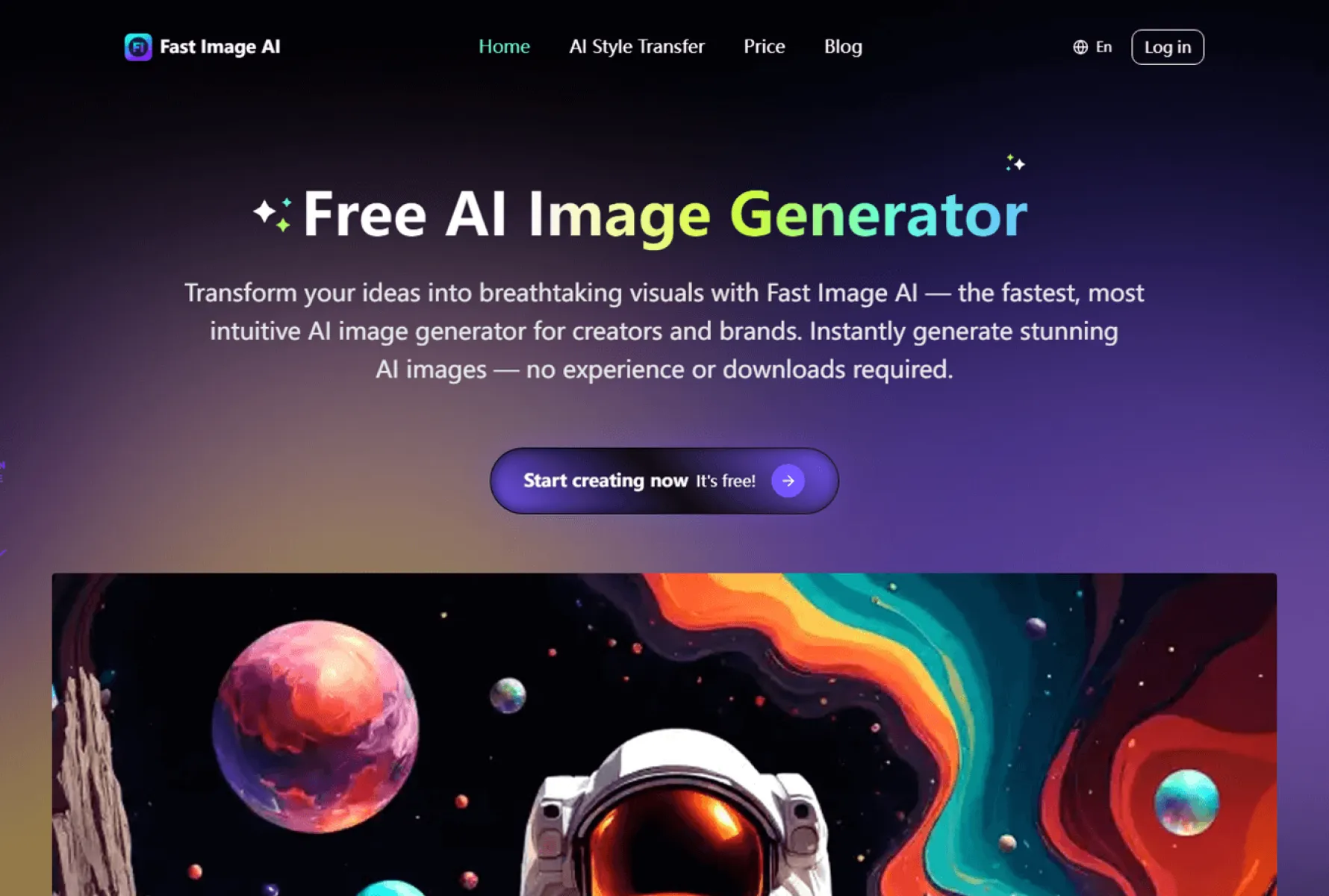
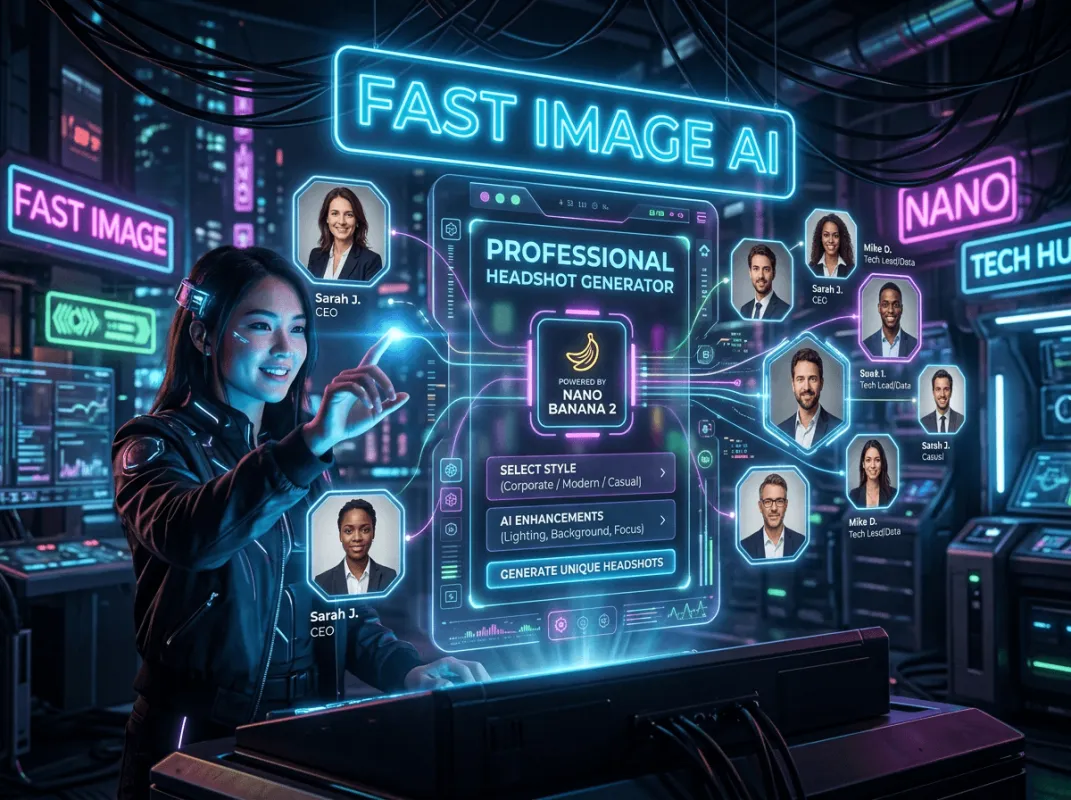
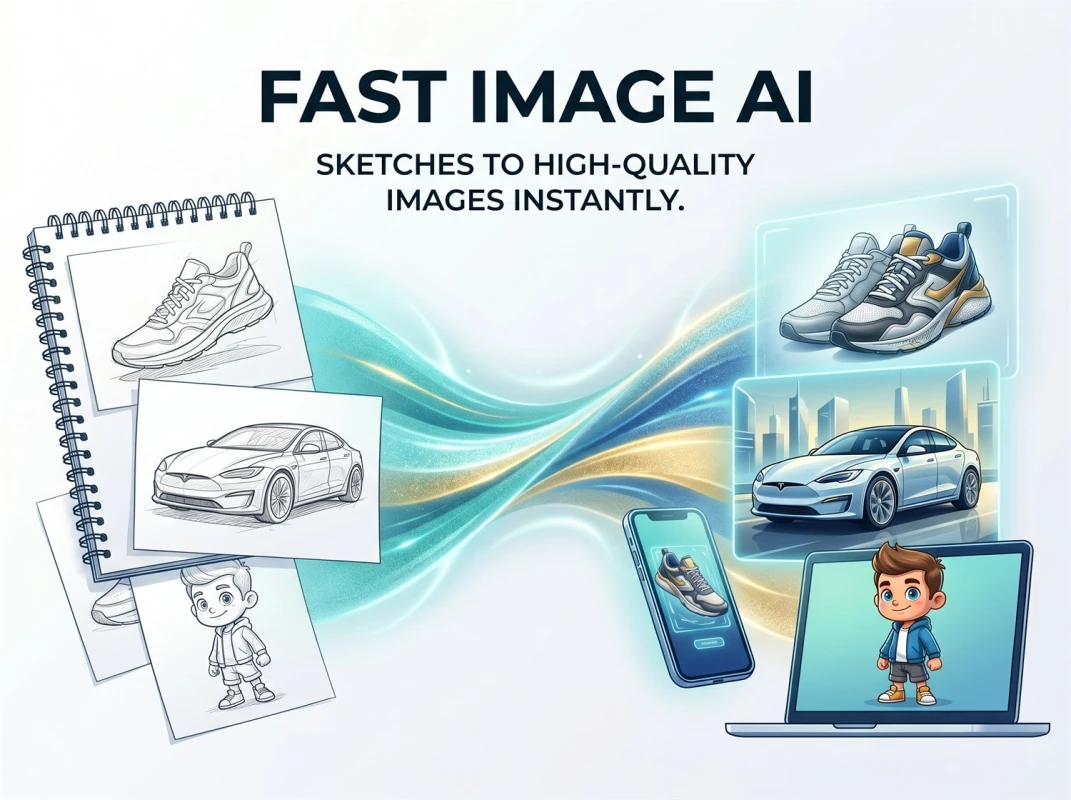
Core Positioning: A newly upgraded AI cartoon generator of 2026. It focuses on "fast output, comprehensive styles, fine control, and zero learning curve." Powered by advanced AI vision models, it caters to both personal creation and commercial use, achieving the highest overall score in our tests. Trusted by over 70,000 users and designers, it is especially ideal for beginners and those needing efficient image generation.
1.1 Core Feature Highlights
As a vertical tool focused on cartoon generation, Fast Image AI precisely addresses core user pain points—"wanting to make cartoons but lacking design skills, slow output, limited styles, and poor image quality." Its key advantages, which set it apart, are:
Blazing Fast Generation: 10 Seconds to Image, Double the Efficiency.
This is Fast Image AI’s most prominent advantage. In our tests, both "Text-to-Cartoon" and "Photo-to-Cartoon" modes consistently produced high-definition results in under 10 seconds—as fast as 5 seconds. This is 2-3 times faster than competitors (which average 20-30 seconds).
Comprehensive Style Library: Covers All Scenarios
Fast Image AI boasts one of the most extensive style libraries in our test, featuring all the trending cartoon styles of 2026. Whether you prefer the simple styles favored by beginners or the professional aesthetics required by designers, you will easily find your match.
Zero Learning Curve: Easy for Beginners
The interface is extremely minimalist with no complex parameters, offering a fully visual workflow. Even complete design novices can master it in under 1 minute, shattering the myth that "AI tools are complicated to operate." Both modes are intuitive:
Text Generation: Open tool → Select "Prompt Input" → Enter your prompt (e.g., "Chibi cat, orange fur, round eyes, American cartoon style, high definition") → Choose style & quality → Click "Generate." Get results in 10 seconds.
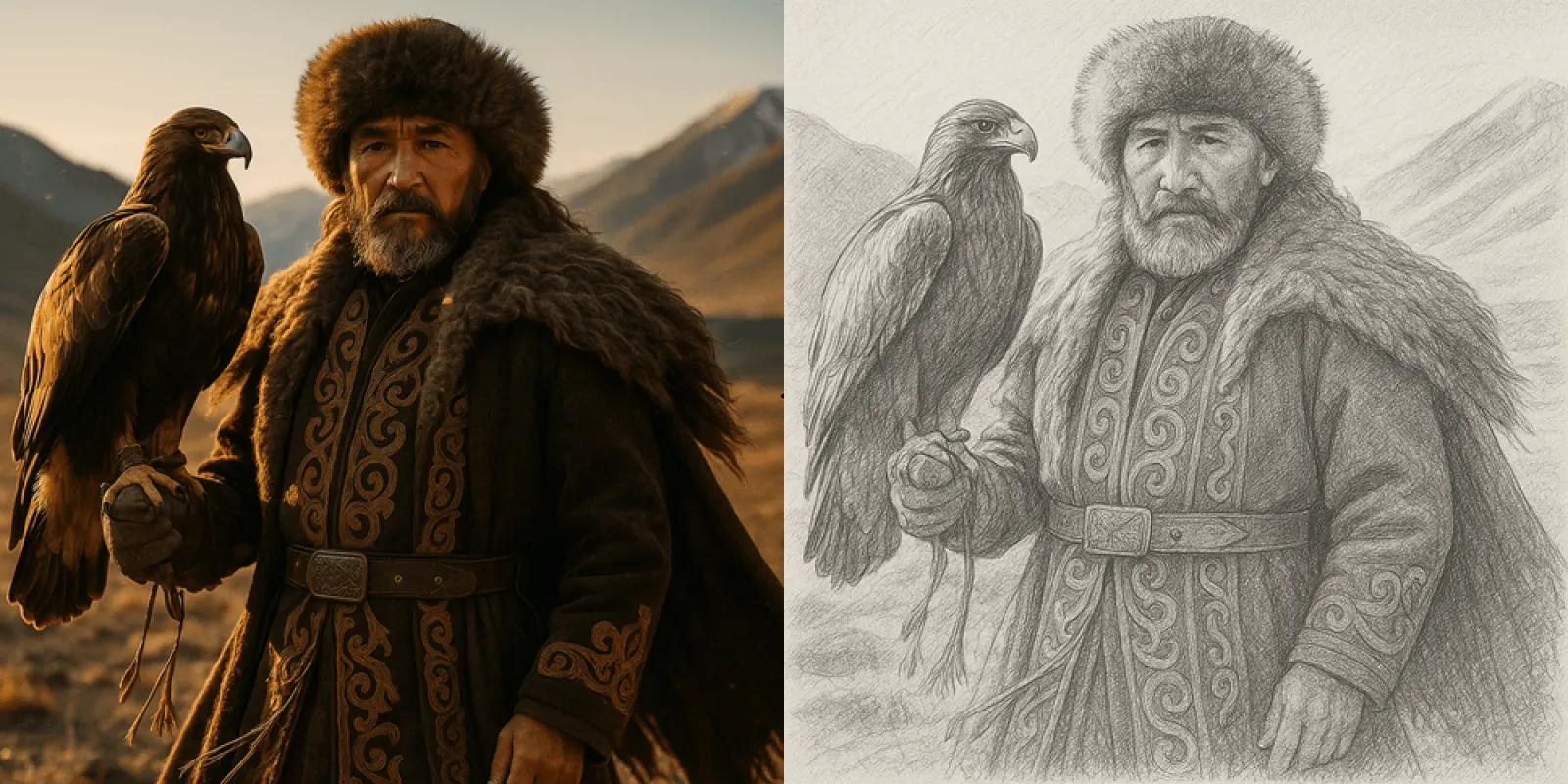
Photo Generation: Open tool → Select "Image Upload" → Upload a photo of a person, pet, or landscape (supports JPG/PNG, no size limit) → Choose your favorite cartoon style → Click "Generate." Quickly transform photos while preserving core features (e.g., facial contours, pet expressions) without the common "unrecognizable" outcome.
High-Definition Quality with Commercial Rights & Copyright Protection
Fast Image AI supports up to 4K UHD export. The generated cartoons feature rich details, smooth lines, and balanced colors. Even when zoomed in, there is no blurriness, jagged edges, or pixelation. It is suitable for everything from social media avatars to poster printing, picture book creation, and corporate marketing.
1.2 Pros & Cons Summary
Pros: Blazing fast speed, comprehensive styles, zero learning curve, HD quality, guaranteed copyright (commercial license available), high cost-effectiveness, beginner-friendly yet powerful enough for professionals, excellent user reviews, and full-scenario adaptability.
Cons: Some ultra-HD 4K images require a subscription. The free version has a daily limit of approximately 3 generations (sufficient for personal daily use).
1.3 Pricing & Target Audience
Pricing: Free Plan (3 daily generations, 1080P export); Premium Plan ($6.93/month, 4K export, access to premium styles). Offers higher cost-effectiveness than similar tools.
Target Audience: Beginners, social media creators, corporate marketers, students, designers, parents. Suitable for both personal and commercial use across all scenarios.
1.4 Official Access
Web Version: https://www.fastimage.ai/
2. Midjourney (Professional Advanced: Best for Japanese Anime Enthusiasts)
Core Positioning: A world-renowned AI generator known for "high-end quality, creativity, and ultimate image quality." Its Niji 7 model is specifically optimized for Japanese anime and cartoon styles. It delivered the strongest performance in terms of image quality and creativity in our tests, making it ideal for professional users with some experience who pursue perfection. As the latest iteration of Midjourney’s 2026 anime-specific model, Niji 7 offers significant improvements in AI anime generation accuracy, resolving many pain points of the previous version.
2.1 Core Feature Highlights
Ultimate Image Quality & Strong Creativity
Midjourney’s output is industry-leading, with exquisite lines, rich colors, and exceptional detail. The Niji 7 model, in particular, produces Japanese anime characters and scenes with textures and lighting effects far superior to competitors. It offers immense creativity, capable of generating a wide range of unique cartoon styles. Scene coherence is greatly improved, especially in facial details—eye highlights, reflections, and pupil structures are clear and consistent, eliminating the awkward "eye element distortion" of the previous model.
Refined Styles for Complex Scenarios
Supports Japanese anime, American cartoons, hand-drawn, 3D, and more. It excels at generating complex cartoon scenes (e.g., group gatherings, fantasy settings, cityscapes) with well-proportioned characters and clear scene layers, suitable for high-end creative projects. Lines are cleaner, and flat styles emphasize the beauty of line art, aligning perfectly with anime art logic.
Upgraded Prompt Understanding
Niji 7’s prompt comprehension is vastly improved, offering precise "literal" interpretation. For complex descriptions like "short green hair, single bun, holding an ice cream in each limb," it can logically render the elements without misplacement. The enhanced `--sref` style reference feature is more practical: uploading a reference image allows for stable style replication with minimal drift, making it very friendly for IP creation and character consistency.
Active Community for Learning
Boasts a massive user community where millions share outstanding cartoon works and prompts daily. It’s an excellent resource for learning and improving your skills. The tool also supports iterative refinement of generated works to continuously perfect details.
2.2 Pros & Cons Summary
Pros: Unmatched image quality, strong creativity, supports complex scenes, refined styles, active community, ideal for high-end creation, Niji 7 delivers exceptional 2D results. Upgraded prompt understanding and style transfer make it great for IP creation.
Cons: Extremely steep learning curve. Requires a VPN, Discord account registration, and English-only prompts. Generation speed is slow, it’s subscription-only with a high price, copyright policies are complex, it’s not beginner-friendly, and it lacks a Photo-to-Cartoon feature. The effectiveness of vague, atmospheric prompts is reduced.
2.3 Target Audience
Professional designers, high-end creative professionals, and anime enthusiasts who have VPN access, can proficiently write English prompts, pursue ultimate image quality and creativity, and are willing to accept the high price and complexity.
3. Leonardo AI (Professional Pick: Expert in High-Precision Visual Generation)
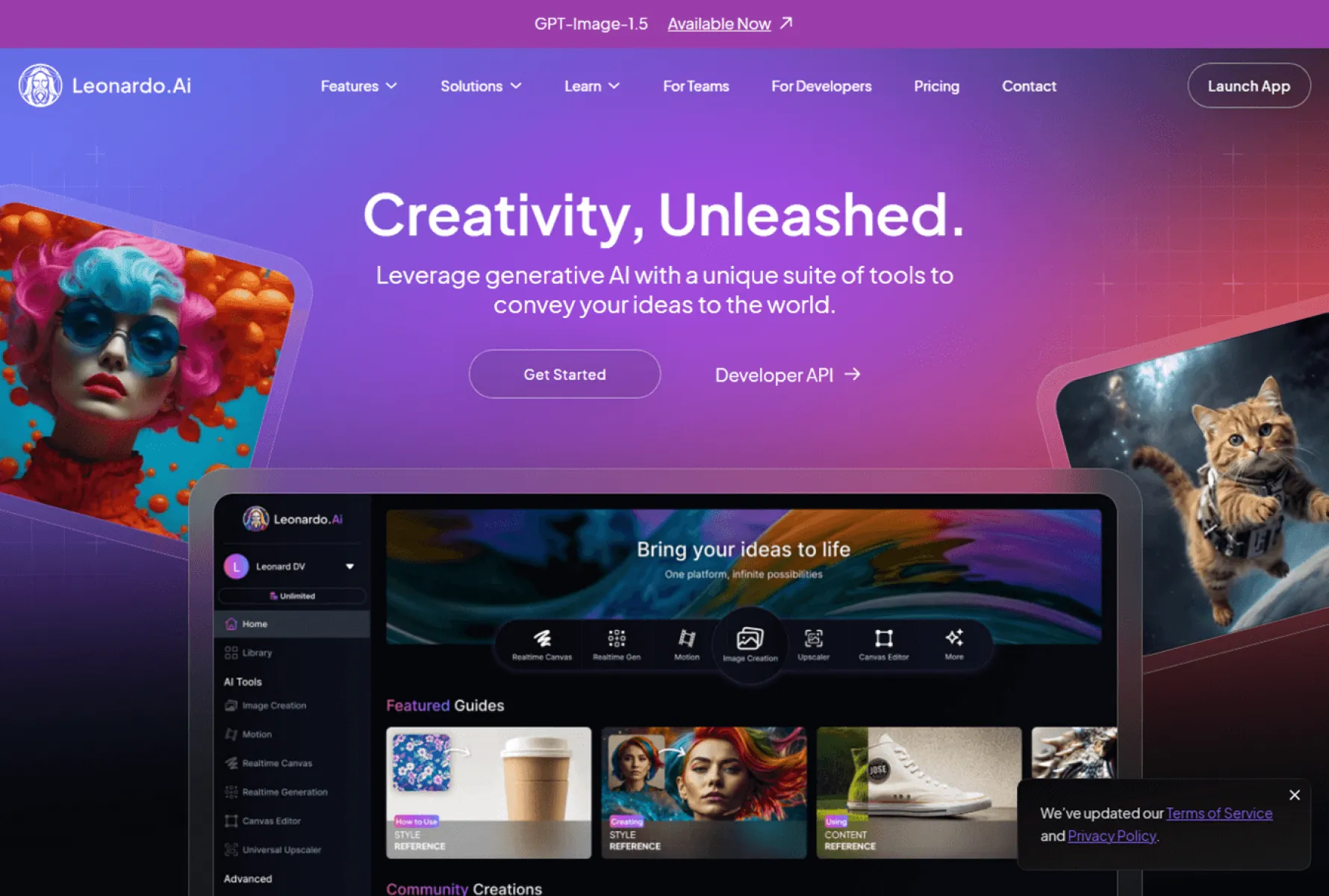
Core Positioning: A popular overseas AI text-to-image tool focused on "high-precision visual generation." It excels especially in game art, making it suitable for game development companies, VFX teams, and professional designers in need of detailed cartoon assets. Equipped with multiple well-trained models, it can generate various art styles and is beloved by creators worldwide.
3.1 Core Feature Highlights
HD Quality with Rich Details
Leonardo AI specializes in high-precision visuals, delivering exquisite lines, rich colors, and exceptional detail. It offers multiple dedicated models supporting text-to-image, image-to-image, and 3D asset generation. It excels at character design, scene building, and prop modeling—core requirements for game art. The detail richness and style consistency of its outputs are industry-leading.
Supports Fine Customization & Model Training
Users can train custom models by importing game art specifications to generate exclusive assets that match project styles. You can train a model on a specific artist’s style to produce similar works. It also offers batch generation and style transfer, significantly boosting game art productivity.
Robust Post-Editing Features
Provides a variety of post-processing functions for generated images, including upscaling (creative scaling, style-consistent scaling), auto-background removal, image expansion, inpainting, and mask editing. These meet fine-editing needs without requiring a switch to other software.
Beginner-Friendly Aids
Features a prompt assistance function. Users only need to input a theme, and the tool helps generate creative prompts, lowering the barrier for beginners. Regular users receive 150 free daily tokens for image generation, suitable for daily trial use.
3.2 Pros & Cons Summary
Pros: HD quality, rich details, supports fine customization and model training, robust post-editing, beginner-friendly (prompt assist + free tokens), ideal for game art and high-precision cartoons. Generated assets are directly compatible with major game engines like Unity and Unreal Engine.
Cons: Generation speed is slow, the interface is relatively complex, advanced features consume additional tokens or require a subscription, commercial licensing policies are strict, and the cost for commercial use is higher than Fast Image AI.
3.3 Target Audience
Professional designers, game development companies, VFX teams, and creative enthusiasts who need high-precision cartoon assets, are willing to invest time in learning, and pursue fine customization.
4. Adobe Firefly (Professional Pick: Ideal for Designers & Enterprise Commercial Use)
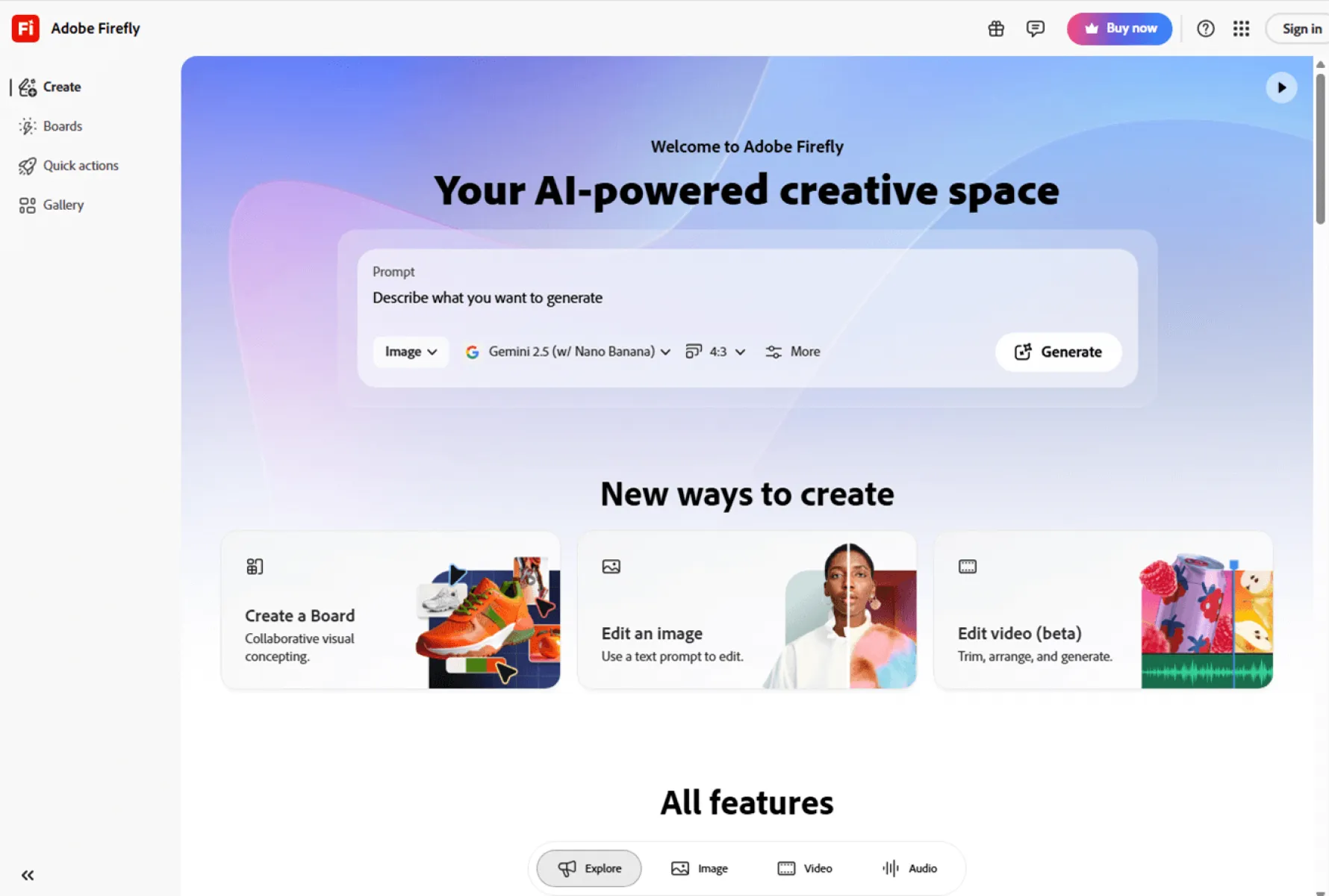
Core Positioning: Adobe’s AI generation tool focuses on "professionalism, HD quality, and copyright security." Its AI cartoon generation features lean towards professional design scenarios, making it suitable for designers and enterprise users. It was the most commercially adaptable tool in our tests, deeply integrated with the Adobe ecosystem for a seamless workflow with professional design tools.
4.1 Core Feature Highlights
Top-Tier Image Quality with Rich Details
Leveraging Adobe’s powerful image processing technology, generated cartoons are of HD quality with exceptional detail, smooth lines, and delicate colors. It supports 8K UHD export, suitable for professional design, poster printing, animation production, and more.
Absolute Copyright Security
Adobe explicitly states that all content generated by Firefly can be used commercially without fear of copyright disputes. This makes it ideal for businesses and designers working on paid projects, client work, and merchandise, offering clear legal boundaries—the first choice for commercial creation.
Professional Styles with Fine Customization
Includes a variety of professional cartoon styles, such as hand-drawn, retro, and 3D cartoons. It supports custom parameters like line thickness, color matching, and texture effects, meeting the professional creative needs of designers and accurately translating their ideas.
Seamless Adobe Ecosystem Integration
Generated cartoons can be directly imported into Adobe tools like Photoshop and Illustrator for further editing, fitting seamlessly into designers’ daily workflows and boosting efficiency. Updated in 2025, it supports prompt-based video editing, allowing users to adjust visual elements via natural language. It also integrates third-party models to expand its capabilities.
4.2 Pros & Cons Summary
Pros: Top-tier image quality, rich details, absolute copyright security, powerful professional features, fine customization, seamless Adobe integration, ideal for commercial and professional design. Feature-rich, supporting video editing and third-party model integration.
Cons: Steep learning curve requiring prompt engineering skills, slow generation speed, high price, no Photo-to-Cartoon feature, not beginner-friendly, and no batch generation.
4.3 Target Audience
Professional designers, corporate design departments, and freelancers working on professional projects like commercial posters, animation production, and client work. Users who pursue high quality and copyright security and can accept the high price and complexity.
5. Flowpix (All-Around Pick: Rising Star in Overseas Markets, Ideal for Enterprise Bulk Creation)
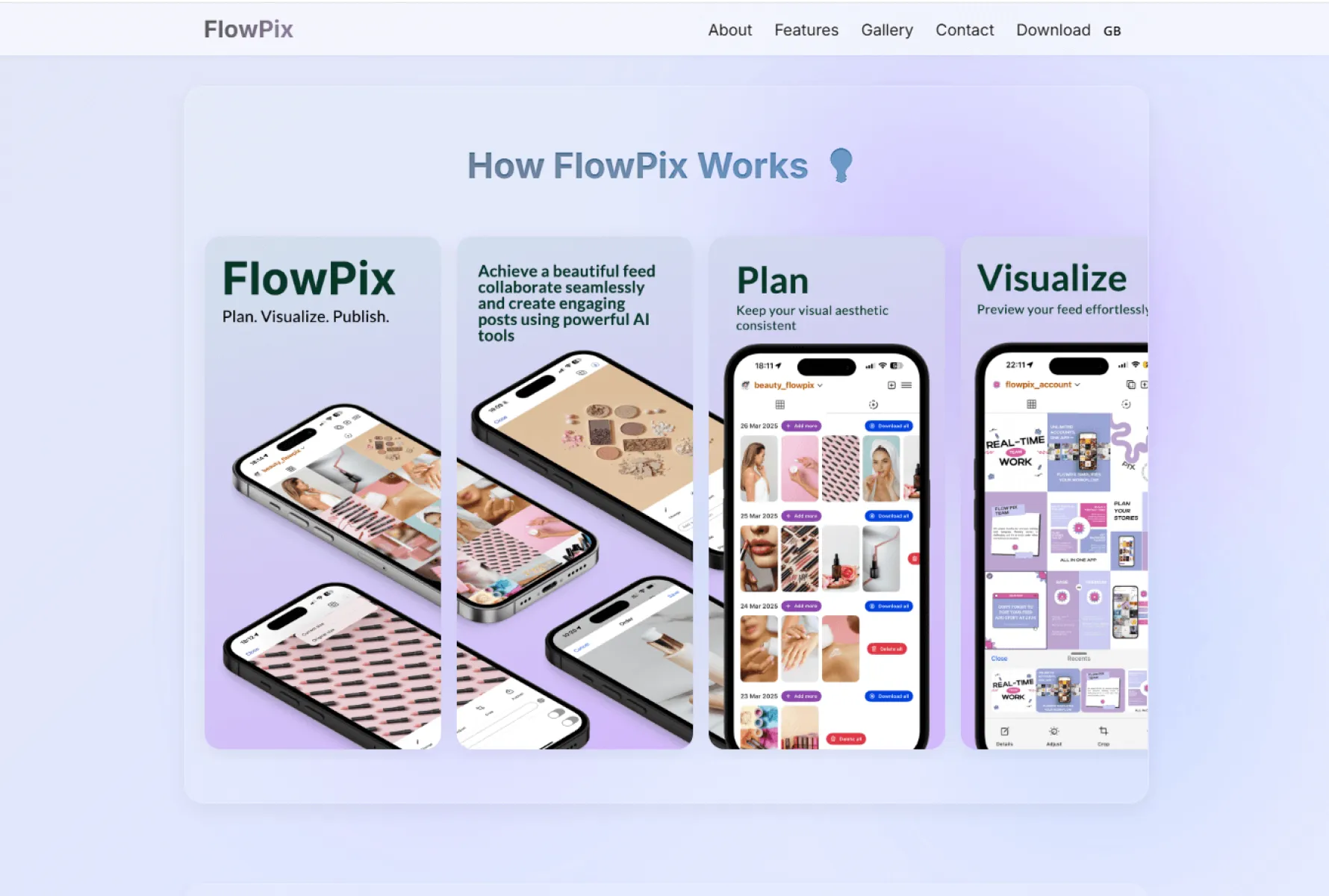
Core Positioning: A rapidly rising AI creative tool in overseas markets, focusing on "smooth workflow + pixel creation." Its core philosophy is "prompt-driven, workflow reimagined." It caters to both individual creators and enterprises, excelling particularly in enterprise bulk creative scenarios. It is one of the leading AI design tools overseas in 2026.
5.1 Core Feature Highlights
Efficient Workflow with Strong Bulk Generation
Centered around an AI creative canvas, Flowpix reimagines enterprise creative production with a "prompt input + standardized workflow" model. It supports bulk generation of cartoon assets, enabling "one request, full set of outputs" with consistent style and high efficiency—ideal for enterprise commercial marketing.
Diverse Styles for All Scenarios
Boasts a variety of cartoon styles, including Japanese anime, American cartoons, flat design, and 3D cartoons, suitable for both personal and commercial use. It offers numerous style templates and intelligent optimization tools to meet the high-frequency needs of content creators, designers, and casual creative enthusiasts.
Copyright Security with Value-Added Services
Partners with authoritative timestamping organizations to provide intellectual property (IP) notarization services for user creations, building a closed-loop experience of "create-optimize-register." It also offers value-added services like AI design skill training and a creative inspiration library, fostering a creator community and supporting the commercialization of works.
Easy to Use & Cross-Platform
Adopts a SaaS model for online use with no downloads required. The interface is easy to navigate, suitable for both beginners and professionals. It supports cross-platform synchronization, adapting to the mobile office needs of enterprises.
5.2 Pros & Cons Summary
Pros: Efficient workflow, strong bulk generation, diverse styles, full-scenario adaptability, copyright security, value-added services like IP notarization, ideal for enterprise commercial marketing. Easy to use, cross-platform, and rapidly gaining popularity overseas.
Cons: Weak Photo-to-Cartoon functionality with insufficient detail in facial features. The free version has strict generation limits, the enterprise subscription is pricey (not ideal for individuals), and style customization flexibility is inferior to Fast Image AI.
5.3 Target Audience
Enterprises, advertising agencies, and e-commerce sellers using cartoon assets for commercial scenarios like bulk marketing material generation and e-commerce main image creation. Users who prioritize efficient workflows and copyright security.
6. Canva Pro (Convenience Pick: Ideal for Daily Design & Quick Adaptation)
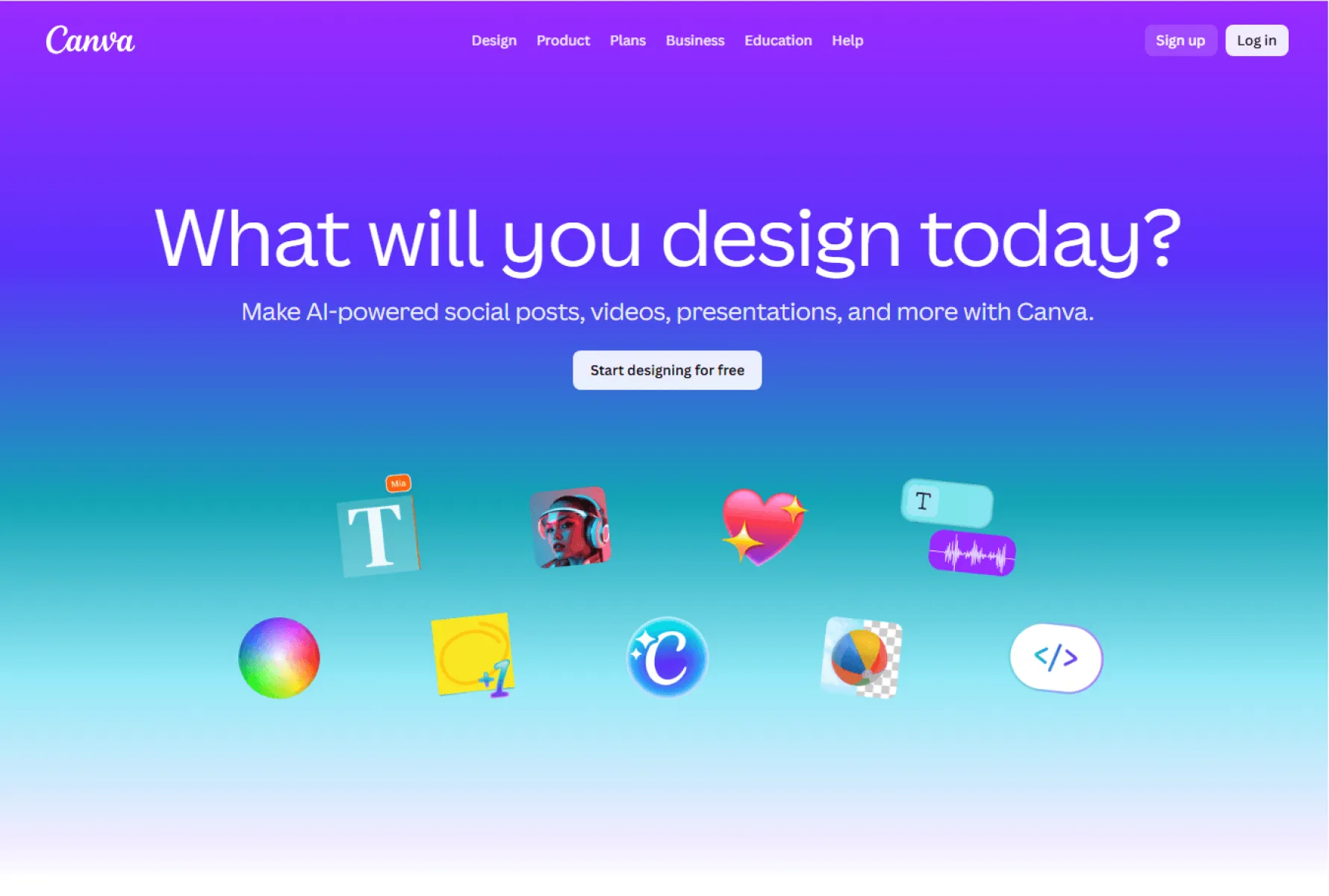
Core Positioning: A globally popular all-in-one design tool with built-in AI cartoon generation. It focuses on "convenience, efficiency, and scenario-based templates." Ideal for existing Canva users, it allows quick integration of cartoon assets into designs without switching tools, widely used in daily personal and corporate design overseas.
6.1 Core Feature Highlights
Seamless Canva Ecosystem Integration
Generated cartoons can be directly used in Canva’s templates for posters, PPTs, handouts, etc. No download/export is needed—simply drag and drop. Ideal for daily design, professional presentations, and student assignments, boosting productivity.
Easy to Use & Beginner-Friendly
Supports both "Photo-to-Cartoon" and "Text-to-Cartoon" modes with simple workflows. Enter a prompt or upload a photo, select a style, and click generate. Results are ready in 10-15 seconds with no complex operations.
Basic Styles for Daily Scenarios
Includes 15-20 basic cartoon styles, such as Chibi, flat design, and Japanese anime, sufficient for daily design needs. Its photo-to-anime effect is decent, suitable for quickly making avatars and simple assets.
6.2 Pros & Cons Summary
Pros: Seamless Canva integration, easy to use, suitable for daily design, beginner-friendly, decent photo-to-anime effect, quick template adaptation, and widespread overseas use.
Cons: Limited style variety, average detail rendering, lack of creativity, free version includes watermarks, no batch generation or custom styles, restrictive commercial licensing, and overall performance is inferior to Fast Image AI.
6.3 Target Audience
Existing Canva users, professionals, and students needing quick, convenient designs for daily use, presentations, or assignments. Users who prioritize efficiency and don’t require complex customization.
7. ComicifyAI (Specialized Pick: Ideal for Professional Comic Creators)
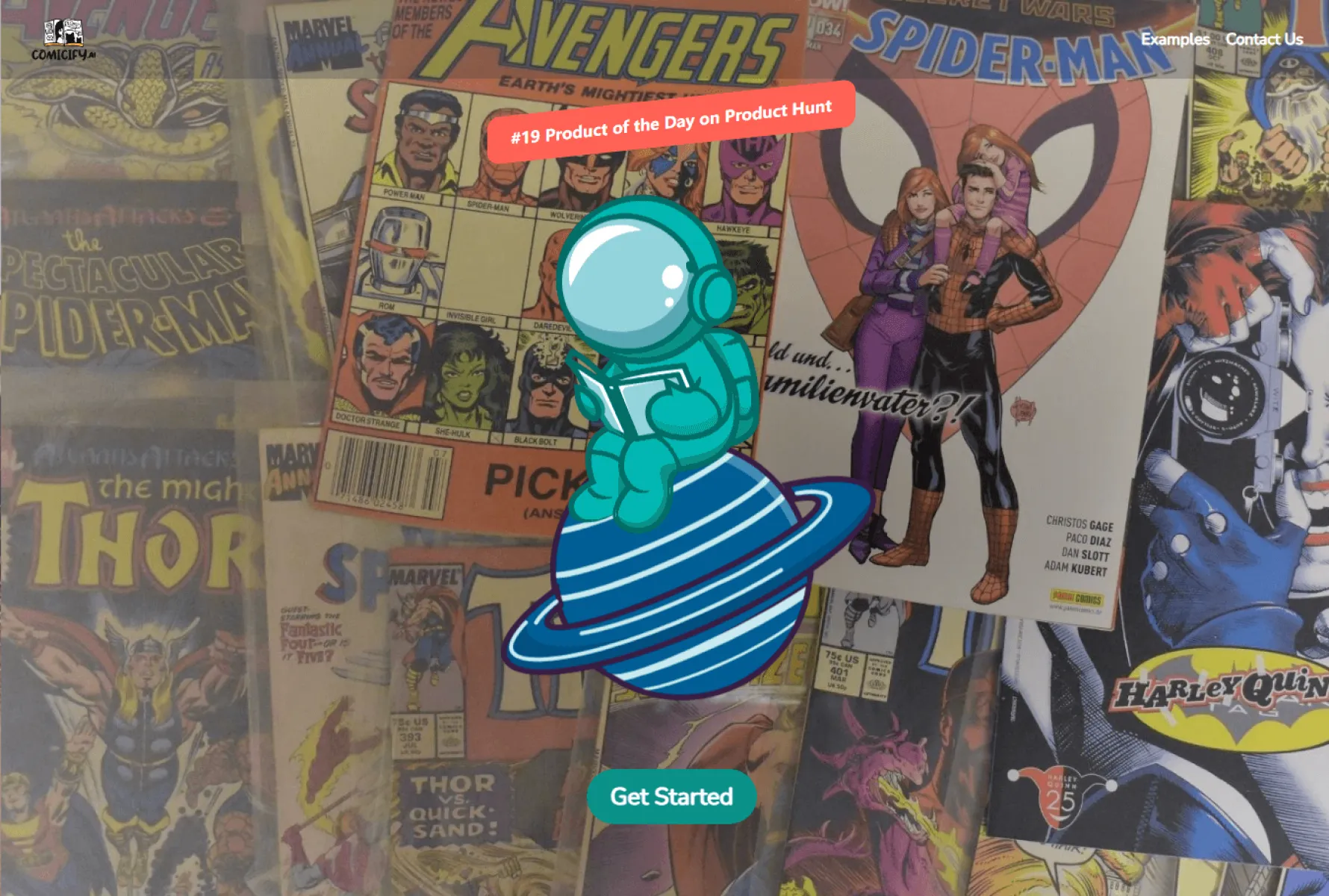
Core Positioning: A vertical tool under Adobe, focusing on "professional comic book creation." Its core advantages are "controllability" and "style consistency." Suitable for creators with some comic art foundation, it is widely used in professional overseas comic creation.
7.1 Core Feature Highlights
Professional Comic Customization
After uploading line art, the AI accurately identifies elements like hair, clothing, and backgrounds for one-click coloring with consistent colors across pages. It can generate professional comic layouts based on script pacing (e.g., vertical Japanese manga panels, large-format American comic layouts). It even automatically adds dynamic effects like speed lines and flashes, as well as stylized onomatopoeia, with professional detail processing.
High Compatibility with Design Workflows
Seamlessly integrates with Adobe tools like Photoshop and Illustrator. Generated cartoons and comic panels can be directly imported for further refinement, fitting perfectly into the professional comic creation workflow.
Supports IP Creation
Features style consistency settings to ensure uniform character and scene styles across multiple comic pages. This is highly beneficial for IP creation and comic series, making it widely used in overseas comic IP development.
7.2 Pros & Cons Summary
Pros: Professional comic customization features, style consistency, professional detail processing, high workflow compatibility, supports IP creation, ideal for professional comic making, and widely used in overseas comic IP development.
Cons: Not beginner-friendly with a high barrier to entry. No Photo-to-Cartoon or Novel-to-Comic features. Full access requires payment, leading to high usage costs and narrow applicability.
7.3 Target Audience
Professional comic creators, designers, and comic IP development teams with some comic art foundation. Users who pursue professional comic production quality and style consistency.
8. PlotPuppets (Specialized Pick: Ideal for Interactive Cartoon Creation)
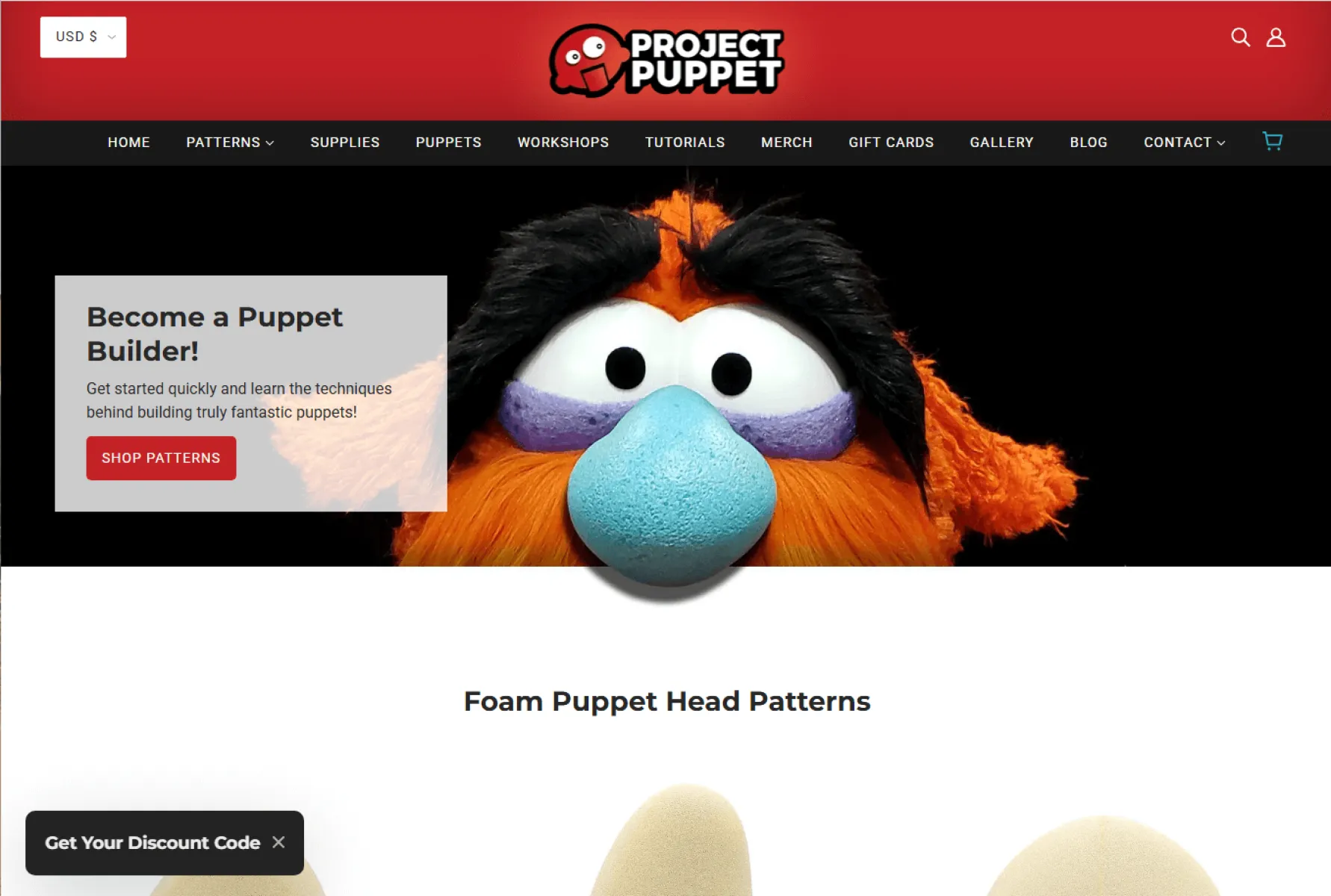
Core Positioning: An AI cartoon comic tool invested in by Unity. Its core highlight is "interactive comic experience," setting it completely apart from other AI cartoon tools. Ideal for overseas creators wanting to produce lightweight interactive cartoon content, it is widely used in overseas social media interactive content creation.
8.1 Core Feature Highlights
Interactive Narrative Function
After creators set basic character personalities, AI characters can hold real-time conversations with the audience, leading to branching storylines. Each viewing experience is unique, making it highly engaging for social media interactive content.
Real-Time Animation Generation
During conversations, 2D vector-style animations are generated in real-time. Character expressions and basic movements match emotions well, suitable for creating lightweight interactive stories and cartoon short videos for social media.
Easy to Use & Fast Generation
The tool is convenient, requiring no professional design or scripting experience. Simply set character personalities and a basic plot, and the AI automatically generates interactive cartoon content and animations in 10-20 seconds.
8.2 Pros & Cons Summary
Pros: Unique interactive narrative function, real-time animation generation, easy to use, fast generation, ideal for interactive cartoon content, and widely used in overseas social media interaction scenarios.
Cons: Limited animation styles, insufficient detail rendering, weak cartoon production professionalism, narrow commercial application scope, and unable to meet high-quality cartoon creation needs.
8.3 Target Audience
Overseas social media creators and creative enthusiasts wanting to produce lightweight interactive cartoon content. Users who prioritize interactive experiences and are not concerned with simple graphics.
9. PicsArt Gold (Popular Pick: Ideal for Personal Daily Creation & Social Media)
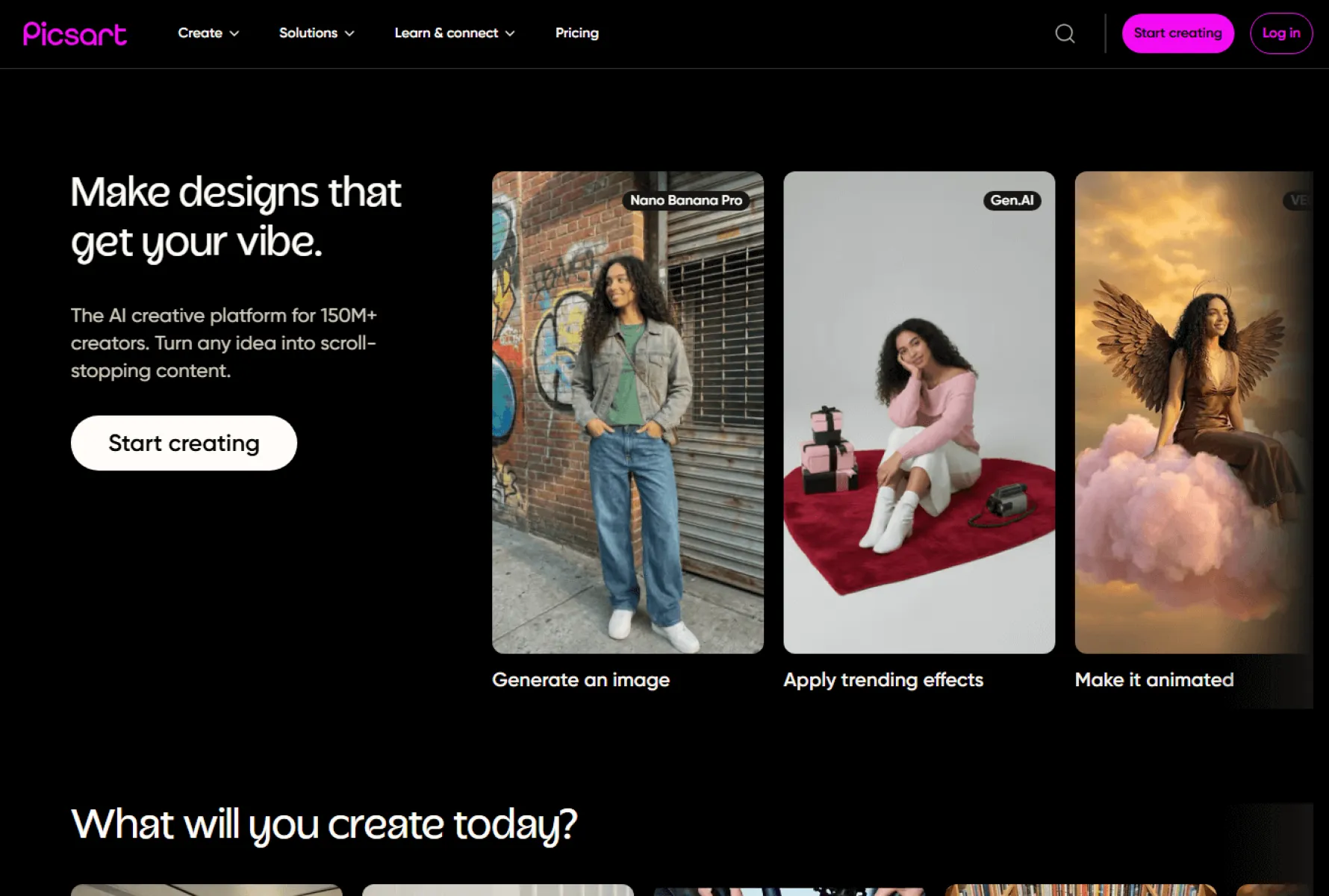
Core Positioning: A globally popular photo editing and AI creative tool with a powerful built-in AI cartoon generator. It focuses on "trending styles, simple operation, and social media optimization." Suitable for overseas individual users, social media creators, and students, it is one of the most widely used AI cartoon tools among young people abroad.
9.1 Core Feature Highlights
Trendy Styles & Diverse Filters
Boasts 50+ trending cartoon styles, including Japanese anime, American cartoons, Chibi, retro, and pixel art—favorites among young people. It also offers various cartoon filters, allowing one-click transformation of photos into cartoons, ideal for social media posts.
Simple Operation & Fast Generation
Extremely easy to use, supporting both "Photo-to-Cartoon" and "Text-to-Cartoon" modes. Upload a photo or enter a simple prompt, select a style, and click generate. Results are ready in 5-10 seconds, perfect for beginners and those needing quick outputs.
Seamless Social Media Integration
Generated cartoons can be directly edited (adding text, stickers, borders) and one-click shared to overseas social media platforms like Instagram, TikTok, and Facebook. This adapts perfectly to the fast-paced creative needs of social media creators.
9.2 Pros & Cons Summary
Pros: Trendy styles, diverse filters, simple operation, fast generation, seamless overseas social media integration, ideal for personal daily creation and social media posting, and widely popular among young people abroad.
Cons: Average detail rendering, unable to generate complex scenes, free version includes watermarks and has generation limits, unclear copyright ownership (not suitable for commercial use), and lack of professionalism.
9.3 Target Audience
Overseas individual users, social media creators, and students using cartoons for personal avatars, social media posts, and daily creativity. Users who prioritize trendy styles and fast output without needing professional results.
10. Perchance (Free Pick: Unlimited Free Use, Ideal for Experimental Creation)
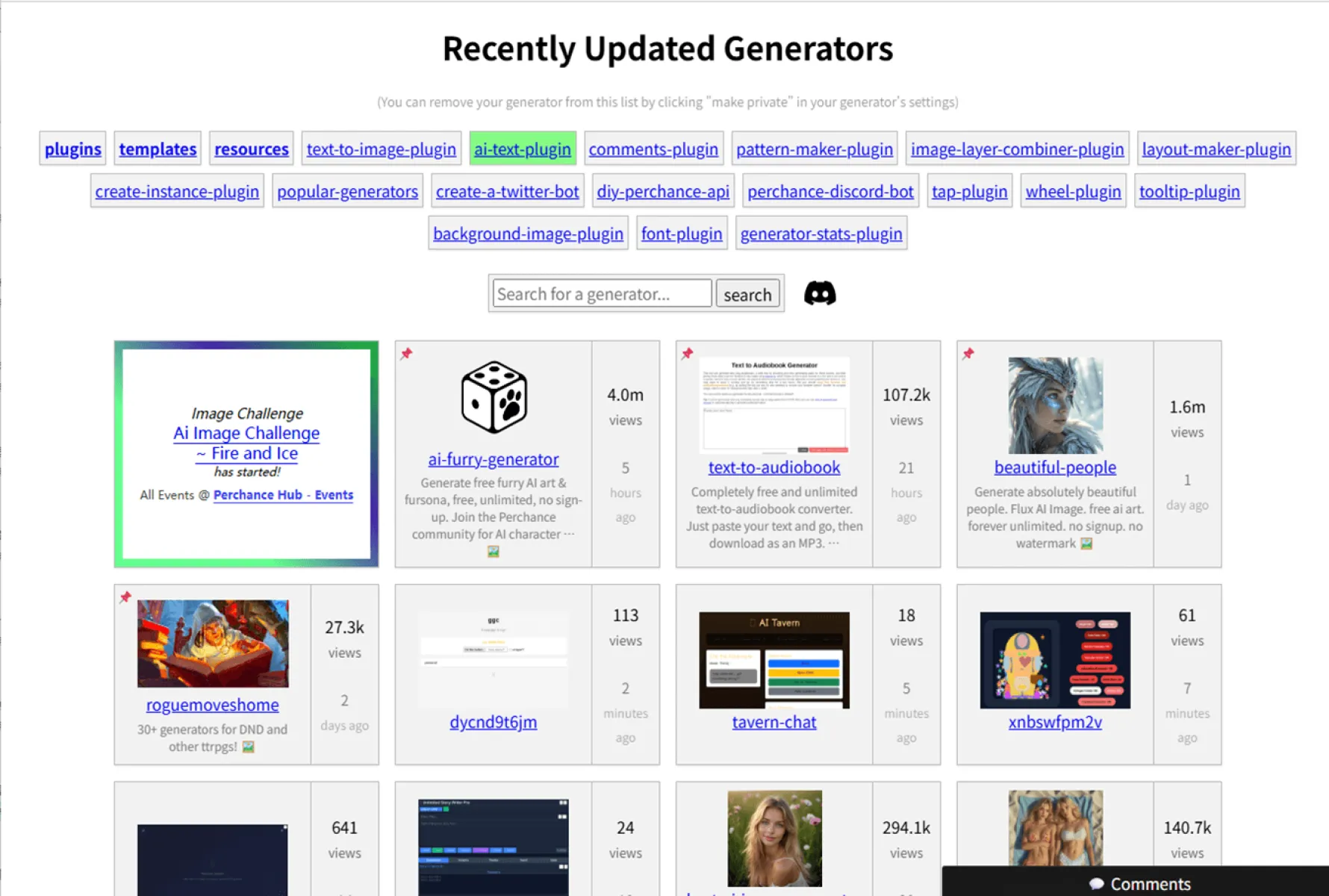
Core Positioning: A popular overseas completely free AI cartoon generator. It focuses on "unlimited use, zero barriers, and ad-free." It was the only tool in our tests to truly offer "unlimited free usage," making it ideal for overseas users who enjoy experimental creation and dislike registering accounts.
10.1 Core Feature Highlights
100% Free with No Restrictions
No account registration or payment is required. Simply open the webpage to use it. It offers unlimited generation, no watermarks, and supports HD export—the first choice for free users.
Diverse Styles & Text Customization
Includes various cartoon styles like Japanese anime, American cartoons, Chibi, and comics. It supports detailed prompts for customizing cartoon character features, clothing, scenes, etc. It offers strong creativity, suitable for character concept development.
Ultra-Simple & No Learning Required
The interface is minimalist, consisting only of a text input box and style selection bar. Enter a prompt, select a style, and click generate to get your work. The difficulty is extremely low, suitable for all users.
10.2 Pros & Cons Summary
Pros: Completely free, unlimited generations, no watermarks, no account registration, easy to use, diverse styles, ideal for experimental creation and character concept development, and very popular among overseas free users.
Cons: Average image quality with insufficient detail, slow generation speed, only supports Text-to-Cartoon (no Photo-to-Cartoon), basic interface, no online editing or batch generation, unclear copyright ownership (not suitable for commercial use), and unable to meet complex creation needs.
10.3 Target Audience
Overseas users who enjoy experimental creation and dislike registering accounts. Users using cartoons for personal interest projects and character concept development who prioritize free unlimited use and don’t mind limitations in quality and features.
III. Conclusion: How to Choose Quickly Based on Your Needs?
In 2026, the core value of AI cartoon generators is to "lower the barrier to creation and boost productivity." A high-quality tool not only saves you time but also better brings your ideas to life. The 10 tools above cover all needs, from beginners to professionals and from individuals to enterprises. Among them, Fast Image AI stands out with its comprehensive strength as the top choice for most users.
If you’re struggling with "not knowing how to design, slow output, or limited styles," give Fast Image AI a try. With its zero learning curve, you can unlock your cartoon creation potential in just 10 seconds. For more specific needs, refer to this guide to find the perfect tool and let AI power your creativity!