Put Yourself Into a Christmas Movie - Fast Image AI Christmas Creation Guide
Christmas is not only a warm and joyful holiday—it is also a season filled with imagination, lights, stories, and magic. With the rapid evolution of digital art and AI, we can now easily transform ourselves, our friends, family photos, or even everyday scenes into Christmas-themed animated visuals, dreamy illustrations, or fairy-tale styles.
Fast Image AI is one such online AI tool that allows you to convert images into various artistic styles. Among them, the “No-Style” Modeis especially popular—it does not apply a fixed template but instead generates a personalized Christmas atmosphere entirely based on your own prompt. This gives you full control over colors, lighting, festive elements, and artistic feel.
1. How to Create Your Own Christmas Image with “No-Style” Mode?
1) Christmas Theme Inspiration
You can choose any type of photo as your base material, such as : a family portrait in front of a Christmas tree、a Christmas night scene in a city square、a snow-covered cabin with glowing lights、Santa Claus, sleighs, reindeer, gift scenes or even “teleporting yourself” into the North Pole Christmas Village. After uploading the photo to Fast Image AI, you can generate an animated and dreamy Christmas scene simply by providing a prompt.
2) Use Prompts to Enhance Christmas Atmosphere
You can use prompts like:
“Blend the person into a vintage Christmas home setting. Retro wooden furniture, fireplace with stockings, candlelight and warm lights, classic Christmas tree decorations, cozy nostalgic tones, presenting a romantic and film-like holiday atmosphere.”
This type of prompt helps the AI understand the mood and emotional tone, enabling it to generate more expressive and story-rich artworks.
2. Steps to Use Fast Image AI in “No-Style” Mode
Step 1: Visit the Website
Open your browser and go to: https://fastimage.ai Fast Image AI is a tool designed for quickly generating high-quality image content, offering multiple transformation modes such as No-Style, Ghibli, Sketch, and more. In this tutorial, we’ll use it to transform your own photo into a Christmas-themed artistic image. On the homepage, you’ll find the style options, upload area, and prompt box.
Step 2: Select “No-Style” Mode
Click on the “No-Style” button.Why use this mode?
- It does not apply preset filters
- The result is fully determined by your prompt
- Offers high freedom and controllability
- You can define every aspect of the final look
Whether you want a “City Square Christmas Night,” “Arctic Fantasy World,” “Cozy Christmas Village,” “Forest Magical Christmas Tree,” or “Vintage Christmas Home,” you can achieve it entirely with your prompt.
Step 3: Upload Your Photo
Click “Upload Image” and select : your portrait, family photo, Christmas street scene, snowy landscape, architecture, or any daily photo.Supported formats: JPG, PNG.The preview will appear instantly.
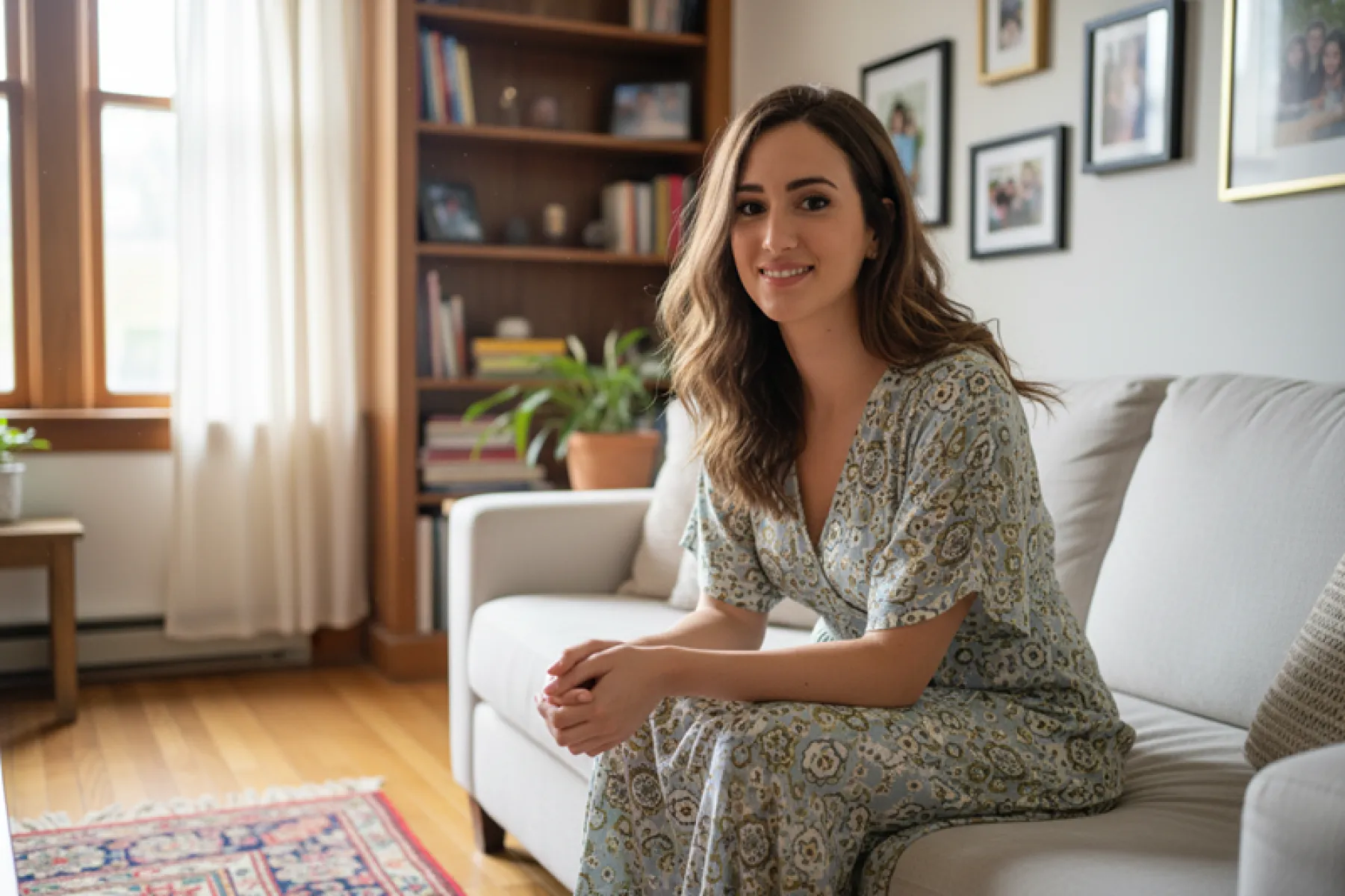
Step 4: Enter Your Prompt
Example prompt:
“Blend the person into a vintage Christmas home setting. Retro wooden furniture, fireplace with stockings, candlelight and warm lights, classic Christmas tree decorations, warm nostalgic tones, presenting a cozy, romantic, film-like Christmas atmosphere.”
Feel free to strengthen or modify the details based on your desired style.
Step 5: Click “Generate”
After everything is set, click Generate. Fast Image AI will process your image—usually within 5–15 seconds. You’ll get:
- Strong Christmas atmosphere
- Warm lighting and colorful holiday lights
- More emotional expression and storytelling
- Soft, dreamy, fairy-tale visual style
3. Summary
With just one photo + one prompt, you can create your very own Christmas-themed animated artwork using Fast Image AI. Whether you're a designer, content creator, or simply someone who wants to make a holiday-themed “Christmas movie scene” for fun, Fast Image AI makes the process incredibly simple and enjoyable. Try it out now and light up your Christmas!