Designers Efficiency Game-Changer - Fast Image AI Sketch-to-Image Ending the Pain of Repeated Revisions
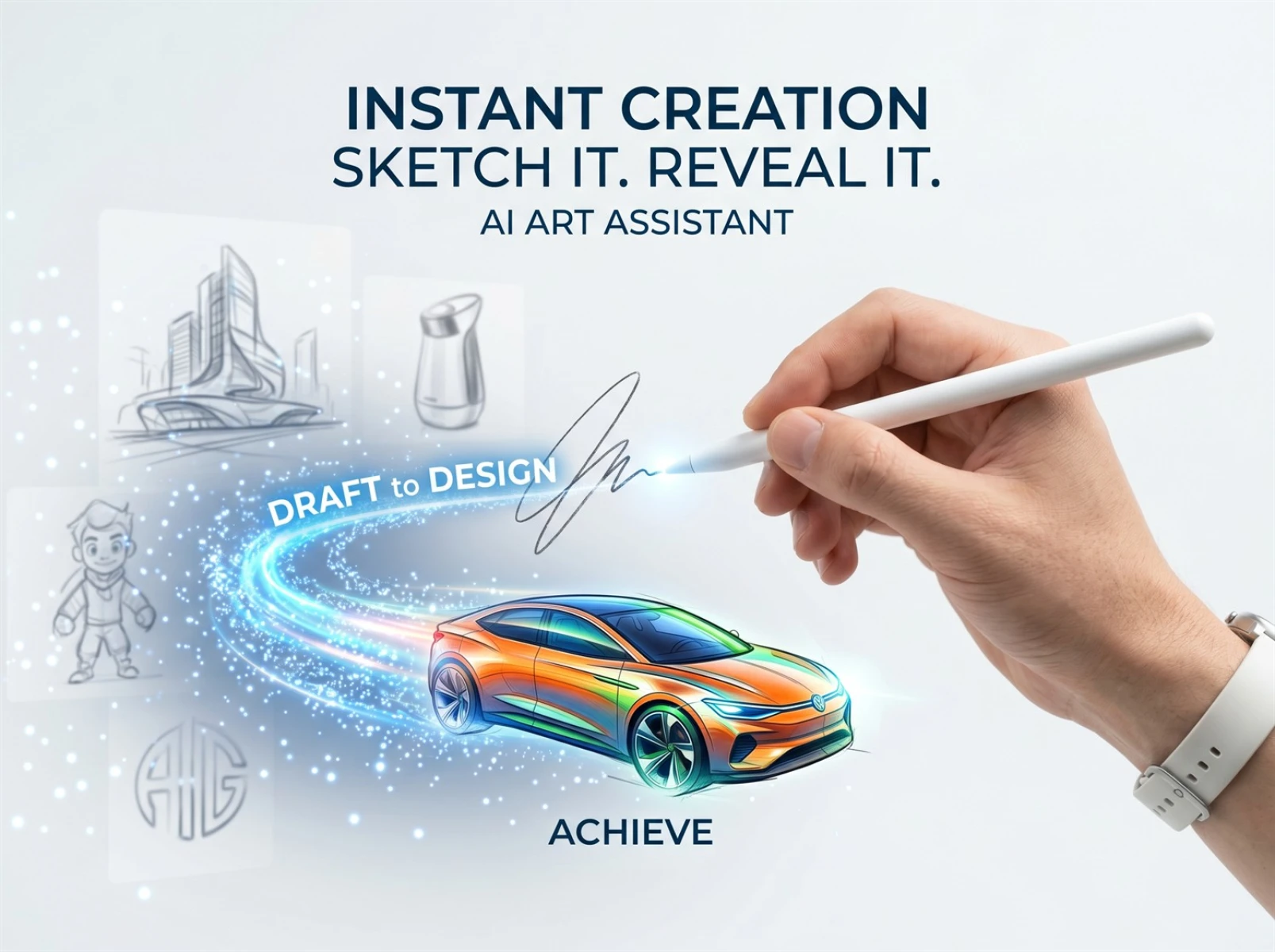
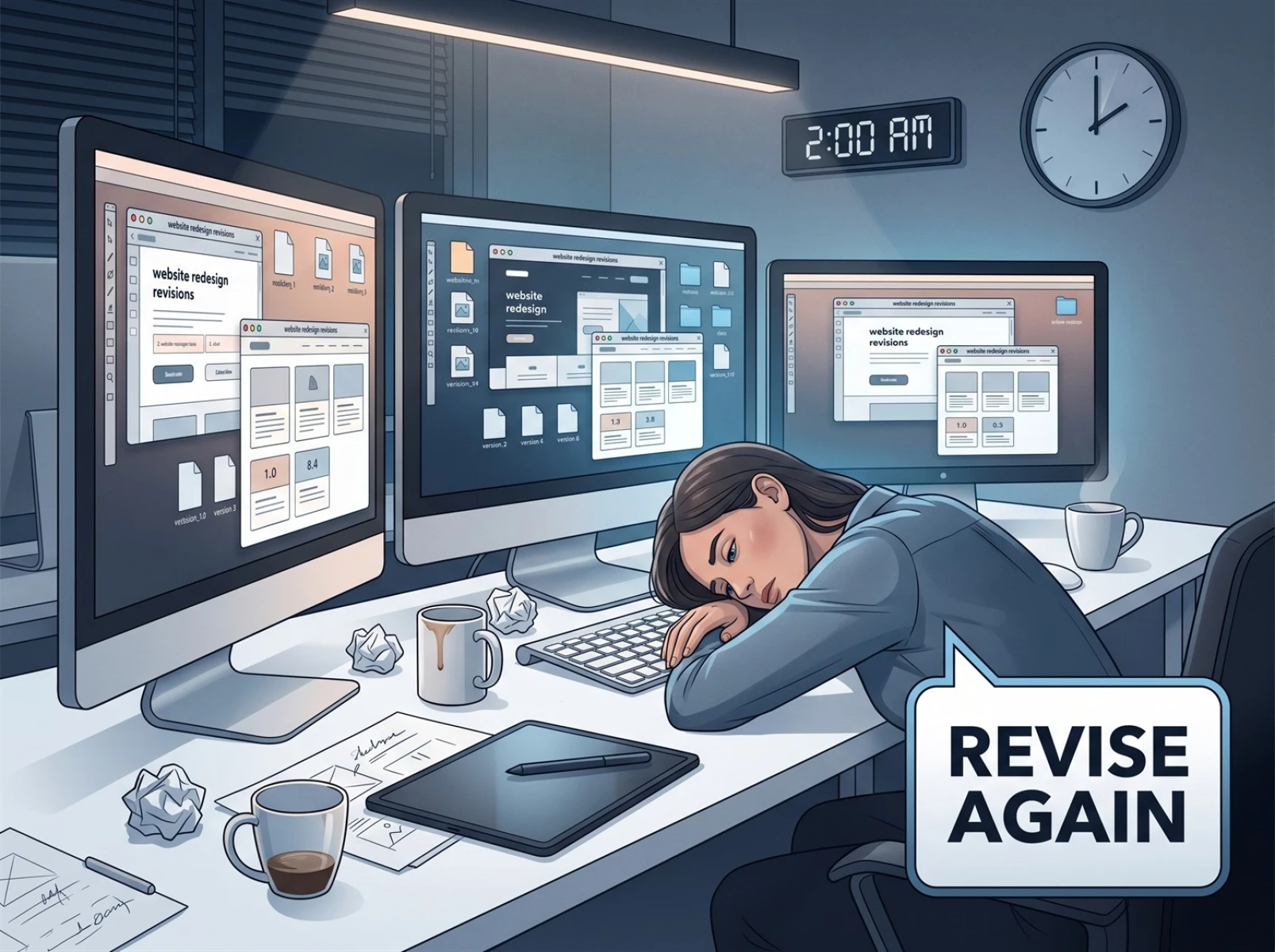
For every designer, revisions are not only a daily routine but also the most mentally draining occupational pain point in the industry. From a flash of inspiration jotted down in hand-drawn sketches and simple line drafts to the final high-definition design work, the traditional sketch-to-image conversion process requires dozens of tedious steps: line art refinement, coloring and rendering, light and shadow adjustment, and detail optimization. Once clients submit requests for style adjustments, scene modifications, or texture upgrades, designers often have to rebuild the original design from scratch and repeat the entire sketch-to-image workflow. Repeated changes and multiple iterations not only consume enormous time and energy but also erode creative enthusiasm, trapping design work in a vicious cycle of "staying up late revising and infinite rework".
I. Designers' Revision Pain Points: Ineffective Rework Is Draining Creativity and Time
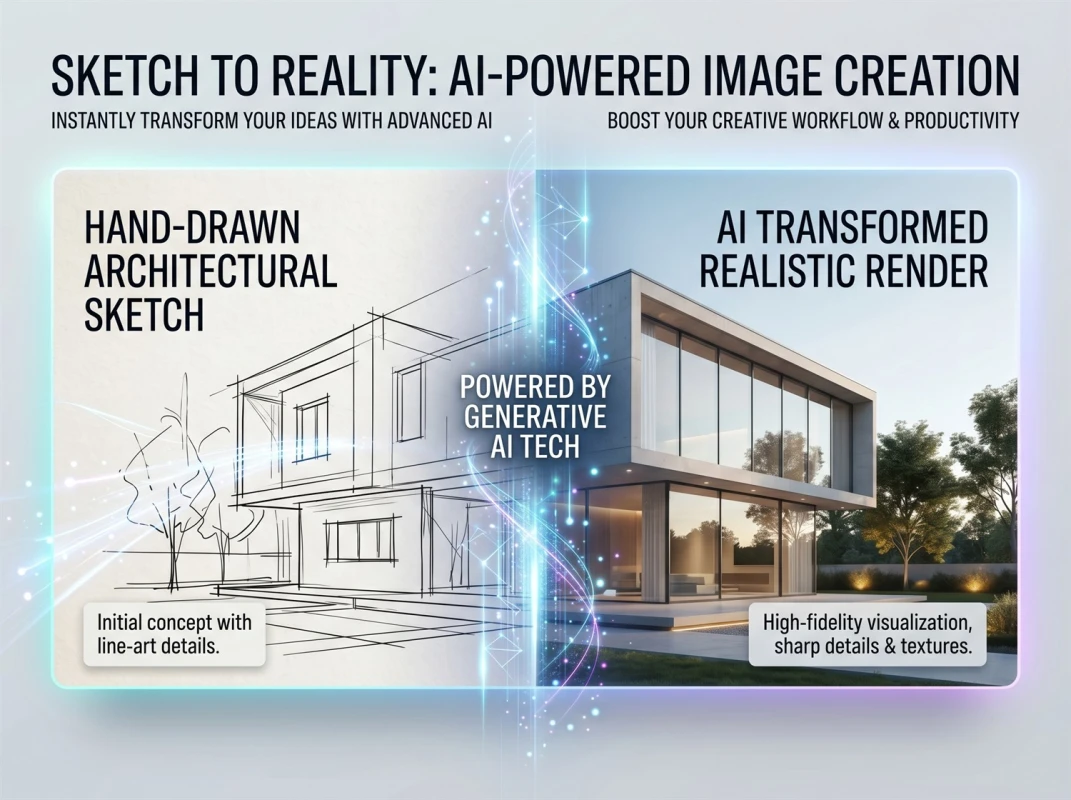
In an era where AI is fully empowering the design industry, efficient creation has become the industry's core necessity. Fast Image AI's newly launched AI sketch-to-image feature precisely addresses designers' core pain points: repeated revisions and low efficiency in hand-drawn sketch conversion. Powered by advanced AI algorithms, it enables "one-click sketch-to-finished-image generation", completely subverting the cumbersome traditional sketch-to-image process. It helps design professionals across all fields eliminate ineffective rework, dramatically boost the efficiency of sketch-to-high-definition-image creation, and turn creative ideas into reality faster, more accurately, and more effortlessly.
The traditional design model has long struggled with an unbreakable efficiency bottleneck in creative implementation. Many designers can relate to this experience: a brilliant idea strikes, you quickly sketch a simple outline and line framework, yet it takes hours or even an entire day to manually refine the image, adjust colors and textures, and build the scene atmosphere. This is especially true in graphic design, product design, concept art, and illustration, where initial sketches only define composition and core structure. Creating different styles purely by hand requires painstaking pixel-by-pixel adjustments.
An even greater challenge lies in the communication and iteration phase. Vague client revision requests such as "the vibe is off", "the atmosphere feels flat", or "tweak the texture a bit more" often force designers to completely reconstruct the image and redo the entire sketch-to-image workflow. A simple style change translates to hours of repetitive labor. What should be a creativity-centered job instead wastes most of its time on mechanical, repetitive sketch-to-image revisions. Not only is creative productivity extremely low, but designers also constantly face the triple pressures of tight deadlines, all-nighters, and low client satisfaction.
II. AI Sketch-to-Image Transforms the Workflow: Three Core Advantages of Fast Image AI to End Ineffective Rework
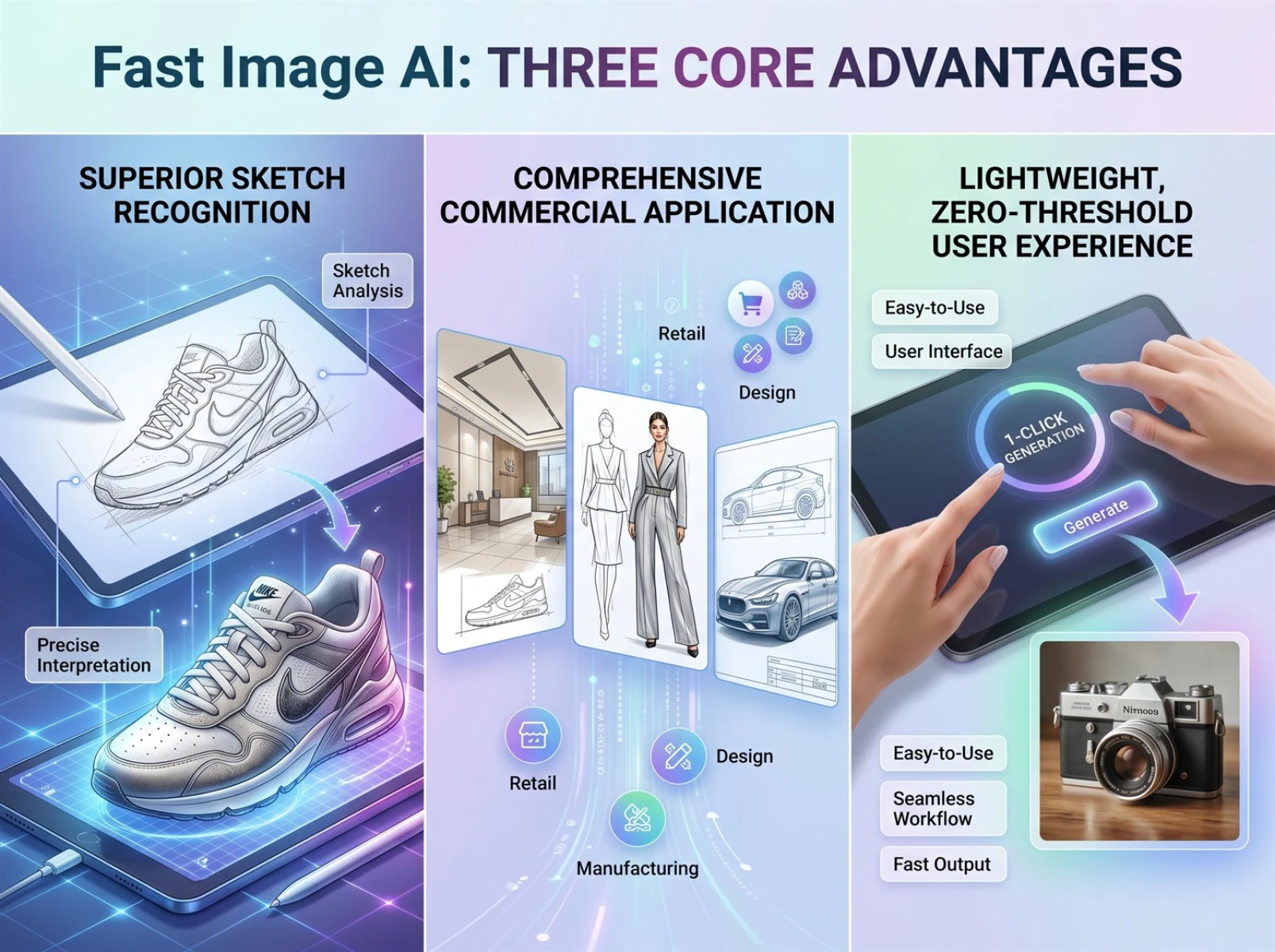
Compared to similar AI design tools, the core strength of Fast Image AI's sketch-to-image feature is its balance of creative fidelity, style diversity, and ease of use. It perfectly caters to the diverse sketch-to-high-definition-image needs of both novice designers and seasoned professionals.
First, it boasts exceptional sketch recognition capabilities—the defining competitive edge of AI sketch-to-image tools—and imposes no strict requirements on sketch completeness. Whether it's a hastily drawn minimalist line draft, an incomplete hand-drawn sketch, a product wireframe, a scene layout sketch, or character doodles, the system accurately captures the visual structure and faithfully adheres to the designer's original composition, proportions, and subject specifications. It effectively mitigates common AI generation issues such as off-topic imagery, subject distortion, and composition errors, preserving the original creative intent to the maximum extent and eliminating the need for secondary revisions caused by AI misinterpretation.
Second, the feature includes an extensive library of mainstream design style templates, covering all commercial sketch-to-image scenarios across industries. Whether you need ultra-realistic textures, sleek minimalist aesthetics, or luxury business styles for commercial design; Japanese fresh, Chinese guochao, cartoon illustration, or watercolor styles for art creation; or photorealistic and light-focused styles for architecture, landscape, and product design—all are available with one-click generation and switching. Designers no longer need to manually tweak parameters, layer filters, or adjust color tones. Simply upload your sketch and enter a prompt describing your requirements, and the tool will quickly generate multiple finished sketch-to-image designs in different styles. A single upload produces multiple design options, drastically reducing the number of iterations needed.
Additionally, Fast Image AI eliminates complex operational processes and delivers a lightweight, zero-barrier one-click sketch-to-image experience. Unlike traditional design software that requires months of training to master, and unlike other AI tools that demand extensive parameter tuning, this tool runs entirely online—no downloads, no installations, no complicated registration, and no professional design skills required. Even brand-new designers can get up and running in seconds: upload your creative sketch, select a suitable design style, add details about the desired atmosphere, texture, and finishing touches, and generate high-definition results in just a few seconds. It compresses what traditionally takes hours of sketch-to-image work into minutes, boosting productivity by dozens of times.
III. Zero-Barrier Tutorial: Four Steps to Turn Sketches into High-Definition Designs in Seconds with Fast Image AI
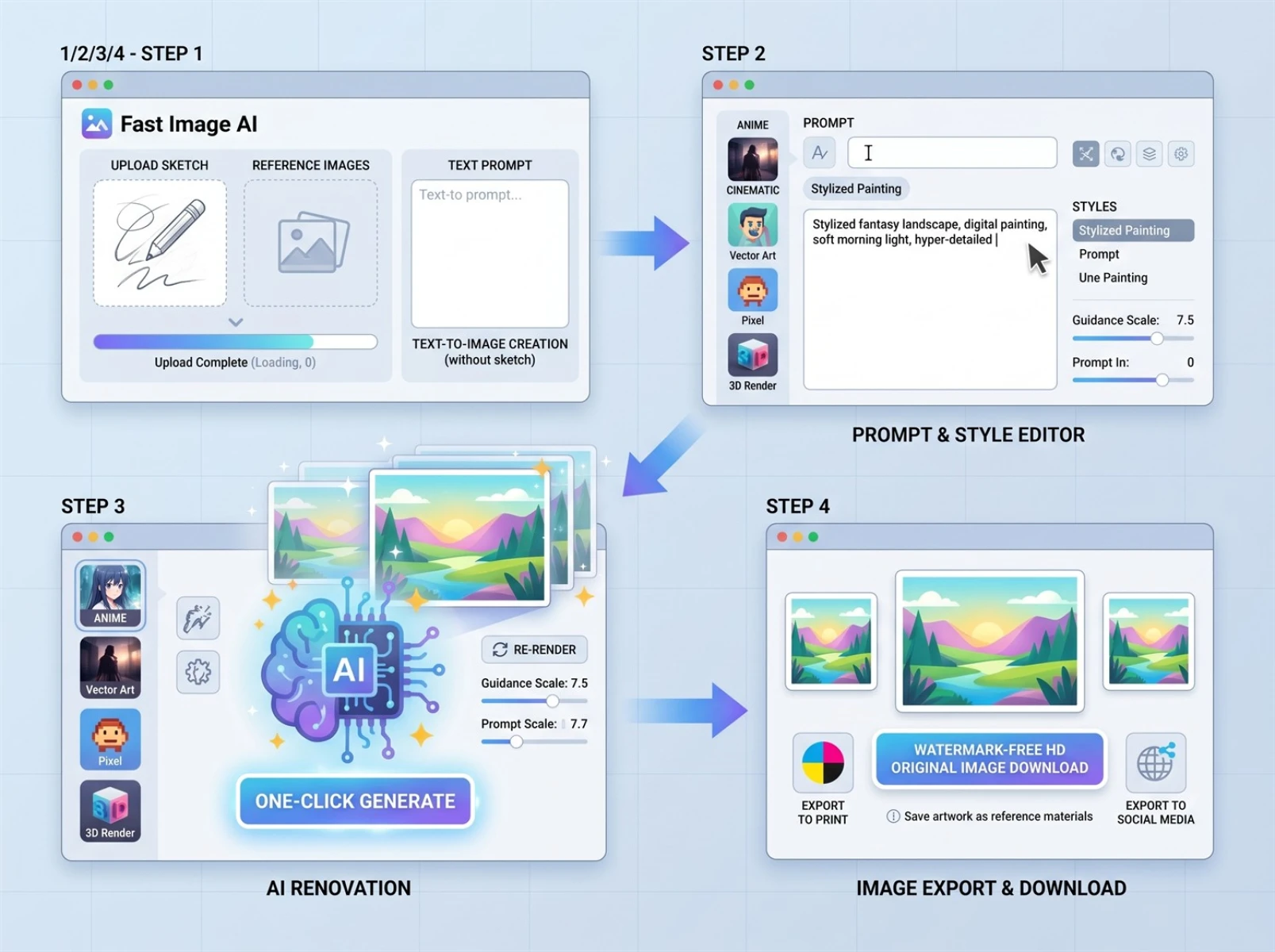
Step 1: Upload your materials. Navigate to the Fast Image AI official website homepage, locate the sketch-to-image upload portal, and upload your prepped hand-drawn sketches and reference images. The platform supports all major image formats, offers smooth, lag-free uploads with no lengthy review process, so you can start your AI sketch-to-image creation immediately. If you don’t have a sketch, you can also begin directly with a text description of your idea—perfect for quick sketch-to-image generation without existing materials.
Step 2: Add precise creation prompts. Enter your carefully crafted prompts in the text box, clearly specifying key details like image style, subject features, quality requirements, and intended use case. You can also select corresponding preset styles in the style panel to ensure your desired outcome, making your hand-drawn sketch-to-image result match your vision perfectly.
Step 3: Generate high-definition works with one click. Once you’ve confirmed your materials and prompts, click the Generate button. The platform’s AI will quickly render your sketch into a high-definition image, producing multiple high-quality results in seconds. You can preview all outputs online and select the best one. If any details need adjustment, you can fine-tune your prompts or style parameters to refine the result—no need to switch to other tools.
Step 4: Save, export, and reuse. Once you’re satisfied with the final sketch-to-image result, you can directly download the high-definition original image online. Downloaded files are watermark-free and uncompressed, with crisp quality suitable for printing, social media publishing, commercial advertising, and more. You can also save your best works as references for future sketch-to-image projects to continuously refine your personal style.
IV. A Must-Have Tool for Designers in 2026: Fast Image AI Lets You Focus on Creativity, Not Mechanical Revisions
No more wasting energy on tedious sketch-to-image revisions, no more anxiety and burnout from tight deadlines, no more regret over slow creative implementation. Unlock Fast Image AI’s sketch-to-image function today, and let every creative idea come to life quickly. Make every sketch-to-high-definition-image conversion perfect on the first try, easily escape the revision cycle, produce high-quality designs efficiently, enjoy the convenient, hassle-free one-click sketch-to-image workflow, and unlock a whole new era of lightweight creative work!