Fast Image AI - Generate Renderings from Fashion Sketches Rapidly
Fashion designers aiming to produce renderings quickly can start with hand‑drawn sketches, fashion line art or inspirational quick sketches, then use AI sketch‑to‑image tools for visual rendering. Compared with creating renderings from scratch, sketch‑based generation retains the original composition, garment silhouette and key structures, and further visualizes fabric, color palettes, light‑shadow effects and finished‑garment presentation.
For new‑product development, style review and client communication, the sketch‑to‑image feature of Fast Image AI generates high‑definition visual renderings suitable for design review and stakeholder alignment, enabling efficient preliminary style concept validation.
I. Why AI‑Generated Renderings Are Needed in Fashion Design
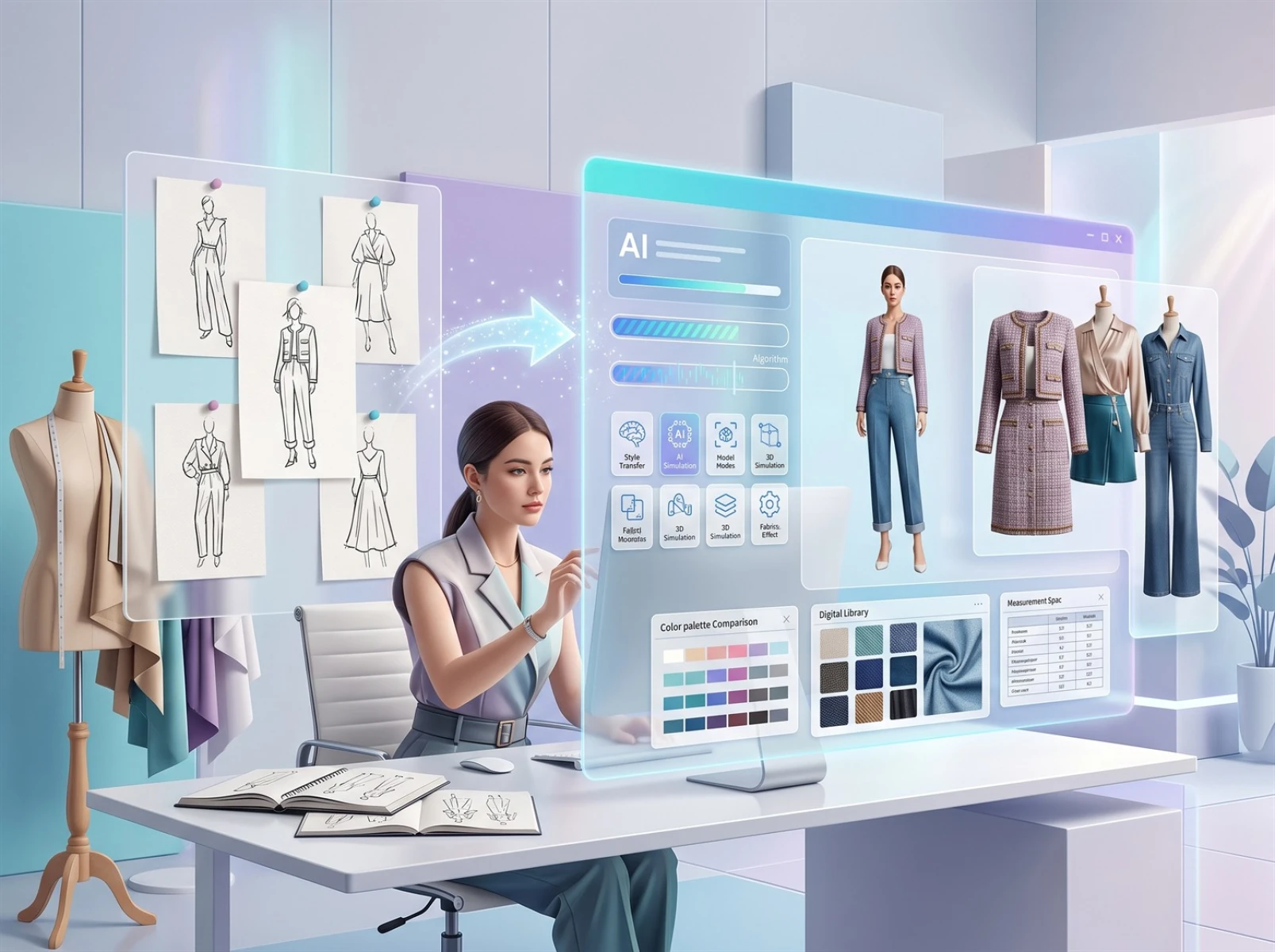
Fashion sketches capture design inspiration swiftly, yet simple line drawings can only convey basic silhouettes and structures. Fabric drape, color matching, wearability and overall visual mood are hard to communicate through sketches alone.
Misinterpretation of design intent among team members or clients often leads to repeated revisions and back‑and‑forth communication. Especially during new‑product development, sampling without prior visual validation may incur unnecessary time and material costs.
Converting fashion sketches into renderings serves as an auxiliary early‑stage design step, helping designers intuitively assess whether a style meets expectations.
II. Pain Points of Traditional Fashion Rendering Production
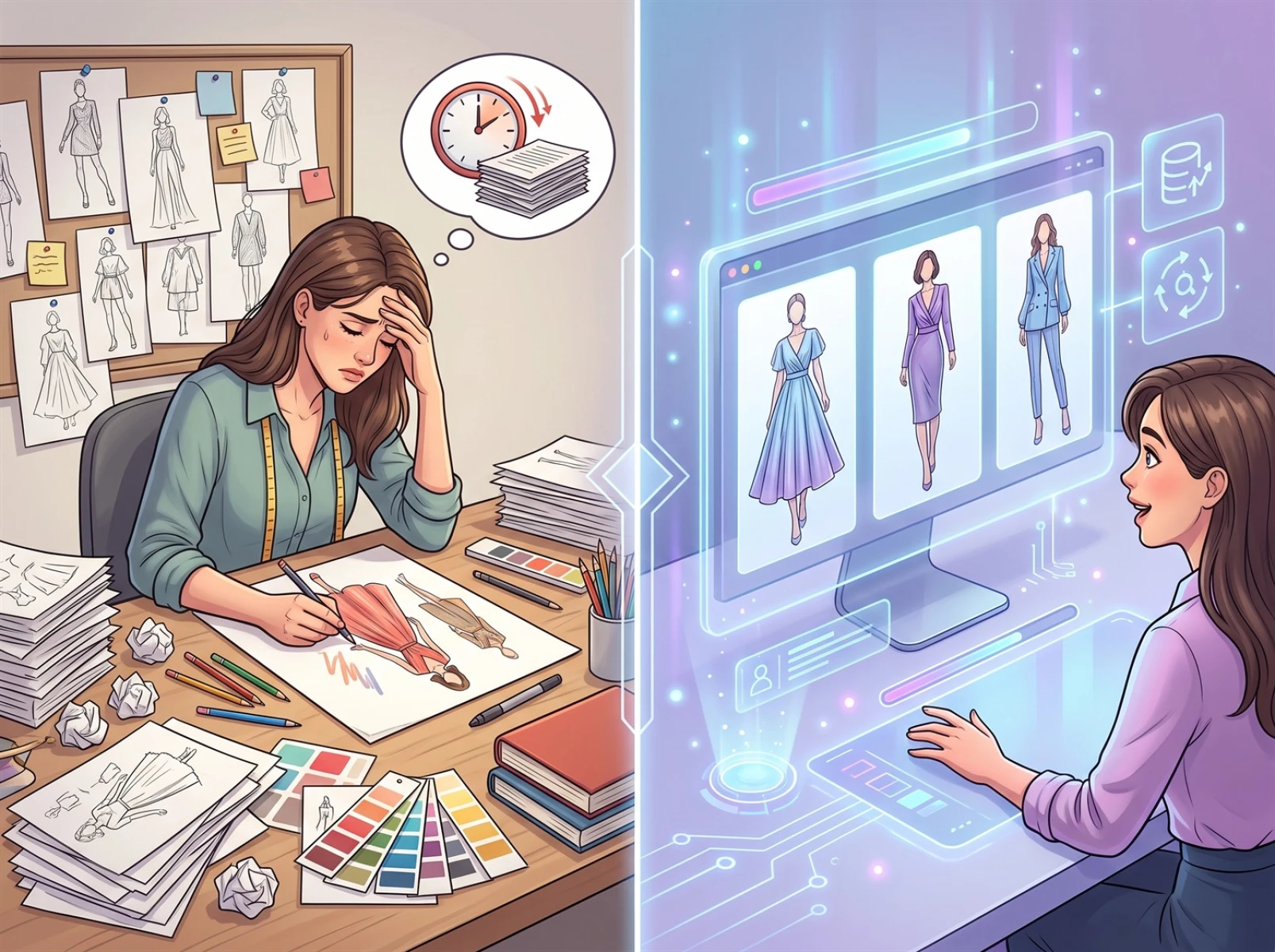
Traditional rendering workflows struggle to keep pace with the apparel industry’s demand for frequent style testing and fast‑track new launches, presenting multiple drawbacks in terms of efficiency, cost and adaptability. Manual hand‑rendering demands high‑level professional skills from designers. Rendering complex styles takes substantial drawing and revision time, consuming hours that could otherwise be spent on creative ideation and pattern optimization.
Commissioning professional freelance illustrators is costly and involves extra communication and waiting time. Minor tweaks to colorways or silhouettes trigger additional revision fees, and accumulated iteration costs make this approach unsuitable for small‑to‑medium teams with frequent style‑testing needs. Even general‑purpose AI image generators have notable limitations: they prioritize artistic image creation. When processing fixed fashion line art and established pattern structures, they frequently produce structural shifts and distorted details. Heavy prompt‑tuning and multiple rounds of filtering are required. Such tools work better for free‑form creative work rather than rapid concept validation for finalized garment styles.
III. How AI Converts Fashion Sketches into Renderings
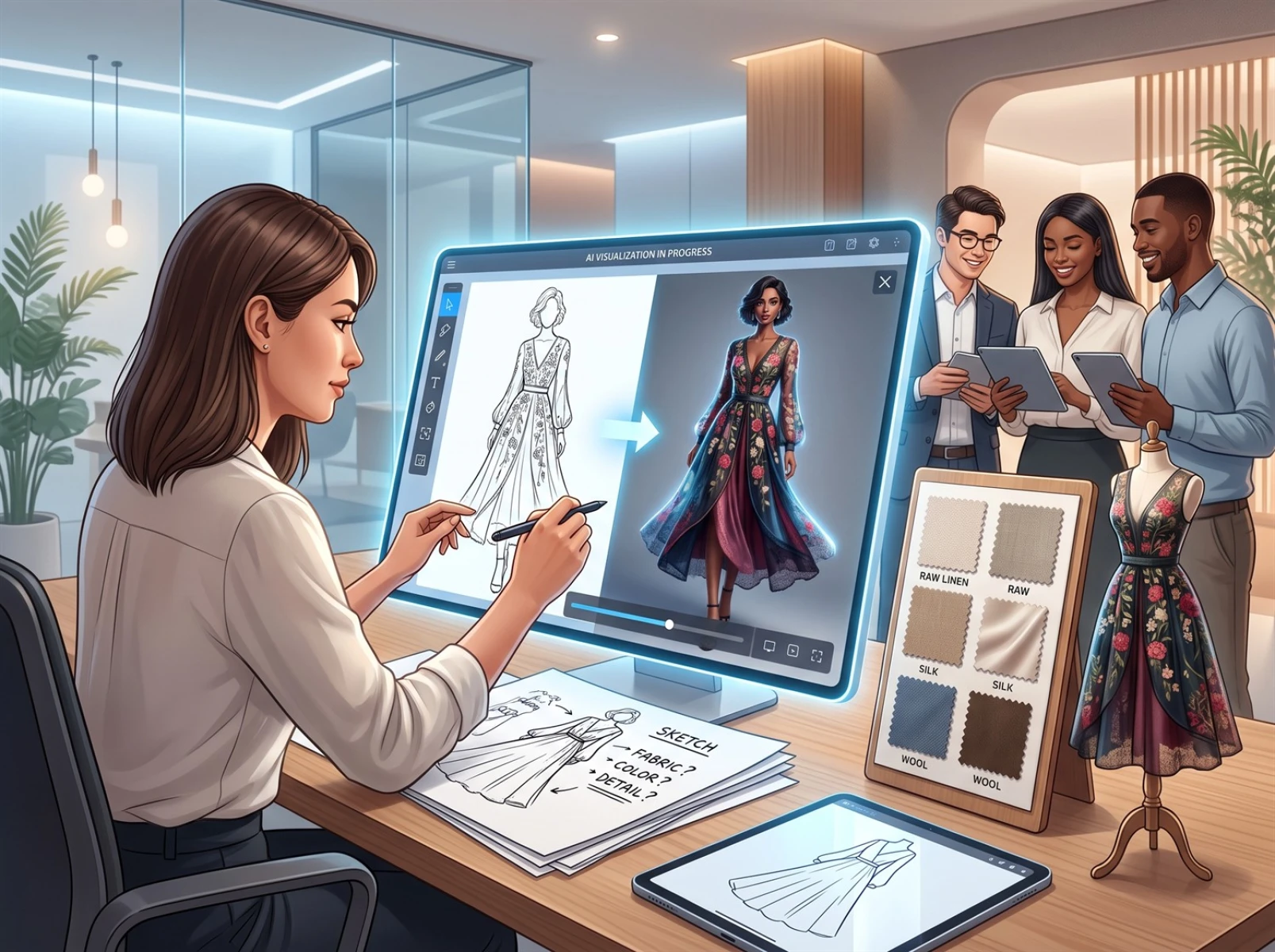
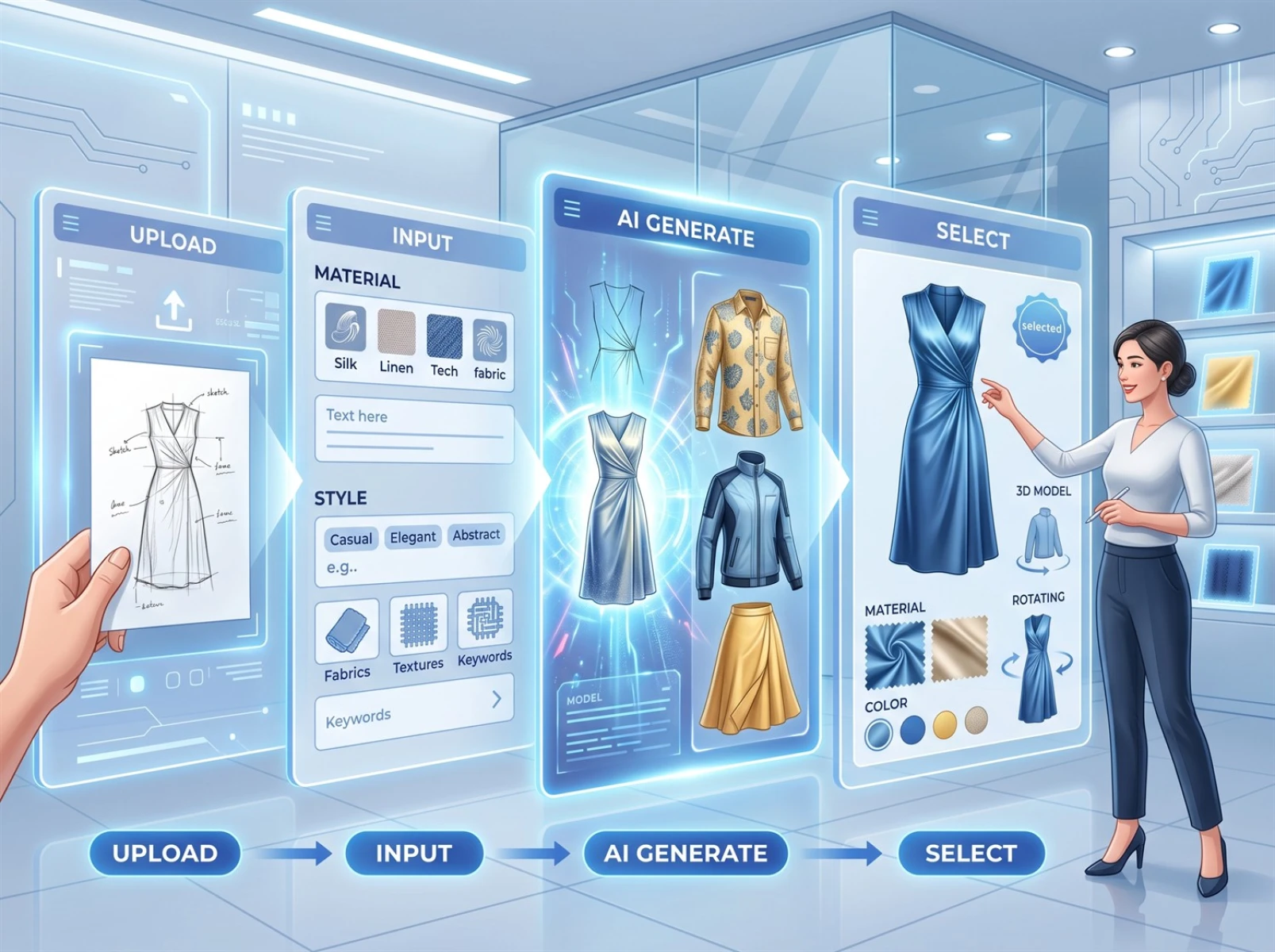
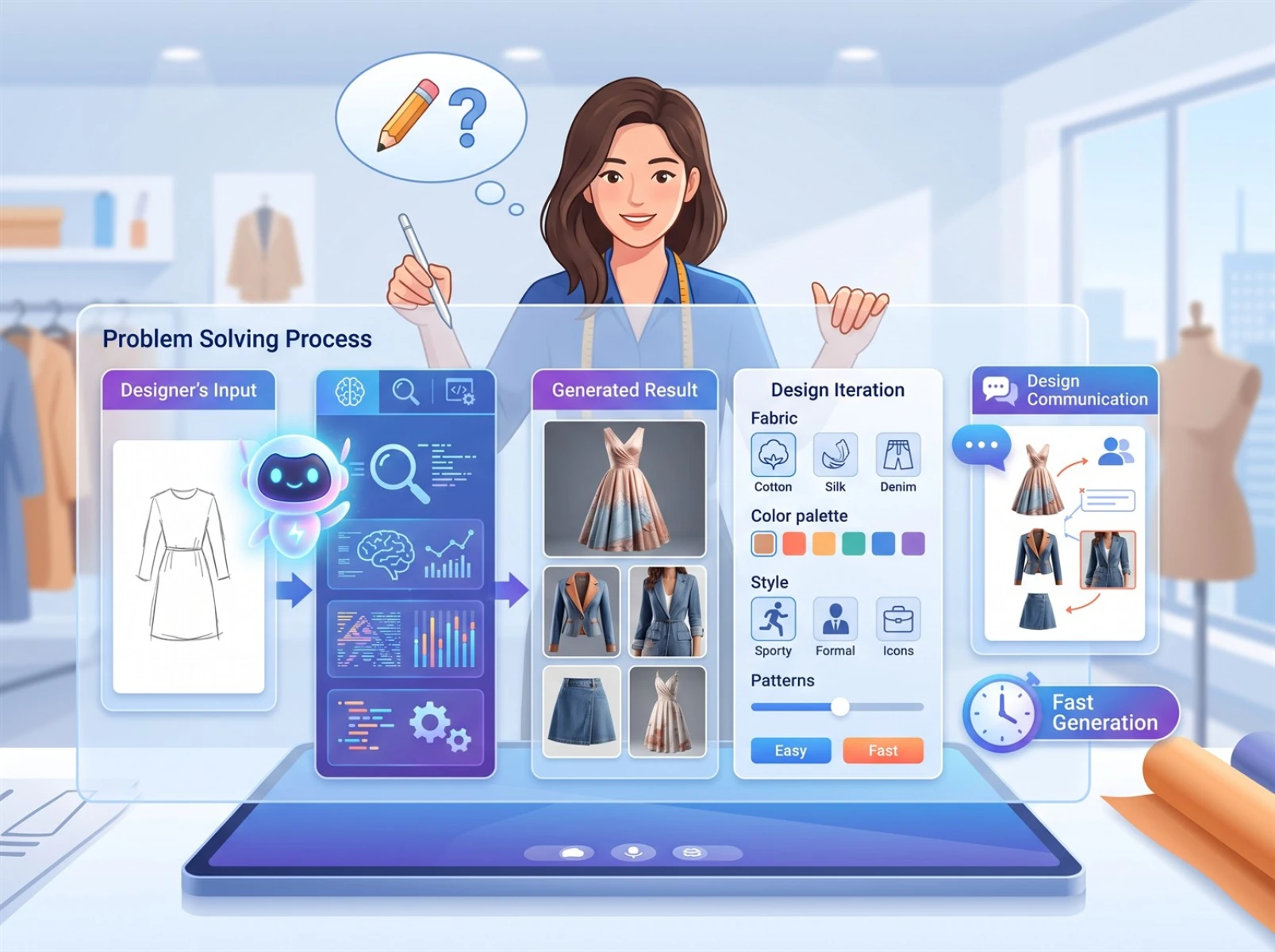
Fast Image AI’s sketch‑to‑image function transforms hand‑drawn fashion sketches into visual renderings according to user‑specified style, material and presentation requirements. It features an intuitive, low‑threshold workflow accessible to designers with no prior AI‑art experience. The complete four‑step practical workflow for converting sketches into high‑definition renderings is outlined below:
1. Upload Your Fashion Sketch
Advanced retouching is not required. Inspirational quick sketches, tablet‑drawn line art and paper‑based hand sketches are all acceptable. The core requirement is clear key pattern structures, including necklines, shoulder lines, garment bodies, hems and seam lines. Remove messy extraneous strokes to facilitate AI recognition of the base garment structure.
2. Add Material and Style Specifications
Elaborate complex prompts are unnecessary. Provide information across four core dimensions to help the AI interpret design requirements and deliver results aligned with expectations. For fabric materials, use concrete descriptions such as lightweight chiffon, washed denim, chunky knit, matte silk, cotton and corduroy. For design styles, define stylistic directions such as minimalist office wear, streetwear, retro vintage, modern Chinese aesthetic and luxury couture. Also specify presentation formats: model‑worn display, mannequin display or flat‑lay still‑life presentation to fit various use‑case scenarios.
3. Generate Multiple Concept Versions
Submit your sketch and descriptive inputs. The system preserves the original garment silhouette as much as possible while adjusting lighting, color schemes and fabric texture, and outputs multiple differentiated rendering proposals to support subsequent selection.
4. Compare and Finalize Design Direction
Conduct horizontal comparisons among multiple render versions. Evaluate pattern fit, fabric compatibility, color atmosphere and overall design rationality. Eliminate concepts with low implementation value and move promising styles toward detailed development. After locking in a direction, proceed to pattern‑making and sample production with precise dimensions and technical standards, shortening new‑product development cycles.
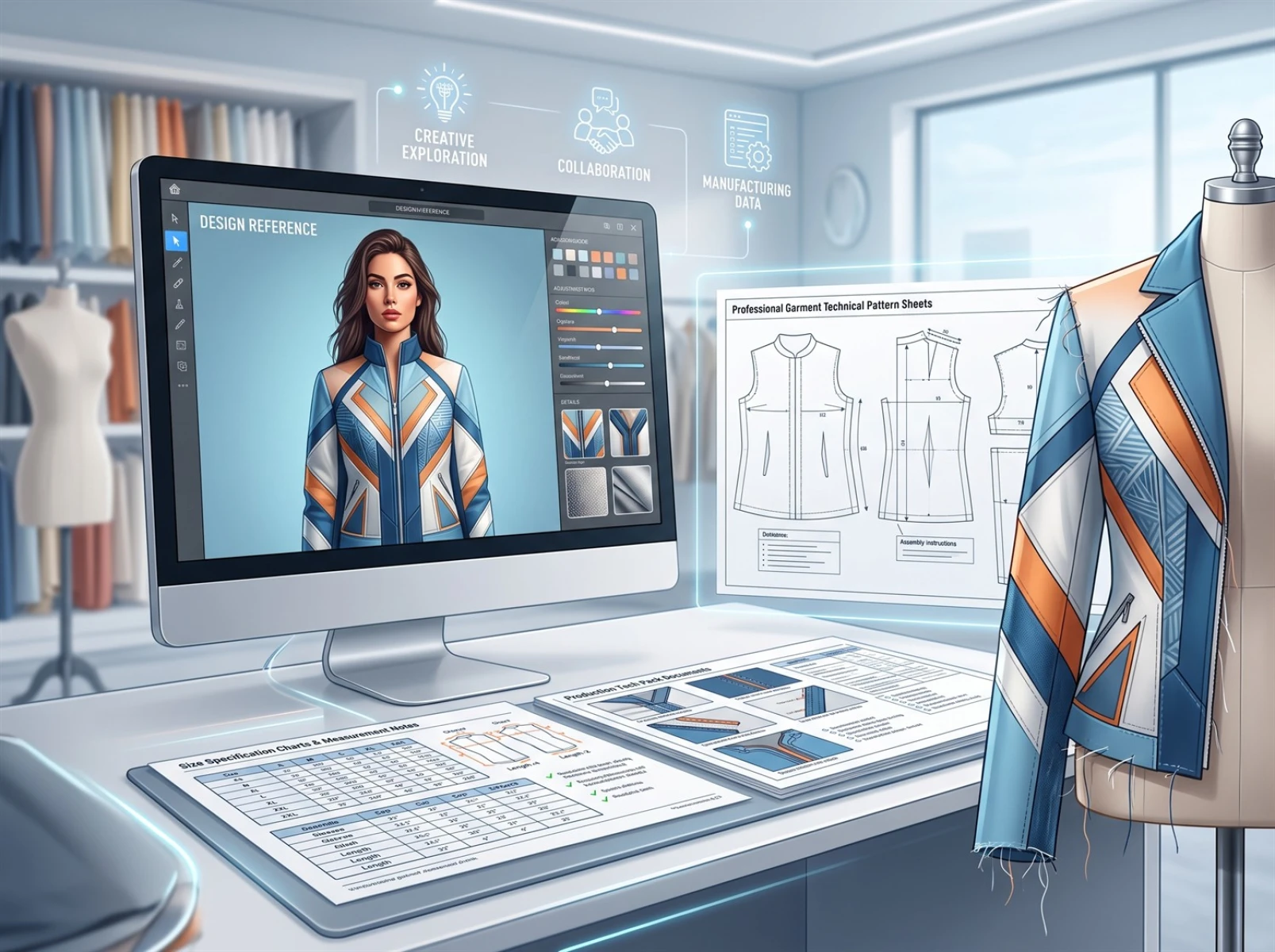
Usage Note: AI‑generated renderings serve only as preliminary visual references. They do not contain dimensional data or technical parameters for industrial manufacturing and cannot replace professional pattern‑making drawings. They must not be used directly for factory sampling. Professional teams need to produce standardized technical documents for mass‑production implementation.
IV. Suitable Fashion‑Design Scenarios for Fast Image AI
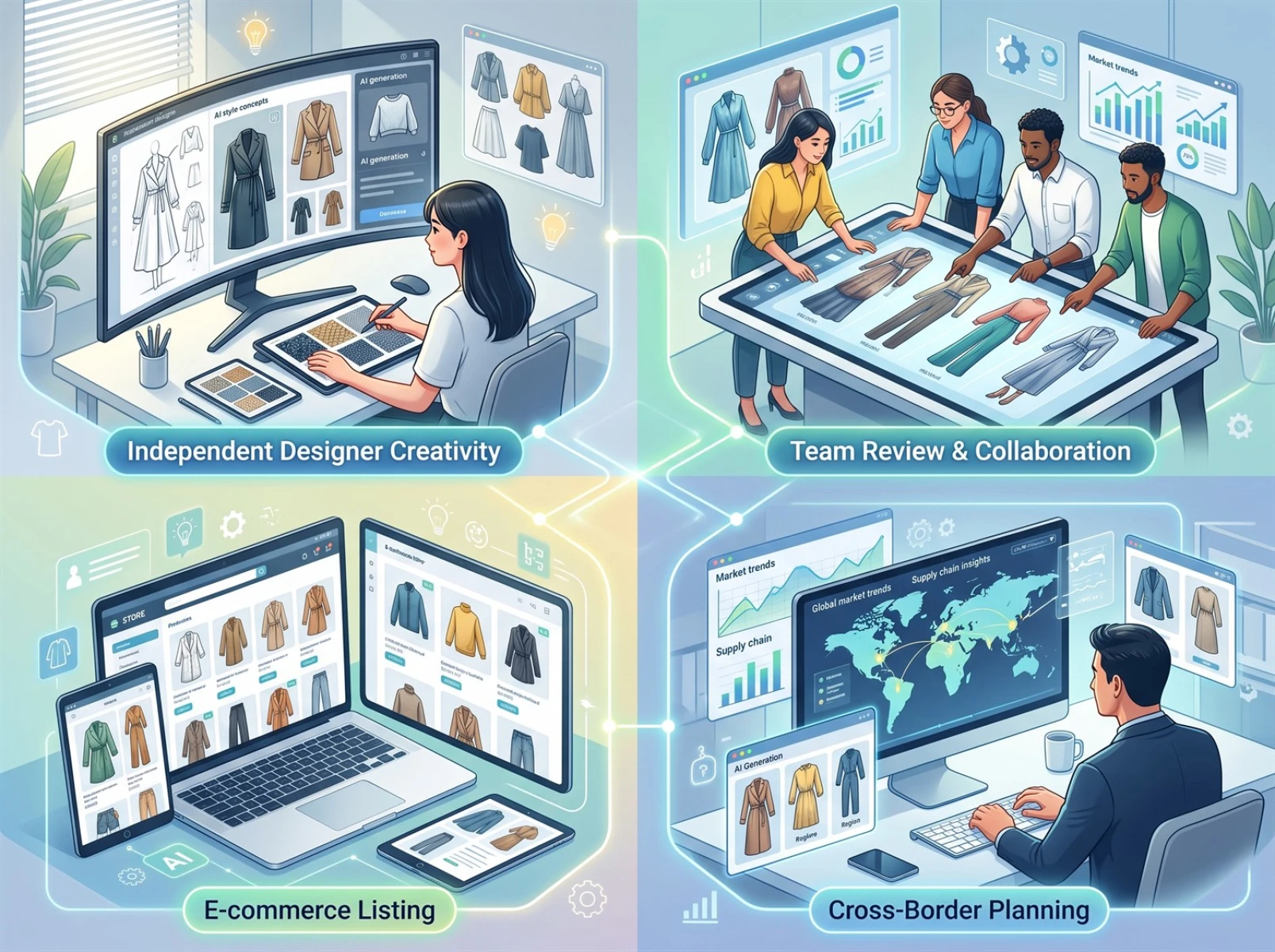
AI‑powered sketch visualization supports early‑stage workflows across fashion design, catering to independent designers, fashion studios and e‑commerce apparel practitioners.
Independent designers leverage the tool for iterative creative exploration, rapid validation of new‑look visuals and efficient filtering of promising concepts, thus avoiding resource waste caused by blind sampling.
Fashion studios use AI renderings for internal team reviews, eliminating misinterpretation stemming from hand‑drawn sketches, aligning team understanding and accelerating iteration cycles.
For e‑commerce practitioners in business negotiations and client pitches, high‑definition visual renderings reduce verbal miscommunication and help clients grasp design logic, improving proposal‑delivery efficiency.
Additional applicable scenarios include cross‑border e‑commerce product selection, market trend research and pre‑launch marketing asset creation. Supported categories cover ready‑to‑wear, streetwear, Hanfu, children’s clothing, formal gowns, knitwear, fabric accessories and home textiles.
V. Tips to Improve the Quality of AI‑Generated Fashion Renderings
No advanced AI expertise is needed. Lightweight practical techniques boost alignment and visual quality to deliver renderings faithful to your original vision:
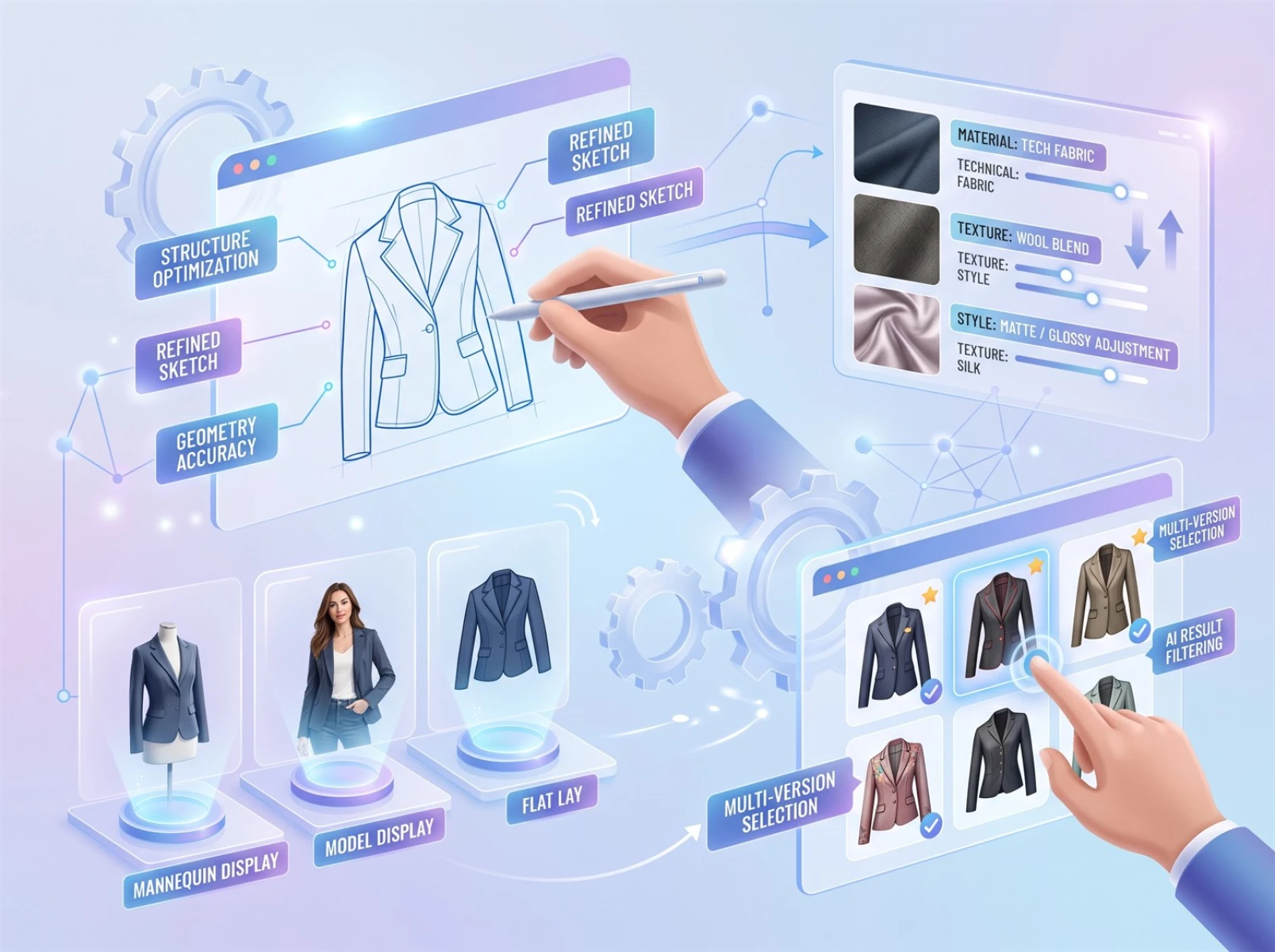
1. Prioritize clear core sketch structures. When creating or preparing sketches, ensure smooth, complete key features: neckline, shoulder line, sleeve silhouette, garment outline and hem. Clean strokes minimize AI recognition errors such as warped silhouettes and broken structures.
2. Be specific and precise when describing materials and styles. Avoid vague phrasing such as “premium fabric” or “stylish look”. Use concrete terms for fabrics and aesthetics to guide the AI toward intended visual outcomes.
3. Match presentation format to intended use. Choose mannequin display for internal new‑style reviews, model‑worn renders for client‑facing presentations and flat‑lay rendering for documentation and market research.
4. Adjust few variables per run. When testing colorways, fabrics or silhouettes, modify parameters incrementally instead of changing multiple settings at once. This lets you isolate each factor’s visual impact and optimize concepts efficiently.
5. Compare multiple generated outputs. Generate two to three varied proposals per run. Compare lighting, color palettes and fabric textures to select the most practical solution.
Pro Tip: For sketches with intricate structures and craftsmanship, avoid adding excessive decorative details all at once. Confirm the base silhouette and primary structure first and generate base renderings. Then incrementally add embroidery, pockets, paneling, draping and accessories. This greatly reduces structural distortion and missing details, raising success rates for complex‑garment generation.
VI. Limitations of AI‑Generated Fashion Renderings
It is critical to understand that AI renderings are visual references and cannot substitute professional pattern‑making and production documentation.
First, AI renderings are intended for early‑stage ideation preview, concept comparison and stakeholder communication. They lack precise manufacturing dimensions, sewing specifications and pattern parameters. They must never be fed directly into industrial cutting equipment or mass‑production workflows.
Second, the AI may misrender highly complex craftsmanship including multi‑layer paneling, elaborate embroidery and miniature accessories. Simplify redundant sketch details and reinforce primary lines for improved outputs.
Finally, AI renderings cannot fully match the fidelity of professional photos. They are suitable for preliminary concept assessment. For official e‑commerce listings and brand promotional materials, professionally shot and post‑processed assets are recommended to guarantee commercial‑grade visual quality and compliance.
VII. Frequently Asked Questions (FAQ)
Q1: Can AI convert hand‑drawn fashion sketches into renderings?
A: Yes. AI sketch‑to‑image tools generate visual renderings by referencing uploaded fashion line art for design preview, concept comparison and preliminary communication. Output quality depends on sketch clarity, design complexity and descriptive prompts.
Q2: Can users without professional drawing skills use this tool?
A: Yes. Simple fashion line art, inspirational quick sketches and tablet sketches work well. Drawing polish is less important than recognizable core silhouettes and structures.
Q3: Can AI‑generated fashion renderings go straight to production?
A: No. Renderings are for visualization and communication only. They cannot replace professional pattern‑making blueprints, dimension sheets and manufacturing technical documents.
Q4: What differentiates fashion sketch‑to‑image from general AI image generation?
A: Generic AI image generators build visuals purely from text prompts. Sketch‑to‑image tools reference your existing sketch, composition and garment geometry. This makes it better suited for early‑stage validation when you already have a defined style direction.
VIII. Conclusion
Fast Image AI’s sketch‑to‑image feature is a lightweight, high‑efficiency tool built for fashion designers. It addresses the low throughput and high revision costs associated with traditional rendering workflows. Through a simple workflow of sketch upload, descriptive input, batch generation and concept selection, designers transform hand‑drawn inspiration into high‑definition visual renderings to support creative iteration, internal reviews and client presentations.