The New Year is not just a change of date—it symbolizes new beginnings, hope, and expectations. Every New Year’s Day, people want to record this moment in a special way. Whether it’s for a social media cover, sharing on platforms, or keeping it as a personal memory, New Year photos carry strong emotional value.
However, in reality, shooting a perfect New Year portrait is often not easy. It usually requires preparing outfits, sets, and lighting, possibly booking a photographer and doing post-editing—all of which cost time and money.
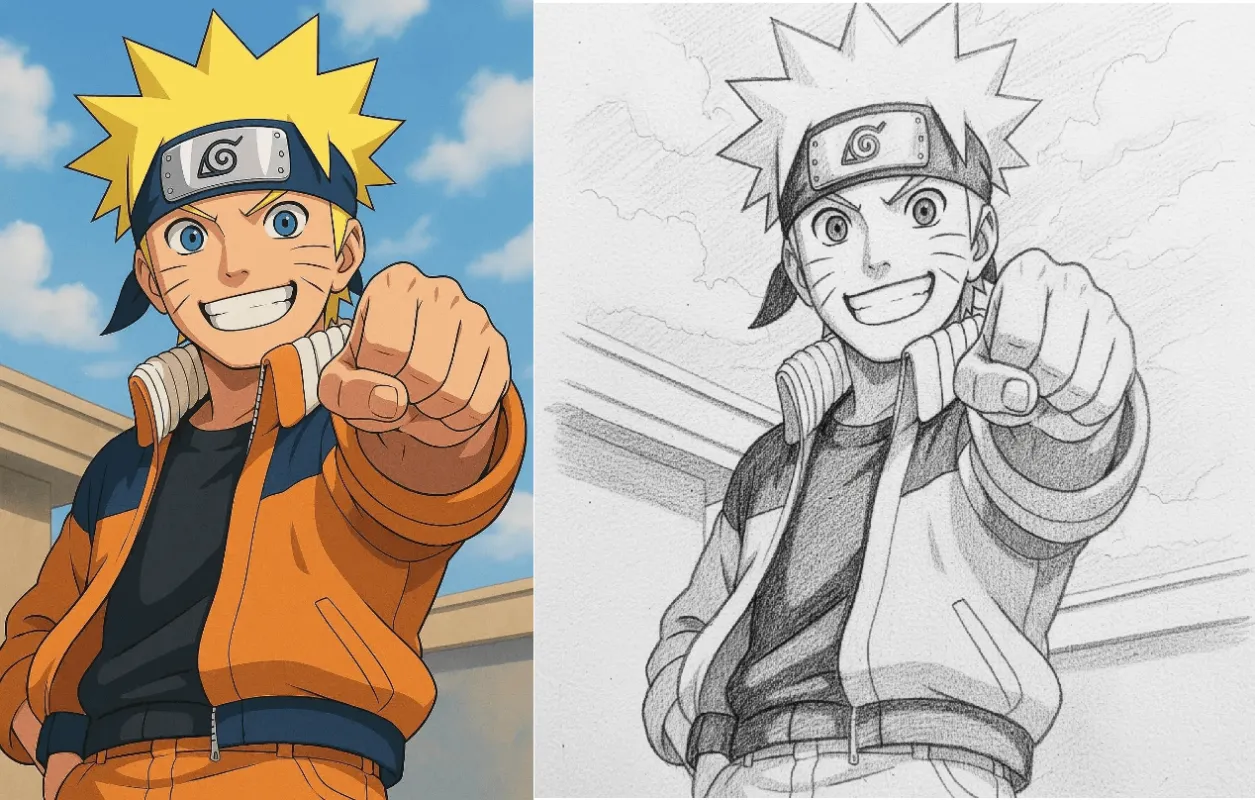
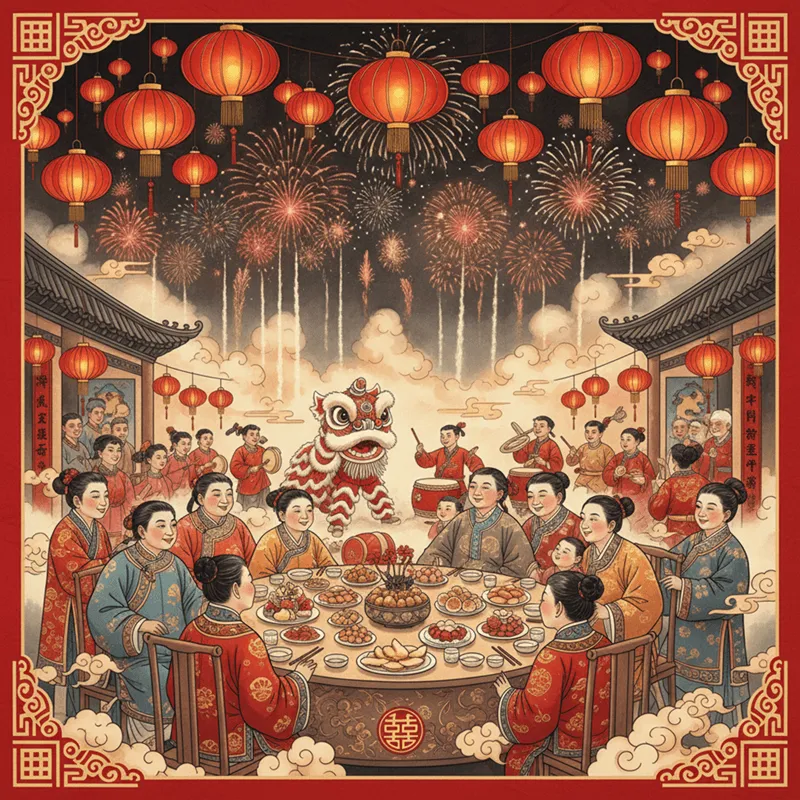
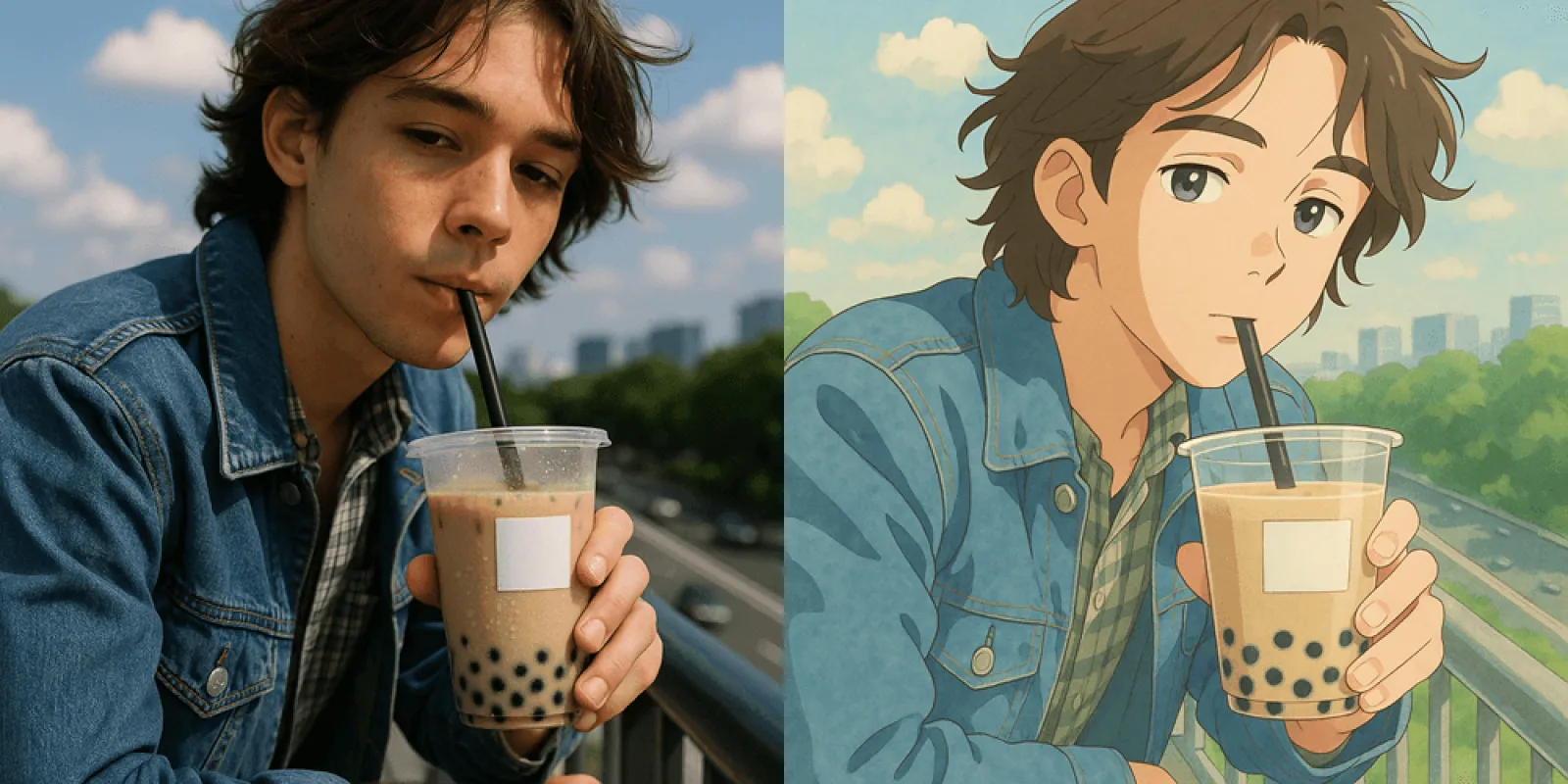
Now, with the help of the AI image generation tool Fast Image AI, you only need one photo. In just a few minutes, you can generate high-quality New Year–themed images and place yourself into fireworks-filled night skies, countdown parties, or warm family New Year scenes.

Why Choose Fast Image AI to Create New Year Photos?
Among many AI image generation tools, Fast Image AI stands out for holiday-themed creations, mainly for three reasons:
- Simple operation, quick to start: No complex parameters; beginners can easily generate high-quality portraits
- High portrait realism: Natural facial details, lighting, and proportions with minimal “AI-looking” artifacts
- Perfect for festive atmospheres: Ideal for New Year, Christmas, celebrations, and party visuals
Because of these advantages, Fast Image AI is increasingly used for New Year avatars, countdown posters, social media cover images, and festive keepsake photos.
Three Steps to Create New Year AI Photos with Fast Image AI
Step 1: Enter Fast Image AI and Upload Your Photo
Open the official Fast Image AI website and go to the Image Transformation page. Upload a clear portrait photo to start creating.
Recommended photo types:
- Front-facing or slightly angled face
- Even lighting with clear facial features
- Simple background
Even a regular selfie works perfectly for New Year–themed generation.
Step 2: Enter New Year’s Day Scene Prompts
This is the most crucial step in the process. Fast Image AI will transform your original photo into a New Year scene based on your prompt.
You can describe the following elements:
- Time: New Year, New Year’s Day
- Scene: Fireworks, city night view, party, family gathering
- Mood: Festive, warm, lively, dreamy
- Outfit: New Year dress, party attire, red or gold elements
Prompt example:
“Transform this portrait into a New Year’s Day celebration scene: fireworks illuminating the night sky, vibrant city neon lights; the person wears elegant party attire, with a joyful and energetic atmosphere; cinematic lighting and high-definition quality.”
Fast Image AI will automatically understand and reconstruct the scene.
Step 3: Generate, Select, and Fine-Tune Your New Year Images
After clicking generate, Fast Image AI will quickly produce multiple New Year–style images.
You can:
- Download the one you like best
- Adjust the prompt to generate different styles
- Use the image as an avatar, cover photo, or festive post
The entire process—from upload to completion—usually takes only a few minutes.

Recommended New Year Creative Styles in Fast Image AI
To make your New Year photos more distinctive, here are several highly recommended style directions to try in Fast Image AI.
Fireworks Countdown · City Night Style
This is the most classic New Year theme. AI blends you with brilliant fireworks and city lights, creating a powerful countdown atmosphere.
Prompt example:
“New Year’s Eve city skyline with dazzling fireworks and festive lights; the person wears elegant attire, expressing joy and celebration, cinematic night scene quality.”

Warm Family New Year Scene
If you prefer a calm and cozy feeling, choose a family New Year setting. Fast Image AI excels at soft lighting and homey atmospheres.
Prompt example:
“New Year’s Day family gathering scene: a warm living room with soft lighting, smiling family members, and festive decorations throughout.”

Party Gown · High-End New Year Portrait
Want a luxury-style New Year portrait? Fast Image AI is perfect for party gowns and fashion-shoot aesthetics.
Prompt example:
“Luxury New Year party portrait: wearing an elegant haute couture evening gown, accented with golden festive decorations, modern ambient lighting, fashion editorial photography style, ultra-high resolution.”

Dreamy Artistic · New Year Fantasy Style
If you want your New Year photo to look like an illustration or movie scene, add dreamy and starry elements.
Prompt example:
“Dreamy New Year theme scene: fireworks blooming beneath a star-filled sky, a romantic and magical atmosphere, presented in an artistic illustration style with delicate details.”

Practical Tips for Using Fast Image AI
To achieve results closer to your expectations, keep these tips in mind:
- Be specific but not overly long: clearly describe scene, mood, and outfit
- Try multiple versions: the same photo with different prompts creates entirely new results
- Use festive keywords: New Year’s Day, fireworks, celebrations, holiday lights
- Avoid overly complex instructions: natural language often works best
Capture Your New Year Moments with Fast Image AI
The New Year is one of the most meaningful moments to record. With Fast Image AI, you no longer need complex photography setups or professional backgrounds to create high-quality New Year visuals. This New Year’s Day, let AI help you mark a truly unique beginning.