Reliability of AI Design Drawings - Fast Image AI Recreates Creators Core Ideas from Line Art
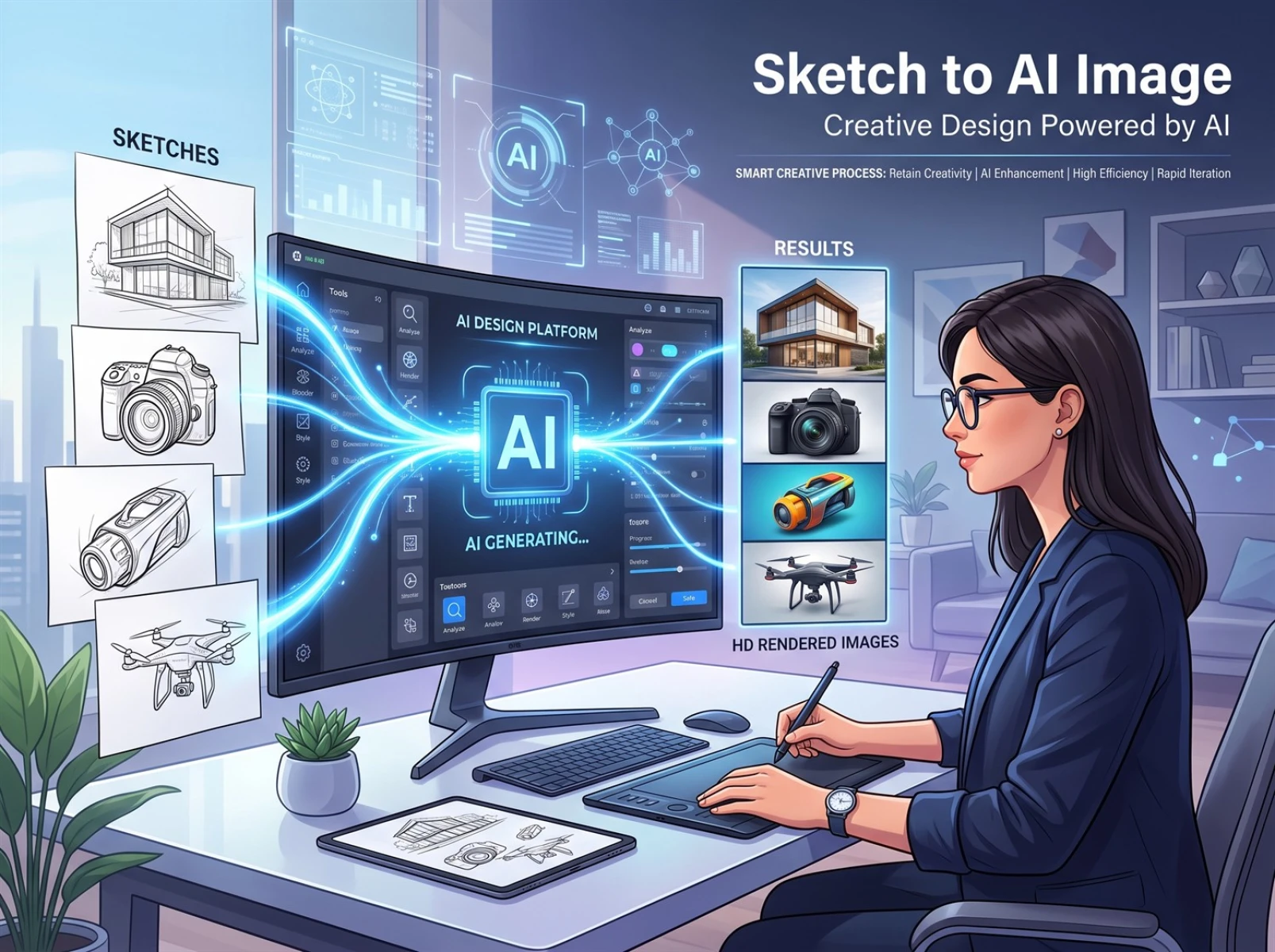
When designers leverage AI to create renderings or convert hand-drawn sketches into finished visuals, they often face a core pain point: AI-generated images rarely align with their original creative vision. Relying solely on text prompts for image generation frequently results in distorted details, inconsistent artistic styles, and severe visual homogenization. Most AI-generated assets still require manual secondary revisions. Many industry creators are debating whether AI image generation can meet the requirements of design implementation. Drawing on standardized practical tests, this article introduces Fast Image AI’s sketch-to-image function, compares text-driven and line-art-driven image generation workflows, and analyzes how the line-art workflow addresses the prevalent industry issue of AI outputs straying from designers’ creative intent.
I. Pure Text Prompt Generation Easily Deviates from Original Design Concepts
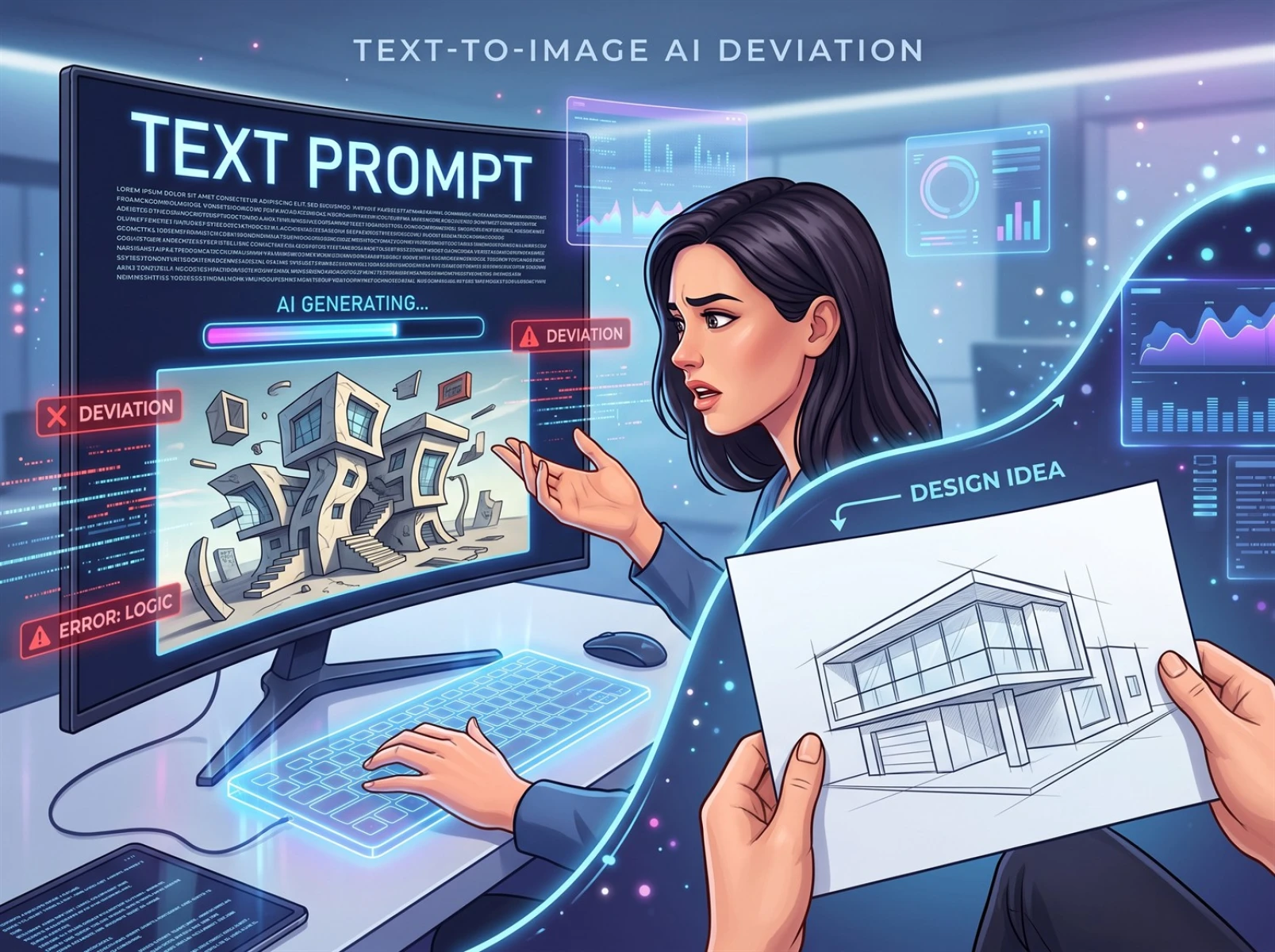
Traditional AI image generation relies entirely on textual descriptions to produce visuals, yet written language has inherent limitations. It cannot precisely define frame proportions, internal object structures, or the positional coordinates of visual elements. AI only mechanically matches keywords to content in its asset library and lacks the capacity to oversee holistic design logic, frequently producing warped objects, misplaced elements, and distorted spatial perspective. Batch generation yields highly inconsistent results, with only a small percentage of outputs ready for direct use. Constantly revising prompts and redrawing sketches consumes substantial working hours and extends the entire design timeline — this is the primary reason pure text generation struggles to support formal commercial design work.
Countless designers share identical real-world experience: even with highly detailed prompts and repeated adjustments to model parameters, AI outputs still diverge noticeably from their envisioned results. Multiple rounds of redrawing are often necessary to approximate the intended vision.
II. Line-Art-to-Image Conversion Offers Higher Controllability Than Text-Only Generation
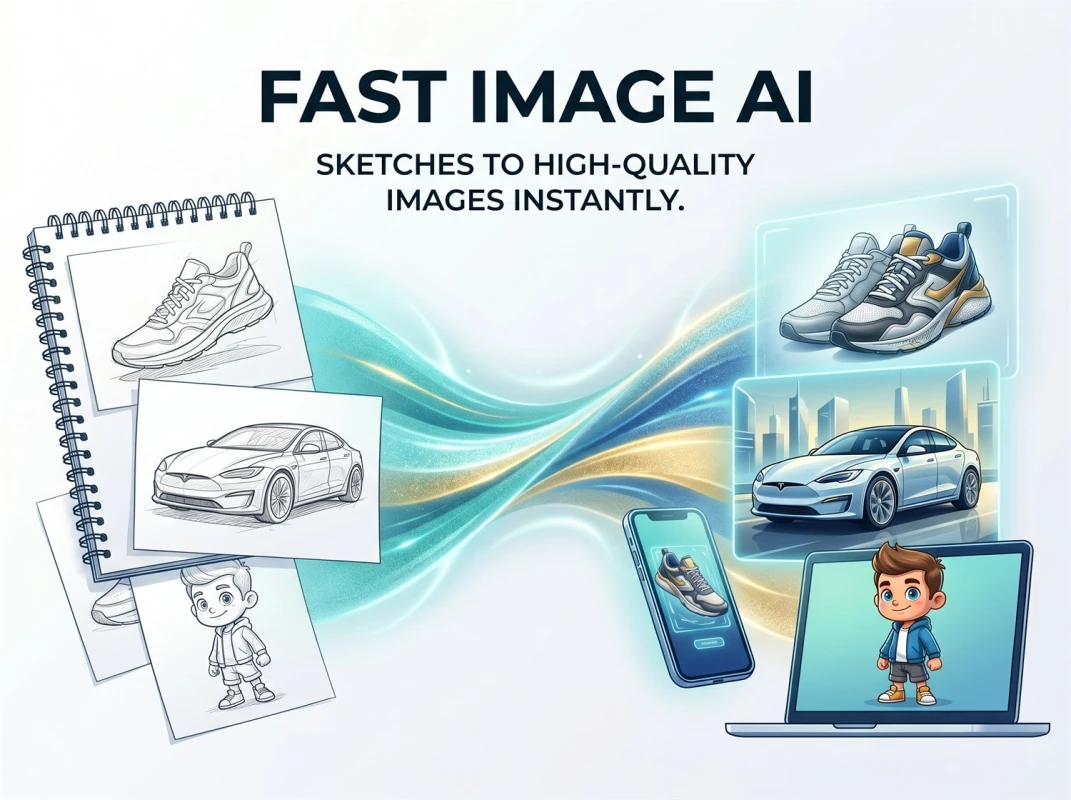
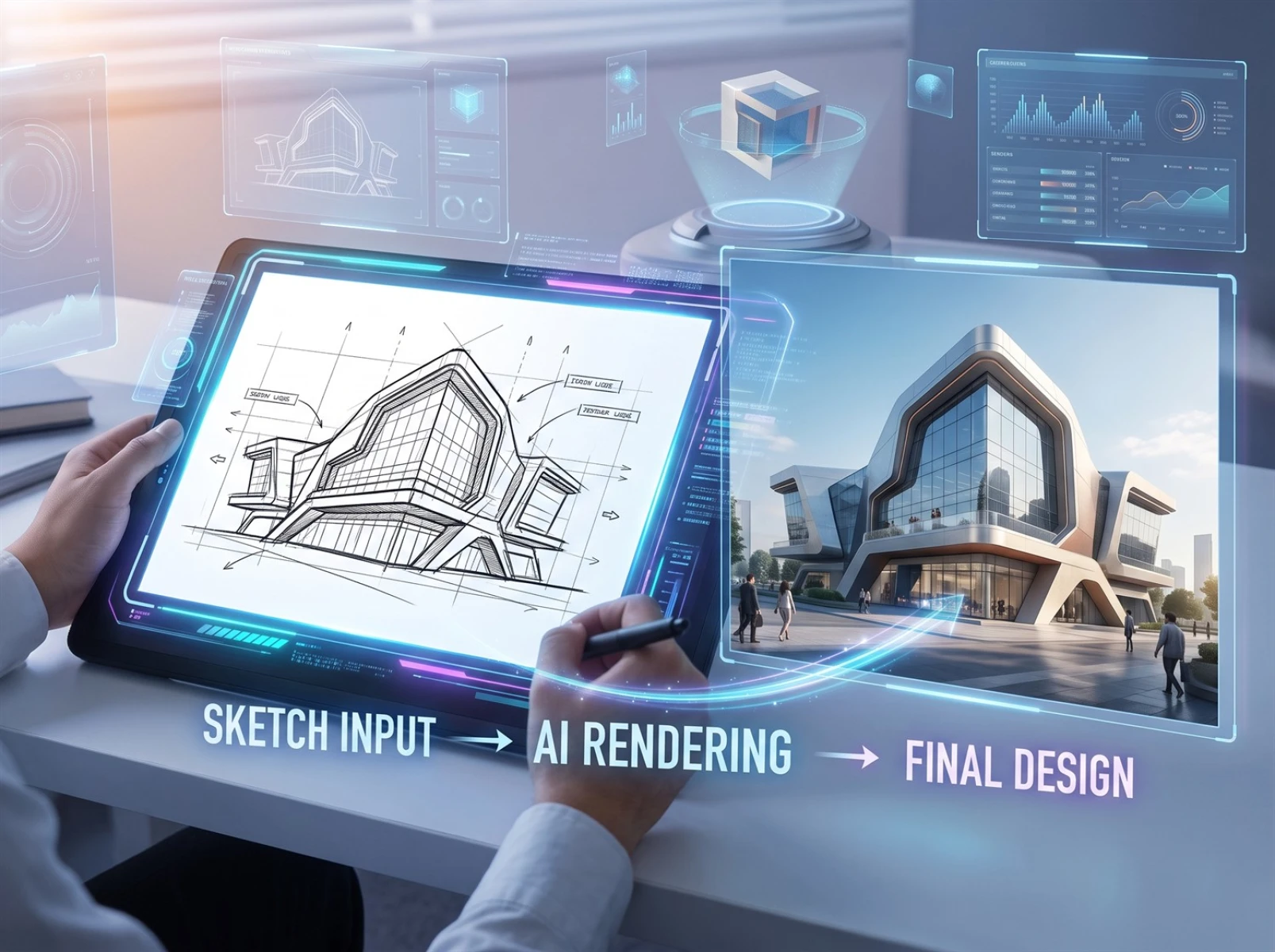
With continuous iterations in AI image generation technology, line-art-to-image conversion has emerged as the mainstream solution for boosting controllability in AI creation. This workflow uses hand-drawn line outlines as an underlying baseline; designers lock the overall creative framework in advance, while AI only handles color filling and refinement of light and shadow layers. It drastically reduces the risk of structural distortion, fully preserves creators’ original concepts, and rapidly renders high-definition visuals. Suitable for independent original creation and light commercial design, the industry also refers to this process as "AI sketch-to-image generation". Visible outline constraints enhance control over the final generated content.
Line art provides intuitive visual boundaries that set clear creative parameters for AI, fundamentally reducing template-like, near-identical finished visuals. Fast Image AI features stable line-art recognition capabilities, supports seamless switching between numerous art styles, and outputs high-resolution imagery — ideal for designers seeking rapid visual concept validation.
III. Core Advantages of Fast Image AI’s Line-Art-to-Rendering Feature
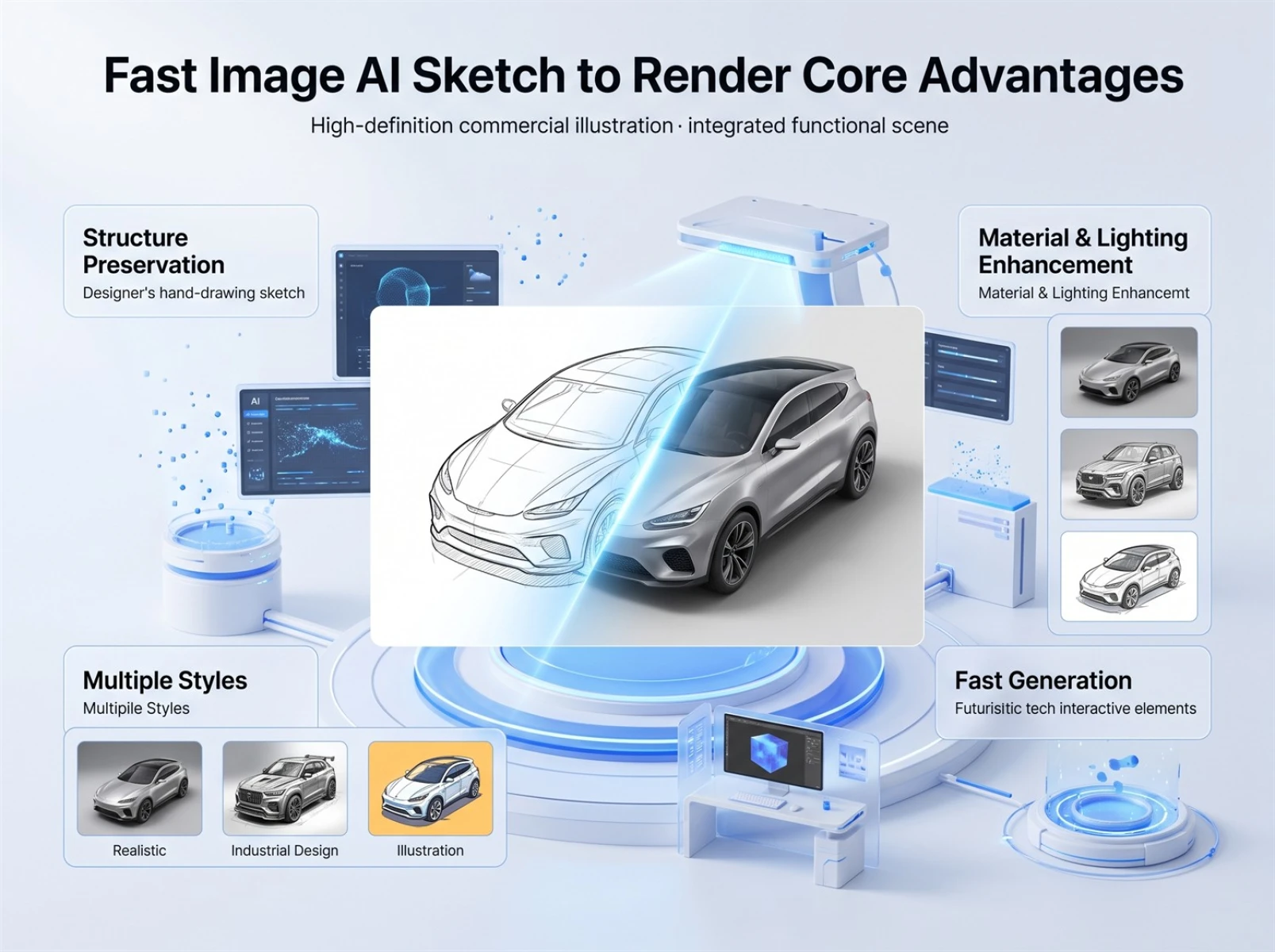
1. Consistently Preserves the Original Sketch Structure
Many AI image generation tools autonomously alter original linework and adjust subject shapes during line-art conversion. This platform integrates an exclusive intelligent line recognition algorithm that reliably retains the core subject structure and compositional relationships of sketches. It only optimizes material lighting and clears messy redundant lines, and works equally well for rough casual doodles and standardized professional detailed line art. This stabilizes the overall design framework and lowers the risk of creative deviation.
2. Automatically Optimizes Material and Light Texture
Built-in high-definition detail refinement algorithms enrich color brightness layers and polish surface material textures without altering original line outlines. This resolves common industry flaws including artificial plastic-looking visuals and disjointed color grading. It renders natural, delicate visual effects for diverse materials such as metal, frosted surfaces, and matte finishes, alongside a wide range of illustration lighting atmospheres. Optimized sketches can be directly applied to posters and e-commerce marketing materials; final output quality is jointly determined by sketch clarity and the precision of accompanying prompts.
3. One-Click Switch Between Diverse Art Styles
When paired with customized prompts, users can flexibly toggle between national trend aesthetics, photorealism, flat illustration, watercolor painting, industrial product rendering and other visual styles. The tool caters to illustration creation, e-commerce promotional materials, self-media graphic content, university design assignments and more. Switching styles only adjusts the overall visual atmosphere without modifying the foundational line-art structure, enabling creators to rapidly generate multiple visual versions for comparison and screening.
4. Intuitive Operation with Fast Rendering Speeds
No complex professional parameter tuning is required, allowing complete beginners to get started quickly. After uploading line-art assets and selecting a target art style, high-definition images export within seconds. The tool eliminates repetitive manual rendering and layered color correction workflows, enabling new creators to polish hand-drawn sketches efficiently.
IV. Practical Test Case: Instant Generation of Finished Product Renderings from a Hand-Drawn Water Cup Sketch
This standardized practical test was conducted on Fast Image AI’s official functional page, using a standard marker-pen hand-drawn water cup sketch as test material. Generation results were objectively recorded across three dimensions: sketch structure restoration, material and light rendering, and export speed. Final AI outputs will see reasonable fluctuations based on sketch clarity, prompt precision, and selected art style.
Complete Standardized Test Workflow
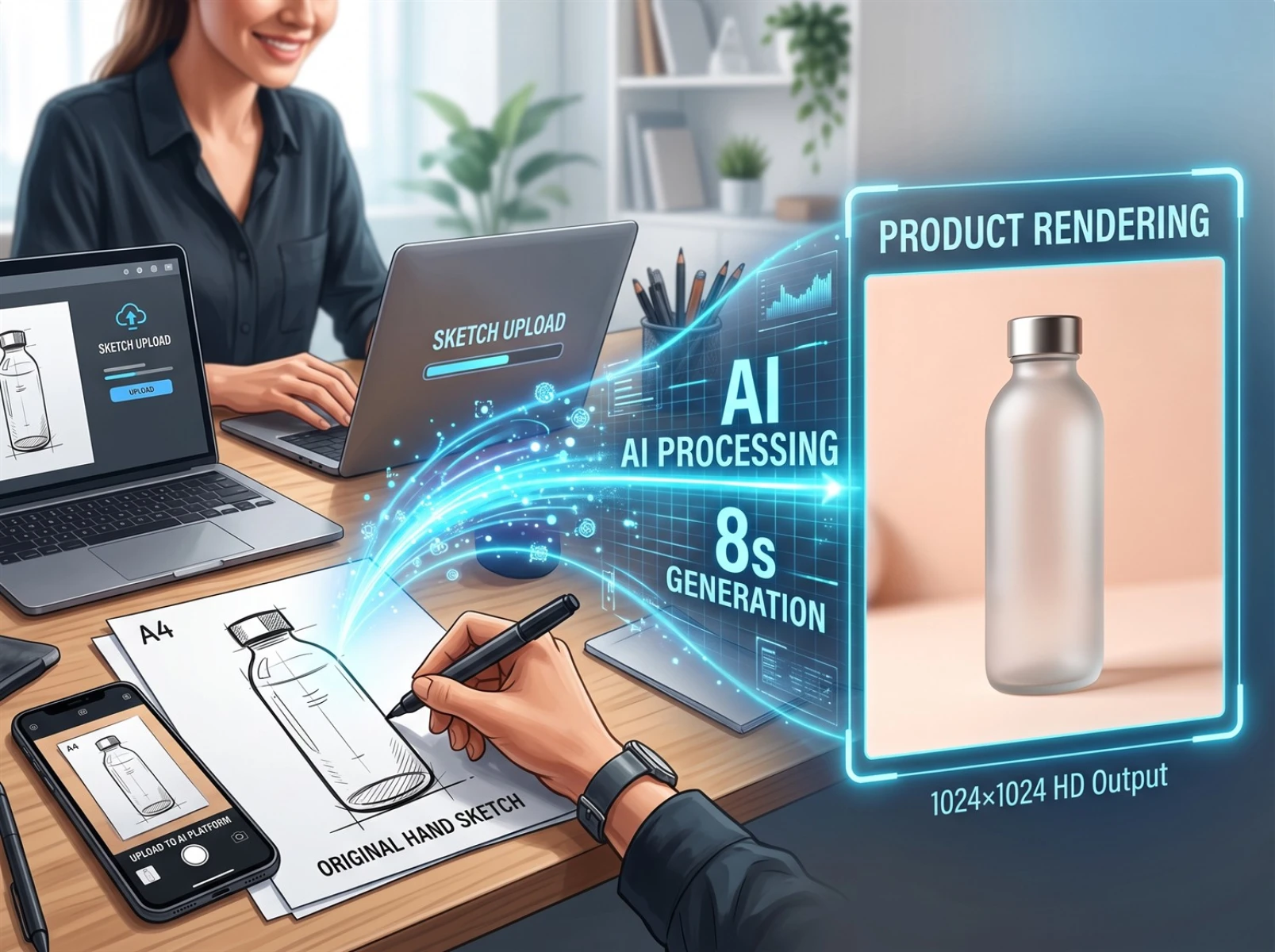
1. Take a photo of a simple marker-pen water cup sketch drawn on A4 paper (input asset: only basic cup outlines, no coloring or refined details).
2. Upload the photographed sketch to the exclusive line-art conversion channel on the platform.
3. Input the standardized test prompt: "frosted glass water cup, commercial product photography, soft studio lighting, high-definition texture, 8K detail, clean solid-color background".
4. Initiate rendering; the full process takes approximately 8 seconds, exporting a 1024×1024 high-definition product rendering.
5. Compare the AI-generated finished image against the original hand-drawn sketch to identify discrepancies in object structure and material lighting.
Objective Record of Practical Test Results
This test relied solely on minimal outline strokes to define the cup shape with no supplementary details. The generated image fully retained the original cup’s length-width proportions and core structure, with no obvious warping or disproportionate forms. AI automatically rendered delicate frosted glass textures paired with soft, even commercial studio reflections. A simple sketch alone can produce usable product renderings for conceptual modeling validation, drastically accelerating early-stage product shape iteration.
Creating renderings of equivalent quality via traditional 3D modeling requires a full workflow of modeling, light setup, material mapping, and layered rendering — a process that takes at least 30 minutes. Fast Image AI eliminates numerous repetitive steps from traditional production workflows and significantly boosts iteration efficiency for visual concepts. Retaining both the original hand-drawn sketch photo and AI-generated finished render provides intuitive evidence of line-art generation’s structural restoration capabilities, further enhancing the credibility of conceptual proposals.
V. Target Users and Functional Limitations
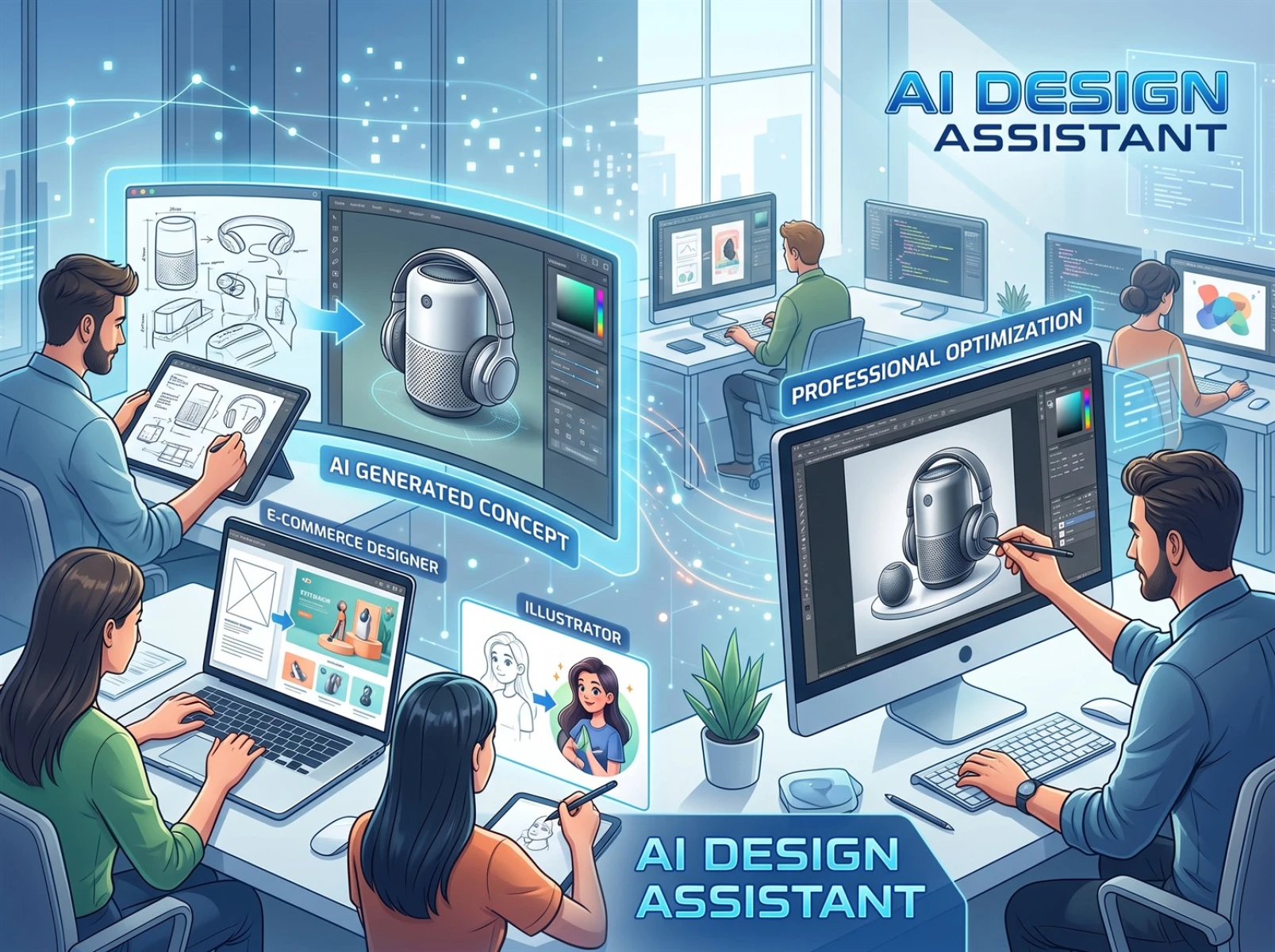
The sketch-to-image feature suits illustrators, e-commerce graphic designers, self-media content creators, design students, and hand-drawing enthusiasts. It enables rapid iteration of sketch concepts and original graphic creation while reducing copyright disputes and visual homogenization stemming from generic online stock assets. Generated materials can be used for commercial promotion, though users must thoroughly review the platform’s official copyright terms prior to formal commercial use.
AI sketch conversion tools only serve as design aids and cannot replace full standardized professional design workflows, with clear inherent limitations at the current stage: converting precision industrial blueprints and multi-layer complex structural diagrams tends to produce minor line recognition errors that require manual correction. Blurry, incomplete low-quality sketches directly degrade final rendering precision. For high-end brand standardized implementation projects, AI-generated content may only function as early conceptual references and must undergo secondary refinement by professional designers before deployment for real-world production. Mechanically complex components and process engineering drawings still rely on manual dimension calibration and structural adjustment — an objective reality proving AI cannot fully replace designers for the time being.
VI. Frequently Asked Questions
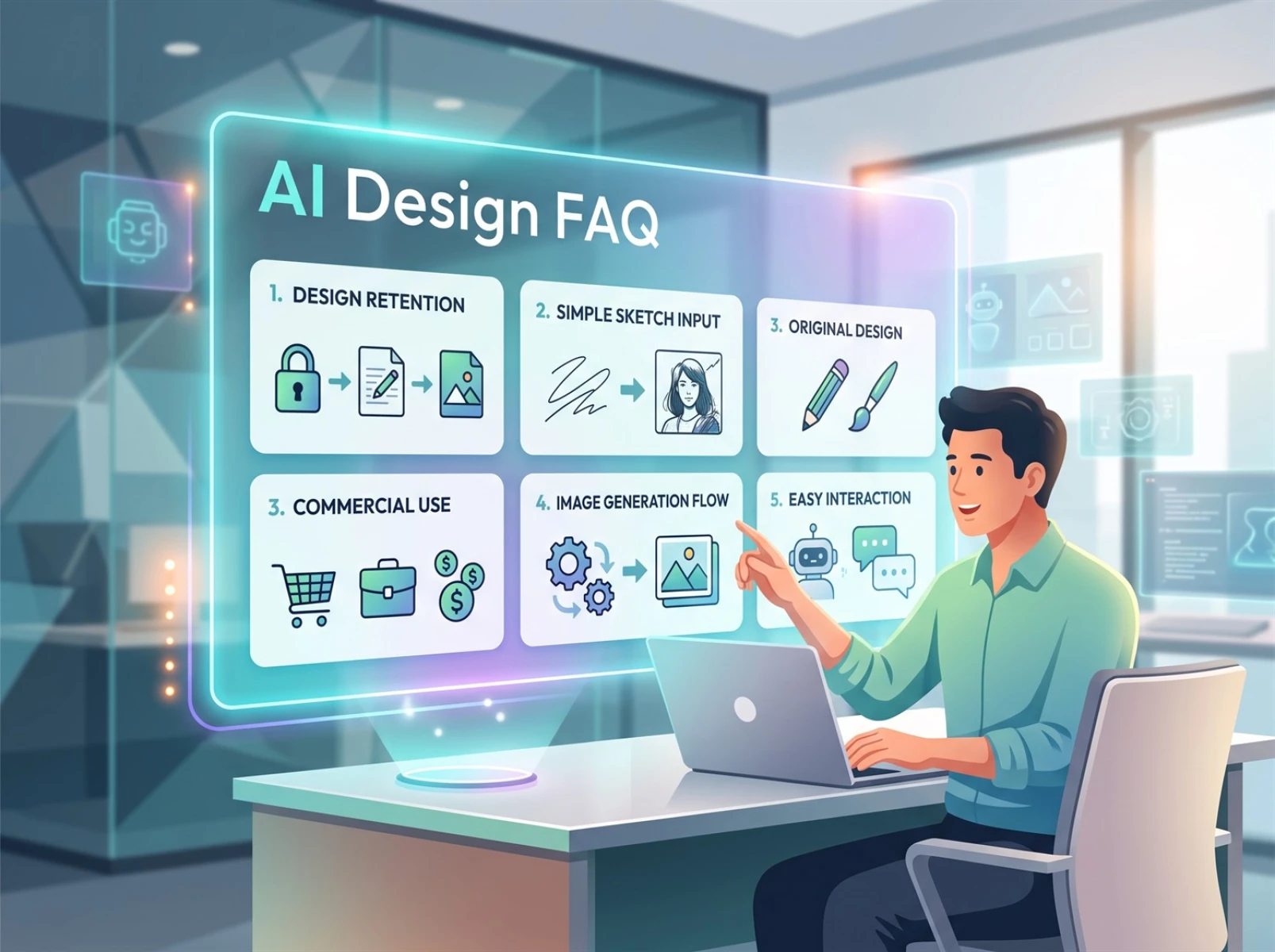
Q1: Will AI drastically alter my original design vision during image conversion?
Reliable, compliant line-art generation tools lock the overall visual framework based on sketch outlines. They generally minimize subject structural shifts and only optimize image quality, lighting, and material details. The overall visual effect largely matches the creator’s original creative intent.
Q2: Can users with no drawing skills utilize this feature?
Yes. Users only need to draw simple object outlines to upload; AI automatically supplements image details. Even basic shape sketches can generate complete, usable renderings.
Q3: Are generated images eligible for commercial use?
They may be applied to commercial design and marketing asset production. However, copyright regulations vary by region. Thoroughly review the platform’s copyright clauses before formal commercial deployment to mitigate legal risks.
Q4: What is the core difference between sketch-to-image generation and pure text generation?
Pure text generation relies solely on keywords to constrain visuals and frequently results in flawed composition and object structures. The line-art workflow fixes shapes and overall layout upfront, with prompts used only to fine-tune artistic atmosphere. It delivers stronger controllability and lower time costs for trial-and-error redrawing.
Q5: What types of sketch assets are supported?
Product design drafts, architectural sketches, and hand-drawn illustration materials are all compatible. Both minimal outline doodles and standardized intricate professional line art are recognized and exported as high-definition finished images.
VII. Conclusion
The practical value of an AI image generation tool hinges on its underlying image generation logic. Pure text-driven generation produces highly random outputs that easily diverge from designers’ original creative concepts. Fast Image AI’s line-art-driven generation mode delivers markedly superior visual controllability. Leveraging four core strengths — consistent sketch structure restoration, automatic material and light texture optimization, rapid multi-style switching, and lightweight fast rendering — it efficiently completes early-stage conceptual validation for all types of creative proposals. When paired with manual detailed revisions, it caters to every creator requiring fast iterative design verification, standing out as a highly practical auxiliary AI image generation tool.