AI Sketch-to-Image Tool Recommendation - Fast Image AI Generate High-Definition Works Efficiently
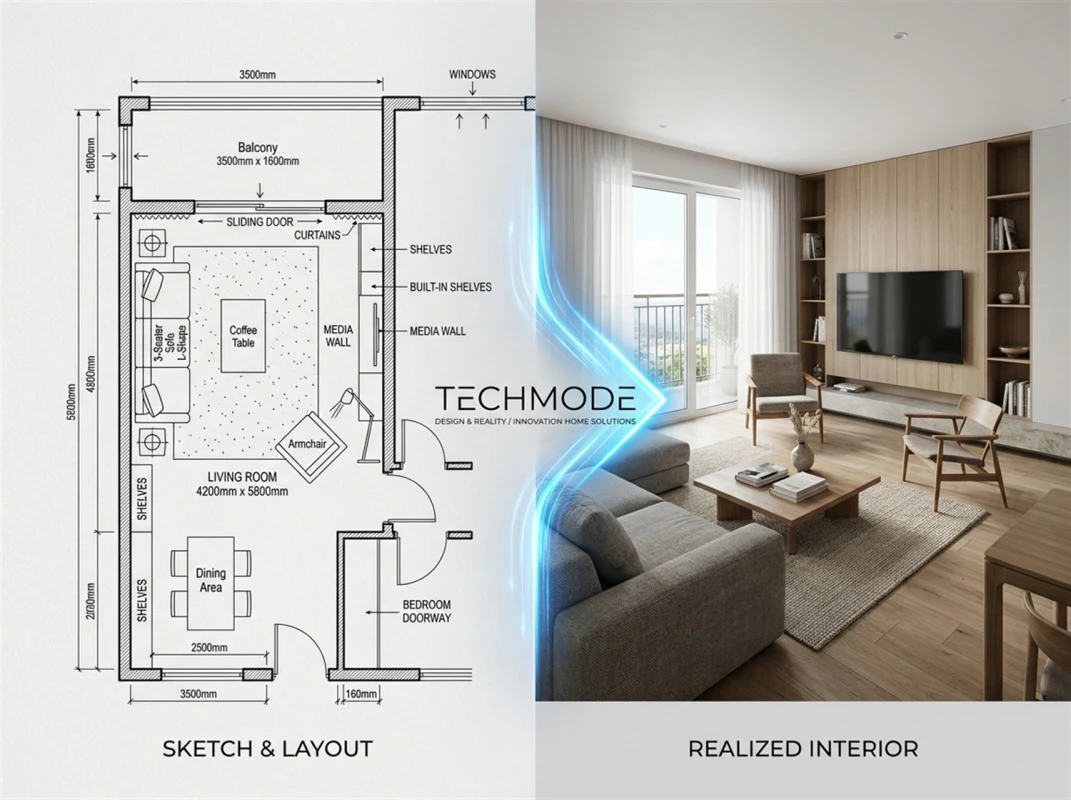
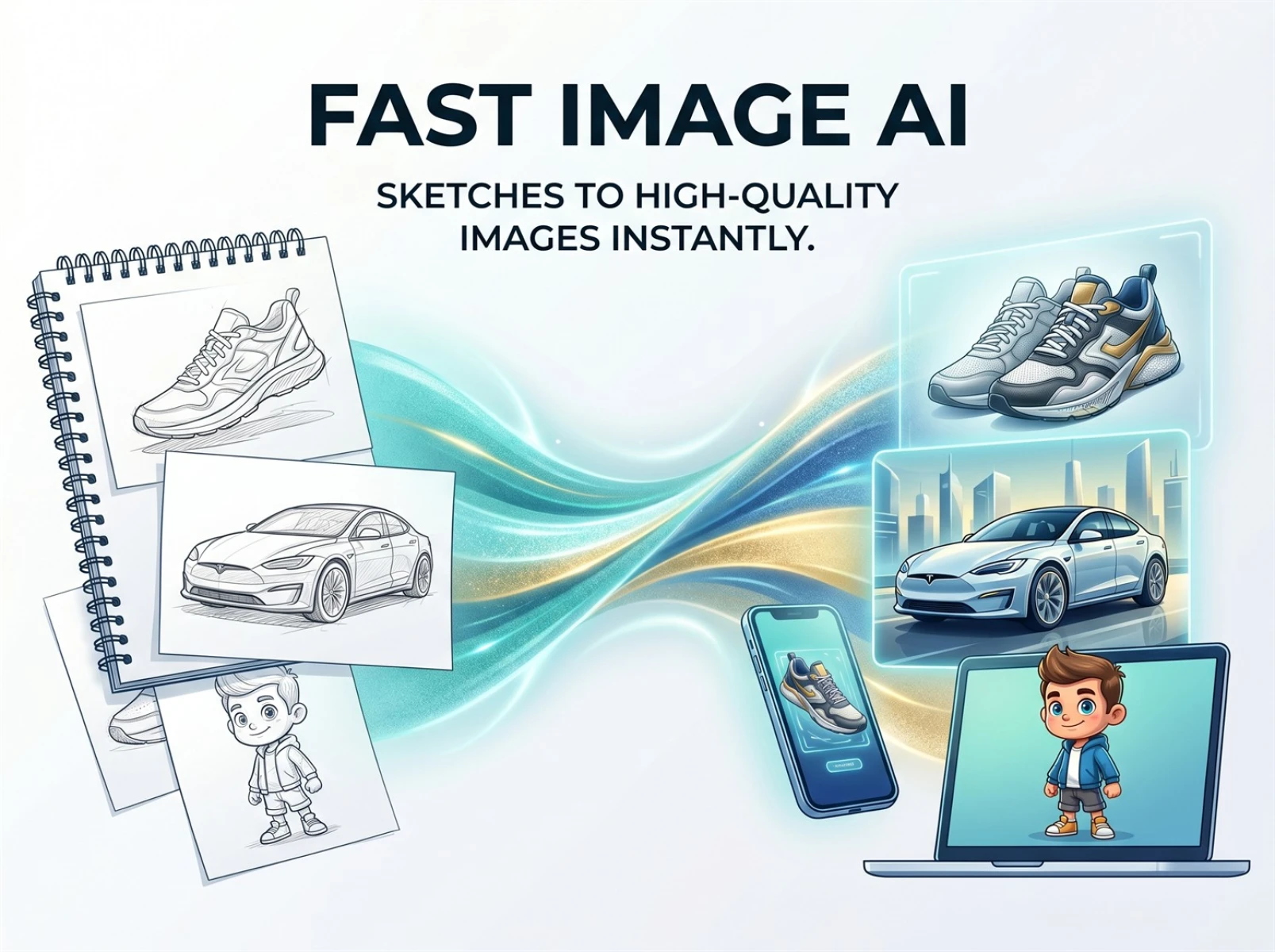
Whether you are a content creator, an e-commerce operator, graphic design enthusiast or small business owner, you will inevitably run into difficulties with visual content creation. Many people have complete creative ideas and hand-drawn basic sketches, yet struggle to complete sketch-to-image conversion and turn simple drafts into refined, stylistically consistent high-definition images. Traditional photo editing and drawing software involves complicated operations, while hiring professional designers is time-consuming and costly. Ordinary AI image generation tools often produce blurry images with limited styles and come with commercial usage restrictions, which greatly slows down creation and operational workflows. As a professional sketch-to-image tool, Fast Image AI fully caters to diverse creative needs. It can quickly convert sketches and text ideas into high-quality high-definition works, easily solving various visual creation problems for creators.
I. Common Pitfalls of Regular AI Image Generation Tools
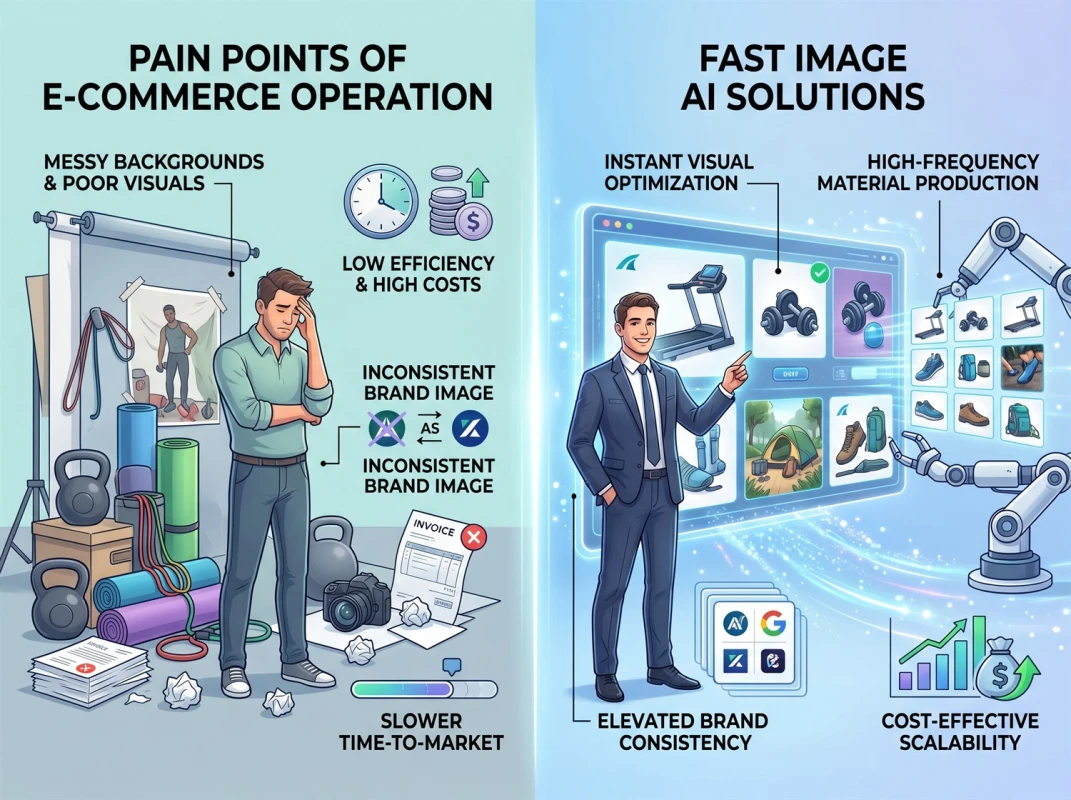
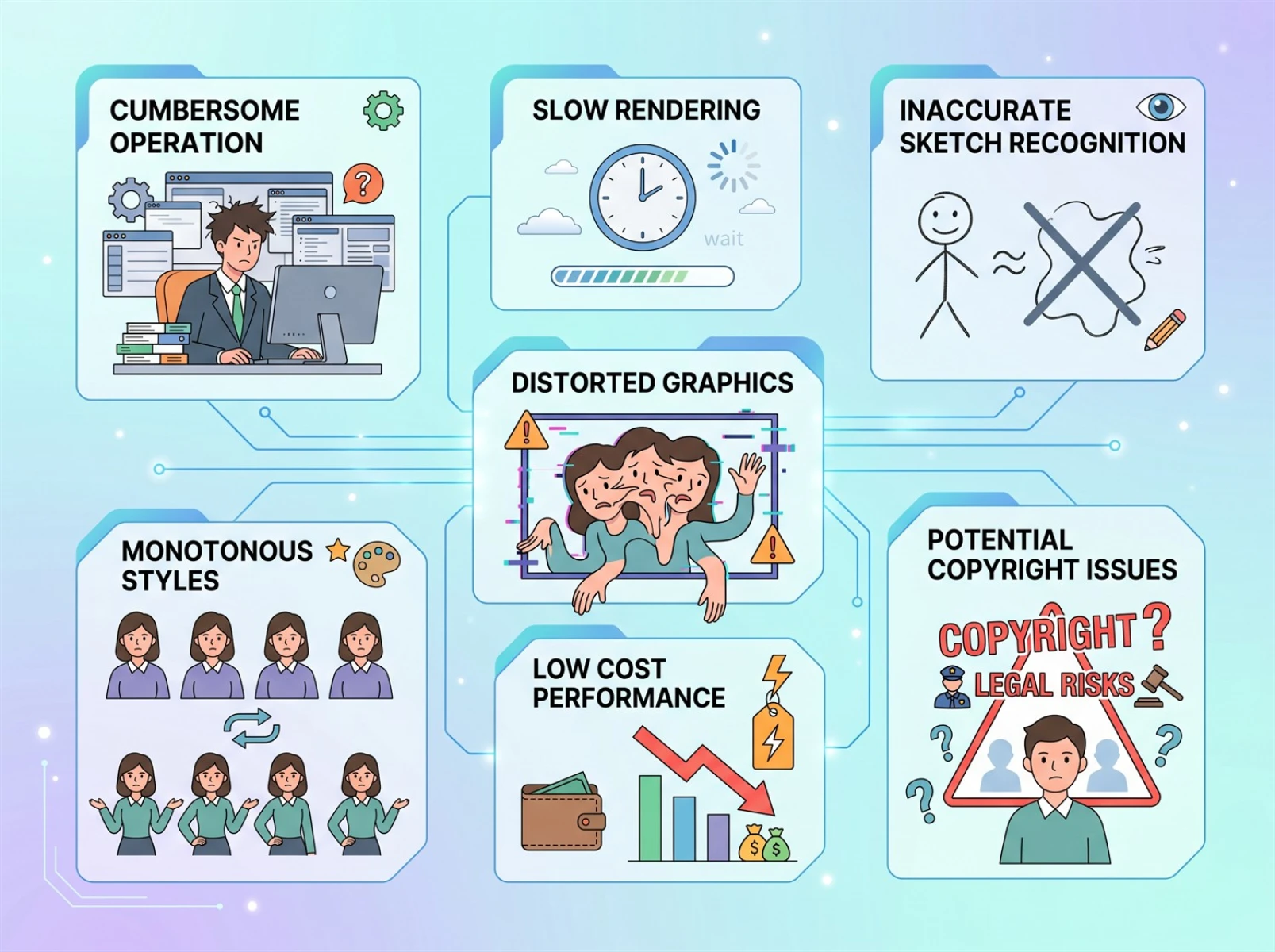
Nowadays, there are a wide range of AI sketch and image generation tools on the market. While they can handle basic image creation, most have obvious flaws in sketch-to-image conversion. They fail to balance creation efficiency, image quality and commercial cost-effectiveness, which severely undermines creators’ productivity and output quality. The main drawbacks fall into three categories.
1. Complicated Operation & Slow Rendering: Unable to Meet Urgent Sketch-to-Image Demands
Most drawing and AI image generation tools require users to download desktop clients, which take up system resources and feature numerous professional parameters. New users face a steep learning curve and struggle to get started quickly. In addition, these tools have slow rendering speeds, and a single sketch-to-image conversion takes a long time. Subsequent tweaks are also cumbersome. When faced with urgent tasks and bulk content creation demands, users have to simplify design details and compromise on visual effects, making these tools unsuitable for lightweight and efficient creation modes.
2. Inaccurate Line Recognition: Poor Quality & Limited Styles for Sketch-to-Image Output
Regular AI tools struggle to accurately recognize the lines and layouts of hand-drawn sketches. When performing sketch-to-image conversion, uploaded sketches are likely to suffer from shape distortion, missing details and inconsistent lighting and shadows. The generated images contain significant digital noise and look blurry, failing to meet the high-definition standards for printing and commercial display. Moreover, these tools only offer a narrow selection of style templates, mostly limited to basic realistic and cartoon styles. They can hardly support personalized creative styles such as cyberpunk, watercolor and retro styles, and manual parameter adjustment rarely delivers results that match creative expectations.
3. Commercial Usage Restrictions & High Long-Term Subscription Costs
Free versions of most tools have limited generation quotas and heavily compressed image quality. Works generated via sketch-to-image conversion do not come with commercial usage rights, leading to potential copyright risks when used for social media content, e-commerce promotion and brand marketing. To unlock high-definition output, unlimited image generation and commercial usage rights, users have to subscribe to expensive membership plans. The high recurring costs make these tools poor value for money for individual creators and small and medium-sized teams.
II.Standout Advantages: Fast Image AI Solves Sketch-to-Image Creation Pain Points
Targeting the three major issues of cumbersome operations, poor image quality and high commercial costs prevalent among mainstream AI image generators, Fast Image AI makes comprehensive improvements in efficiency, image quality and cost performance. It delivers an all-in-one solution for sketch-to-image conversion.
1. Beginner-Friendly Online Use: Complete Sketch-to-Image Conversion with Ultra-Fast Rendering
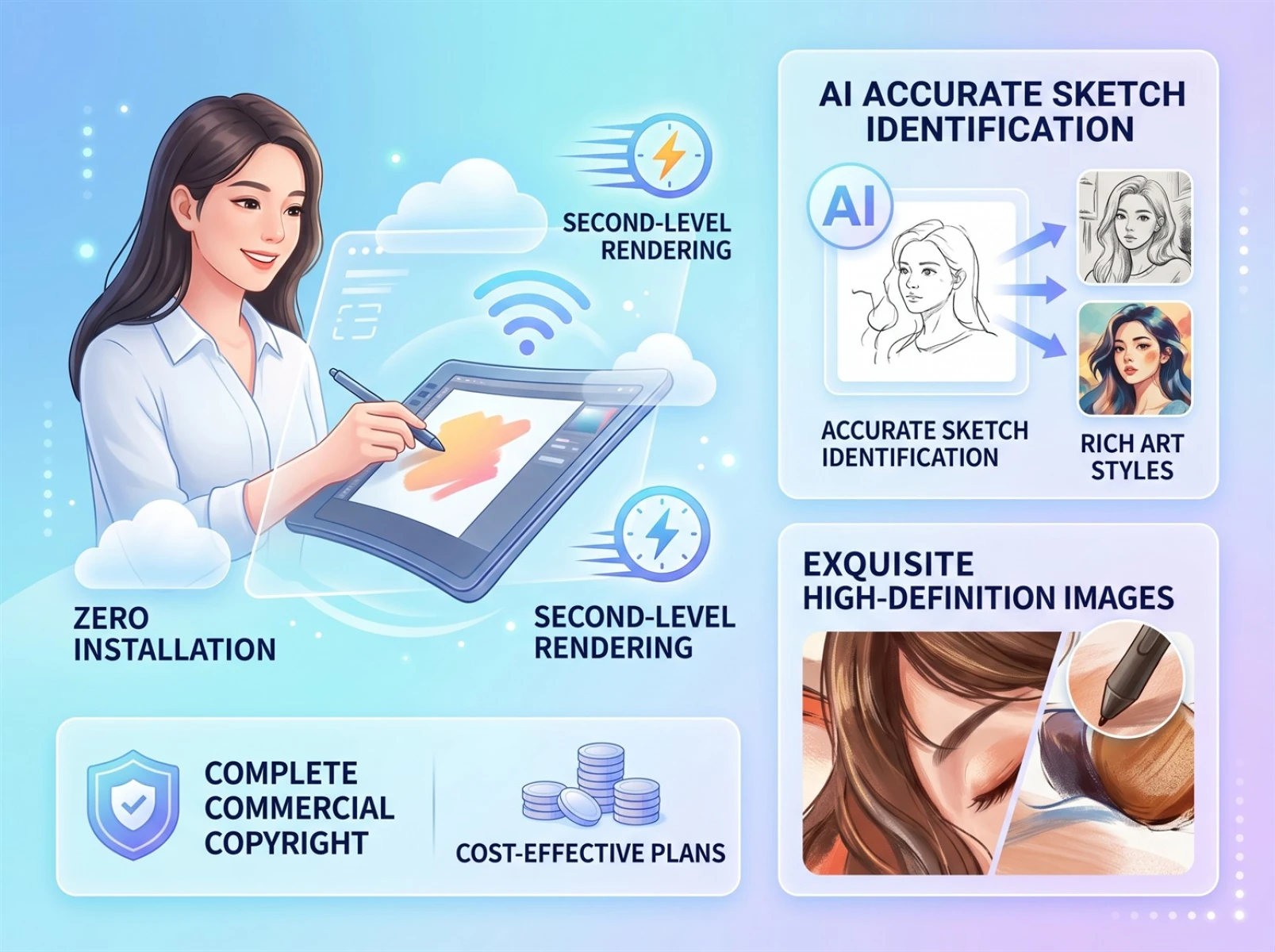
This platform requires no downloads or installations, unlike traditional tools. It runs entirely on web browsers with a clean and intuitive interface, so even total beginners can use it without professional training. Powered by high-performance AI rendering technology, it supports instant image generation for both text prompts and sketch-to-image conversion. It reduces hours of traditional creation work to just minutes, perfectly catering to urgent tasks and bulk content creation requirements.
2. Restore Sketch Details in High Definition: Diverse Styles for Creative Sketch-to-Image Conversion
Equipped with high-precision sketch recognition and professional rendering capabilities, the tool can accurately restore lines, layouts and details of hand-drawn sketches during sketch-to-image conversion. It effectively avoids shape distortion, noise, blurriness and distorted lighting and shadows, producing crisp and detailed images that are ready for printing and commercial use. The platform also boasts an extensive style library, including realism, anime, watercolor, retro, cyberpunk and more. Custom styles and reference image support are also available to meet all kinds of personalized creative needs.
3. Full Commercial Usage Rights & Affordable Pricing: Maximize Cost Performance for Sketch-to-Image Creation
All works generated by Fast Image AI through sketch-to-image conversion come with full commercial usage rights and no copyright risks, and can be freely used for social media, e-commerce, brand promotion and other use cases. The platform adopts transparent and budget-friendly pricing. The basic annual plan is priced at approximately $9.90 per month, which includes ample image generation quotas, unlimited high-definition downloads and priority processing. Multiple tiered subscription plans are available for different user groups, greatly reducing long-term creation costs and offering far better value for money than competing tools.
III.Beginner’s Guide: Full Tutorial for Fast Image AI Sketch-to-Image Conversion
1. Preparations: Optimize Materials & Prompts to Improve Sketch-to-Image Results
Adequate preparation helps deliver more satisfying results when using Fast Image AI for sketch-to-image conversion and AI image generation. First, optimize your source materials. Organize hand-drawn sketches and images in advance, trim redundant blank areas and fix obvious line errors to ensure clear main subjects in your artwork. This helps the AI accurately identify core content and prevents subject displacement and distorted details after sketch-to-image conversion.
Second, refine your prompts. Describe key elements clearly based on your creation needs, including subjects, styles, tones, lighting and shadows and scenes. For example: "Cyberpunk style, close-up of a female robot’s face, neon lighting, high definition, fine textures". Precise prompts enable the AI to generate images that fully match your ideas and reduce repeated revisions after sketch-to-image conversion. You can also refer to high-quality works in the platform’s inspiration gallery to learn style matching and prompt writing skills.
Lastly, activate platform permissions. You can test basic sketch-to-image features without complicated registration. For long-term and high-frequency commercial use, select a suitable monthly or annual plan. Annual plans offer around a 30% discount and unlock full access to all AI tools, priority rendering and unlimited downloads.
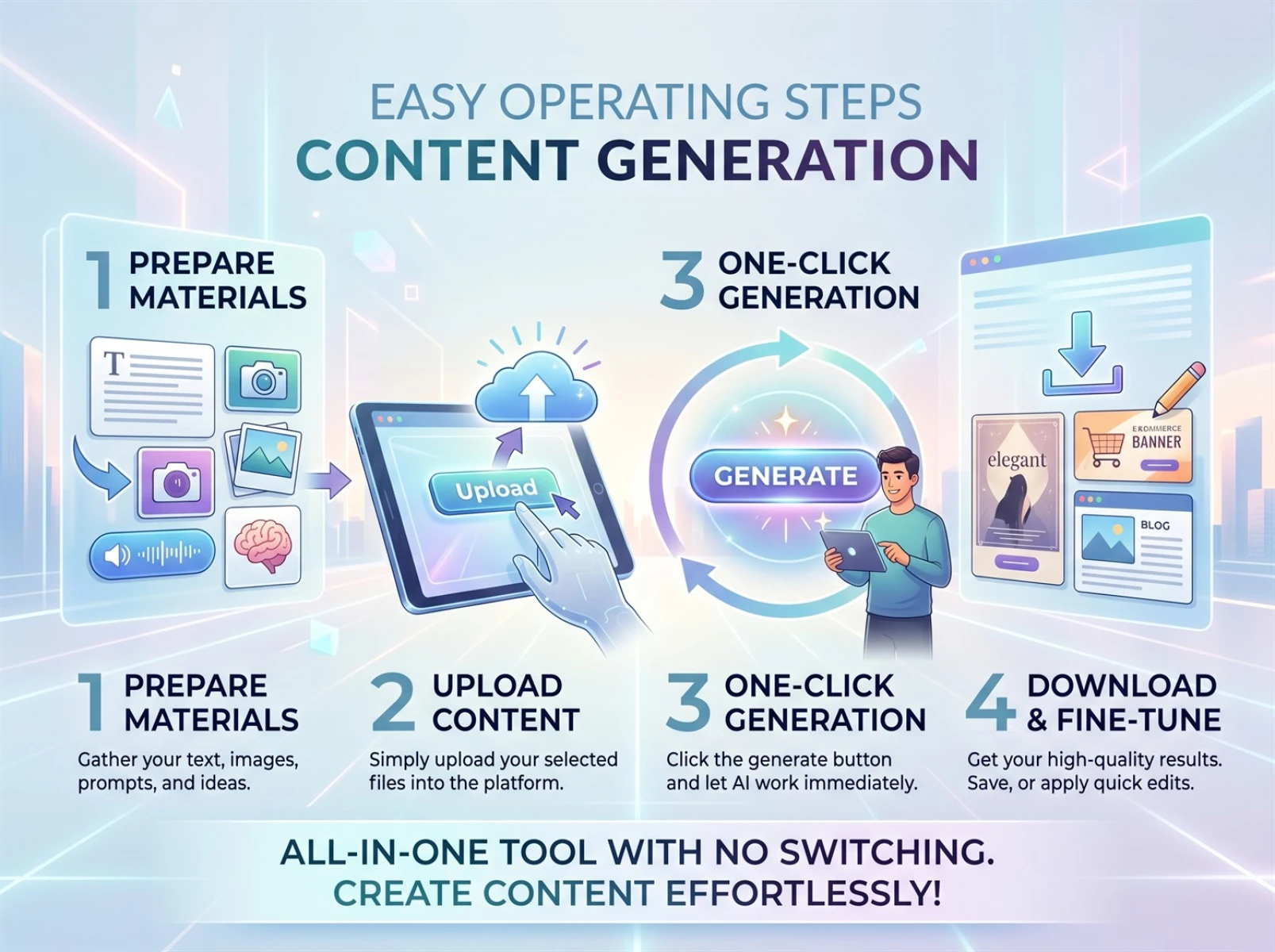
2. Four Simple Steps to Generate High-Definition Images via Sketch-to-Image Conversion
Step 1: Upload materials. Visit the official website of Fast Image AI and locate the upload entry. Upload your optimized hand-drawn sketches or reference images. The platform supports all mainstream image formats with smooth uploads and no lengthy approval processes, and you can start your sketch-to-image creation right away. If you do not have sketches, you can start creating content simply with text descriptions for quick image generation.
Step 2: Add detailed creation prompts. Enter your prepared prompts in the text box, clearly specifying image style, subject features, image quality requirements and usage use cases. You can also select preset styles in the style panel to further refine the creative effect and make the final sketch-to-image output more in line with your expectations.
Step 3: Generate high-definition images with one click. After confirming your materials and prompts, click the generation button. The AI will finish rendering in seconds and produce multiple high-definition images. Preview all results online and select the best one. If you are unsatisfied with certain details, adjust the prompts or style settings to re-optimize the sketch-to-image effect without switching to other tools.
Step 4: Download and reuse creations. Once you confirm the final design, download the original high-definition image directly online. The downloaded files have no watermarks or resolution compression, and are suitable for printing, social media posting and commercial promotion. You can also save excellent creations as reference materials for future sketch-to-image projects to continuously refine your personal creative style.
IV.Wide Application Scenarios: Full Coverage of Sketch-to-Image Functions Across Industries
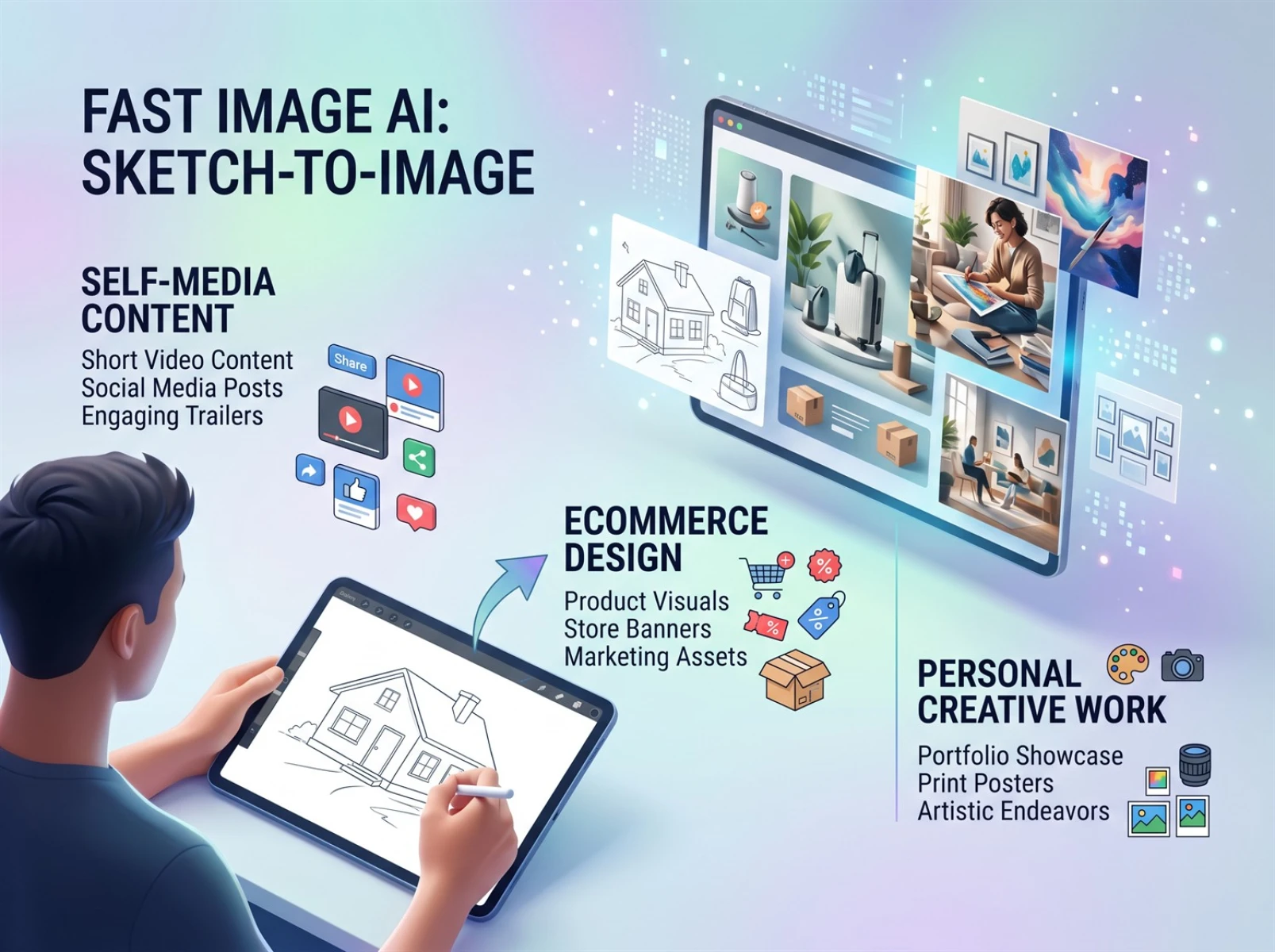
Thanks to its high efficiency, outstanding image quality and commercial eligibility, Fast Image AI and its powerful sketch-to-image capabilities serve a wide range of industries and meet diverse visual creation needs.
1. Social Media Content: Boost Engagement with Sketch-to-Image Creation
You can quickly make pictures for short videos, social media articles and social media posters via sketch-to-image conversion and AI image generation. A wealth of artistic styles make your content more appealing and effectively increases views and interaction rates.
2. Commercial Design: Cut Operational Costs with Sketch-to-Image Tools
For e-commerce product pictures, store posters, event promotional visuals and brand materials, there is no need to hire professional designers. Simply combine simple sketches and text descriptions, and use the sketch-to-image function to produce high-definition commercial materials with full commercial usage rights. It greatly reduces store operational and design costs, and perfectly caters to the high-frequency creation needs of small and medium-sized merchants.
3. Personal Creation: Realize Creative Ideas via Sketch-to-Image Conversion
Design enthusiasts, students and art creators can turn their ideas into reality with the platform’s sketch-to-image function. Hand-drawn sketches can be instantly converted into high-definition works in anime, realistic and artistic styles, which can be used for portfolio production, poster printing and personal collection. Even beginners can create professional-level visual works with ease.
V.Overall Evaluation of the Tool
Most creators struggle with slow generation speed, poor image quality and high commercial costs when working on sketch-to-image projects, which seriously hinders the implementation of creative ideas and content output. Fast Image AI addresses these core pain points: ultra-fast one-click generation solves efficiency problems for sketch-to-image conversion; high-definition output and diverse style options improve visual quality; affordable pricing and full commercial usage rights lower the threshold for creation. As a lightweight and cost-effective sketch-to-image tool, it caters to both beginners and professional creators. If you want to efficiently complete sketch-to-image conversion and create high-definition AI artworks, visit https://fastimage.ai/ to experience the all-in-one intelligent creative solution.