Slow Draft Rendering - Generate Detailed AI Renderings with Fast Image AI
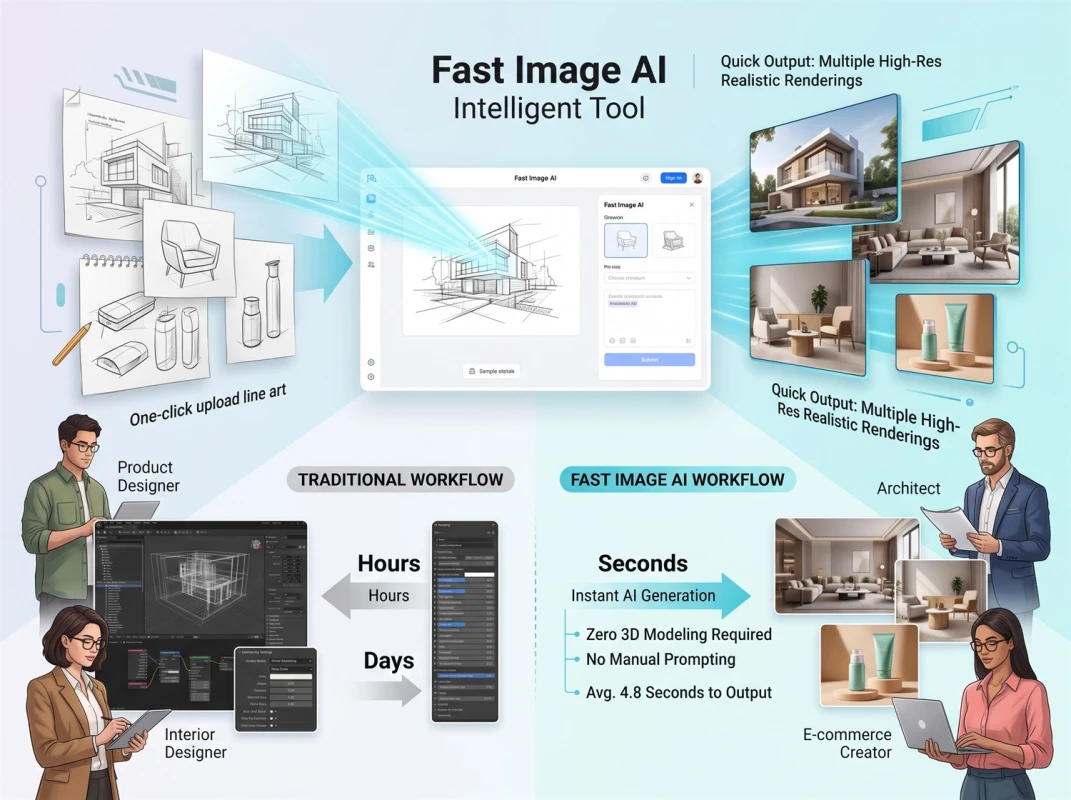
Industrial designers, cultural and creative creators and concept artists frequently struggle to convert hand-drawn drafts and line art into high-definition commercial renderings efficiently. Traditional rendering workflows have prominent drawbacks: outsourced illustration incurs high costs, revisions are tedious, and delivery cycles are lengthy. Professional modeling and rendering software features a steep learning curve and complex operations, while final outputs often deviate from the original design intent. Constrained by limited time, budget and manpower, most freelance designers and small studios fail to convert numerous creative drafts into finalized works. Powered by mature AI sketch-to-image conversion technology, Fast Image AI removes barriers to turning hand-drawn ideas into finished visuals. Users with zero professional experience can upload original drafts with one click to produce high-precision renderings, efficiently resolving common pain points of slow draft rendering across the design industry.
I. Four Core Reasons Why Designers Prefer Fast Image AI for Draft Rendering
1. Accelerate draft production and shorten project implementation cycles
Under traditional workflows, converting design drafts into finished renderings requires repeated communication with professional artists to refine details and iterate drafts, a process that normally spans 2 to 5 working days. Project bidding, presentation preparation, portfolio compilation and rapid design iteration demand fast turnaround; prolonged outsourced lead times easily hold back overall project schedules.
With Fast Image AI, designers upload hand sketches and linework and receive multiple distinct refined renderings within seconds for instant screening and minor fine-tuning. Previously, only 1 to 2 renderings could be finalized per day, whereas over a dozen design versions can now be produced in bulk. The tool eliminates slow rendering and delayed iteration, perfectly matching designers’ needs for fast draft creation and frequent version updates.
2. Cut rendering expenses and lower operational costs
In the design industry, custom professional renderings cost anywhere from dozens to hundreds of US dollars apiece. Cumulative outsourcing fees add up quickly when designers iterate multiple draft versions or compile full portfolios, putting significant financial strain on independent designers and small studios.
Fast Image AI eliminates the need for full-time in-house rendering specialists. Users leverage free platform credits to test early drafts and iterate design options, with manual polishing required only for finalized high-end artwork. Long-term usage cuts rendering costs by over 60%, lowering financial barriers to bringing original designs to life.
3. Preserve original design intent and avoid off-style final renders
Miscommunication is commonplace with outsourced art services; contracted illustrators rarely fully grasp designers’ creative vision, resulting in renders that mismatch original drafts in structure, composition and art style. Endless revision discussions waste valuable design hours and disrupt work schedules.
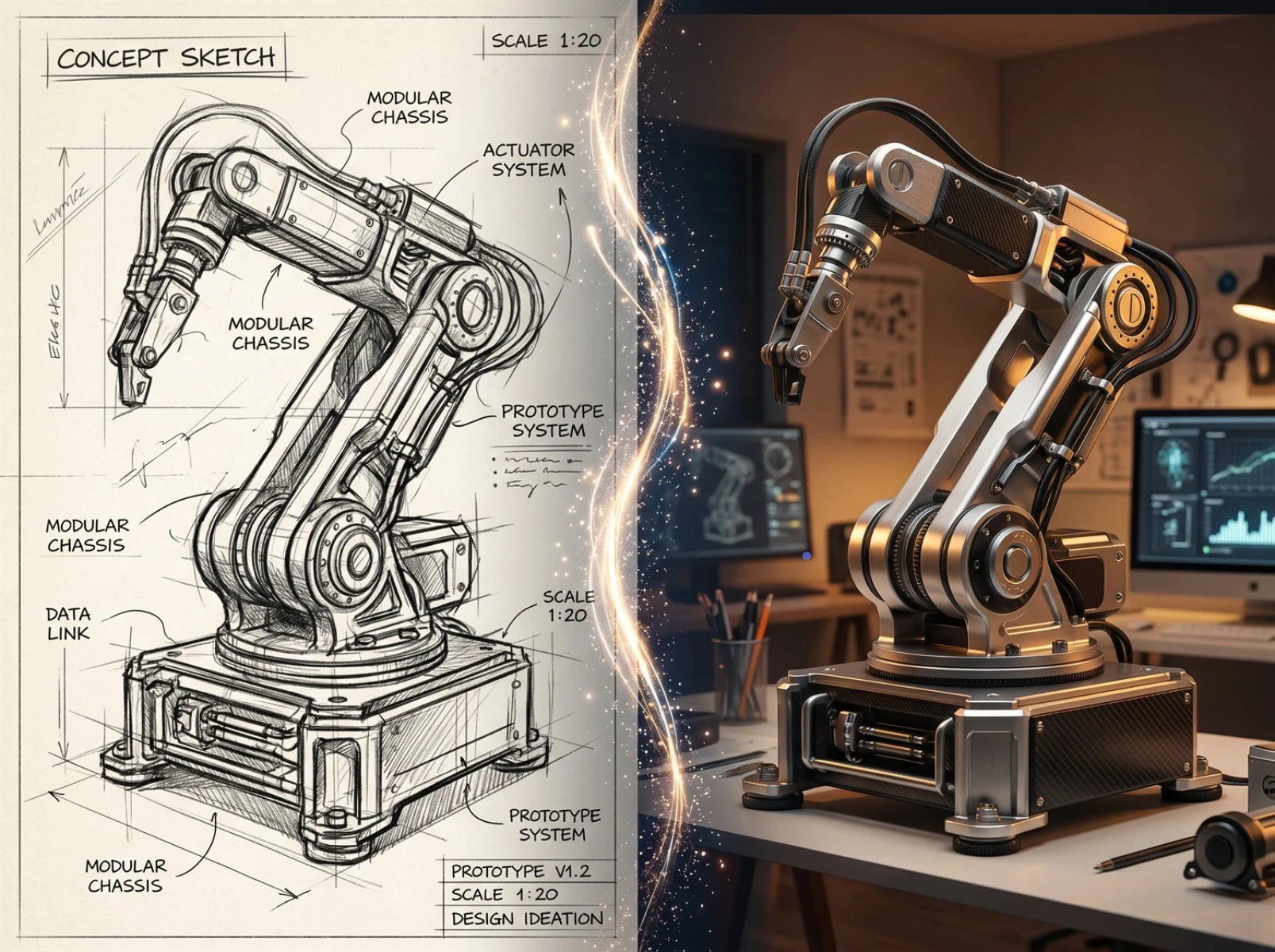
Fast Image AI accurately identifies line trajectories, product structures and layout logic from uploaded drafts and generates visuals strictly based on original outlines and design frameworks. Users independently adjust material texture, color palette, lighting and art styling parameters. Hand-drawn sketches can be upgraded into photorealistic high-definition renders while fully retaining core original design concepts, eliminating redundant revision work caused by inconsistent output.
4. Ultra-low learning threshold for design beginners
Traditional professional rendering and 3D modeling software require months of systematic training to master. New designers struggle with complicated operations, pile up unfinished drafts and slow down overall creative progress.
Fast Image AI streamlines the entire rendering workflow, requiring no expertise in professional modeling or rendering. Entry-level designers, interns and creative amateurs simply upload hand-drawn drafts, set basic style parameters and instantly generate polished product renderings and premium concept art to visualize design concepts effortlessly.
II. Preparations Before Generating Detailed AI Renderings
Four simple pre-production steps greatly improve the matching accuracy between AI-generated artwork and expected design outcomes when converting drafts into high-detail renders via Fast Image AI.
Step 1: Improve raw draft quality
Hand-drawn sketches serve as the core reference for AI recognition. Ensure clean artwork with continuous intact lines free from heavy smudges, eraser marks and stray scribbles. Photograph physical drafts laid flat under soft natural daylight to avoid shadows or harsh light covering structural lines, securing complete design geometry for precise AI identification.
Step 2: Compile accurate descriptive prompts
Draft targeted keywords detailing material texture, lighting atmosphere, art style, application scenarios and composition rules (examples: matte plastic, brushed metal, minimalist industrial design, natural ambient lighting). Precise prompts constrain generated visuals and reduce discrepancies from initial design ideas.
Step 3: Register and log in to unlock full creation access
Complete account registration and login on Fast Image AI beforehand to unlock all sketch-to-rendering functions and guarantee uninterrupted production workflows.
Step 4: Prepare matching reference images
Save 1–2 high-quality reference renderings aligned with the intended art direction. Import reference files during generation to tweak color tones, textures and overall aesthetics for results consistent with original draft styling.
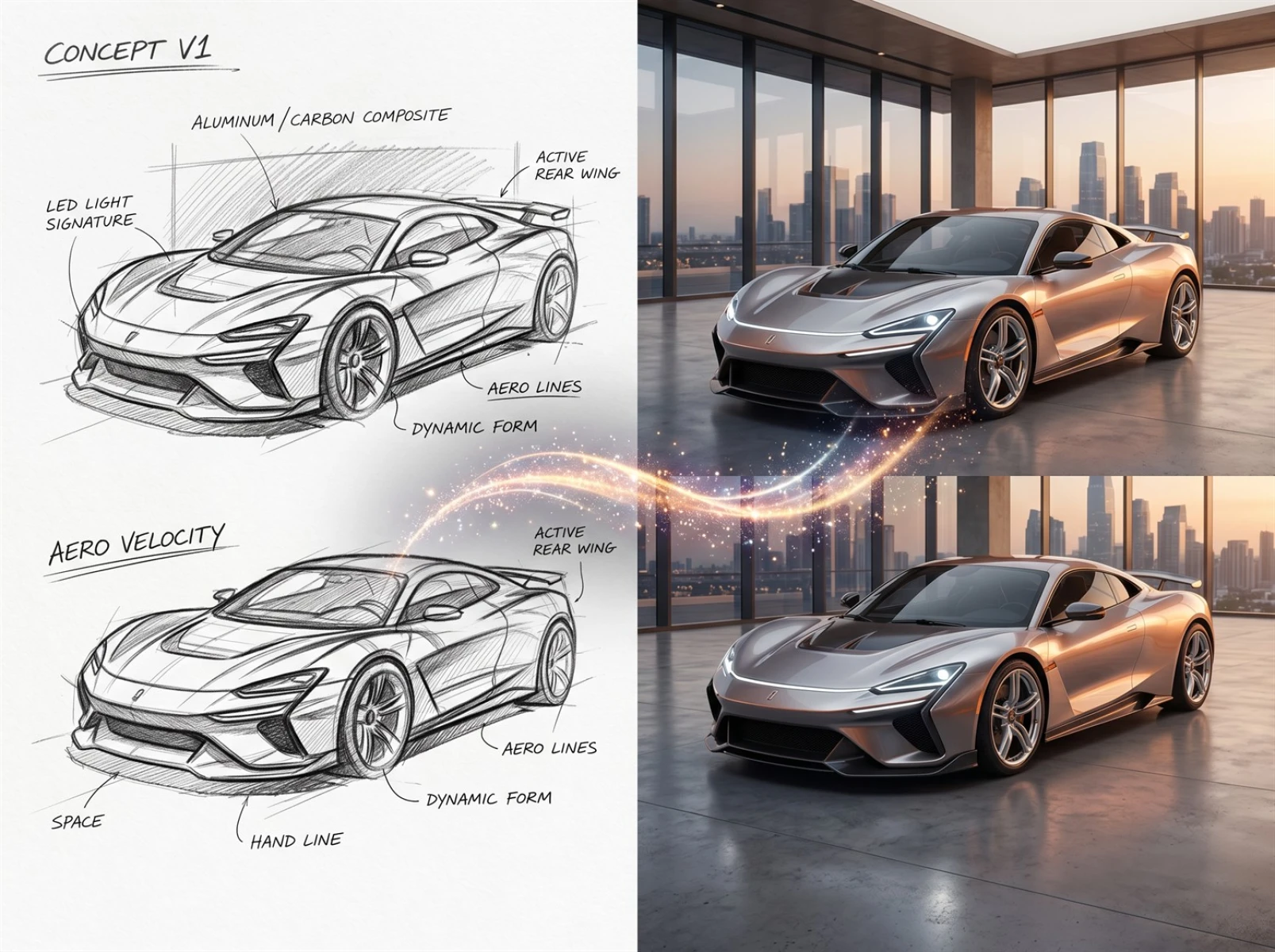
III. Step-by-Step Guide to Generate Detailed AI Renderings from Drafts
Step 1: Standardize draft drawing for reliable AI recognition
Advanced drawing skills are unnecessary; prioritize well-defined structure and composition optimized for AI reading. Use thick dark lines to outline main subjects with no broken or faint strokes; minimal spot coloring only on key structural areas helps define light and shadow depth. Stick to plain white or pale neutral backgrounds without clutter or intricate decorative patterns. Draw with 2B pencils or black gel pens for dense, legible lines and stable AI conversion results.
Step 2: Digitize drafts for sharp image quality
Clear digital files are essential for high-quality AI output via two common methods:
• Mobile shooting: Lay drafts completely flat, shoot vertically under soft diffused light and crop extra blank space and irrelevant elements after capture.
• Scanner capture: Set the resolution no lower than 300DPI to preserve fine linework and shadow details.
Adjust brightness and contrast post-digitization to boost line definition and save files in PNG/JPG format. A minimum resolution of 512×512 pixels suffices for basic use; 1024×1024 or higher delivers richer details and superior final texture.
Step 3: Upload drafts and generate initial renders
Import optimized high-res draft files onto the platform, select HD or Professional photorealistic model presets and avoid anime or special-effect models prone to style drift. Pair artwork with detailed English prompts specifying texture, structural specifics and lighting settings, enable high-resolution export, and generate multiple refined draft renders in seconds.
Step 4: Refine prompts to fix rendering flaws
If initial outputs feature distorted proportions, deformed structures or redundant random elements, fine-tune prompts across 2–3 iterations. Add positive keywords to correct shape, scale and surface details, plus negative prompt tags to eliminate unwanted accessories and messy artifacts, aligning finished artwork closely with original draft planning.
Step 5: Post-production polish for multi-scenario usage
Resize and adjust image resolution to fit presentation, portfolio display and product commercialization needs; modify color temperature or replace backgrounds with solid/gradient hues for improved visuals. Apply the platform’s AI enhancement tools to sharpen blurry low-detail renders and export finalized high-definition graphics adaptable to all use cases.
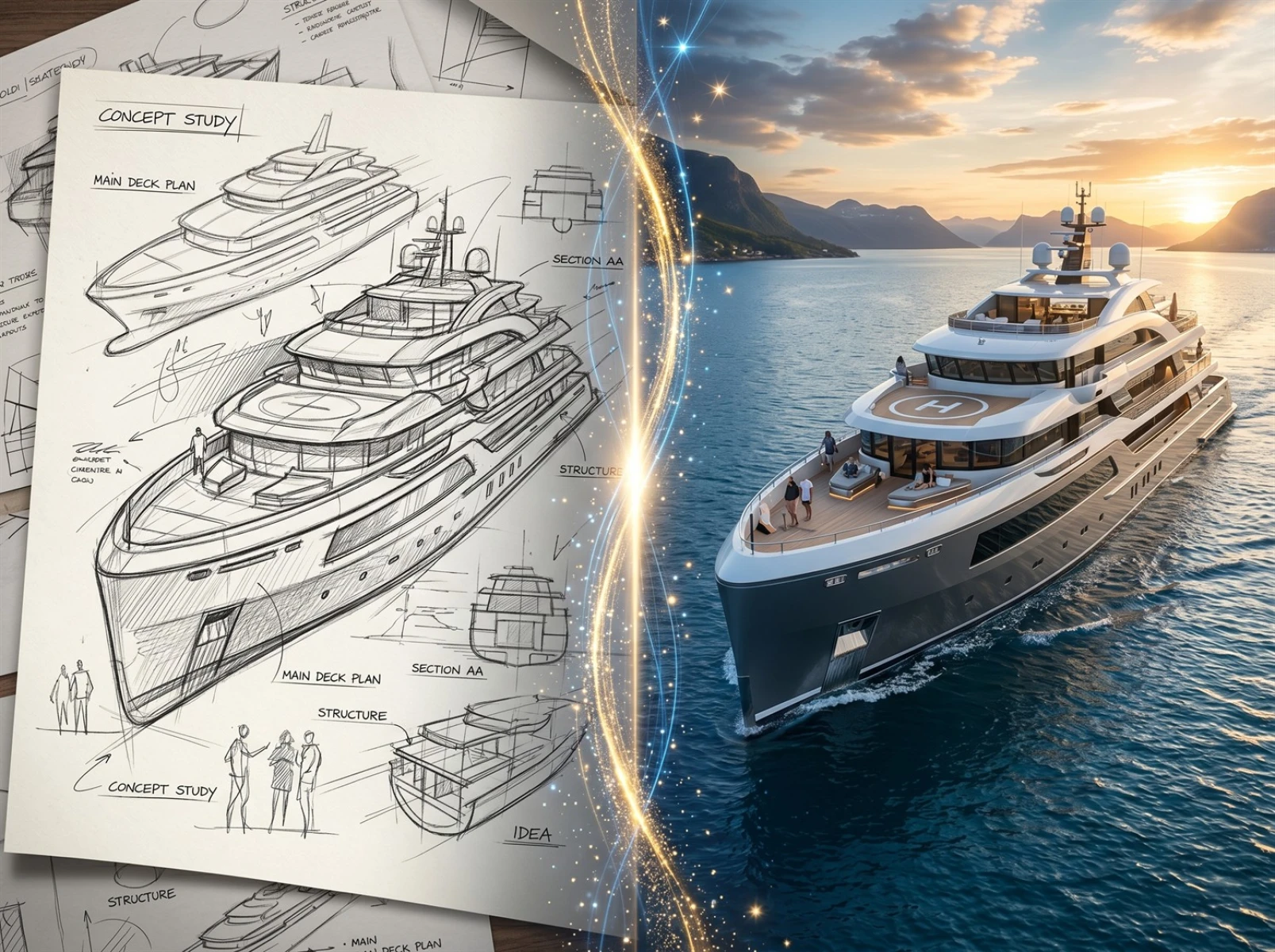
IV. Major Applicable Design Scenarios
1. Industrial Product Designers
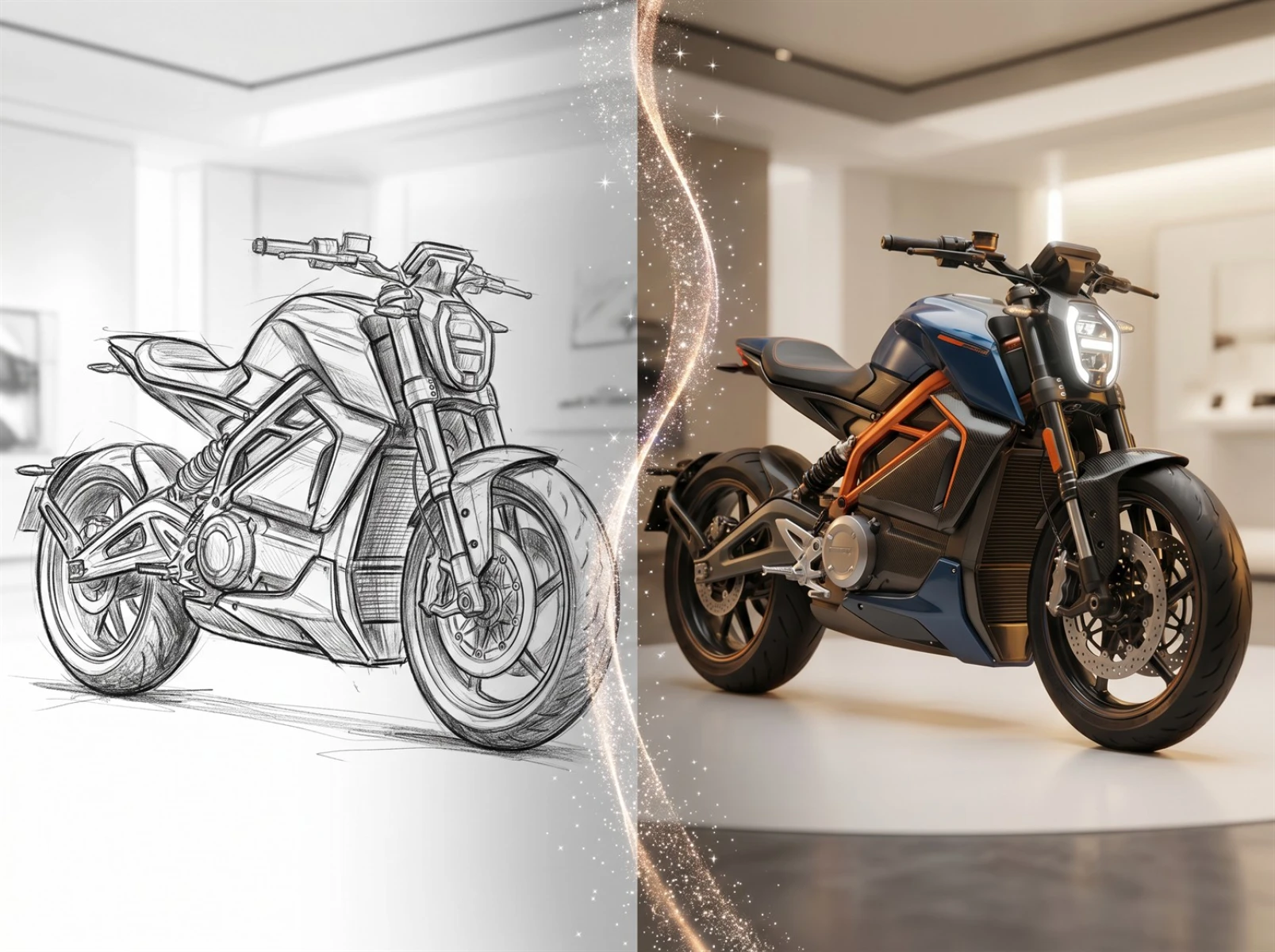
After finishing hand sketches and structural linework, industrial designers rapidly generate batches of refined product renderings for project reviews, scheme comparison and portfolio building. Approved drafts move forward to formal modeling and mass production, cutting invalid development work and lowering trial-and-error costs.
2. Concept Artists
Hand-drawn drafts for game character art, environment design and cultural & creative illustration convert instantly into high-detail commercial concept renders, ideal for competition submission, original IP development and commercialization of cultural products.
3. Freelance Designers
Independent creative practitioners convert personal hand-drawn drafts into sale-ready polished renders efficiently to fulfill client orders and produce original artwork, boosting work efficiency and finished output quality.
V. Conclusion
Slow draft turnaround, excessive outsourcing fees and inconsistent finished visuals remain widespread pain points across the design industry. Leveraging advanced sketch-to-image AI technology, Fast Image AI resolves core drawbacks of traditional rendering: long lead times, steep technical barriers, high expenses and design deviation.
Both veteran industry professionals and complete design novices can transform hand-drawn sketches into commercially viable high-detail AI renderings with ease, cutting time and financial costs while speeding up design iteration. Supporting project presentations, commercial launches and contest submissions across all design fields, the tool helps creators turn original draft ideas into marketable finished products efficiently.