
Hand Draft Drawing Troubles Gone - Fast Image AI Turns Interior Design Drafts into Renderings in Seconds
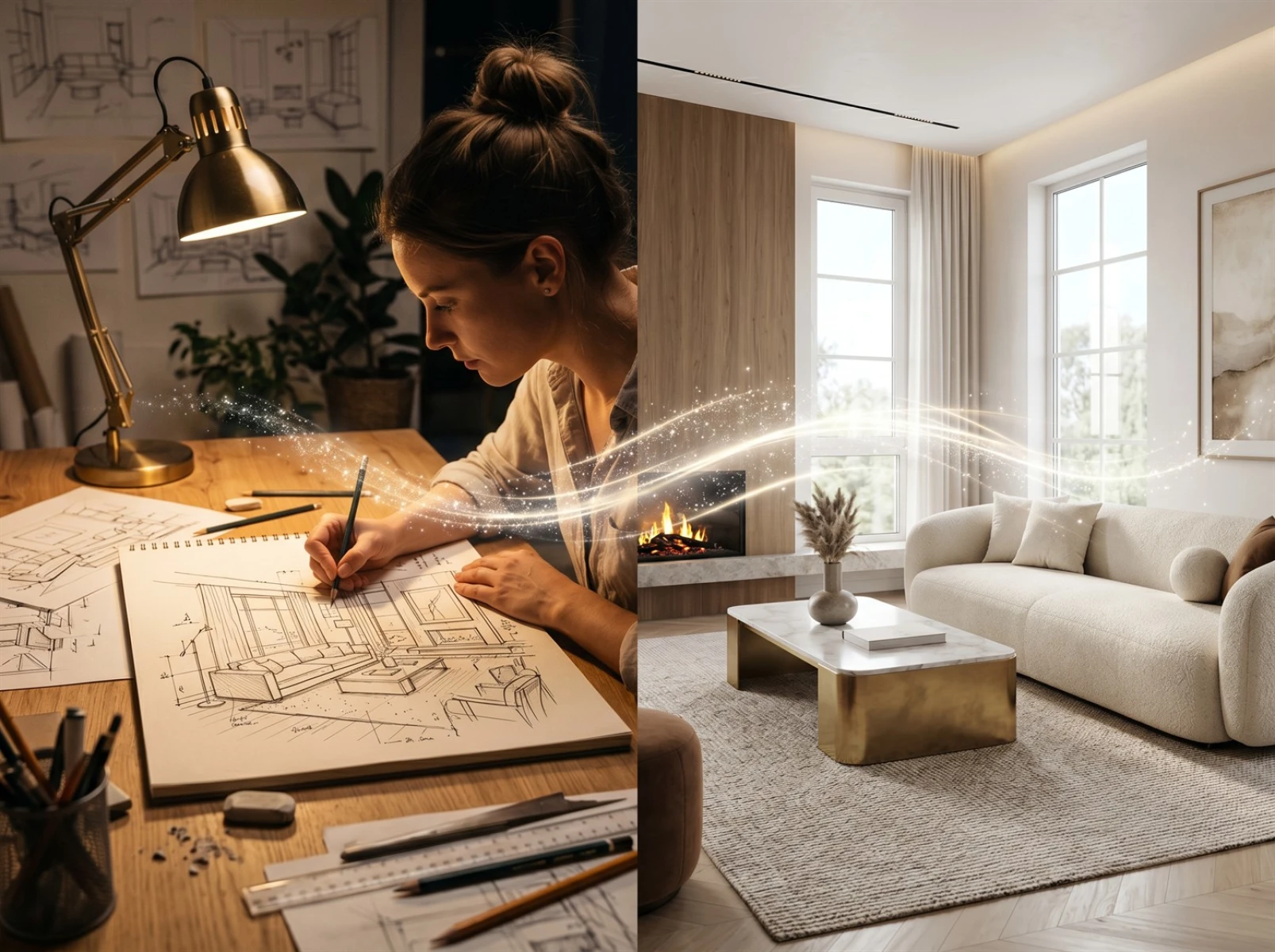
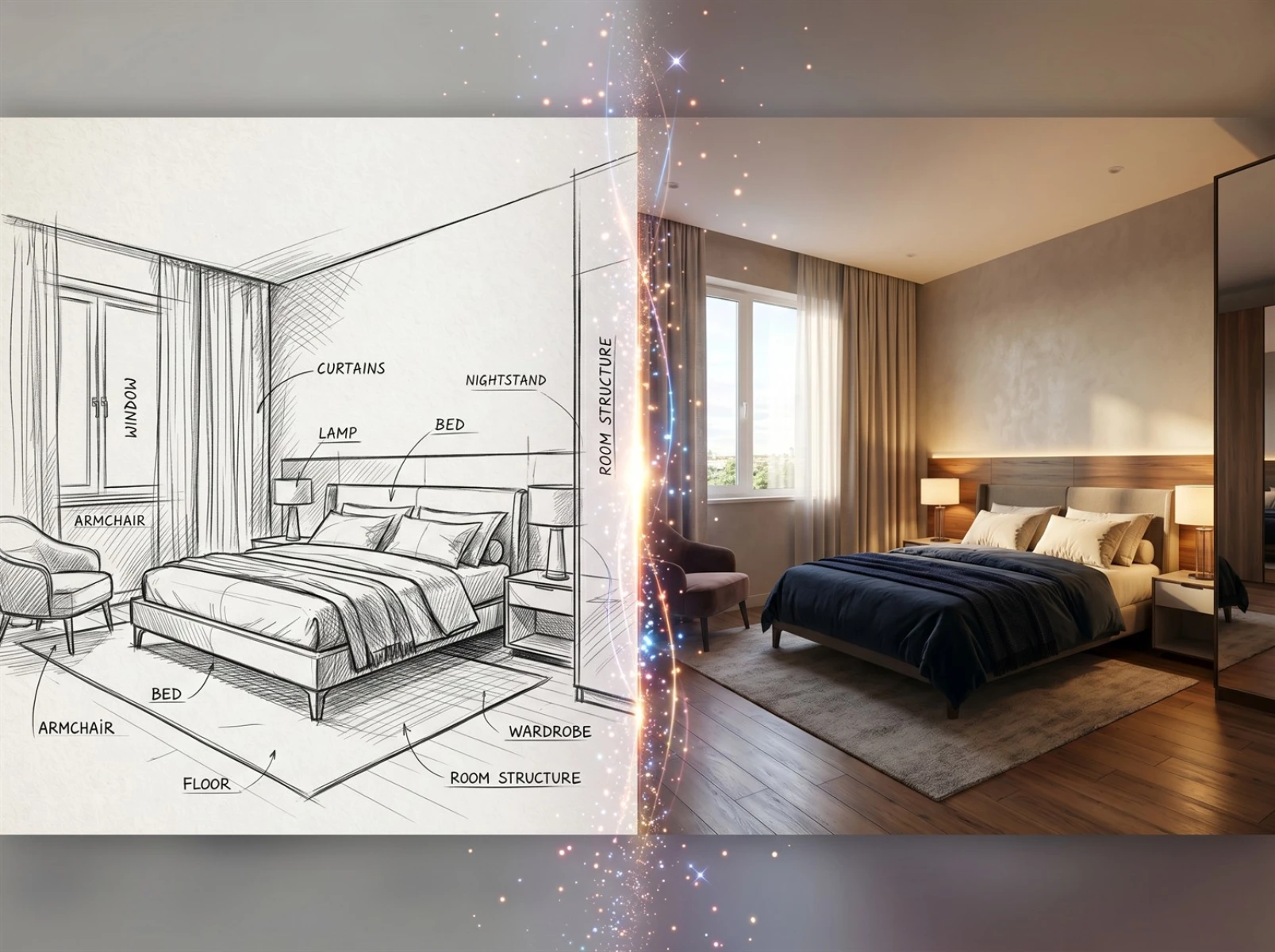
Many interior designers are bogged down by tedious hand-drawing tasks in daily work. It is common across the industry to stay up late drafting space sketches and repeatedly tweak soft furnishing layouts whenever property owners request temporary floor plan adjustments. Detailed hand drawing consumes massive time and energy; even a tiny detail revision calls for redrawing the entire draft from scratch. Converting original hand sketches into realistic renderings requires coordinating with professional draftsmen, which leads to lengthy communication cycles and high revision costs and can easily hold back project progress. Powered by Fast Image AI, AI image generation technology and specialized line art-to-image conversion functions, designers can skip cumbersome hand-drawing and rendering steps and generate high-quality interior renderings directly from original drafts, drastically cutting drafting time and resolving core pain points of traditional hand drafting.
I. Key Pain Points of Drafting in the Interior Design Industry
1. Excessive Time Spent on Hand Drawing Limits Creative Development
Traditional hand drafting demands precise control over dimensions, lighting, color matching of soft furnishings and other details. Even seasoned designers need 1 to 3 working days to finish complete drafts for a small or medium-sized housing unit. Some designers outsource drafting work to assistants, yet inconsistent drawing proficiency among assistants leaves dimensional errors on drafts that carry over to rendering production and require extra revision work. Spending excessive hours on repetitive basic drafting robs designers of time to refine design concepts and communicate with clients, indirectly lowering project signing rates.
2. High Outsourced Rendering Costs Make Budget Control Difficult
Converting hand sketches into visual renderings mostly relies on outsourcing professional 3D artists at considerable expense. Costs surge further when multiple alternative design options are required for a single project. To cut expenses, small design teams may try to learn 3D modeling independently, which entails costly software subscriptions and professional training courses alongside months spent mastering complicated operations. The steep learning curve and long turnaround result in poor input-output ratios and delayed practical application on real projects.
3. Cumbersome Draft Revisions Slow Down Plan Iteration
Homeowners frequently request last-minute changes to decoration styles and furniture layouts during renovation projects. Paper-based sketches have major revision limitations: designers can only cover marks or redraw entirely, and repeated edits damage drafts beyond reuse. While some designers scan sketches for minor color correction via photo editing software, such tools cannot restructure overall space layout, meaning modest design tweaks still require new hand-drawn drafts and substantially extend project timelines.
II. Boost Drafting Efficiency with Fast Image AI
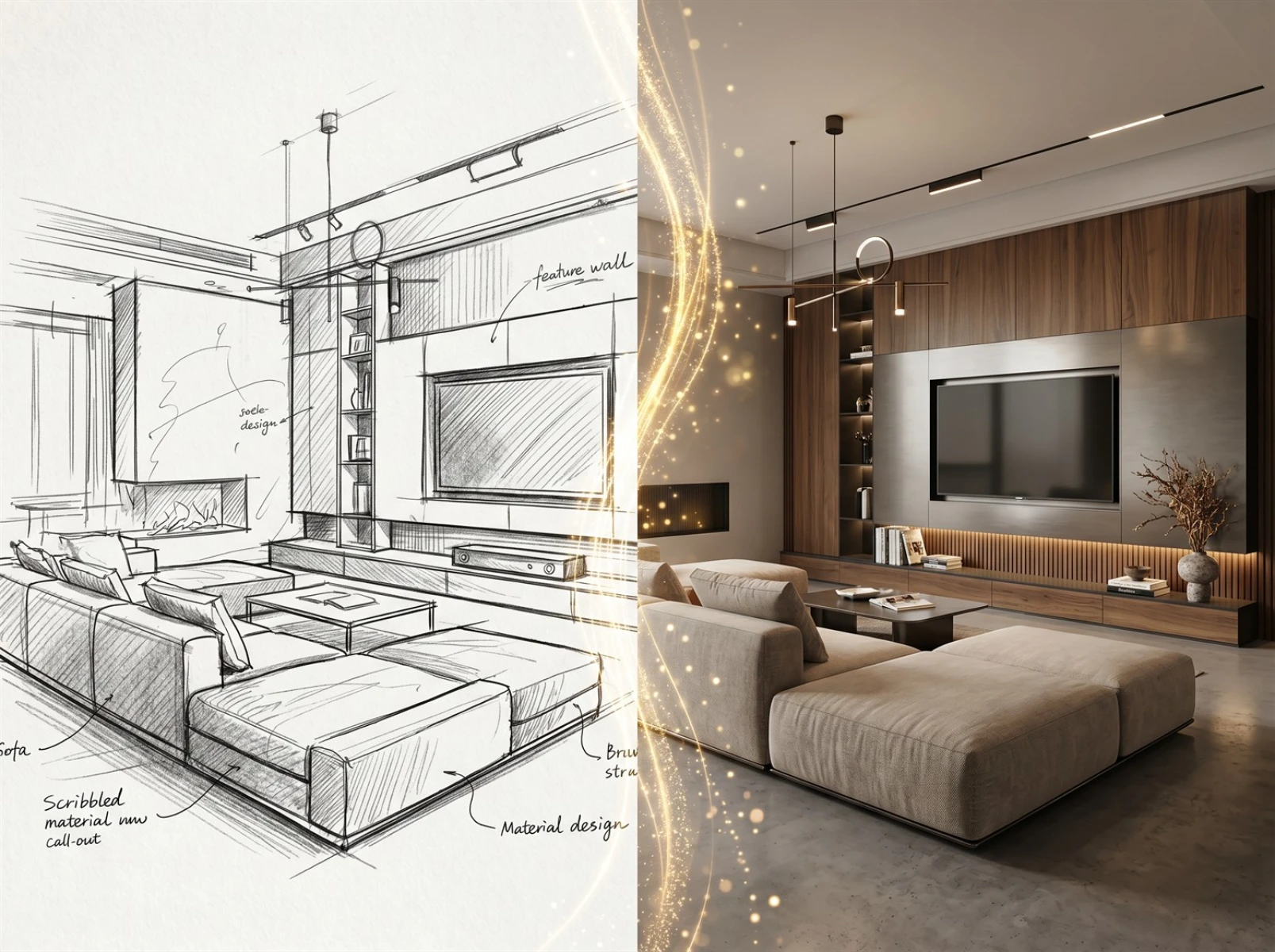
Leveraging Fast Image AI’s mature AI image generation and exclusive line art conversion algorithms, the platform addresses traditional drafting drawbacks from three critical dimensions: time consumption, financial cost and design iteration, streamlining the full workflow from hand sketch to finished rendering.
First, the dedicated line art conversion tool works seamlessly with hand-drawn sketches. Upload an original draft, and lifelike renderings generate within minutes, cutting work that once took multiple days down to mere moments. Freed from repetitive drafting work, designers can devote more time to design optimization and client communication to fix long-standing time waste issues.
Second, affordable pay-as-you-go pricing helps keep drafting costs in check. Users avoid huge spending on premium design software, vocational training or expensive outsourced rendering services, allowing independent designers and small studios to manage budgets effortlessly and eliminate high outsourcing financial burdens.
Third, real-time online parameter adjustment removes the need for redrawing drafts. Users switch decor styles, furniture arrangements or wall colors simply by modifying prompt words to iterate renderings rapidly. The platform hosts an extensive built-in asset library for interior decor and construction materials; its advanced AI algorithm preserves original sketch proportions and spatial scales, delivering far higher accuracy than manual tweaks on conventional photo editors.
No advanced modeling or hand-drawing expertise is required to operate the tool, so design assistants with zero professional background can master it quickly without compromising output quality.
III. Step-by-Step Operation Guide for Fast Image AI
1. Pre-Draft Preparation
Step 1: Polish Original Hand Sketches
Clean up draft artwork by erasing smudges and stray scribbles to keep wall outlines, floor plans and furniture contours crisp and legible. Digitize paper drafts via high-definition scanners or close-up phone photography, avoiding harsh glares and shadow coverage. Clean source images greatly improve the platform’s line identification accuracy and final rendering fidelity.
Step 2: Categorize and Organize Prompt Words
Sort prompt phrases by decor style, construction material and ambient lighting in advance, such as minimalist contemporary style, log-style soft furnishing, floor-to-ceiling window natural light and matte anti-slip ceramic tiles. Pre-classified keywords enable flexible combination per client demand without last-minute brainstorming and accelerate drafting efficiency.
Step 3: Register and Unlock Platform Resource Access
Sign up for an official Fast Image AI account and activate basic usage privileges following on-site instructions. Browse thousands of finished interior design samples in the platform’s asset gallery regularly to learn keyword matching, composition and styling techniques for improved rendering outcomes.
2. Full Operational Tutorial
Step 1: Upload Polished Digital Sketches
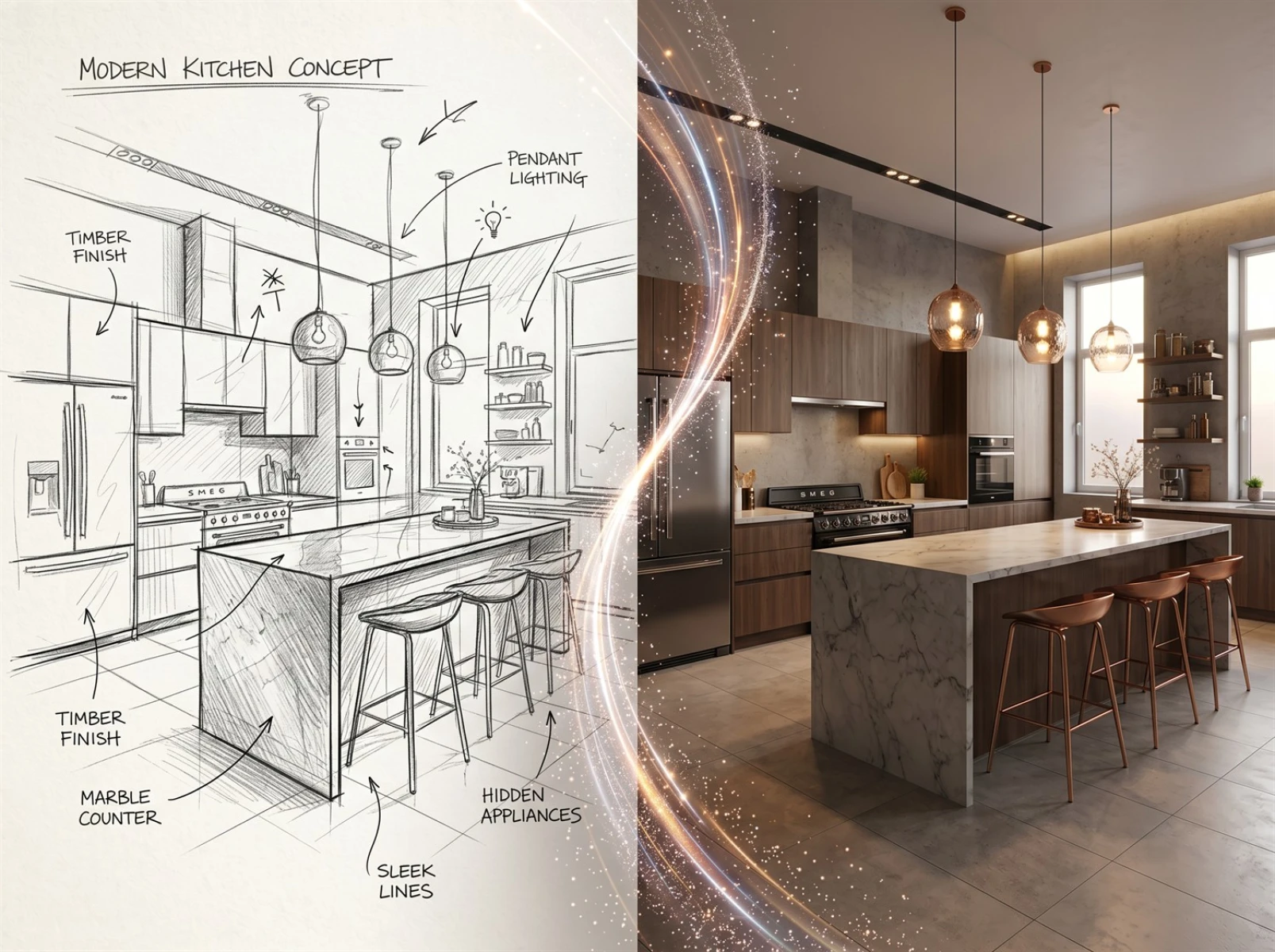
Visit Fast Image AI’s official webpage and upload refined electronic drafts through the dedicated upload entry. Built-in intelligent AI recognition automatically identifies wall structures, space divisions and furniture outlines without manual line tracing or post-editing; it is compatible with all types of hand-drawn floor plans and line sketches.
Step 2: Apply Pre-Sorted Prompt Words
Combine pre-categorized keywords covering decor theme, materials, lighting and soft furnishings based on homeowner preferences and floor plan features. Add supplementary details about atmosphere and image definition to align generated renderings with customized design requirements precisely.
Step 3: Customize Image Settings and Generate Renderings
Adjust resolution, realism and detail levels according to intended use cases including client presentations, bidding proposals and construction printing, then launch the AI line art conversion function. Powered by high-speed cloud rendering, dozens of high-definition renderings with varied styling options generate within seconds for ample design selection.
Step 4: Fine-Tune and Finalize Preferred Outputs
Compare generated renderings and revise prompt details slightly to fix uneven spatial proportions, unsatisfactory furnishing collocations or flawed lighting effects before regenerating updated versions. Select the most accurate, high-quality renderings for client meetings, project reports and formal handover.
All operations run directly on web browsers with no bulky software download or installation required; the platform works smoothly on both computers and mobile phones for beginner-friendly access. Users can save customized prompt templates and parameter presets for recurring design projects to enable one-click rapid rendering and further streamline repeated workflows.
IV. Diverse Application Scenarios of Fast Image AI
1. On-Site Consultation at Home Decoration Stores
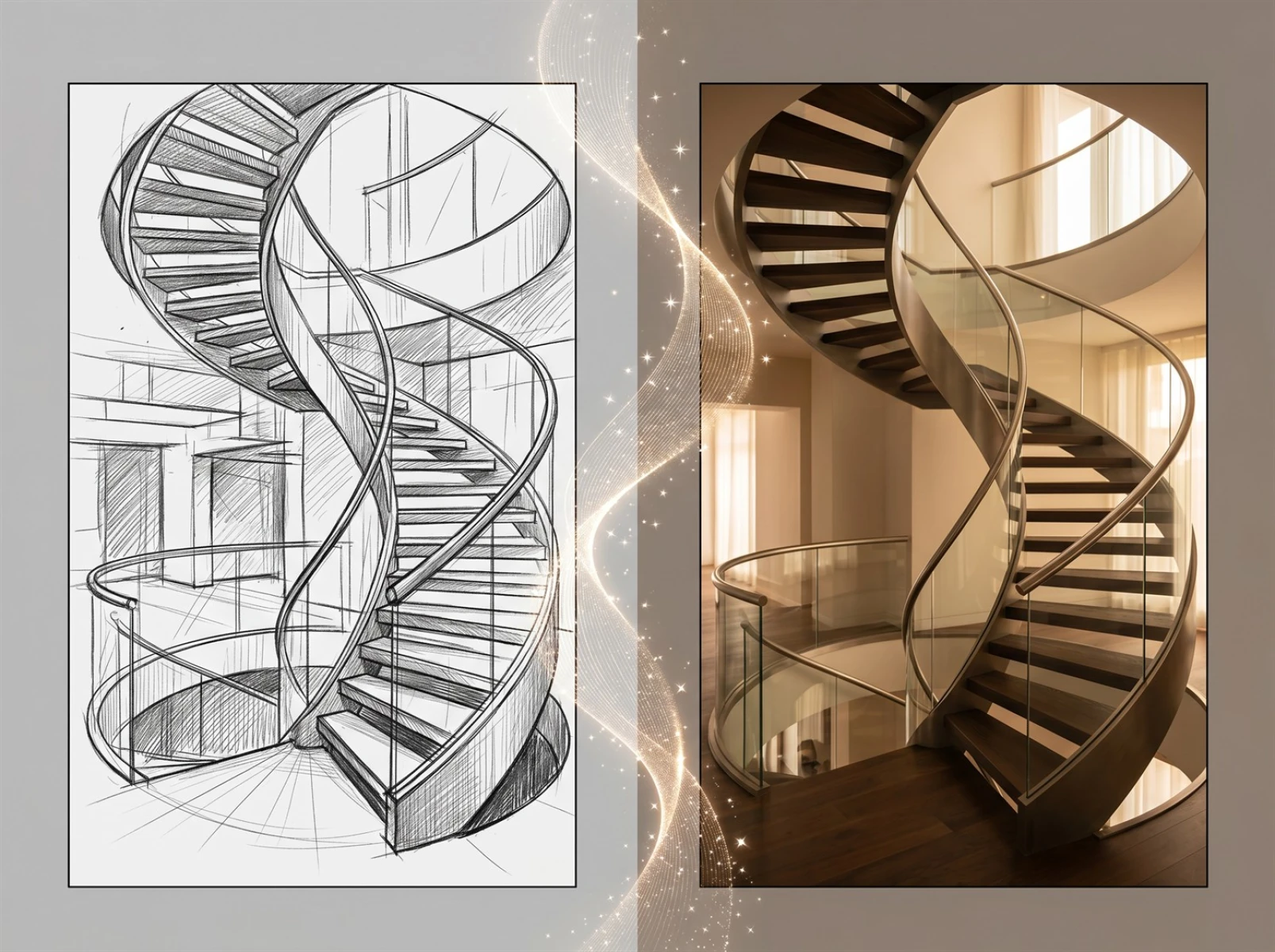
During in-person client meetings, designers upload hand-drawn floor sketches and generate realistic renderings instantly on-site. Clients visualize finished decoration effects right away instead of waiting days for outsourced drawings, greatly boosting negotiation efficiency and order-closing rates.
2. Design Studio Bidding for Commercial Projects
Commercial tender proposals often require multiple differentiated design drafts under tight deadlines. Designers produce rough hand sketches and use Fast Image AI’s line-to-image conversion to mass-produce renderings of diverse styles, enriching bidding portfolios within limited preparation time and lifting competitive advantages.
3. Customized Soft Furnishing Design Services
Soft furnishing practitioners modify furniture styles, fabric hues and lamp designs effortlessly after importing floor sketches, generating multiple matching schemes instantly. Fast visual confirmation helps homeowners finalize furnishing decisions quickly, cutting redundant communication and elevating customer satisfaction.
V. Conclusion
Traditional hand-drawn interior drafting is plagued by lengthy production cycles, excessive expenses and troublesome repeated revisions that waste substantial human, financial and material resources on repetitive foundational work. With proprietary AI image generation and line conversion core technology, Fast Image AI shortens drafting cycles, slashes production costs and supports flexible rendering revisions to resolve all major drawbacks of conventional hand drafting.
Visit https://fastimage.ai/ directly to register and experience the efficient AI-powered sketch-to-rendering service.